
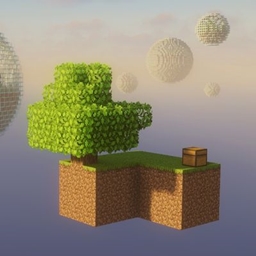
Minecraft 26.20용 Sky Challenge Bubbles 지도
이 하늘 도전을 받아보세요! 거품에서 거품으로 길을 쌓아 올라가 장비를 갖추고 엔더 드래곤을 물리치세요!
Sky Challenge Bubbles 맵 정보
Edition: Bedrock
Take on this sky challenge!
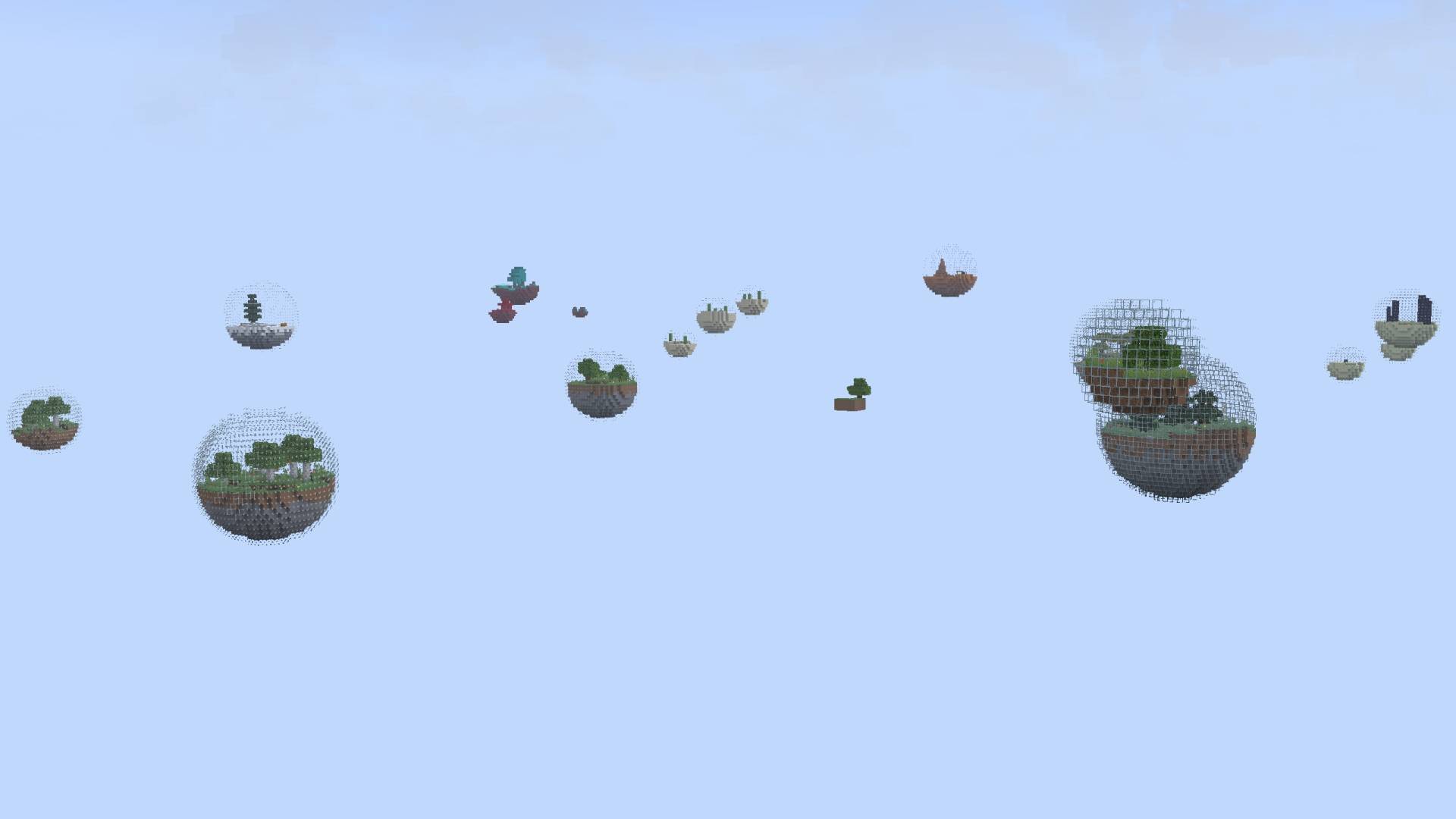
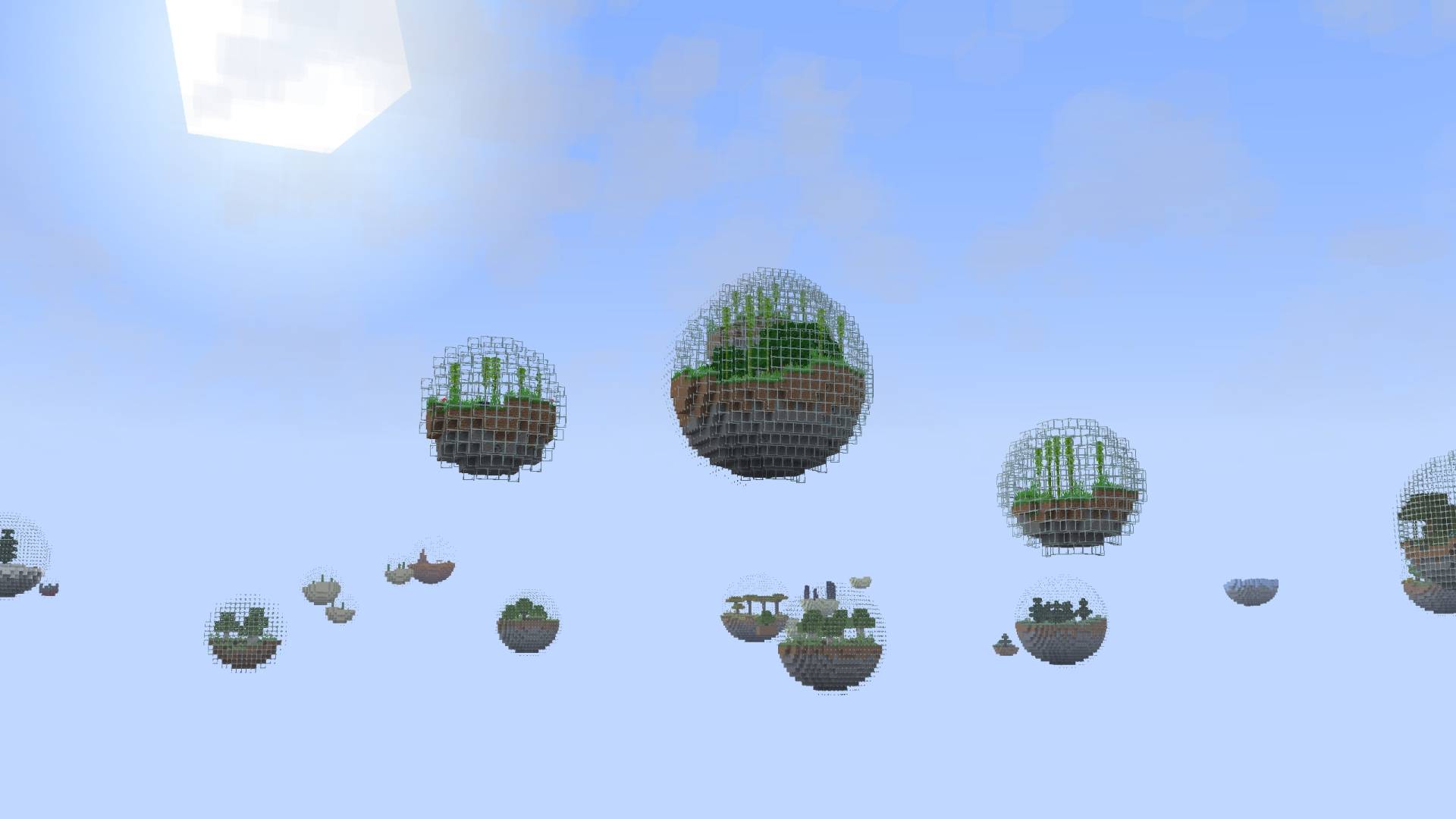
Build your way from bubble to bubble, equip yourself, find the Eyes of Ender and defeat the Ender Dragon!
Includes different biomes and loot!
Terms of use:
You can use all my projects for non-commercial purposes if you credit the original download page. (This also includes monetized social media videos / livestreams and small servers up to 20 players)
Any other use, especially commercial, must be discussed with me in advance!
Sky Challenge Bubbles 설치 방법
With Millida Launcher
Install Millida Launcher
The launcher is free: download it at millida.net/launcher and sign in with any nickname.
Click “Install” on this page
The launcher opens and installs the map for Minecraft 1.21.130–26.20 automatically.
Launch the game
A profile with it appears in the launcher: click “Play”.
Manually
Download the map archive
Pick the file Sky Challenge Bubbles - v1.1.mcworld (2.2 MB).
Unpack it into the saves folder
The world folder (with level.dat inside) must sit directly in .minecraft/saves.
Open the world
“Singleplayer”: the map will be in your world list.
On a server
Replace the world folder
Stop the server and put the map folder in place of world (or set its name in level-name).
Use the “To server” button
On Millida Hosting, the button at the top of the page uploads the file to your server and restarts it for you.
버전
의존성 포함
| Minecraft | 로더 | 파일 | 날짜 | 작업 |
|---|---|---|---|---|
| 1.21.130 | — | Sky Challenge Bubbles - v1.12.2 MB |
FAQ
Which Minecraft versions does Sky Challenge Bubbles work on?
There are files for 1.21.130–26.20, 11 versions in total. The newest is 26.20.
Where can I download Sky Challenge Bubbles safely?
On this page: the file Sky Challenge Bubbles - v1.1.mcworld (2.2 MB) is stored on Millida’s server, with no link shorteners. SHA-1 checksum: 79a4bc35bf9f7b9f1c06b7e1c7cd12d7e5e36b17.
리뷰
Sky Challenge Bubbles의 첫 평가를 남겨 보세요



