
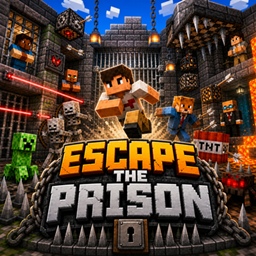
Minecraft 26.30용 PRISON ESCAPE 지도
플레이어가 보안이 철저한 교도소를 탈출해야 하는 스릴 넘치는 탈옥 맵을 만들었습니다. 퍼즐, 숨겨진 경로, 함정, 시간 기반 도전이 있어 게임플레이가 흥미진진하고 전략적입니다.
🚨 ESCAPE THE PRISON 🚨
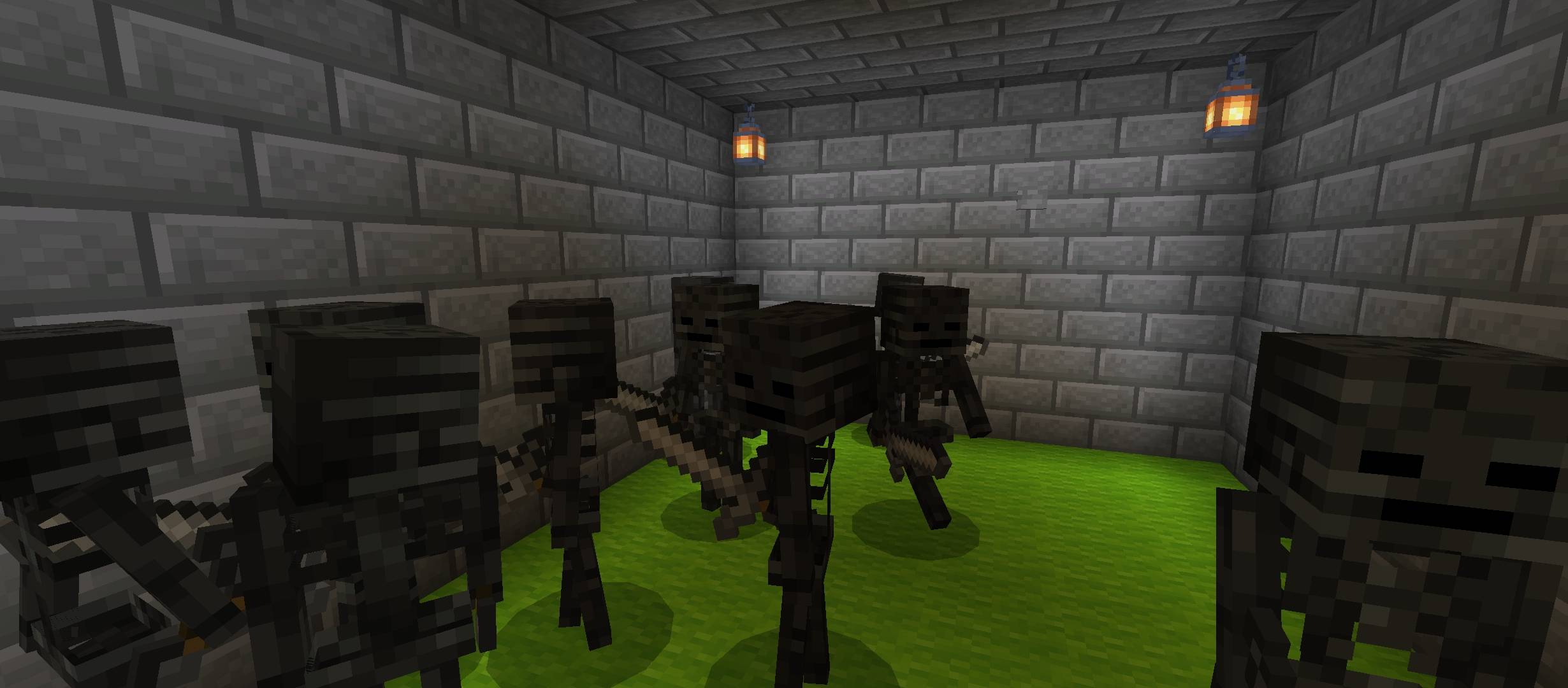
🧱 Dark Prison Walls - Cold, heavy aur claustrophobic feel, jahan se nikalna impossible lagta hai...
🔥 TRAPS ZONE - Chhupi hui danger everywhere! Pressure plates, lava pits aur hidden arrows 😱
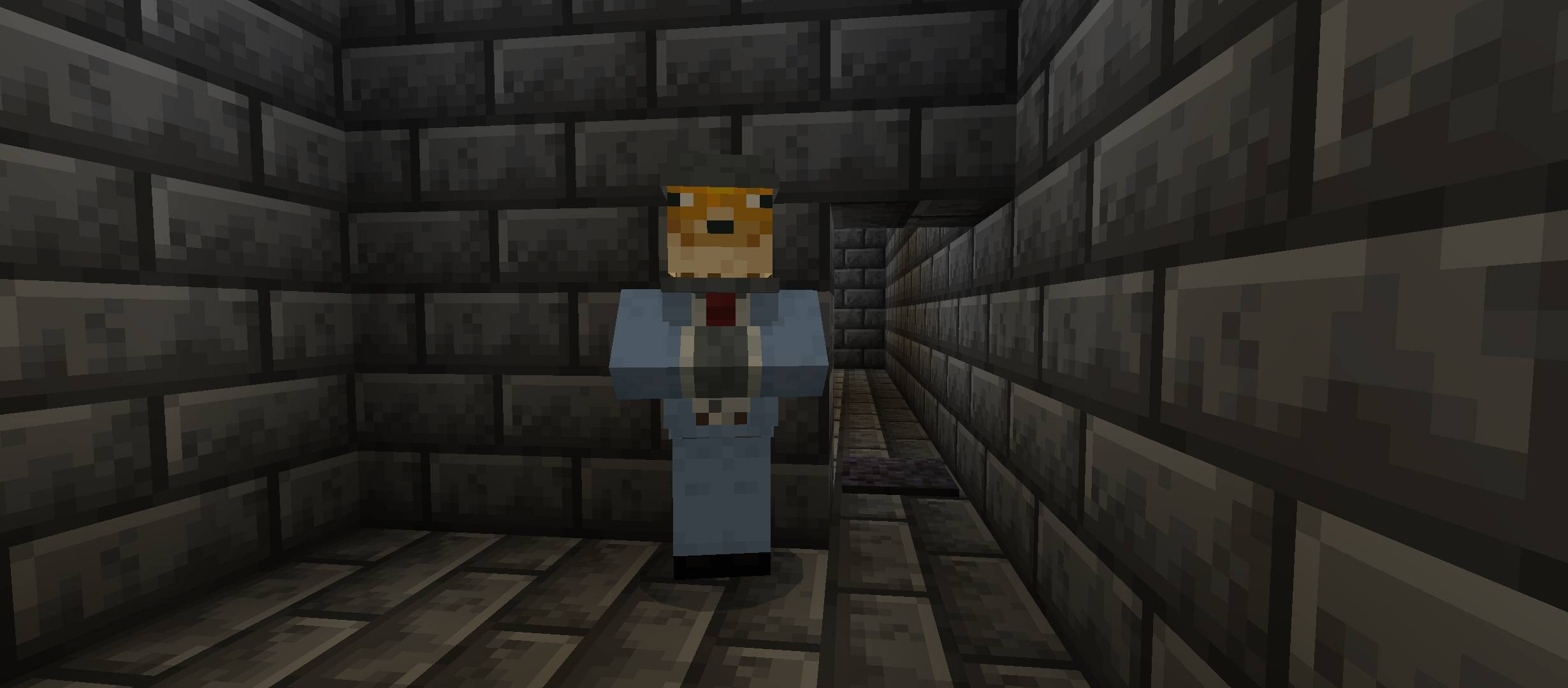
🧠 IQ HINTS - Sirf smart players hi solve kar paayenge puzzles aur secret codes 🧩
🧗‍♂️ PARKOUR CHALLENGES - Tight jumps, moving blocks aur deadly falls 😵‍💫
⚔️ FIGHT ARENA - Guards aur mobs se battle karo aur apni freedom le jao 🛡️
🚪 MAIN GOAL - Prison se escape karna... but only the smartest and fastest will survive.
💀 WARNING - Har step pe danger hai... trust no one 👁️
PRISON ESCAPE 설치 방법
With Millida Launcher
Install Millida Launcher
The launcher is free: download it at millida.net/launcher and sign in with any nickname.
Click “Install” on this page
The launcher opens and installs the map for Minecraft 26.13–26.30 automatically.
Launch the game
A profile with it appears in the launcher: click “Play”.
Manually
Download the map archive
Pick the file EscapeThePrison.mcworld (218 KB).
Unpack it into the saves folder
The world folder (with level.dat inside) must sit directly in .minecraft/saves.
Open the world
“Singleplayer”: the map will be in your world list.
On a server
Replace the world folder
Stop the server and put the map folder in place of world (or set its name in level-name).
Use the “To server” button
On Millida Hosting, the button at the top of the page uploads the file to your server and restarts it for you.
버전
의존성 포함
| Minecraft | 로더 | 파일 | 날짜 | 작업 |
|---|---|---|---|---|
| 26.20 | — | EscapeThePrison-gavti218 KB 1 |
리뷰
PRISON ESCAPE의 첫 평가를 남겨 보세요



