
Minecraft 26.0.02용 Parkour E Map
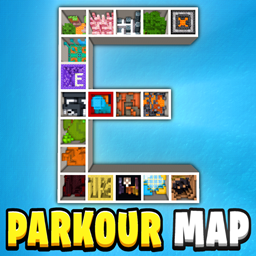
Parkour E 맵은 18개의 재미있고 놀라운 레벨을 포함하고 있으며, 목표는 모두 클리어하는 것입니다! 이 맵에는 타이머, 체크포인트, 함정, 지름길, 재시작 시스템이 있으며 모두에게 재미있습니다! 즐기세요 : )
Parkour E Map 맵 정보
Parkour E Map contains 18 Great, Fun and Exciting Levels, and your goal is to Beat Them all! This map has Timer, Checkpoint, Restart Systems, which makes the map even more fun! Enjoy : )
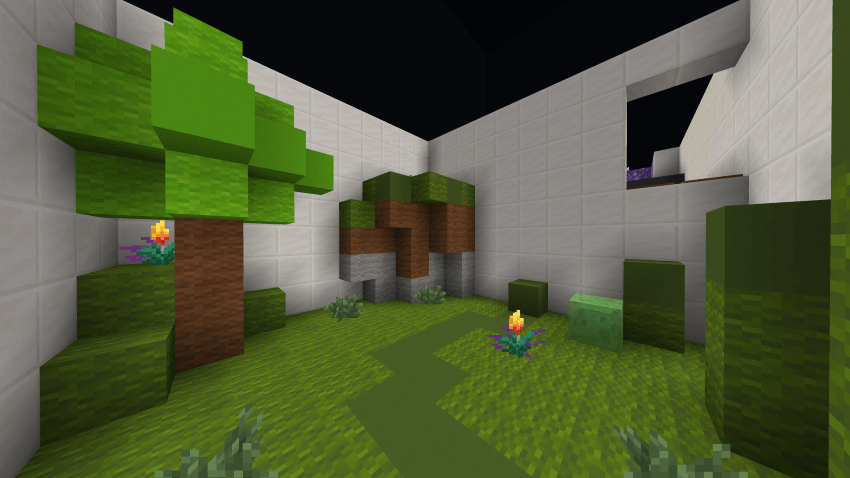
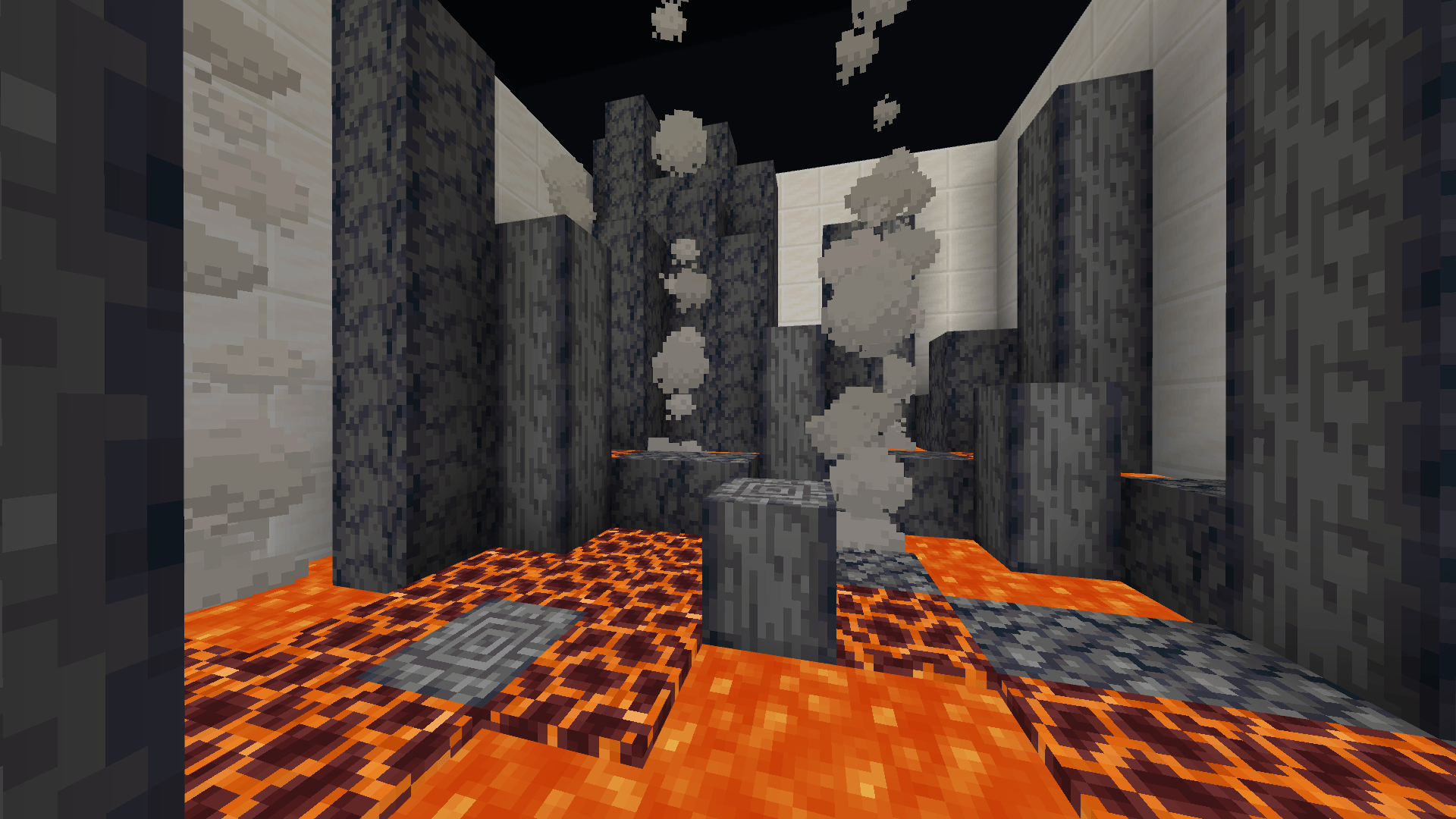
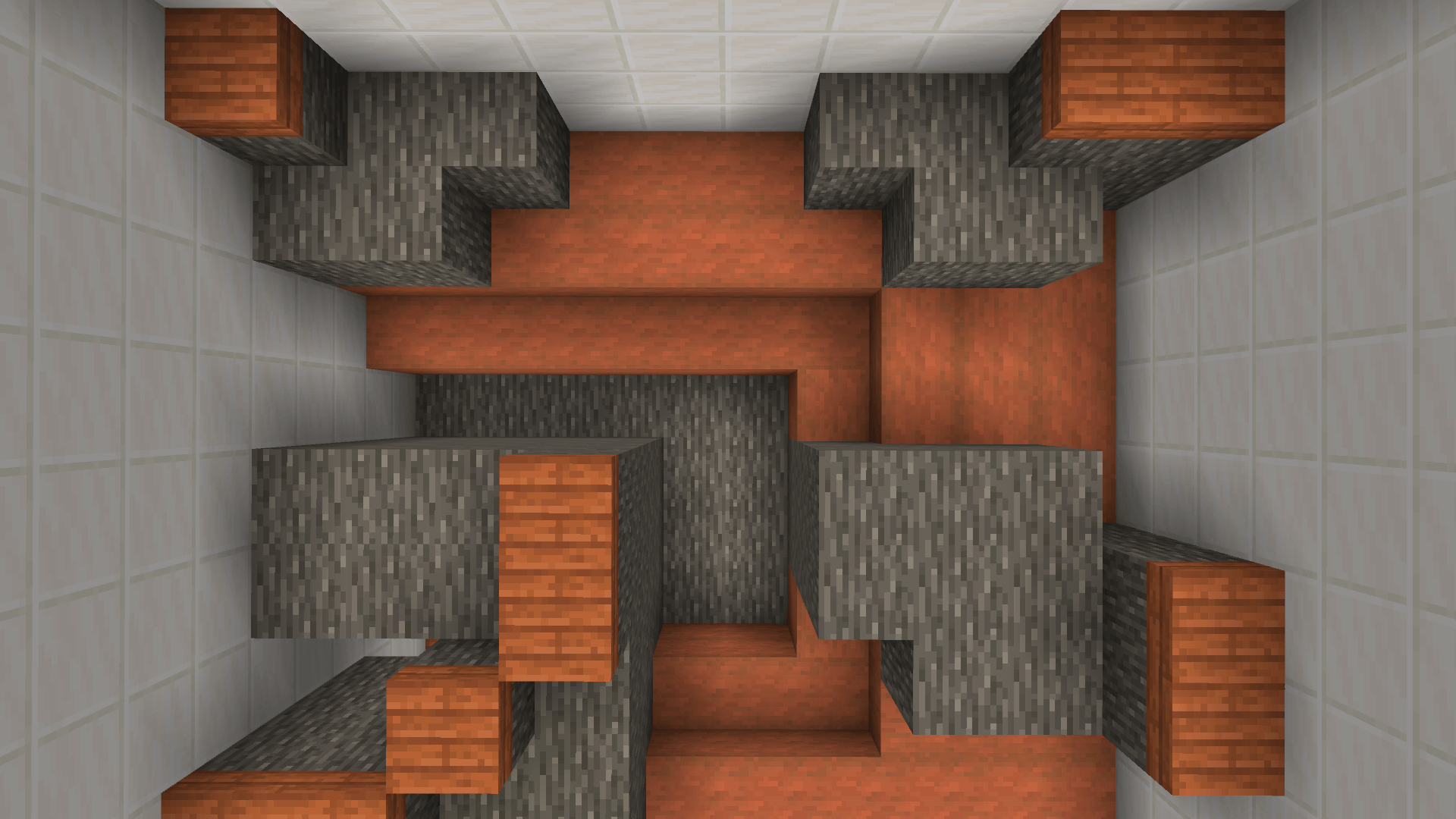
This easy and fun challenge features 18 unique parkour boxes, each one a 10×10 block boxes packed with Jumps, Obstacles, and Surprises. Every box offers something Different to keep things Fresh and Exciting.
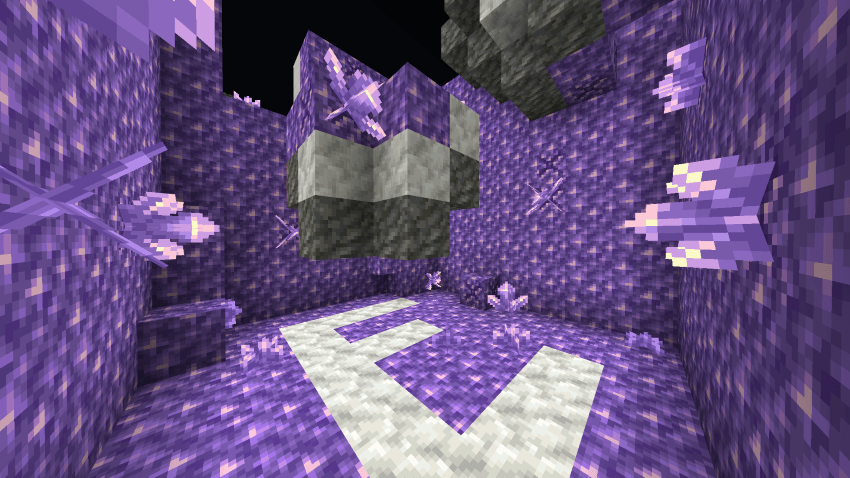
Parkour E Map is the Next Level Map of A-Z Parkour Series - each with New Layouts and Challenges.
The Parkour E Map is visually structured as Letter E, with each segment of E containing unique Parkour Levels.
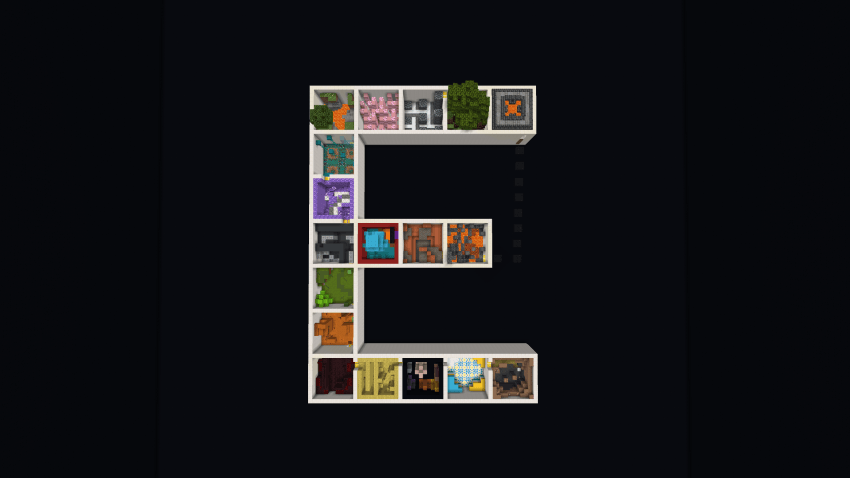
✅ 18 Great Levels to beat - Every box offers something different to keep things fresh and exciting!
✅ Unique Level Themes - Each level has its own style
✅ Parkour that is Fun for everyone - Easy to play, great for practice or casual fun!
✅ Checkpoint System - One checkpoint at the start of every level
✅ Timer for Replayability - Test your speed and compete with friends!
✅ Restart Button - Instantly return to the start for faster speedrun attempts (no need to backtrack after a fail)
✅ Multiplayer Friendly - Race friends or go solo
### Ready to take on the Letter E?
Download Now and have Fun in Parkour E!
Enjoy, have Fun and keep Parkouring : )
Terms of Use
You Can:
- Use this World/Map and the Thumbnail in your Videos/Reviews/Showcases as long as you credit me as "RuthlessYT". And put the Original Download link in the description. (This Post)
You Cannot:
- Share the Direct Download Links. (Always Share this Page Link)
Parkour E Map 설치 방법
With Millida Launcher
Install Millida Launcher
The launcher is free: download it at millida.net/launcher and sign in with any nickname.
Click “Install” on this page
The launcher opens and installs the map for Minecraft 1.21.120–26.0.02 automatically.
Launch the game
A profile with it appears in the launcher: click “Play”.
Manually
Download the map archive
Pick the file Parkour E Map.mcworld (11 MB).
Unpack it into the saves folder
The world folder (with level.dat inside) must sit directly in .minecraft/saves.
Open the world
“Singleplayer”: the map will be in your world list.
On a server
Replace the world folder
Stop the server and put the map folder in place of world (or set its name in level-name).
Use the “To server” button
On Millida Hosting, the button at the top of the page uploads the file to your server and restarts it for you.
버전
의존성 포함
| Minecraft | 로더 | 파일 | 날짜 | 작업 |
|---|---|---|---|---|
| 1.21.120 | — | Parkour E Map10.8 MB |
FAQ
Which Minecraft versions does Parkour E Map work on?
There are files for 1.21.120–26.0.02, 10 versions in total. The newest is 26.0.02.
리뷰
Parkour E Map의 첫 평가를 남겨 보세요



