

Minecraft 1.21.132용 Parkour Arena 지도
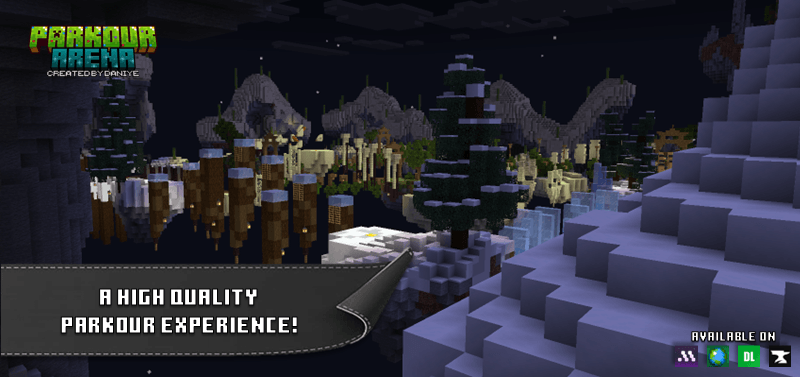
포인트 시스템, 리더보드, 타이머, 자동 통계 추적 기능을 갖춘 Parkour Arena는 Minecraft Bedrock Edition에서 사용할 수 있는 최고의 파쿠르 맵 중 하나입니다.
Parkour Arena 맵 정보

v1.3.3
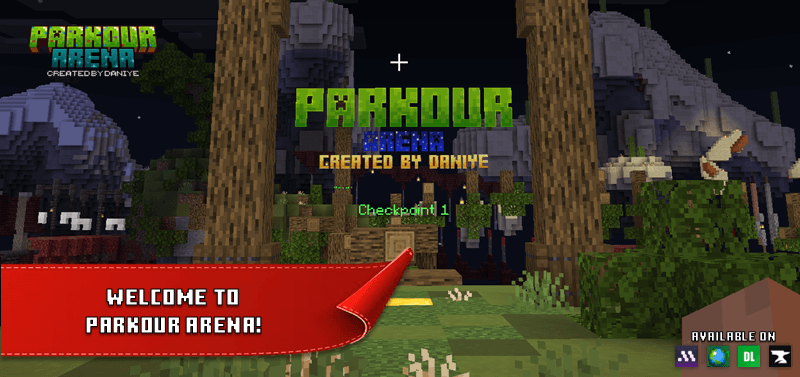
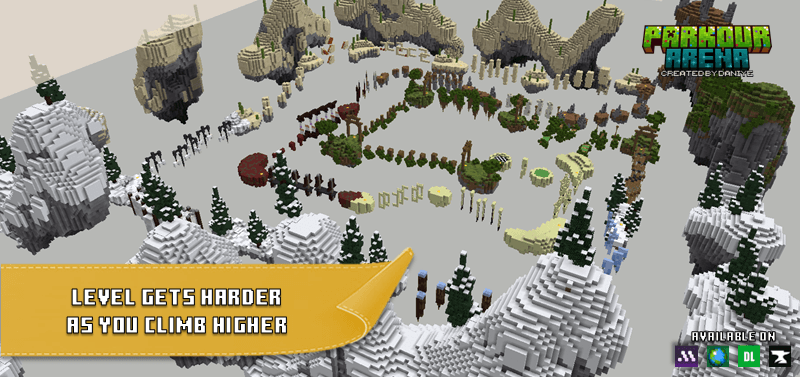
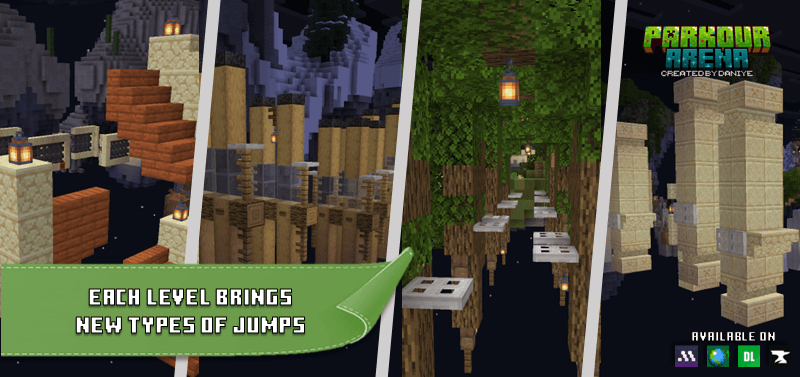
Parkour Arena is a high-quality Minecraft Bedrock map designed to test your parkour skills. The higher you go, the tougher each level becomes, with new types of jumps waiting to challenge you.
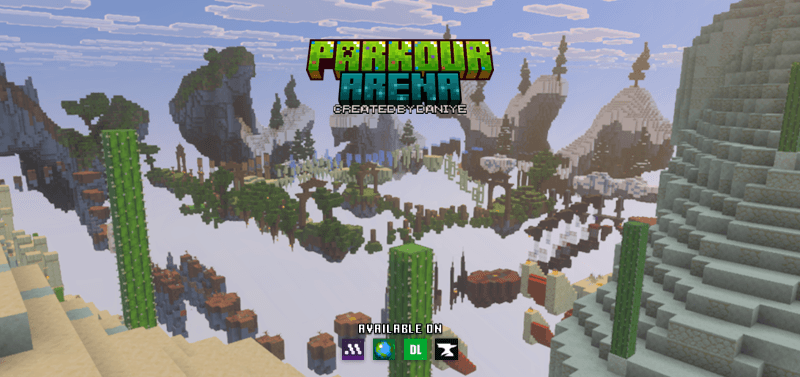
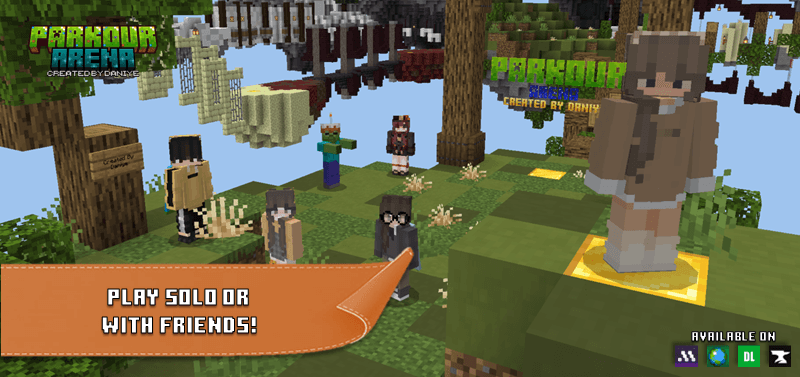
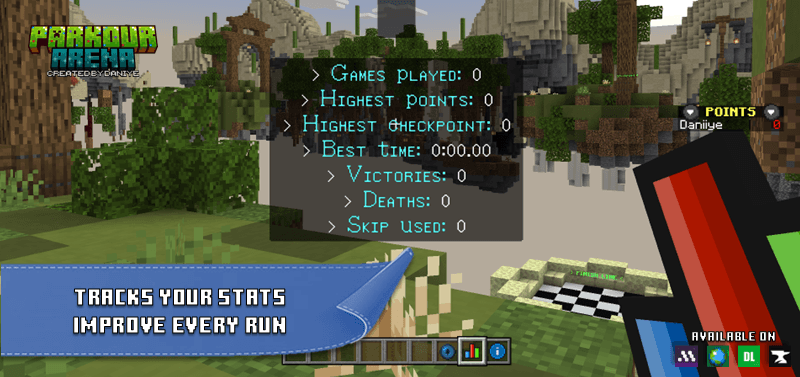
Play solo to beat your personal best, or compete with friends the map records your statistics so every attempt counts. With multiplayer compatibility and a variety of jump mechanics, Parkour Arena guarantees endless fun and competition!
Parkour Arena 설치 방법
With Millida Launcher
Install Millida Launcher
The launcher is free: download it at millida.net/launcher and sign in with any nickname.
Click “Install” on this page
The launcher opens and installs the map for Minecraft 1.21.132 automatically.
Launch the game
A profile with it appears in the launcher: click “Play”.
Manually
Download the map archive
Pick the file Parkour Arena by Daniye - v1.3.3.mcworld (1.1 MB).
Unpack it into the saves folder
The world folder (with level.dat inside) must sit directly in .minecraft/saves.
Open the world
“Singleplayer”: the map will be in your world list.
On a server
Replace the world folder
Stop the server and put the map folder in place of world (or set its name in level-name).
Use the “To server” button
On Millida Hosting, the button at the top of the page uploads the file to your server and restarts it for you.
버전
의존성 포함
| Minecraft | 로더 | 파일 | 날짜 | 작업 |
|---|---|---|---|---|
| 1.21.132 | — | Parkour Arena by Daniye - v1.3.3.mcworld1.1 MB 17 |
FAQ
Which Minecraft versions does Parkour Arena work on?
Only Minecraft 1.21.132: there are no files for other versions.
Where can I download Parkour Arena safely?
On this page: the file Parkour Arena by Daniye - v1.3.3.mcworld (1.1 MB) is stored on Millida’s server, with no link shorteners. SHA-1 checksum: 37ac3d7d86f1397741bd0403d09c2fb326af65e1.
리뷰
Parkour Arena의 첫 평가를 남겨 보세요



