

Minecraft 26.50용 Lucky Block Sky Base 지도
Lucky Block Skybase는 Lucky Blocks가 있는 작은 떠 있는 섬에서 시작하는 재미있는 하늘 생존 맵입니다. 섬을 확장하고, 무작위 전리품을 모으고, 궁극의 하늘 모험에서 살아남으세요!
☁️ LUCKY BLOCK SKYBASE ☁️
Break Lucky Blocks, Collect Loot & Beat the Game!
Welcome to Lucky Block SkyBase, a fun sky survival map where you start on a floating island with a special Lucky Block. Break it to receive random items, build your resources, and try to complete your Minecraft adventure from the sky!
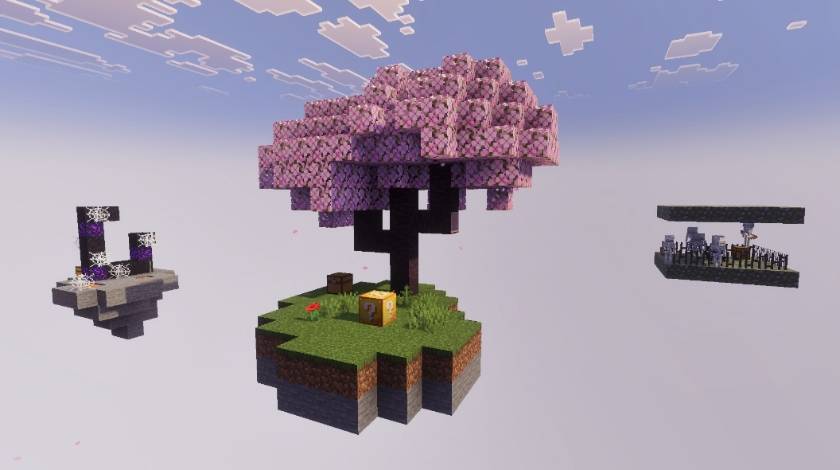
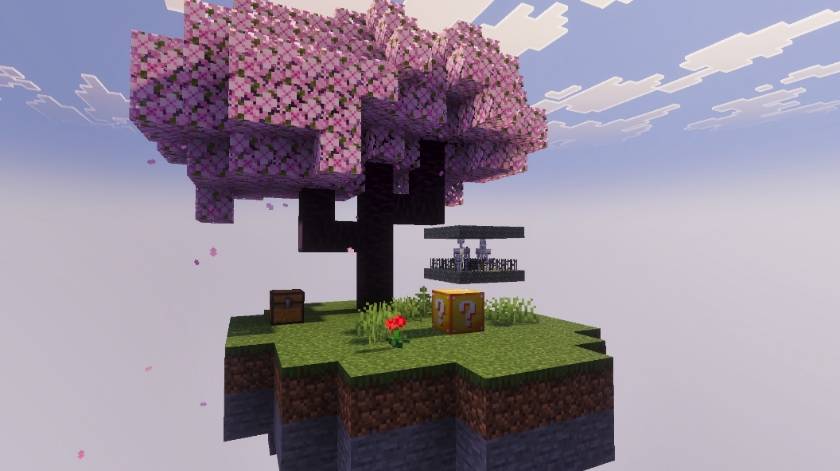
🏝️ MAIN SKY BASE
You will spawn on a floating Sky Island with everything you need to begin your adventure. Your main Lucky Block is waiting for you to start collecting useful items.
🎲 INFINITE LUCKY BLOCK
The Lucky Block on your island never runs out! Keep breaking it to receive different items and resources. Use the loot wisely to expand your island and progress through the game.
⛏️ SURVIVE & PROGRESS
Use the items you receive from the Lucky Block to gather resources, explore the available areas and work your way toward completing your Minecraft adventure.
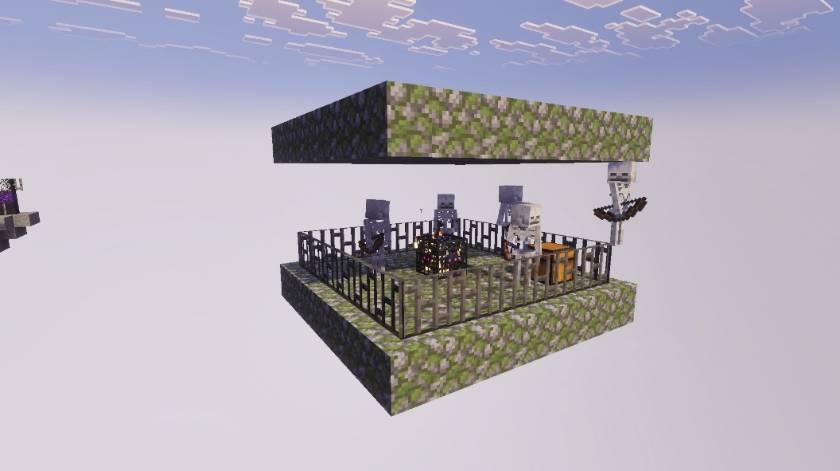
💀 SKELETON SPAWNER
A Skeleton Spawner is also available on the map, giving you another challenge and a way to experience more action during your sky adventure.
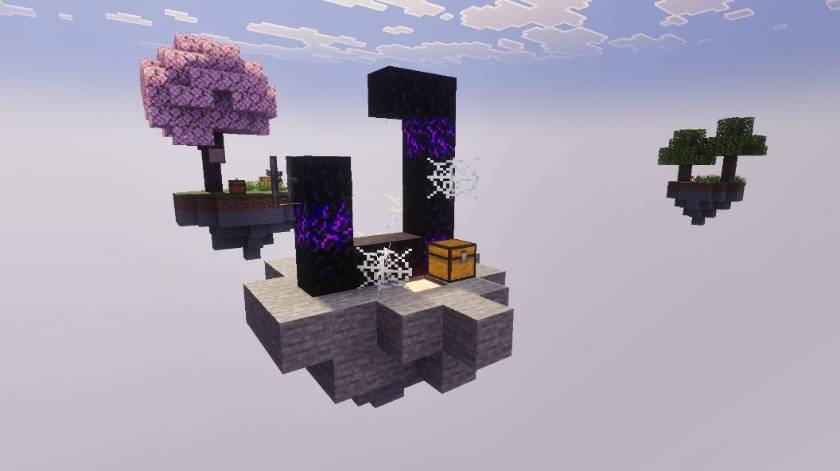
🔥 RUINED PORTAL
Discover the Ruined Portal and explore another part of your SkyBase adventure. Use your resources and prepare yourself for what comes next!
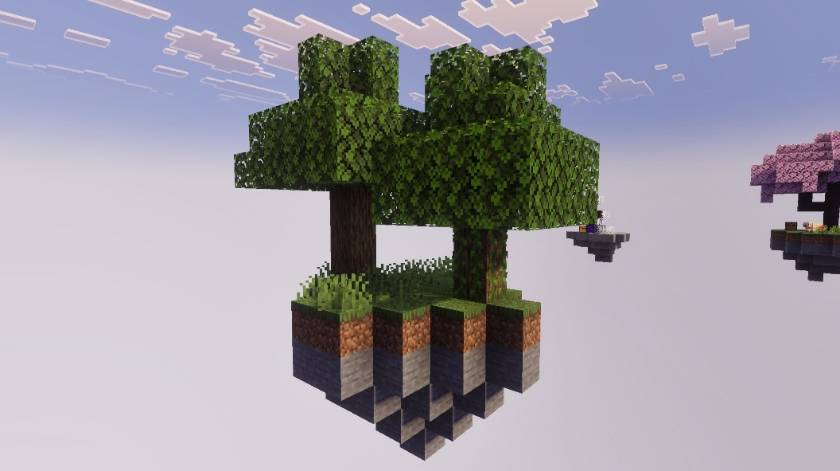
🌳 OAK AREA
The Oak area provides additional natural resources that can help you expand your base and continue your survival journey.
📸 MAP SCREENSHOTS
Main Base:
Skeleton Spawner:
Ruined Portal:
Oak:
🎮 FEATURES
✔ Floating Sky Island ✔ Infinite Lucky Block ✔ Random Loot & Resources ✔ Skeleton Spawner ✔ Ruined Portal ✔ Oak Area ✔ Survival Gameplay ✔ Fun Sky Challenge
🚀 NEW UPDATE COMING SOON!
More content, areas and exciting features are planned for future updates. Stay tuned for the next version of Lucky Block SkyBase!
☁️ BREAK LUCKY BLOCKS. BUILD YOUR SKYBASE. BEAT THE GAME! ☁️
Map By:- Naman Studios Lucky Block Addon By:- Effect99
Lucky Block Sky Base 설치 방법
With Millida Launcher
Install Millida Launcher
The launcher is free: download it at millida.net/launcher and sign in with any nickname.
Click “Install” on this page
The launcher opens and installs the map for Minecraft 1.21.132–26.50 automatically.
Launch the game
A profile with it appears in the launcher: click “Play”.
Manually
Download the map archive
Pick the file Lucky SkyBase V1.4.mcworld (1008 KB).
Unpack it into the saves folder
The world folder (with level.dat inside) must sit directly in .minecraft/saves.
Open the world
“Singleplayer”: the map will be in your world list.
On a server
Replace the world folder
Stop the server and put the map folder in place of world (or set its name in level-name).
Use the “To server” button
On Millida Hosting, the button at the top of the page uploads the file to your server and restarts it for you.
버전
의존성 포함
| Minecraft | 로더 | 파일 | 날짜 | 작업 |
|---|---|---|---|---|
| 1.21.132 | — | Lucky SkyBase V1.4.mcworld1008 KB 15 |
리뷰
Lucky Block Sky Base의 첫 평가를 남겨 보세요



