
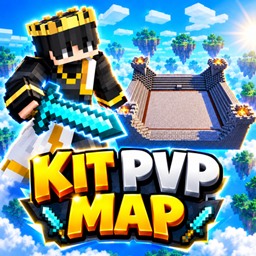
Minecraft 26.50용 Kit PvP Map Multiplayer Game
5개의 개성 있는 킷과 전용 PvP 아레나가 있는 킷 PvP 맵. 킷을 고르거나 맨손으로 싸우며 친구들과 겨뤄보세요!
⚔️ KIT PVP MAP ⚔️
Choose Your Kit. Enter the Arena. Fight to Win!
Welcome to Kit PvP Map, an exciting Minecraft PvP arena where you can fight with your favorite kit or battle completely empty-handed. Choose your equipment, enter the arena, and challenge your friends!
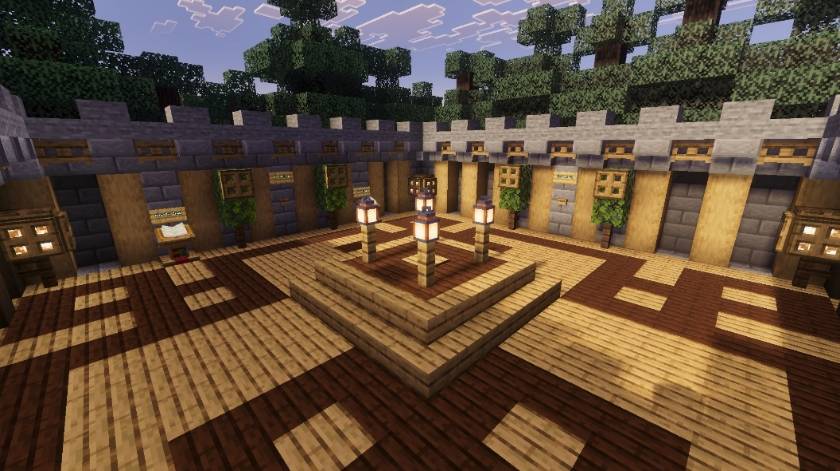
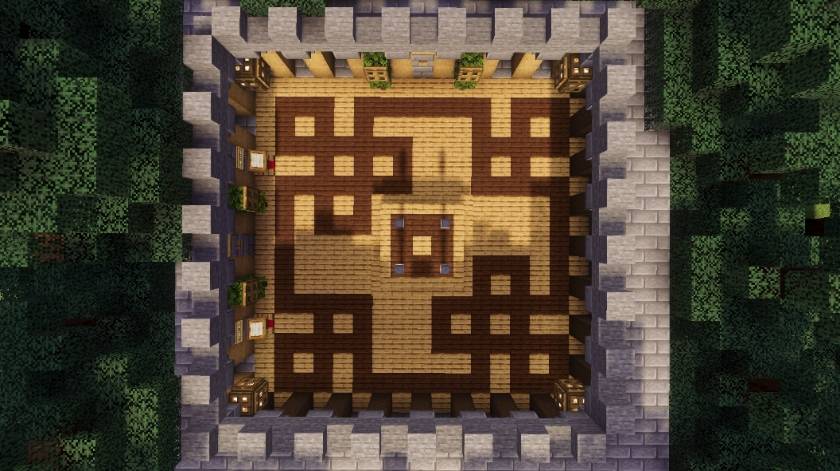
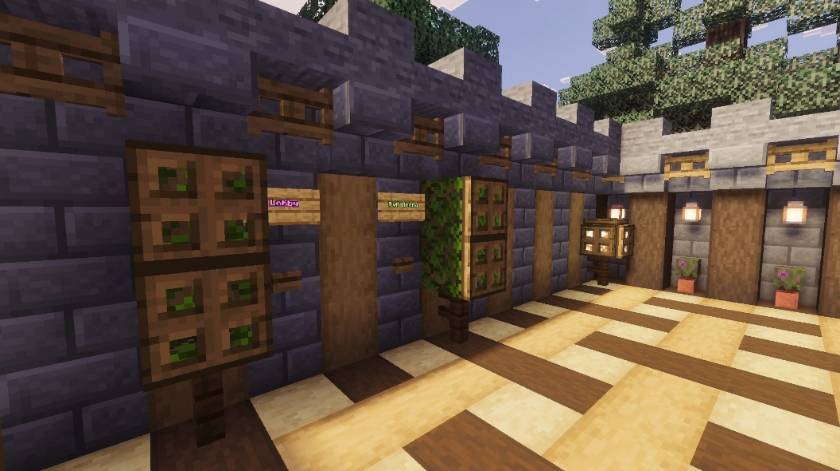
🏠 LOBBY
Players will spawn in the main lobby. From here, you can choose how you want to play. Enter the PvP Arena directly for hand-to-hand combat, or head to the Kit Area to choose your favorite PvP kit.
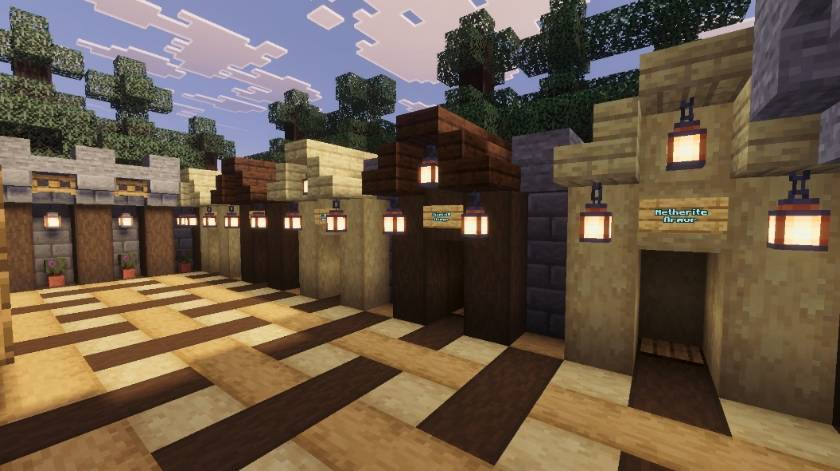
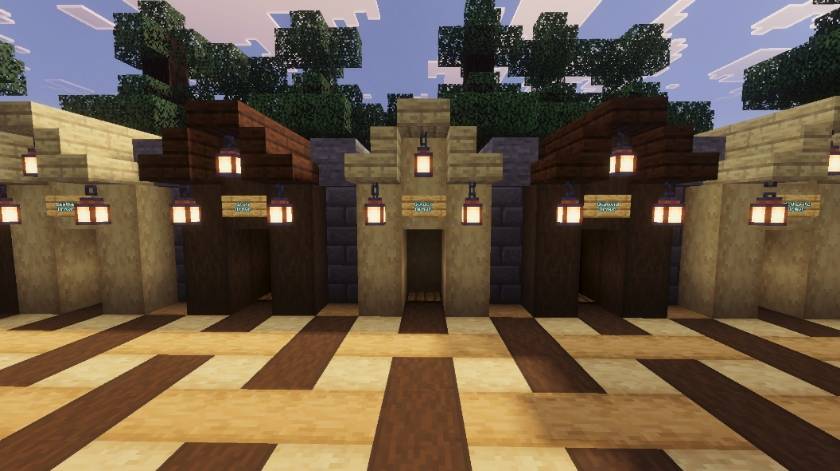
⚔️ 5 DIFFERENT KITS
Choose from 5 unique kits, each providing different equipment for your PvP battle:
- Leather Kit
- Iron Kit
- Golden Kit
- Diamond Kit
- Netherite Kit
Each kit gives you equipment according to its tier, allowing you to choose the fighting style you prefer.
🎮 HOW TO PLAY
Step 1: Players first spawn in the Lobby.
Step 2: If you want to fight without a kit, click the PvP Arena button in the Lobby and enter the arena directly.
Step 3: If you want Kit PvP, click the Choose Kit button and enter the Kit Area.
Step 4: Choose any one of the 5 available kits and receive the equipment for that kit.
Step 5: From the Kit Area, click the PvP Arena button and start fighting!
Step 6: To return to the Lobby from the PvP Arena, simply click the Back to Lobby button.
📸 MAP SCREENSHOTS
Lobby:
Kit Area:
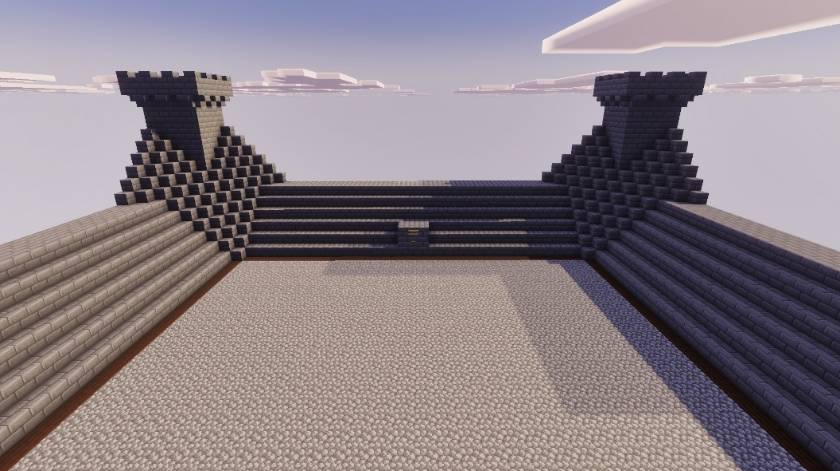
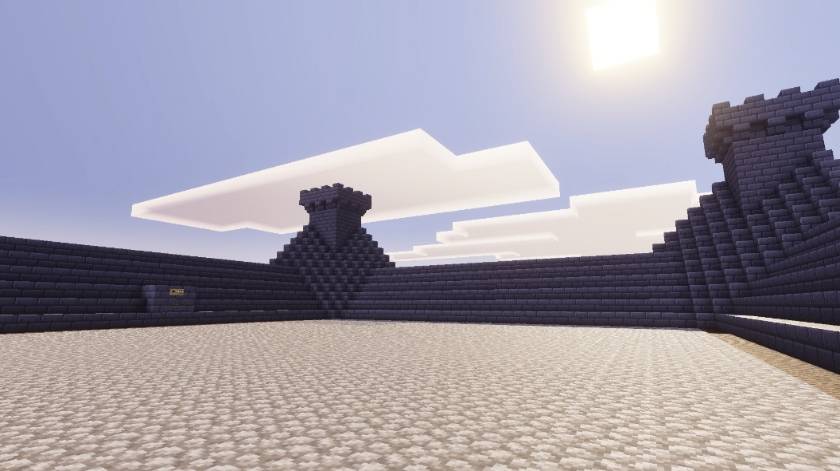
PvP Arena:
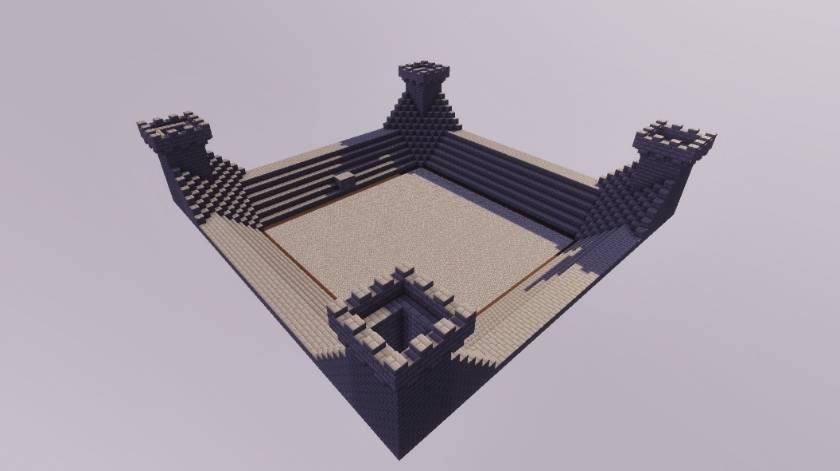
👥 MULTIPLAYER PVP
Challenge your friends and enjoy exciting PvP battles together. Choose your kit, enter the arena, and prove your combat skills!
✨ FEATURES
✔ 5 Different PvP Kits ✔ Leather, Iron, Golden, Diamond & Netherite Kits ✔ Hand-to-Hand PvP Option ✔ Dedicated PvP Arena ✔ Easy Kit Selection System ✔ Lobby & Kit Area ✔ Back to Lobby Button ✔ Multiplayer Friendly
⚔️ CHOOSE YOUR KIT. ENTER THE ARENA. START THE FIGHT! ⚔️
Map By:- Naman Studios
Kit PvP Map Multiplayer Game 설치 방법
With Millida Launcher
Install Millida Launcher
The launcher is free: download it at millida.net/launcher and sign in with any nickname.
Click “Install” on this page
The launcher opens and installs the map for Minecraft 26.0–26.50 automatically.
Launch the game
A profile with it appears in the launcher: click “Play”.
Manually
Download the map archive
Pick the file Kit PvP Map V0.3.mcworld (238 KB).
Unpack it into the saves folder
The world folder (with level.dat inside) must sit directly in .minecraft/saves.
Open the world
“Singleplayer”: the map will be in your world list.
On a server
Replace the world folder
Stop the server and put the map folder in place of world (or set its name in level-name).
Use the “To server” button
On Millida Hosting, the button at the top of the page uploads the file to your server and restarts it for you.
버전
의존성 포함
| Minecraft | 로더 | 파일 | 날짜 | 작업 |
|---|---|---|---|---|
| 26.0.02 | — | Kit PvP Map V0.3.mcworld238 KB 7 |
리뷰
Kit PvP Map Multiplayer Game의 첫 평가를 남겨 보세요



