
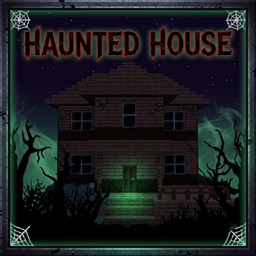
Minecraft 26.30용 Haunted House 지도
싼값에 오래된 집을 샀지만, 주민들은 그 집에 귀신이 나온다고 경고했습니다.
Haunted House 🏠
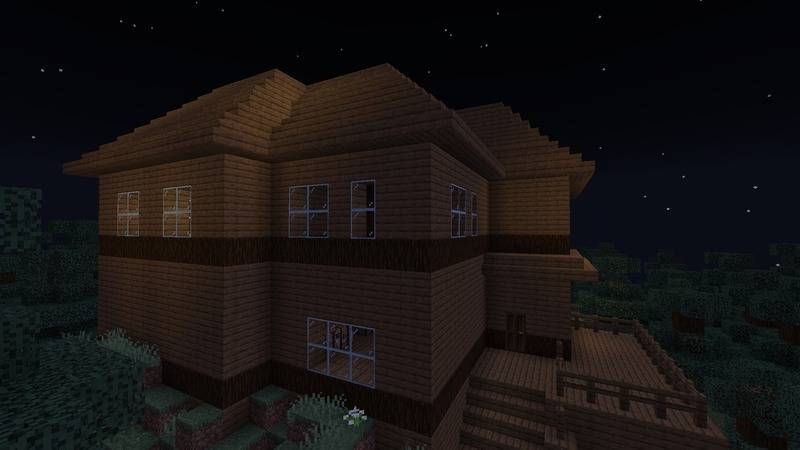
You recently bought an old house at an unbelievably cheap price. Hidden far from the main road, the house had been abandoned for years because everyone believed it was haunted.
You never believed those rumors. To you, it was just an old house with a bad reputation.
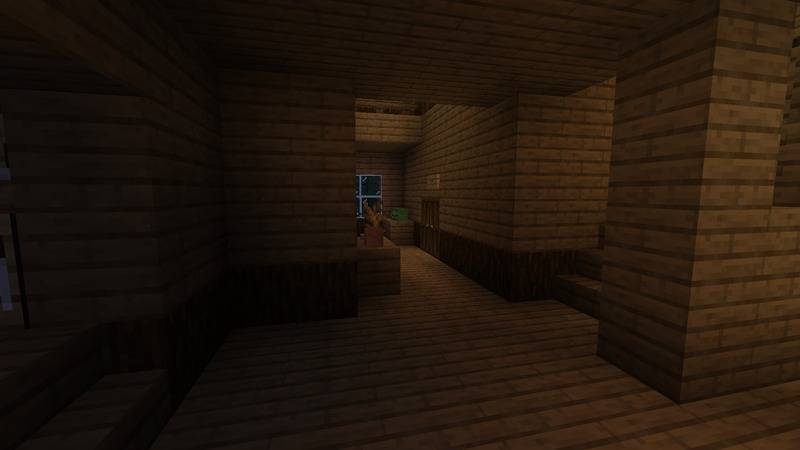
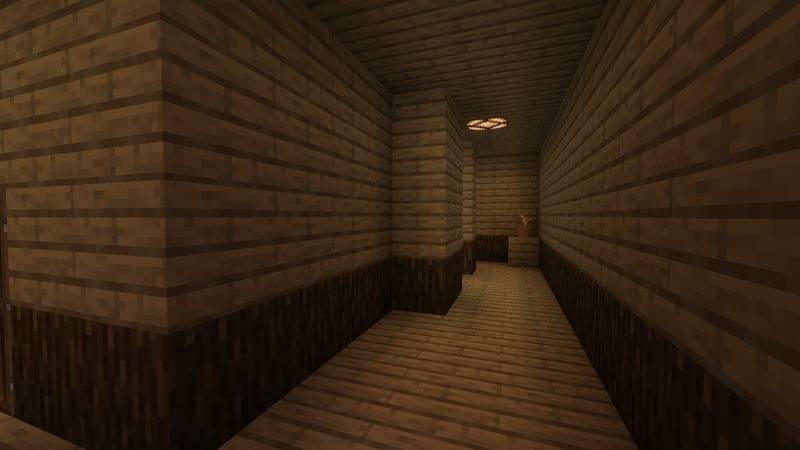
But on your very first night, strange things begin to happen. The lights go out, mysterious figures appear and vanish, eerie crying echoes through the halls, and someone-or something-seems to be watching your every move.
Haunted House 설치 방법
With Millida Launcher
Install Millida Launcher
The launcher is free: download it at millida.net/launcher and sign in with any nickname.
Click “Install” on this page
The launcher opens and installs the map for Minecraft 26.11–26.30 automatically.
Launch the game
A profile with it appears in the launcher: click “Play”.
Manually
Download the map archive
Pick the file Haunted House - Initial Release.mcworld (6.9 MB).
Unpack it into the saves folder
The world folder (with level.dat inside) must sit directly in .minecraft/saves.
Open the world
“Singleplayer”: the map will be in your world list.
On a server
Replace the world folder
Stop the server and put the map folder in place of world (or set its name in level-name).
Use the “To server” button
On Millida Hosting, the button at the top of the page uploads the file to your server and restarts it for you.
버전
의존성 포함
| Minecraft | 로더 | 파일 | 날짜 | 작업 |
|---|---|---|---|---|
| 26.11 | — | Haunted House - Initial Release6.9 MB |
리뷰
Haunted House의 첫 평가를 남겨 보세요



