

Minecraft 26.20용 Hacker Sky Challenge 지도
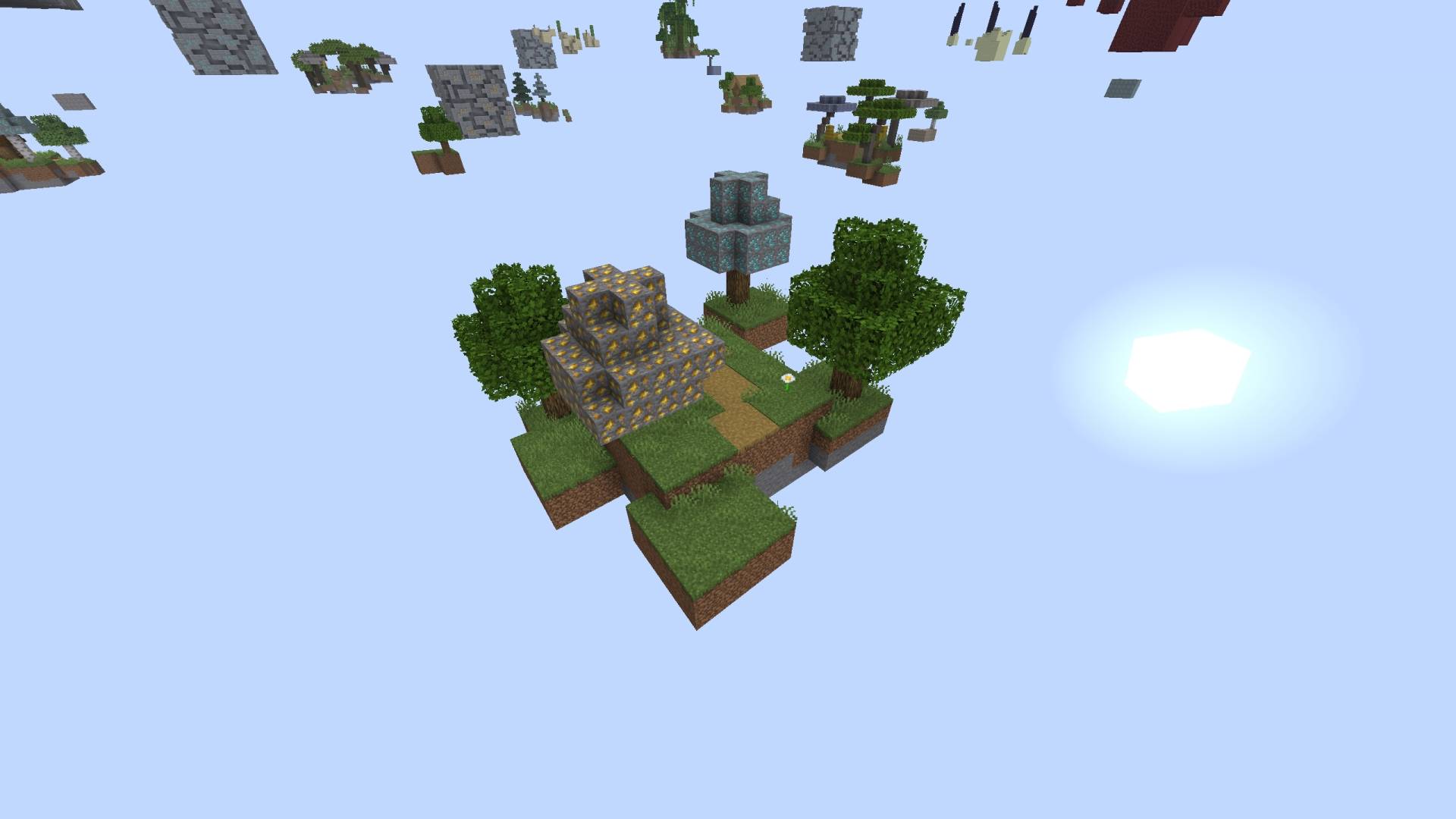
새로운 하늘 도전을 할 준비가 되셨나요? 이번 것은 쉽습니다, 광석이 사방에 있습니다! 섬에서 섬으로 길을 만들고, 장비를 갖추고 엔더 드래곤을 물리치세요!
Hacker Sky Challenge 맵 정보
Hacker Sky Challenge
Are you ready for a new sky challenge? This one is easy, ores everywhere! Build your way from island to island, equip yourself and defeat the Ender Dragon!
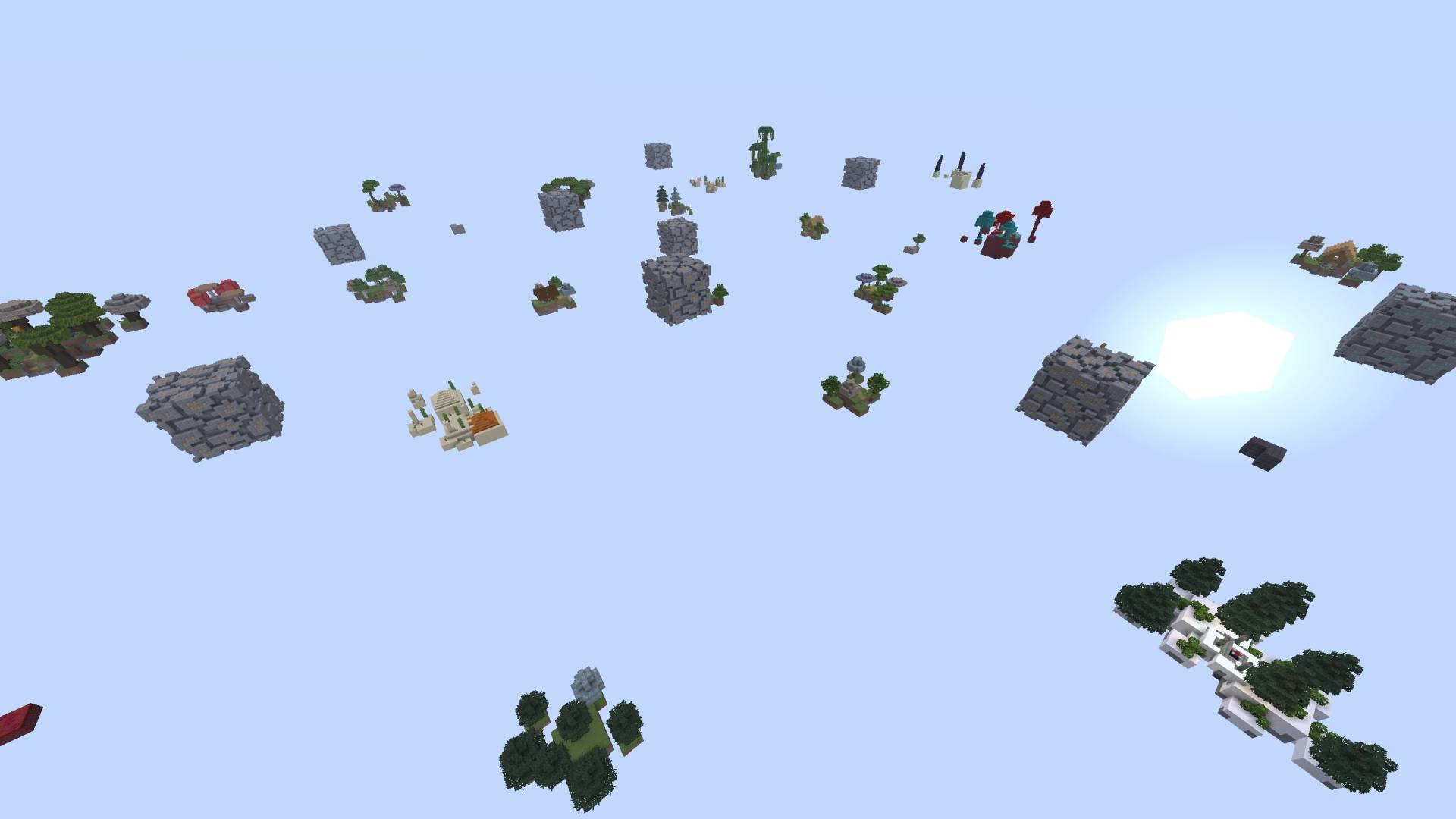
(Disclaimer: Thumbnail picture is created with AI)
You'll never run out of ores here!
Hacker Sky Challenge 설치 방법
With Millida Launcher
Install Millida Launcher
The launcher is free: download it at millida.net/launcher and sign in with any nickname.
Click “Install” on this page
The launcher opens and installs the map for Minecraft 26.0–26.20 automatically.
Launch the game
A profile with it appears in the launcher: click “Play”.
Manually
Download the map archive
Pick the file Hacker Sky Challenge V1.mcworld (1.2 MB).
Unpack it into the saves folder
The world folder (with level.dat inside) must sit directly in .minecraft/saves.
Open the world
“Singleplayer”: the map will be in your world list.
On a server
Replace the world folder
Stop the server and put the map folder in place of world (or set its name in level-name).
Use the “To server” button
On Millida Hosting, the button at the top of the page uploads the file to your server and restarts it for you.
버전
의존성 포함
| Minecraft | 로더 | 파일 | 날짜 | 작업 |
|---|---|---|---|---|
| 26.0.02 | — | Hacker Sky Challenge v11.2 MB |
FAQ
Which Minecraft versions does Hacker Sky Challenge work on?
There are files for 26.0–26.20, 8 versions in total. The newest is 26.20.
Where can I download Hacker Sky Challenge safely?
On this page: the file Hacker Sky Challenge V1.mcworld (1.2 MB) is stored on Millida’s server, with no link shorteners. SHA-1 checksum: cd382bea069bb54ac8f84925e523db221f51c996.
리뷰
Hacker Sky Challenge의 첫 평가를 남겨 보세요



