
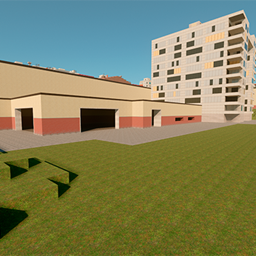
Minecraft 26.13용 Gm_Construct 지도
Garry's Mod의 GmConstruct 예제를 기반으로 한 일반 맵입니다. 이 맵은 이스터 룸(공간 부족으로 인해 조금 작아졌습니다)을 포함하여 원본 맵의 모든 장소를 갖추고 있습니다. NextBots 팬들이 이 맵을 좋아할 것이라고 생각합니다.
>>Links<<
If you found an bugs or wanted to contact me, visit my discord server.
- Discord
- Telegram
- YouTube
>>About Gm_construct<<
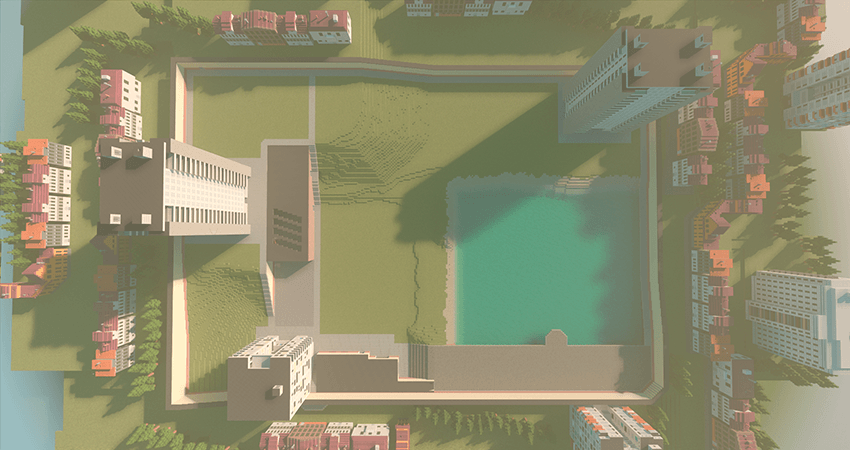
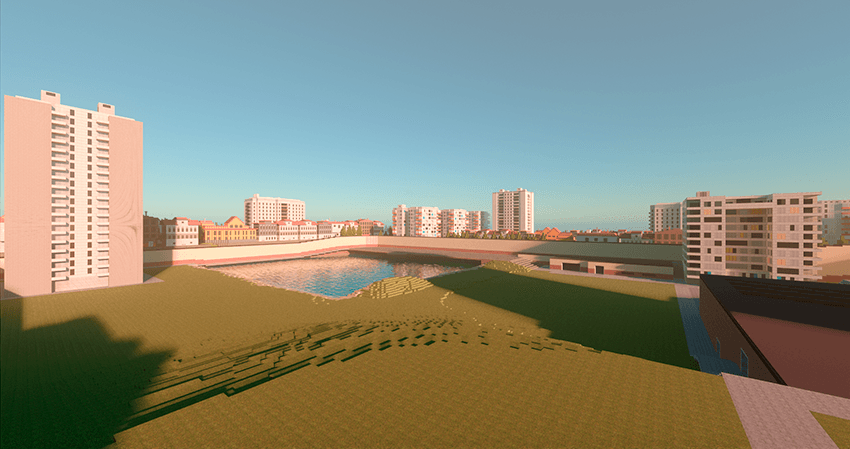
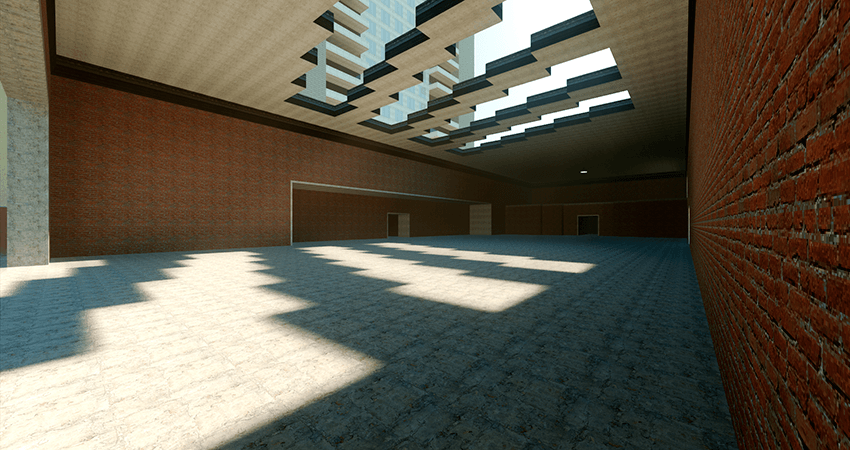
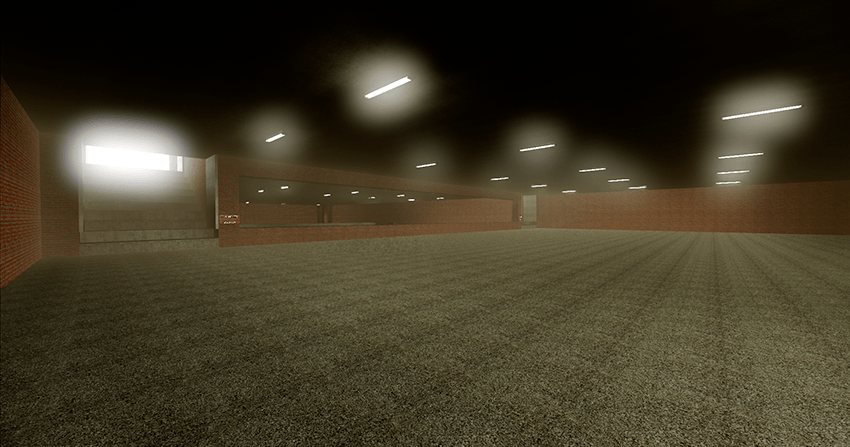
A regular map based on the Gm_Construct example from the Garry's Mod. There are textures, sounds and additions on the map. The map was built on the principle of a large box (double box = 2 blocks) and because of this, the map looks quite large. I think NextBots fans will like the map.
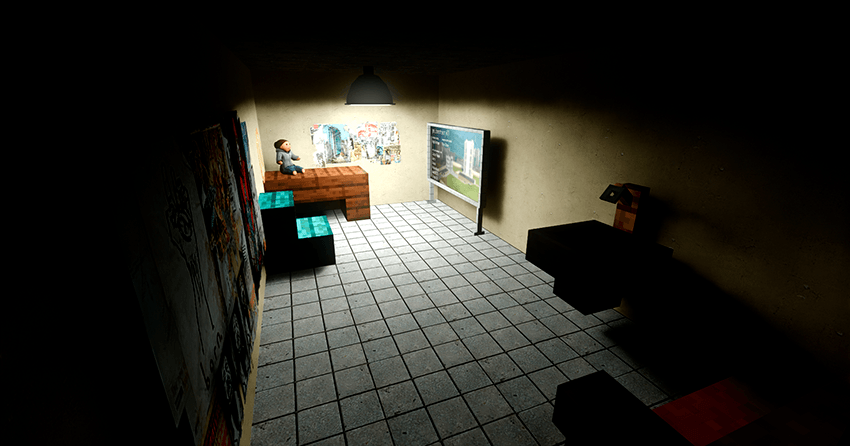
The map has all the places from the original map, including the Easter Room (it turned out to be a little smaller due to lack of space). During spawning, you will have a choice of which spawning zone to get into (there are 5 spawning zones in total).
>>Screenshots from the map<<
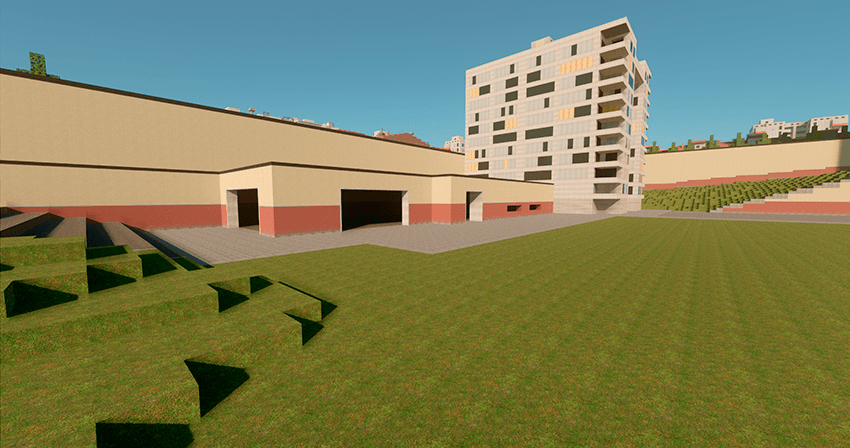
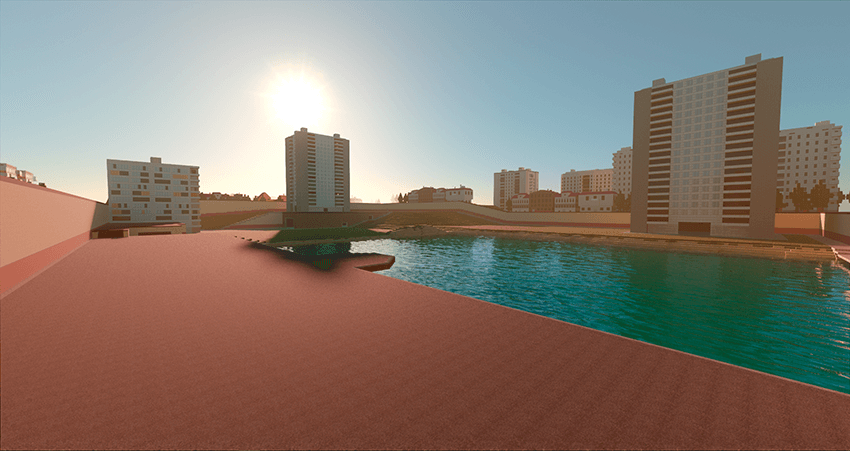
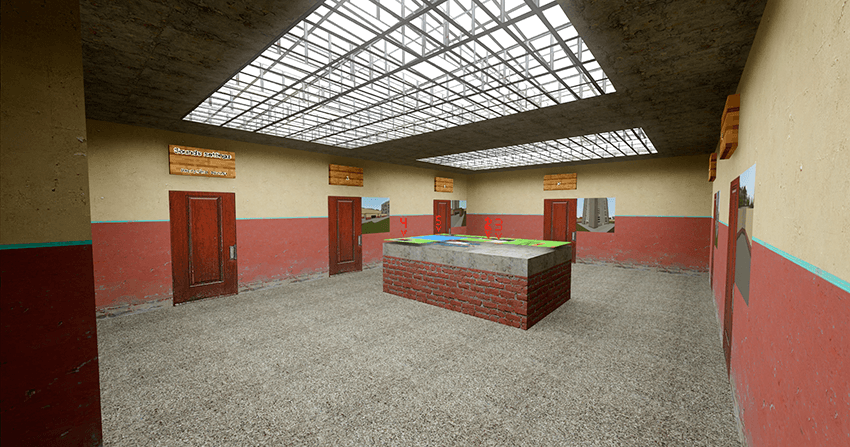
>>Textures and Sounds<<
There are textures on the map (mostly up to 300x300 px) and most of them are in the addon because I wanted to leave the vanilla textures unchanged. From the sounds, I added the same sounds of drops when the prompts were triggered in the original game, the sounds of steps, falls, etc. were also changed.
>Addons<
The map has its own addon from which the entire map is built. Do not delete it!
Gm_Construct 설치 방법
With Millida Launcher
Install Millida Launcher
The launcher is free: download it at millida.net/launcher and sign in with any nickname.
Click “Install” on this page
The launcher opens and installs the map for Minecraft 26.13 automatically.
Launch the game
A profile with it appears in the launcher: click “Play”.
Manually
Download the map archive
Pick the file gm_construct_v20726.mcworld (22 MB).
Unpack it into the saves folder
The world folder (with level.dat inside) must sit directly in .minecraft/saves.
Open the world
“Singleplayer”: the map will be in your world list.
On a server
Replace the world folder
Stop the server and put the map folder in place of world (or set its name in level-name).
Use the “To server” button
On Millida Hosting, the button at the top of the page uploads the file to your server and restarts it for you.
버전
의존성 포함
| Minecraft | 로더 | 파일 | 날짜 | 작업 |
|---|---|---|---|---|
| 26.13 | — | gm_construct_v20726.mcworld21.7 MB |
FAQ
Which Minecraft versions does Gm_Construct work on?
Only Minecraft 26.13: there are no files for other versions.
Where can I download Gm_Construct safely?
On this page: the file gm_construct_v20726.mcworld (22 MB) is stored on Millida’s server, with no link shorteners. SHA-1 checksum: a160b4d5451c2d8f0c0b0fe03402e726554f232a.
리뷰
Gm_Construct의 첫 평가를 남겨 보세요



