
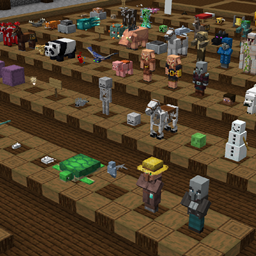
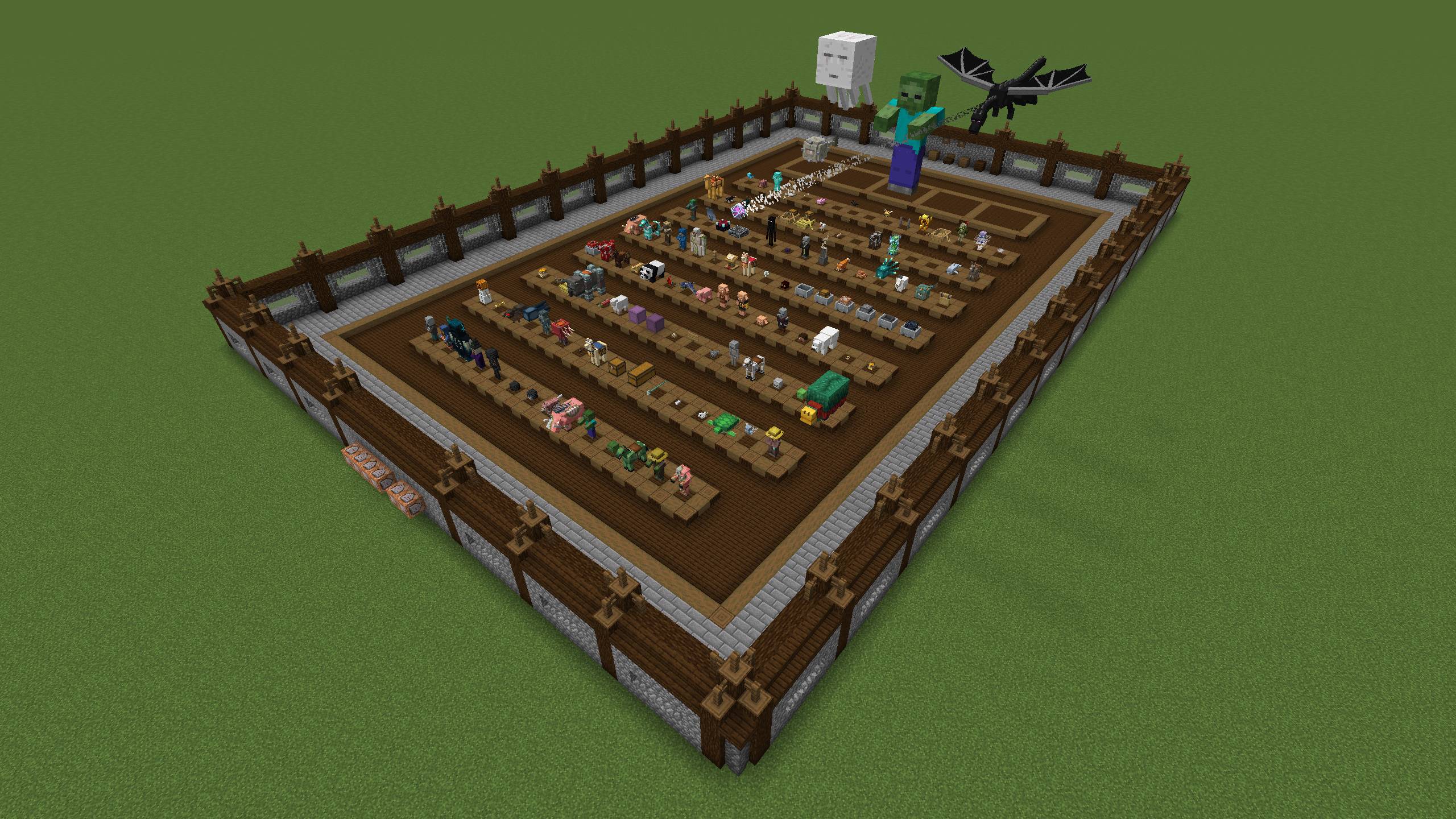
A world to test your entity textures and models!
View the map on my website!
This map has every entity laid out in a small area for easy access for testing models and textures!
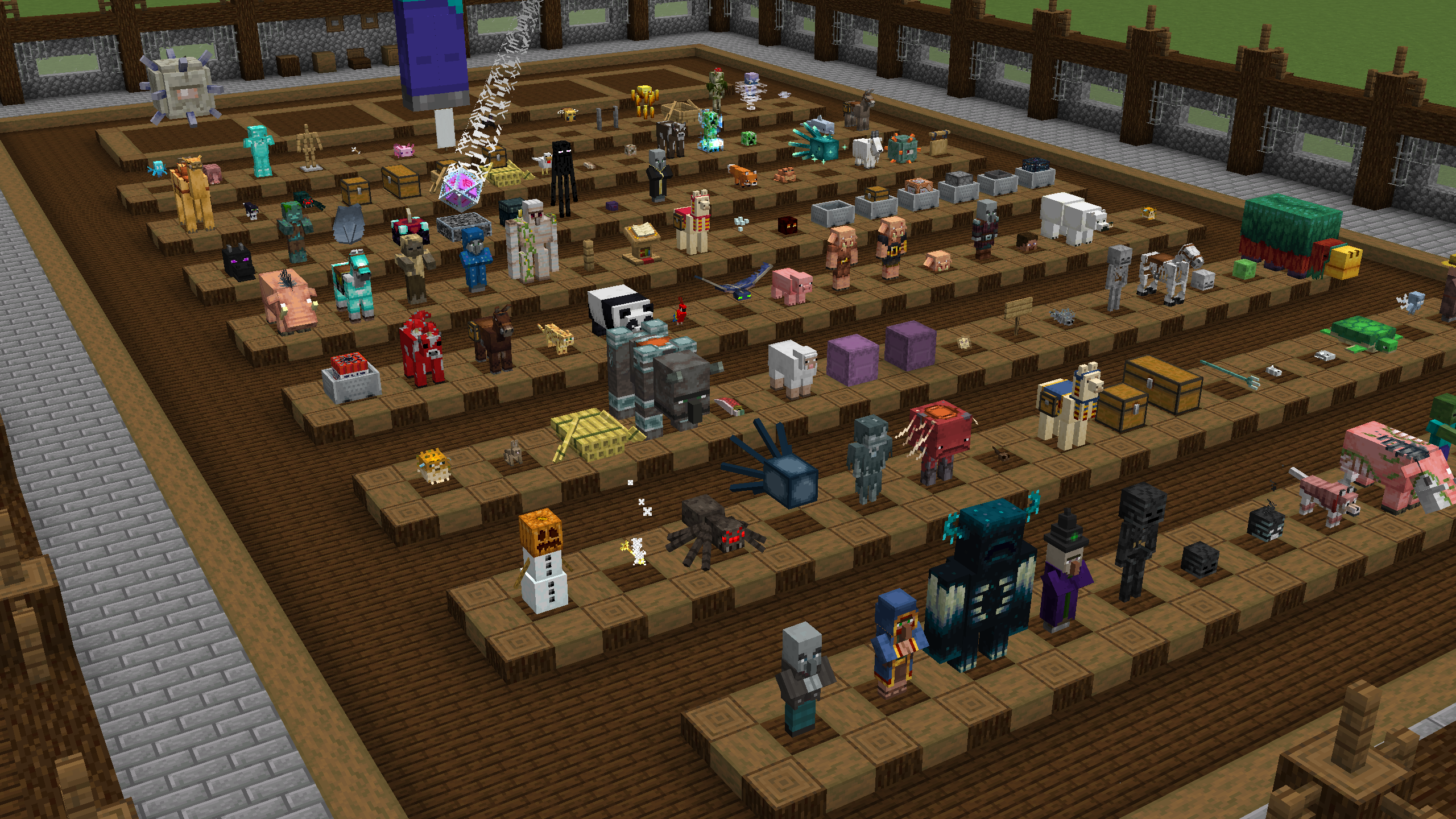
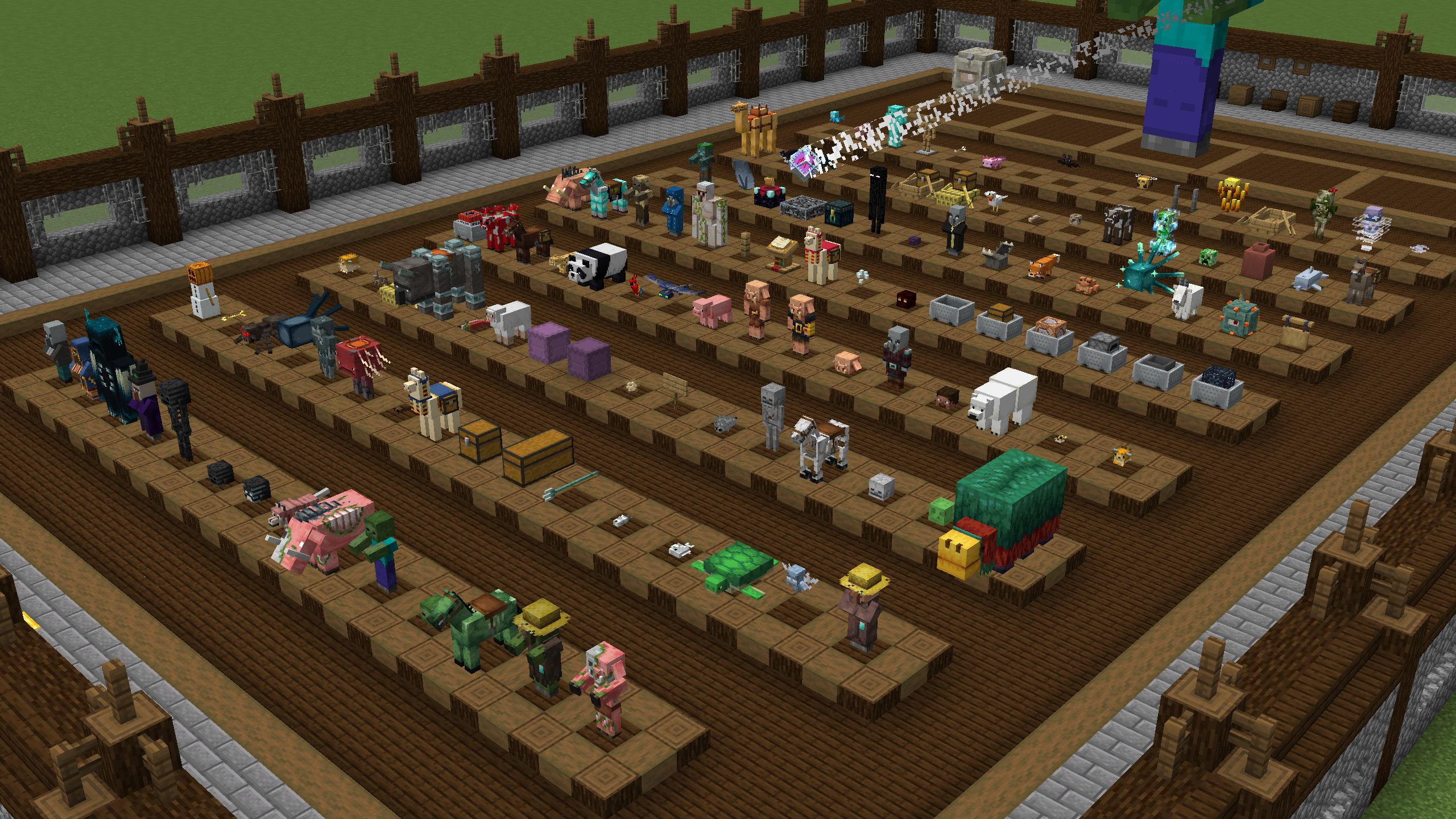
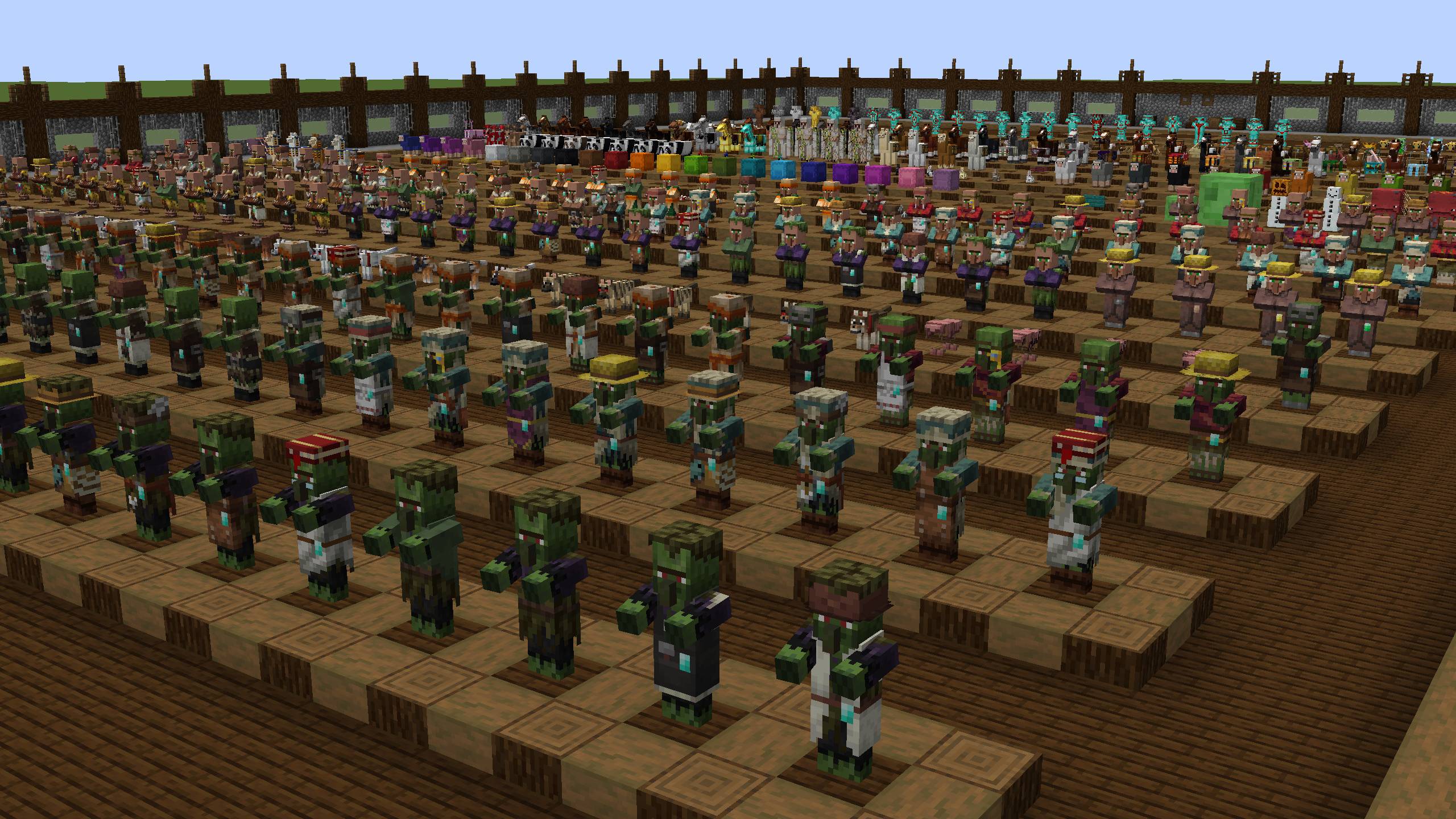
There are three modes to choose from:
- Normal - Display every entity in the game
- Babies - Display the baby variants for entities that have them
- Jockeys - Display all of the jockeys in the game
Join the Discord Server!
Join the Resource Pack Development Discord Server!
Subscribe on YouTube!
Follow me on Twitter!
Support me on Ko-fi!
Entity Tester 설치 방법
With Millida Launcher
Install Millida Launcher
The launcher is free: download it at millida.net/launcher and sign in with any nickname.
Click “Install” on this page
The launcher opens and installs the map for Minecraft 26.2 automatically.
Launch the game
A profile with it appears in the launcher: click “Play”.
On a server
Replace the world folder
Stop the server and put the map folder in place of world (or set its name in level-name).
Use the “To server” button
On Millida Hosting, the button at the top of the page uploads the file to your server and restarts it for you.
버전
의존성 포함
| Minecraft | 로더 | 파일 | 날짜 | 작업 |
|---|---|---|---|---|
| 26.2 | — | Entity Tester - 26.23.9 MB |
FAQ
Which Minecraft versions does Entity Tester work on?
Only Minecraft 26.2: there are no files for other versions.
How do I download Entity Tester?
With Millida Launcher: it installs Entity Tester into a modpack by itself, for the right game version and loader. The launcher is free.
리뷰
Entity Tester의 첫 평가를 남겨 보세요



