
Minecraft 26.30용 Elite Skygen 지도
1년 넘게 공들인 프로젝트이며, 이제 모든 사람이 사용할 수 있도록 공유합니다!
Elite Skygen 맵 정보
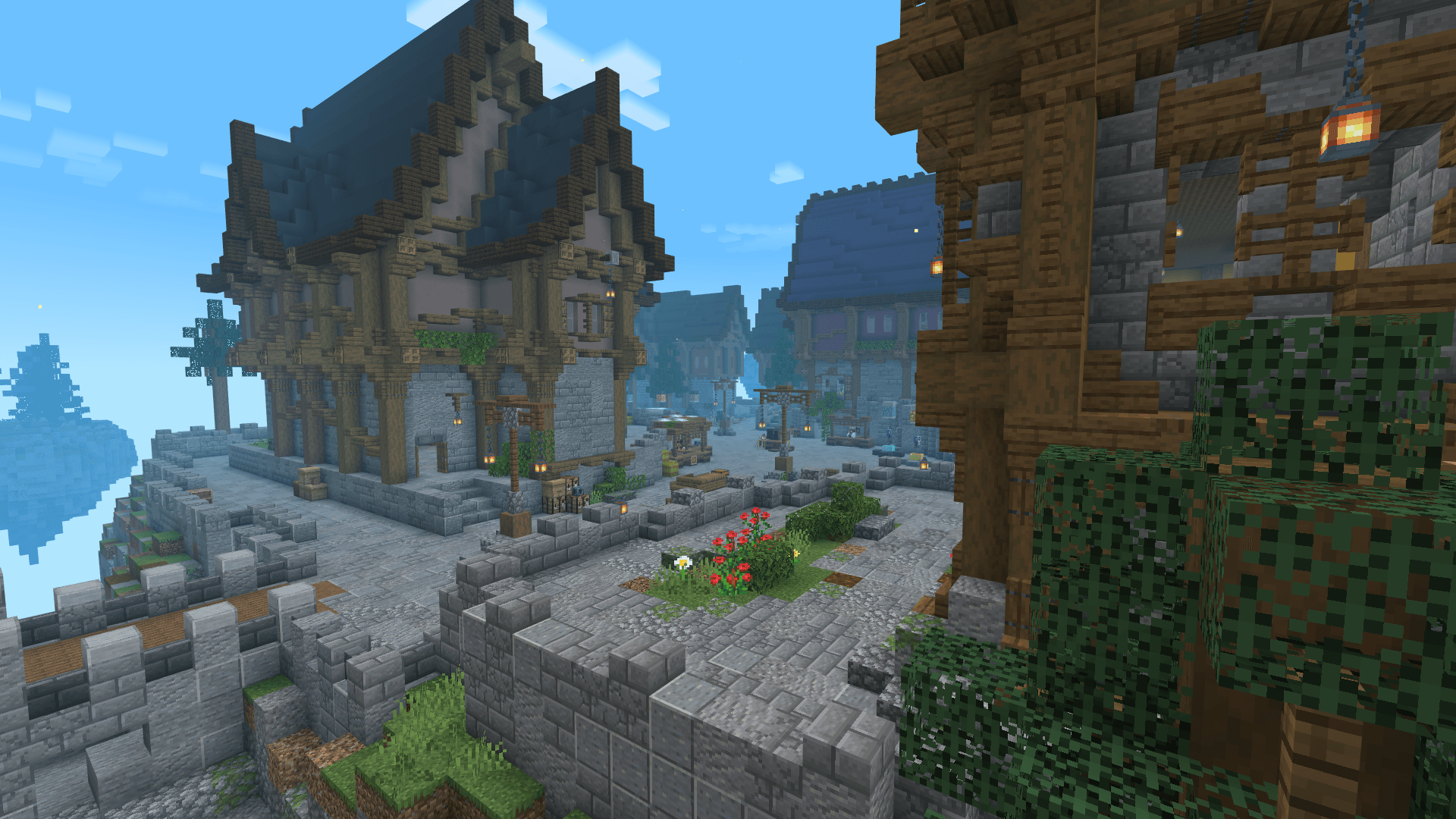
Elite Skygen is a world I created inspired by Skygens in Minecraft, it began around May 2024 and over time I began to add more and more to it until it's eventual shutdown on May 2025.
People have been begging me to share the map, and so I've prepared to finally publicly share it
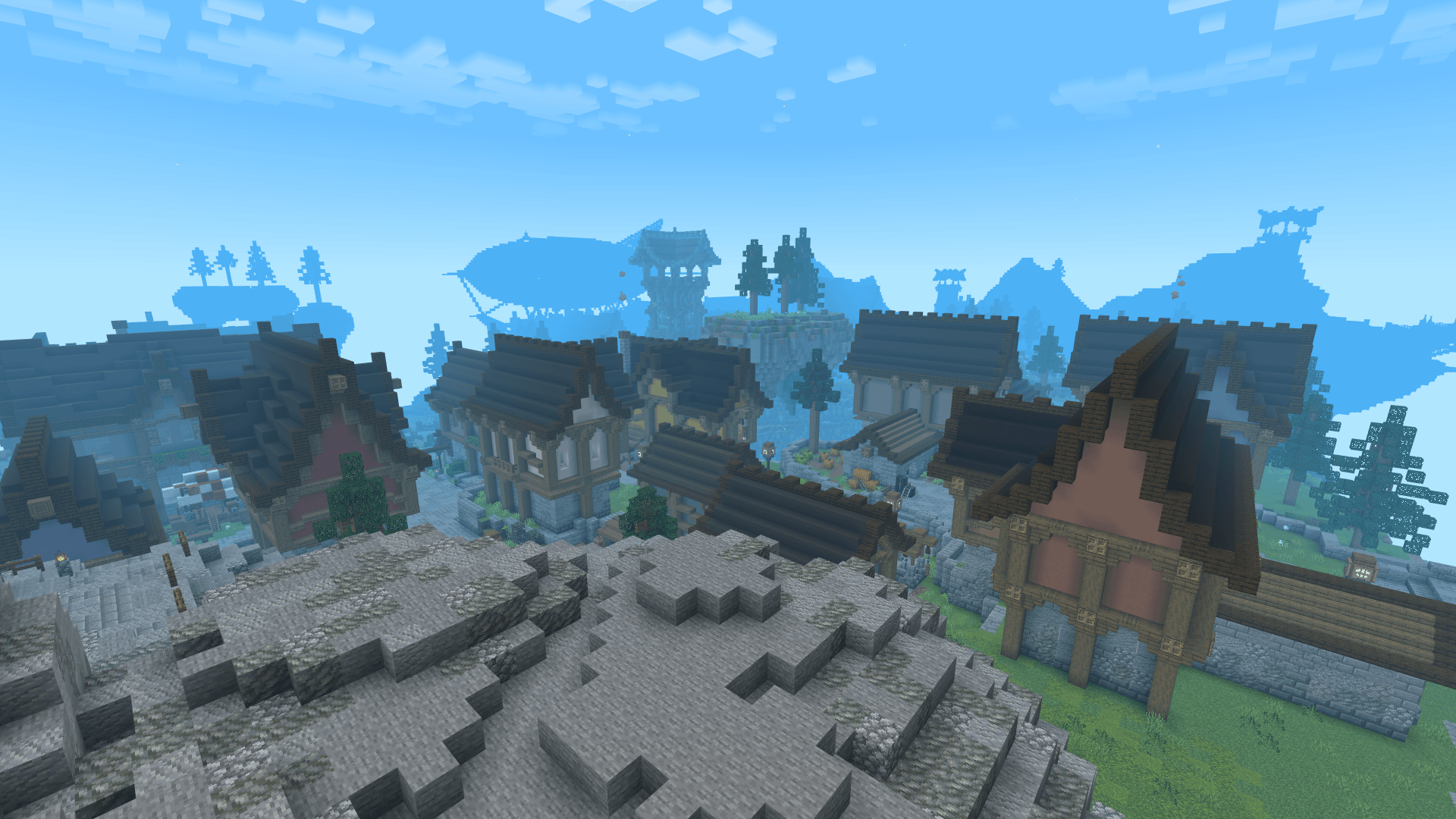
The world has been resetted and cleansed of any progress to make sure you can create new adventures, stories and key moments!
Join the Discord! ➥ https://discord.com/invite/csuZkP5dUE
Elite Skygen 설치 방법
With Millida Launcher
Install Millida Launcher
The launcher is free: download it at millida.net/launcher and sign in with any nickname.
Click “Install” on this page
The launcher opens and installs the map for Minecraft 26.30 automatically.
Launch the game
A profile with it appears in the launcher: click “Play”.
Manually
Download the map archive
Pick the file Elite Skygen v1-0-3.mcworld (50 MB).
Unpack it into the saves folder
The world folder (with level.dat inside) must sit directly in .minecraft/saves.
Open the world
“Singleplayer”: the map will be in your world list.
On a server
Replace the world folder
Stop the server and put the map folder in place of world (or set its name in level-name).
Use the “To server” button
On Millida Hosting, the button at the top of the page uploads the file to your server and restarts it for you.
버전
의존성 포함
| Minecraft | 로더 | 파일 | 날짜 | 작업 |
|---|---|---|---|---|
| 26.30 | — | Elite Skygen v1-0-3.mcworld49.8 MB |
FAQ
Which Minecraft versions does Elite Skygen work on?
Only Minecraft 26.30: there are no files for other versions.
Where can I download Elite Skygen safely?
On this page: the file Elite Skygen v1-0-3.mcworld (50 MB) is stored on Millida’s server, with no link shorteners. SHA-1 checksum: ae39ed87825142b8f983c0af6601a293c5cc573e.
리뷰
Elite Skygen의 첫 평가를 남겨 보세요



