
Minecraft 26.3용 Easy Sphere Parkour Map
Easy Sphere Parkour Map은 거대한 구체 안에서 즐기는 재미있는 파쿠르 챌린지입니다. 8개의 색상 테마 파쿠르 구역을 플랫폼과 슬라임 점프를 이용해 통과하여 최종 네더라이트 왕좌에 도달하세요. 승리를 차지할 실력이 있나요?
Easy Sphere Parkour Map 맵 정보
Welcome to the Easy Sphere Parkour Map! This Fun and Simple Parkour Challenge takes place inside a Massive Sphere, designed for players of All Skill Levels-including Touch, PC, and Controller Players.
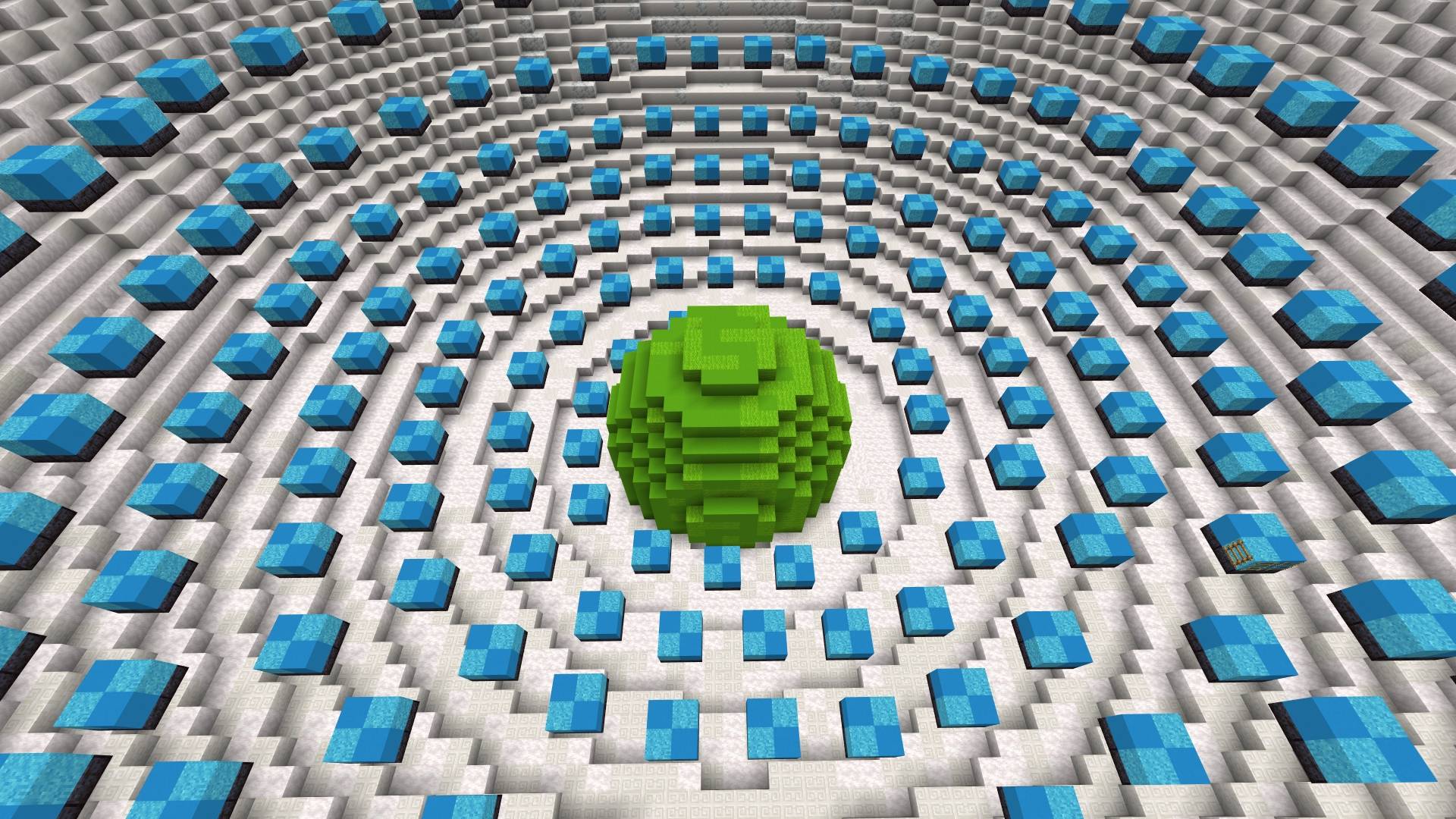
You'll start at the bottom inside a Mini Green Sphere, and from there, you'll progress through 8 Color-Themed Parkour Sections, each leading you to ups and downs until you reach the Final Mini Red Sphere at the Top-your Ultimate Goal!
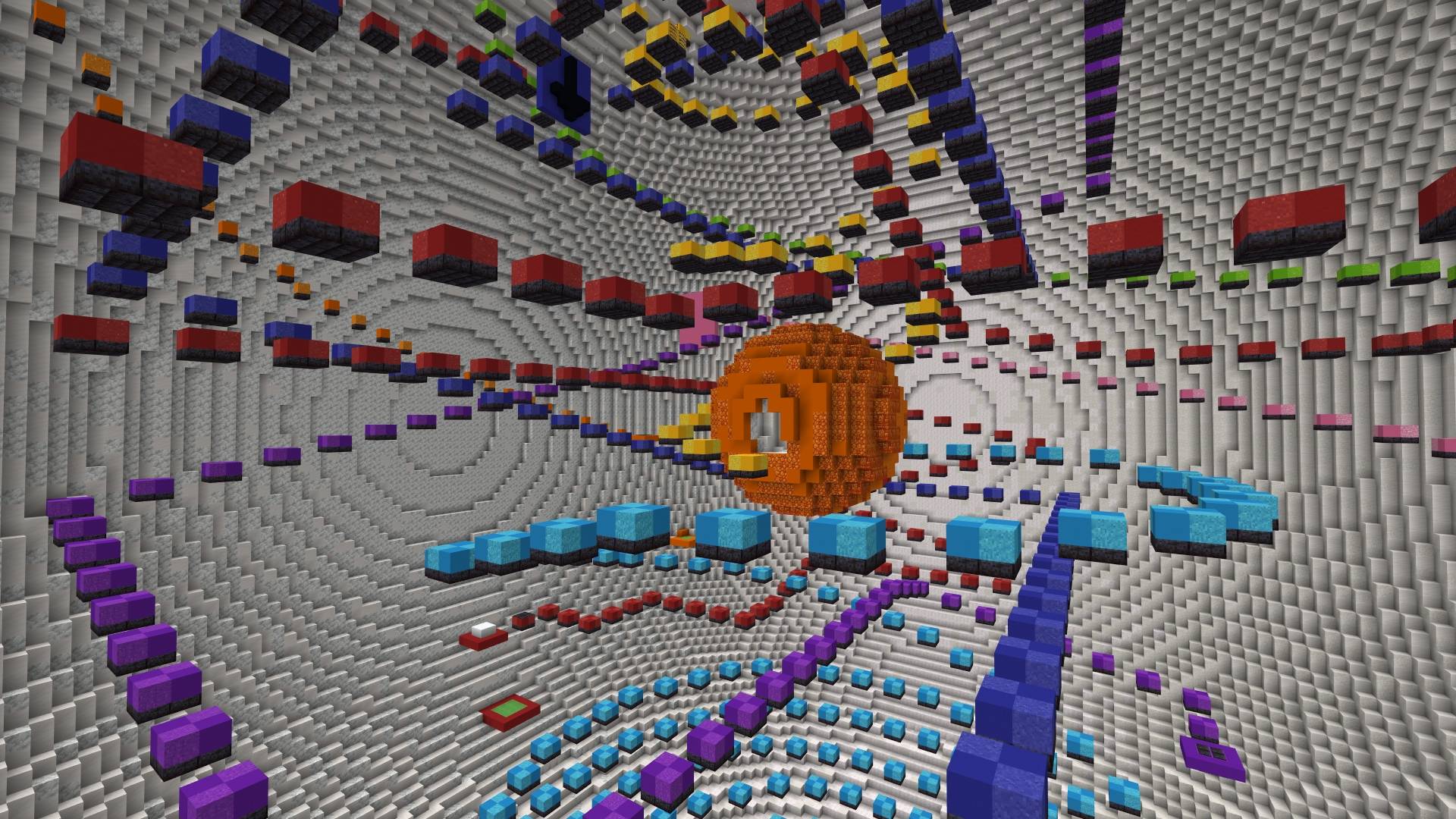
The Journey begins with Light Blue Parkour Platforms, guiding you toward the Mini Orange Sphere at the center. From there, you'll tackle Yellow Parkour, followed by a Slime Jump that launches you into the Pink Parkour Platform. More Slime Jumps will take you through Orange, Light Green, Purple, and Dark Blue Parkour Platforms, with each section becoming a little more Exciting. The Final Challenge awaits with Red Parkour, leading you to Victory inside the Mini Red Sphere.
To keep things Fun and Fair, Checkpoints are placed at the Start of Every New Color Parkour and Before Each Slime Jump, so if you fall, you can Easily Try Again. Slime block Landings are Outlined with the Color of the Next Platform, and Arrows will Help Point the Way.
At the Very Top, Inside the Mini Red Sphere, a Netherite Throne awaits-make sure to Claim it as your Prize!
I spent a lot of time building this sphere, so I hope you Enjoy it. Download Now and Have Fun! Happy Parkouring :D
Terms of Use
You Can:
- Use this World/Map and the Thumbnail in your Videos/Reviews/Showcases as long as you credit me as "RuthlessYT". And put the Original Download link in the description. (This Post)
- Use this in your Realms
You Cannot:
- Share the Direct Download Links. (Always Share this Page Link)
- Claim and Redistribute Easy Sphere Parkour Map as your Own.
- Change or Remove the Creator's information within the Map.
Easy Sphere Parkour Map 설치 방법
With Millida Launcher
Install Millida Launcher
The launcher is free: download it at millida.net/launcher and sign in with any nickname.
Click “Install” on this page
The launcher opens and installs the map for Minecraft 1.21.114–26.3 automatically.
Launch the game
A profile with it appears in the launcher: click “Play”.
Manually
Download the map archive
Pick the file Easy Sphere Parkour Map.mcworld (7.0 MB).
Unpack it into the saves folder
The world folder (with level.dat inside) must sit directly in .minecraft/saves.
Open the world
“Singleplayer”: the map will be in your world list.
On a server
Replace the world folder
Stop the server and put the map folder in place of world (or set its name in level-name).
Use the “To server” button
On Millida Hosting, the button at the top of the page uploads the file to your server and restarts it for you.
버전
의존성 포함
| Minecraft | 로더 | 파일 | 날짜 | 작업 |
|---|---|---|---|---|
| 1.21.114 | — | Easy Sphere Parkour Map7 MB 2 |
FAQ
Which Minecraft versions does Easy Sphere Parkour Map work on?
There are files for 1.21.114–26.3, 12 versions in total. The newest is 26.3.
Where can I download Easy Sphere Parkour Map safely?
On this page: the file Easy Sphere Parkour Map.mcworld (7.0 MB) is stored on Millida’s server, with no link shorteners. SHA-1 checksum: 19a4d8e1304369505b2f939d91eb1151b39aace8.
리뷰
Easy Sphere Parkour Map의 첫 평가를 남겨 보세요



