
Minecraft 26.30용 Dark Forest 지도
Dark Forest Map은 몹 전투, PvP 또는 기타 미니 게임을 위해 설계된 맵입니다.
Dark Forest 맵 정보
(0_0)
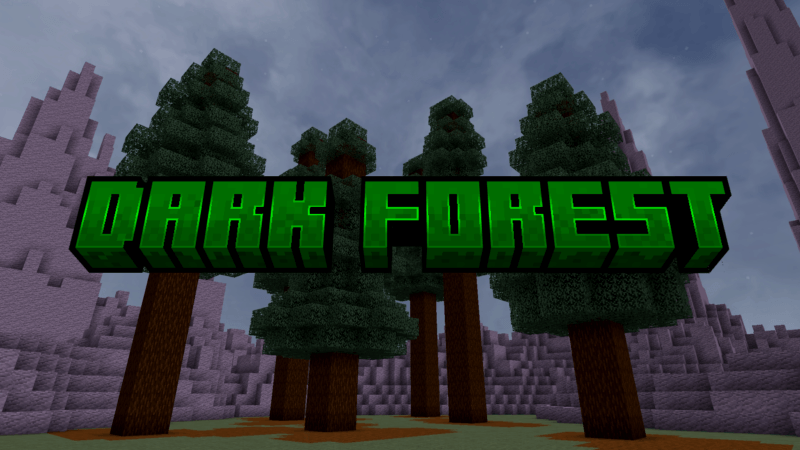
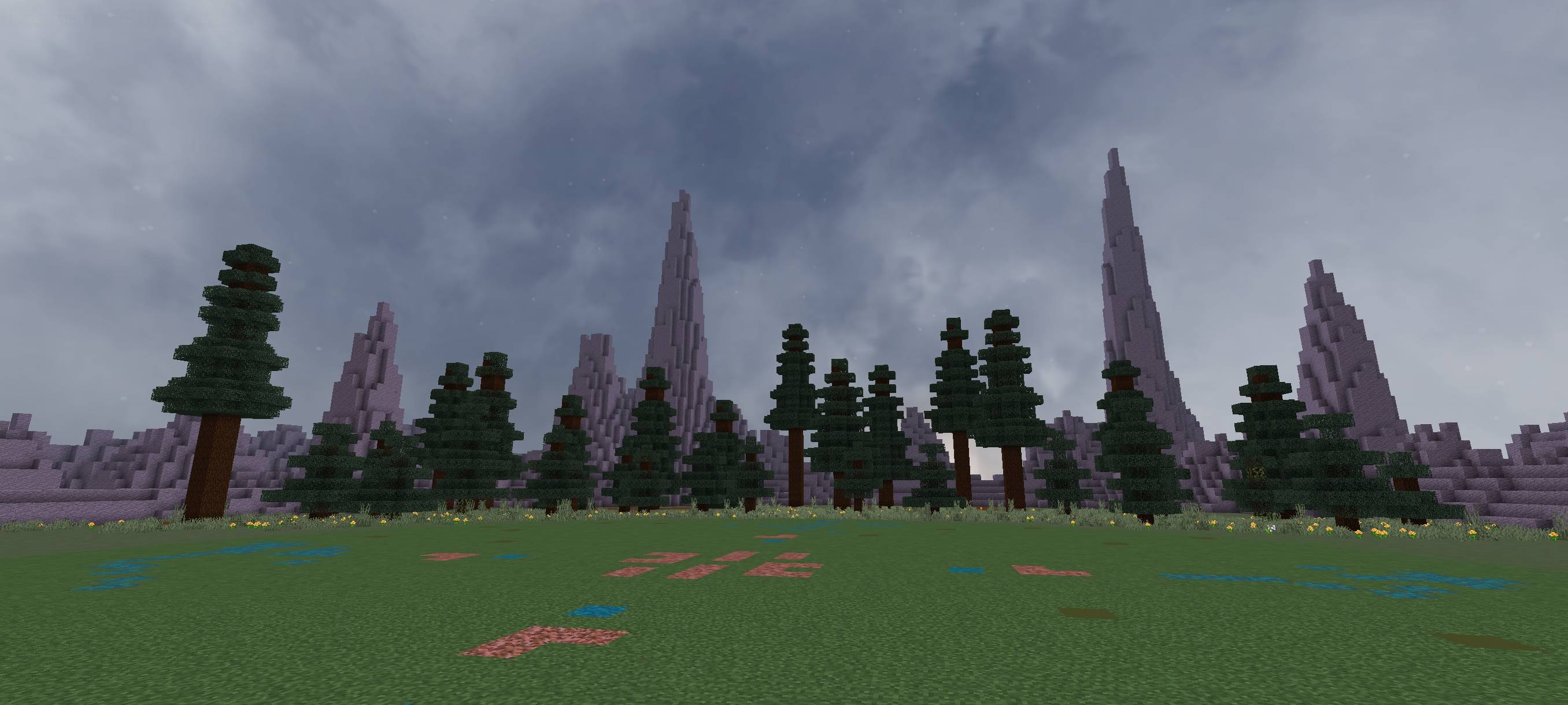
Dark Forest Map is a map where the central area is empty, while the outer area is surrounded by many spruce trees and terrain that acts as a boundary.
Outside the terrain, there is only void, making this map very performance-friendly, especially if you’re using a low-end device. You don’t need to worry about lag when installing this world map.
You can use this map for mini survival games, PvP, boss battles, mob battles, parkour, hide and seek, testing your add-ons, for your mini server, or for many other purposes.
Dark Forest 설치 방법
With Millida Launcher
Install Millida Launcher
The launcher is free: download it at millida.net/launcher and sign in with any nickname.
Click “Install” on this page
The launcher opens and installs the map for Minecraft 26.10–26.30 automatically.
Launch the game
A profile with it appears in the launcher: click “Play”.
Manually
Download the map archive
Pick the file dark forest 1.3.mcworld (561 KB).
Unpack it into the saves folder
The world folder (with level.dat inside) must sit directly in .minecraft/saves.
Open the world
“Singleplayer”: the map will be in your world list.
On a server
Replace the world folder
Stop the server and put the map folder in place of world (or set its name in level-name).
Use the “To server” button
On Millida Hosting, the button at the top of the page uploads the file to your server and restarts it for you.
버전
의존성 포함
| Minecraft | 로더 | 파일 | 날짜 | 작업 |
|---|---|---|---|---|
| 26.10 | — | dark forest 1.3561 KB |
FAQ
Which Minecraft versions does Dark Forest work on?
There are files for 26.30, 26.10. The newest is 26.30.
Where can I download Dark Forest safely?
On this page: the file dark forest 1.3.mcworld (561 KB) is stored on Millida’s server, with no link shorteners. SHA-1 checksum: 4022e6c92698cbc9d0d98c91da89fe68e274d954.
리뷰
Dark Forest의 첫 평가를 남겨 보세요



