

- 다운로드
- 1 다운로드
- 조회수
- 39 조회수
- 업데이트됨
- 업데이트됨 21.06.2026
- 1.21 — 26.2
 데이터 팩
데이터 팩- 클라이언트와 서버
What is harvested?
- Wheat
- Beetroots
- Potatoes
- Carrots
- Pumpkins
- Melons
- Torchflowers
- Sweet Berries
- Nether Warts
- Sugar Cane

How to build one?
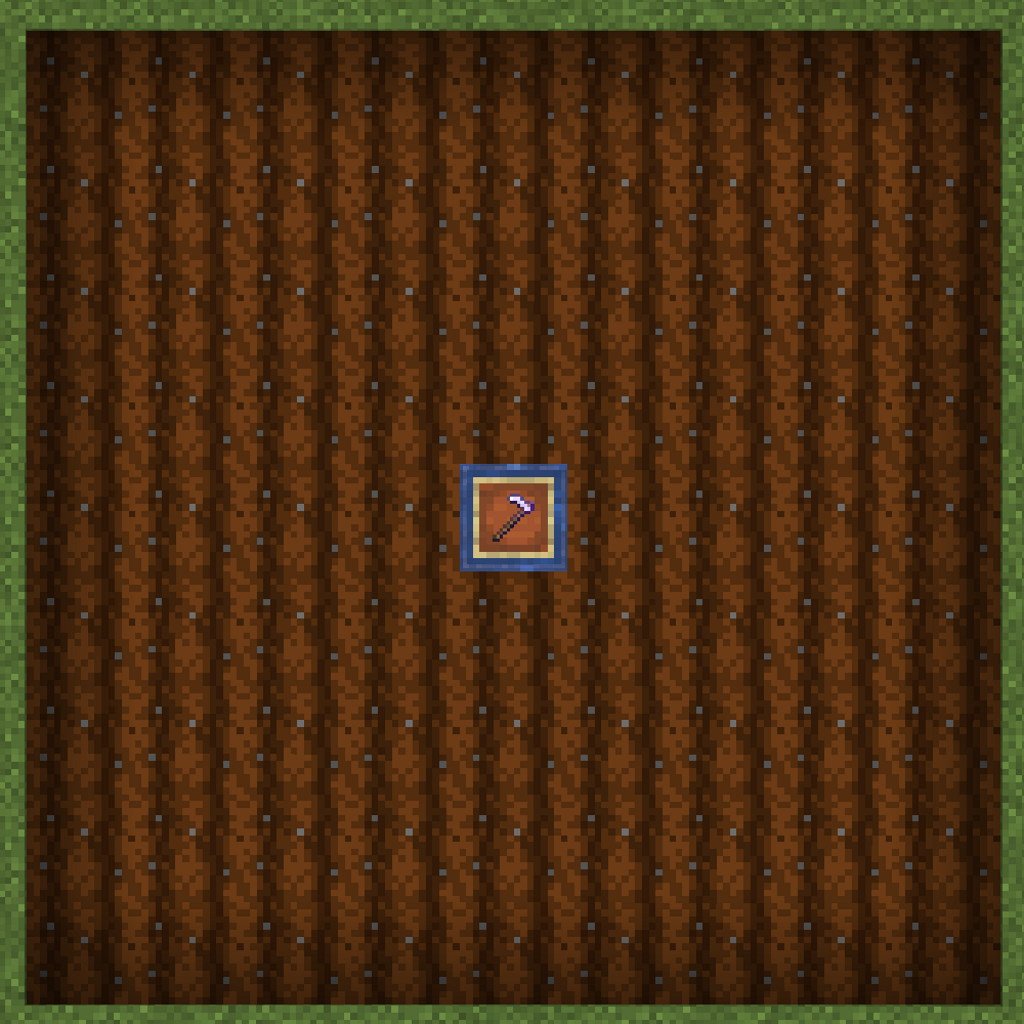
The mod looks for a chest with an item frame on top of it holding a hoe of your choice. It then looks outwards of 4 blocks in each direction forming a square area for crops to harvest that will automatically be put into the chest, if there is a free slot.
Chests can be waterlogged to fertilize the surrounding farmland. The harvester's range is the same range as water's reach to farmland.
The hoe takes damage as it harvests. The hoe will never be destroyed. The farm just deactivates harvesting when on its last use left. If the hoe is spinning in the frame, then the farm is active. If it's not spinning, then the hoe needs to be replaced. You can use mending to prevent durability loss.
You can use both fortune and unbreaking up to 3 and 10 respectively.
See my other mods
Auto Harvest 설치 방법
With Millida Launcher
Install Millida Launcher
The launcher is free: download it at millida.net/launcher and sign in with any nickname.
Click “Install” on this page
The launcher opens and installs the data pack for Minecraft 1.21–26.2 automatically.
Launch the game
A profile with it appears in the launcher: click “Play”.
Manually
Download the archive
Pick the file Auto Harvest (1.21.5+) [1.1.0].zip (160 KB) for your game version.
New world: “Data Packs”
When creating a world, click “Data Packs”, drag the archive into the window, then move it to “Selected”.
Existing world: the datapacks folder
Put the archive into saves/<world>/datapacks and type /reload in game.
On a server
Archive goes into the server world’s datapacks
The world/datapacks folder on the server; players do not need to install anything.
Reload the data
Type /reload in the server console or restart the server.
Use the “To server” button
On Millida Hosting, the button at the top of the page uploads the file to your server and restarts it for you.
버전
의존성 포함
| Minecraft | 로더 | 파일 | 날짜 | 작업 |
|---|---|---|---|---|
| 1.21 | 데이터 팩 | 1.21160 KB | ||
| 26.2 | 데이터 팩 | 26.2160 KB 1 | ||
| 26.1 | 데이터 팩 | 26.1160 KB | ||
| 1.21.11 | 데이터 팩 | 1.21.11160 KB |
FAQ
Which Minecraft versions does Auto Harvest work on?
There are files for 1.21–26.2, 16 versions in total. The newest is 26.2.
Does Auto Harvest work on a server?
Yes: the data pack goes into the datapacks folder of the server world, and players do not need to install anything.
Where can I download Auto Harvest safely?
On this page: the file Auto Harvest (1.21.5+) [1.1.0].zip (160 KB) is stored on Millida’s server, with no link shorteners. SHA-1 checksum: 218e66709ebc53b5449f0dd9dc42cb5d11419961.
리뷰
Auto Harvest의 첫 평가를 남겨 보세요


