

Minecraft 1.20.1, 1.21.1용 AFK Sleep 데이터 팩
서버에서 플레이어가 자리를 비운 동안 잠자기 · 사용자 지정 플레이어 수면 비율 지원 · 차원, 퇴장, 참여 처리 등
- 조회수
- 38 조회수
- 업데이트됨
- 업데이트됨 26.09.2026
- 1.17 — 1.21.8
 데이터 팩
데이터 팩- 클라이언트와 서버
AFK Sleep
Requires Detect AFK Players.
Allows players to sleep even when there are players AFK on the server, and respects your original playersSleepingPercentage. If you've got someone that joins then immediately leaves to take a shower, now that won't stop you from being able to skip the night.
Features
- Configurable percentage - Change the gamerule like you would normally
- Highly optimized - No commands run unless necessary, no NBT usage, no checks every tick
- Reacts to changes - Leaving, joining, changing AFK state, changing dimension, etc
- Works correctly - Other data packs don't consider dimensions or state changes
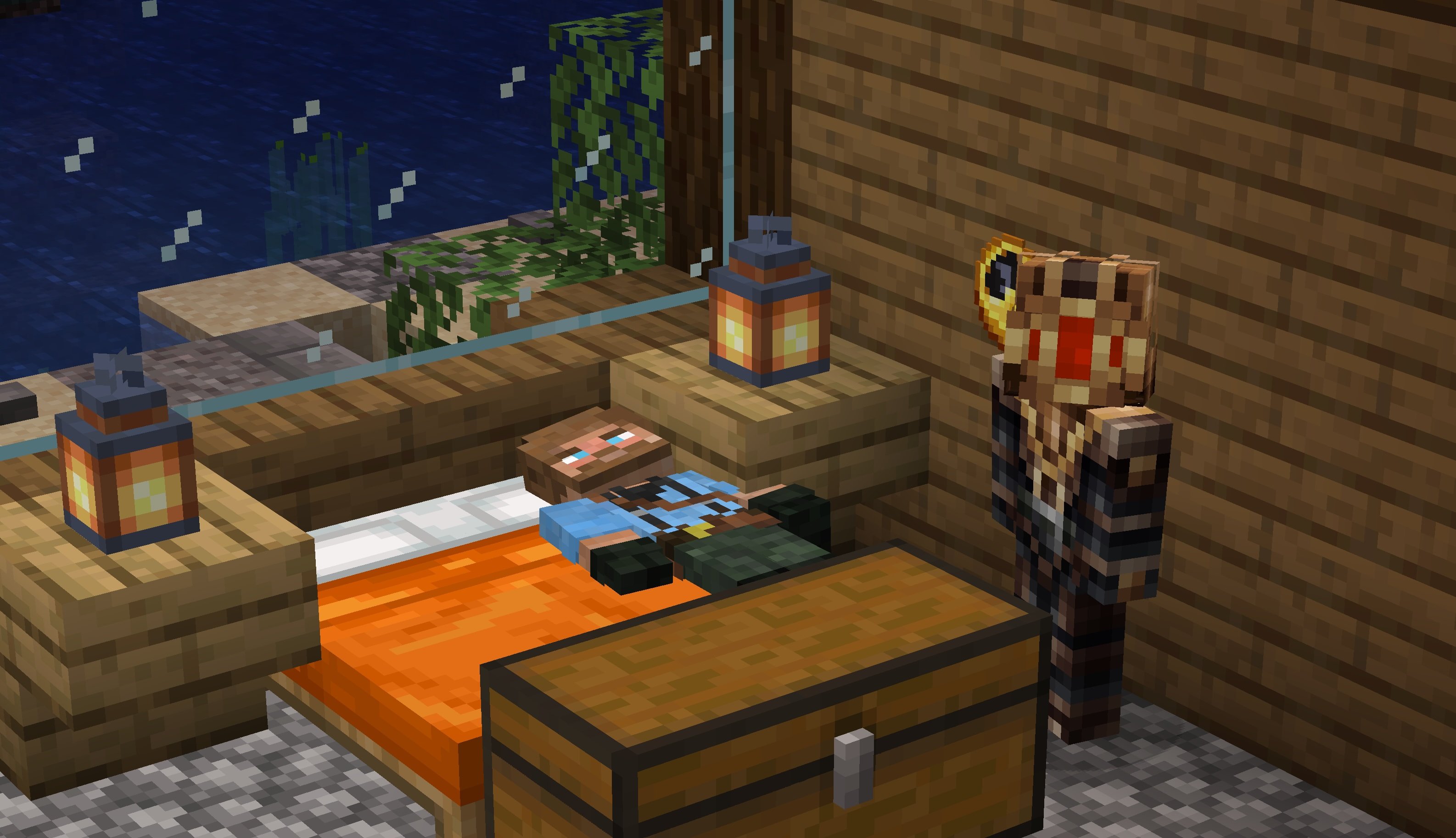
Details
When AFK Sleep is first installed, it uses the playersSleepingPercentage you've set as the percentage of non-AFK players in the overworld that have to be sleeping to skip the night. The table below explains it:
Players - Not AFK - playersSleepingPercentage - Players required to sleep
3 - 3 - 100% - 3 (all three players have to sleep) 3 - 2 - 100% - 2 (only the two non-afk players have to sleep) 3 - 2 - 50% - 1 (only half of the non-afk players have to sleep)
To change the percentage of "active" players that need to sleep, just change the gamerule like you normally would, with /gamerule playersSleepingPercentage NUMBER. This gamerule is managed for you, so don't worry if it isn't set to the value you expect.
Before version 1.3: How to change playersSleepingPercentage
Because this datapack overrides the playersSleepingPercentage gamerule, you have to modify a scoreboard value to change its calculations. Replace the number '50' with the percentage you want to set.
/scoreboard players set .relativePercentage afk_sleep.dummy 50
If you want to uninstall the datapack, run /function afk_sleep:uninstall to delete the backing scoreboards and reset the playersSleepingPercentage automatically.
AFK Sleep 설치 방법
With Millida Launcher
Install Millida Launcher
The launcher is free: download it at millida.net/launcher and sign in with any nickname.
Click “Install” on this page
The launcher opens and installs the data pack for Minecraft 1.17–1.21.8 automatically, together with its dependencies: Detect AFK Players.
Launch the game
A profile with it appears in the launcher: click “Play”.
Manually
Download the archive
Pick the file afk-sleep+v1.3.2+mc1.21-1.21.4.zip (358 KB) for your game version.
New world: “Data Packs”
When creating a world, click “Data Packs”, drag the archive into the window, then move it to “Selected”.
Existing world: the datapacks folder
Put the archive into saves/<world>/datapacks and type /reload in game.
On a server
Archive goes into the server world’s datapacks
The world/datapacks folder on the server; players do not need to install anything.
Reload the data
Type /reload in the server console or restart the server.
Use the “To server” button
On Millida Hosting, the button at the top of the page uploads the file to your server and restarts it for you.
버전
의존성 포함
| Minecraft | 로더 | 파일 | 날짜 | 작업 |
|---|---|---|---|---|
| 1.21.8 | 데이터 팩 | 1.21.8358 KB | ||
| 1.21.3 | 데이터 팩 | 1.21.3366 KB | ||
| 1.19.2 | 데이터 팩 | 1.19.2370 KB | ||
| 1.18.2 | 데이터 팩 | 1.18.2370 KB | ||
| 1.17.1 | 데이터 팩 | 1.17.1355 KB |
실행에 필요한 것
리뷰
AFK Sleep의 첫 평가를 남겨 보세요


