
Minecraft 26.40용 Bloomy Dynamic Lights 애드온
횃불과 광원을 위한 Bloom 스타일 동적 조명으로, Minecraft Bedrock에 따뜻한 빛을 더합니다. 업적 친화적.
Bloomy Dynamic Lights 애드온 정보
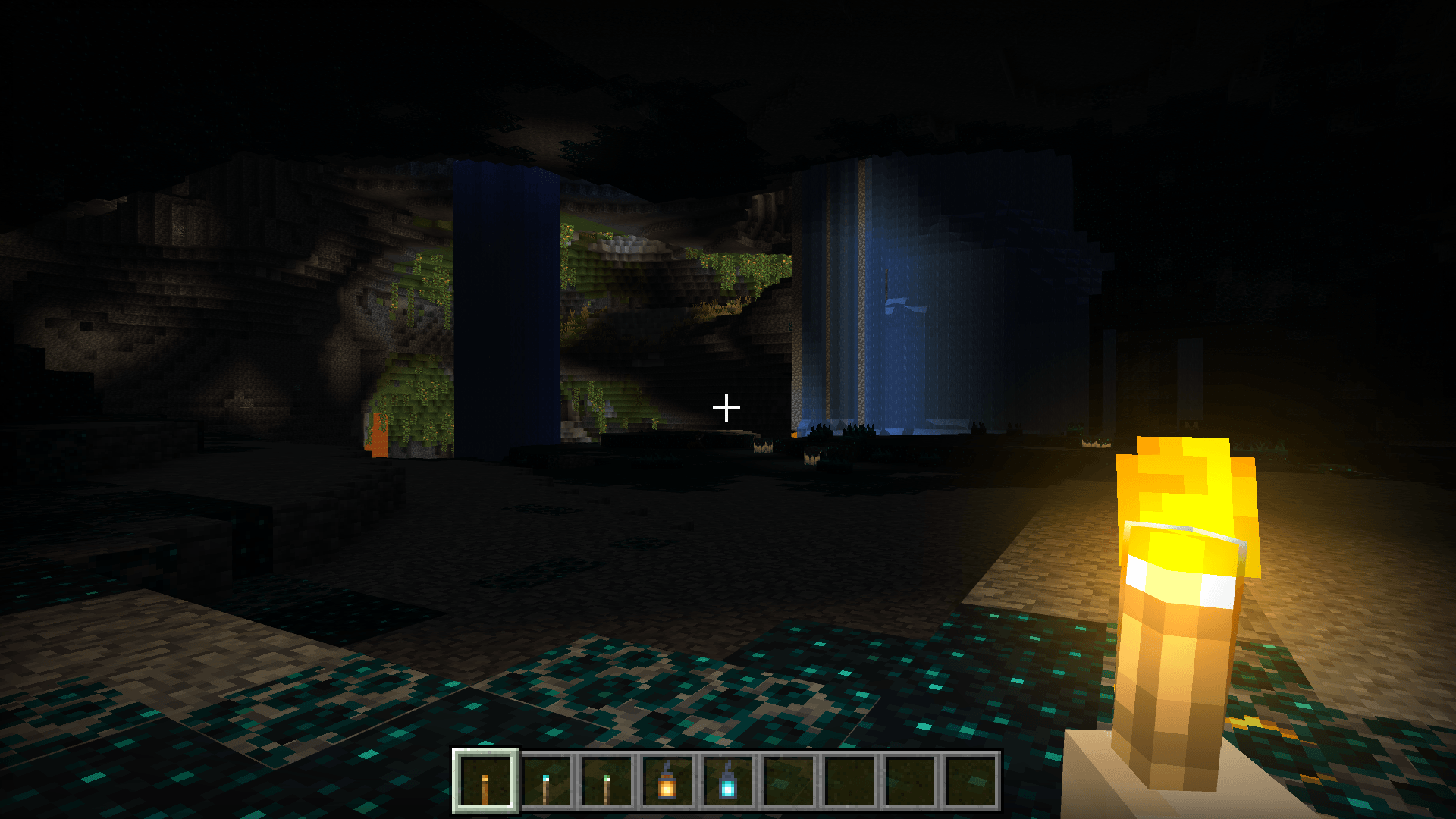
Bloomy Dynamic Lights adds subtle, soft bloom and dynamic lighting to handheld and placed light sources in Minecraft Bedrock Edition. Torches, lanterns, froglights and other light-emitting items gain a gentle halo and improved visual presence, making night-time exploration and builds feel warmer and more immersive while keeping performance in mind.
Features
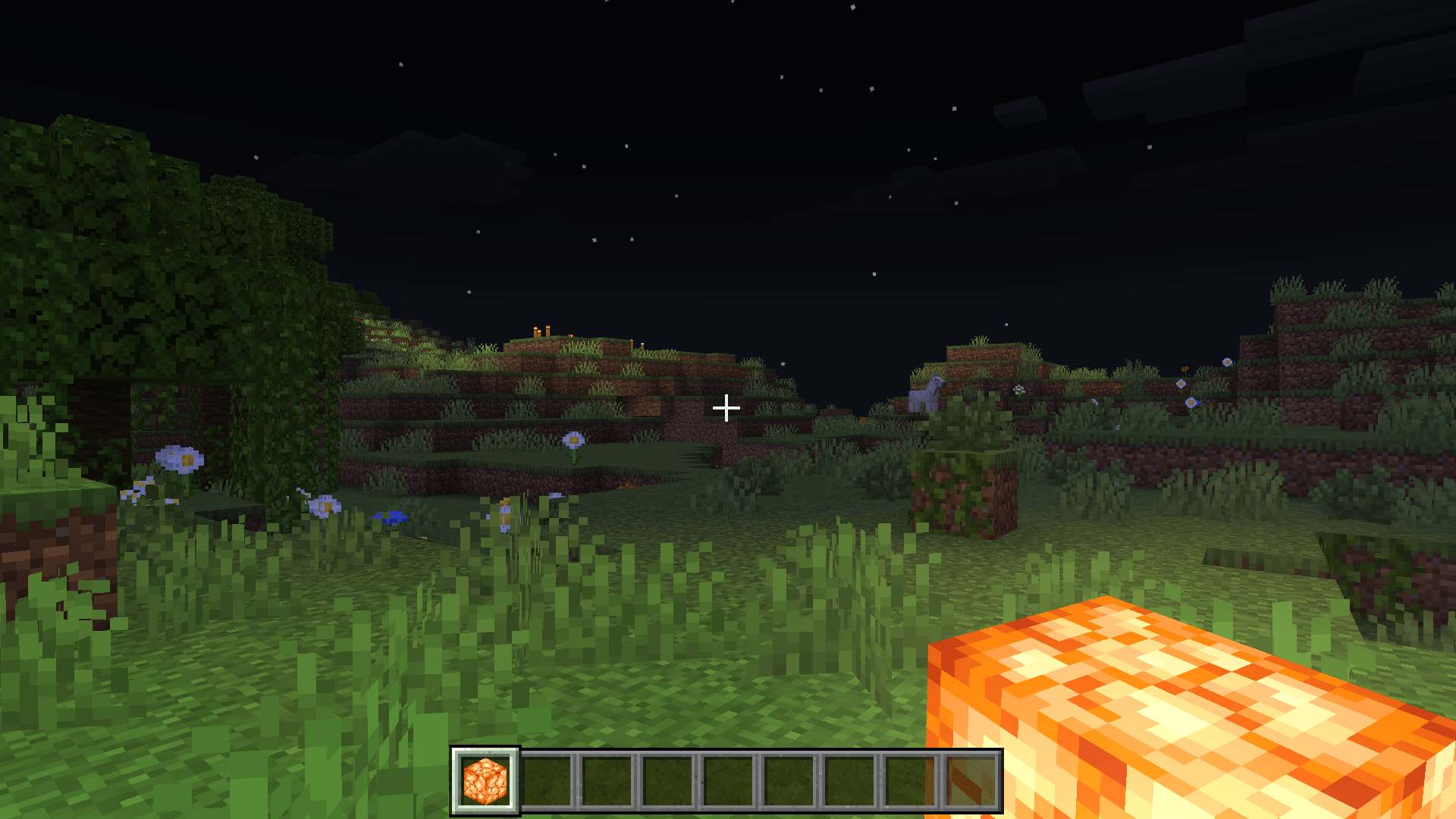
- Soft bloom halo around torches, soul torches, copper torches, redstone torches, lanterns and campfires
- Rock-steady glow - the bloom holds a constant value with no flicker, pulsing or pop-in
- Dynamic light follows held light sources (main hand + offhand)
- Support for many light sources: torches, soul torches, lanterns, jack o'lantern, sea lantern, shroomlight, froglights, glowstone, campfires, magma block, sea pickles and more
- Coloured light tints for 100+ blocks - candles, froglights, amethyst, sculk, copper bulbs, portals and more (with Vibrant Visuals enabled)
- Optimized to minimize client/server lag, suitable for survival and multiplayer
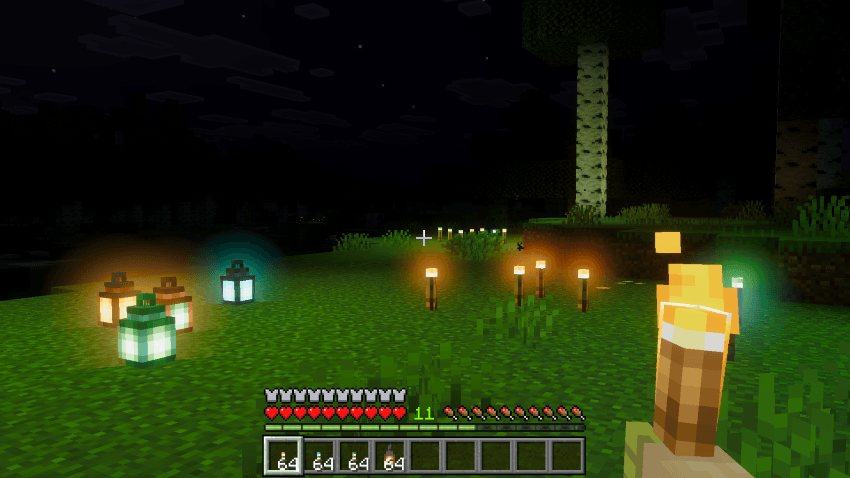
Subtle bloom glow that adds depth and atmosphere to torches.
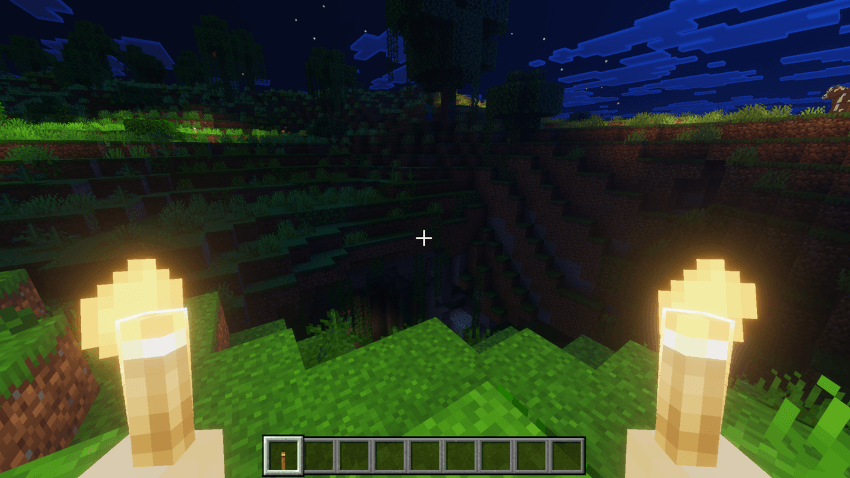
Hold torches in your offhand to light your surroundings while keeping your main hand free, Crouch to use Torch in offhand
Installation
1.Download both the Behavior Pack (BP) and Resource Pack (RP) releases from this page.
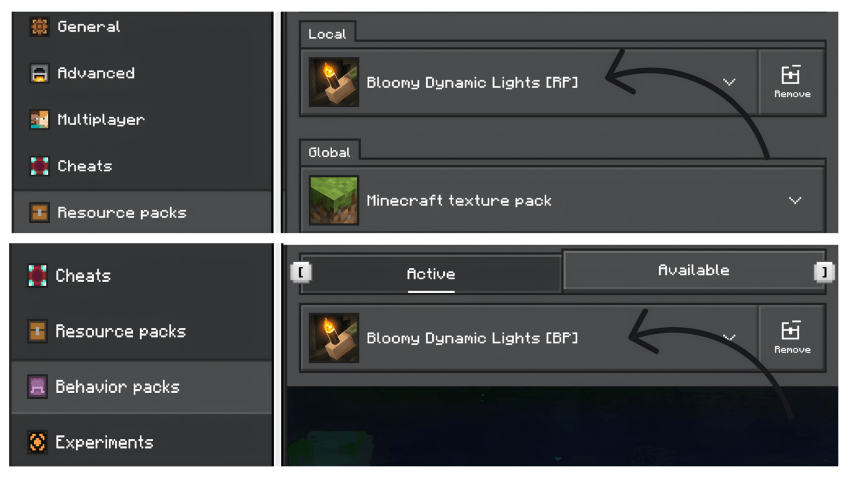
2.Place them in your Minecraft com.mojang folders (behavior_packs and resource_packs).
3.In your world settings, enable both packs (enable the Behavior Pack and the Resource Pack).
4.Turn on Experimental Gameplay (required to enable scripting) and enable scripting/GameTest if prompted.
5.Join the world and test by holding a torch or placing torches/lanterns.
Requirements & Compatibility
Minecraft Bedrock 1.21.50+
Behavior Pack and Resource Pack both required for full functionality
Works in singleplayer and multiplayer (all players should have the RP enabled to see the same particles/effects)
Coloured light tints require Vibrant Visuals to be turned on; the bloom halos and dynamic lighting work with or without it
버전
| Minecraft | 로더 | 파일 | 날짜 | 작업 |
|---|---|---|---|---|
| 1.21.50 | — | Bloomy Dynamic Lights v2.1.2.mcaddon757 KB |
FAQ
Which Minecraft versions does Bloomy Dynamic Lights work on?
There are files for 1.21.50–26.40, 37 versions in total. The newest is 26.40.
How do I download Bloomy Dynamic Lights?
With Millida Launcher: it installs Bloomy Dynamic Lights into a modpack by itself, for the right game version and loader. The launcher is free.
리뷰
Bloomy Dynamic Lights의 첫 평가를 남겨 보세요
