

✨ VFX SHADERS V3 [REWORK] - Vibrant & Compatible
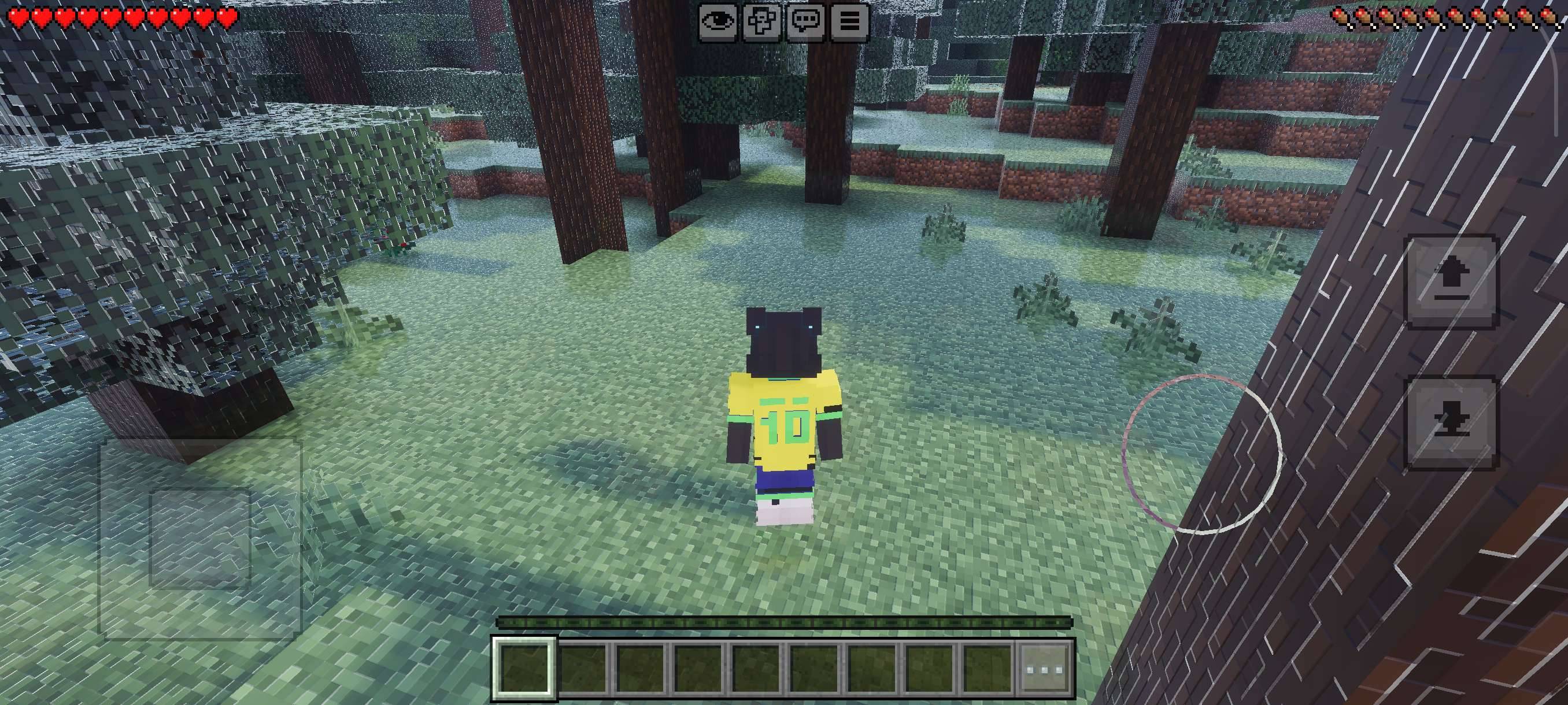
The evolution is here! VFX SHADERS V3 [REWORK] has been completely rebuilt to bring an extra charm to your Minecraft Bedrock gameplay. This version focuses on an immersive atmosphere, vibrant colors, and lighting that transforms every biome into a cinematic experience.
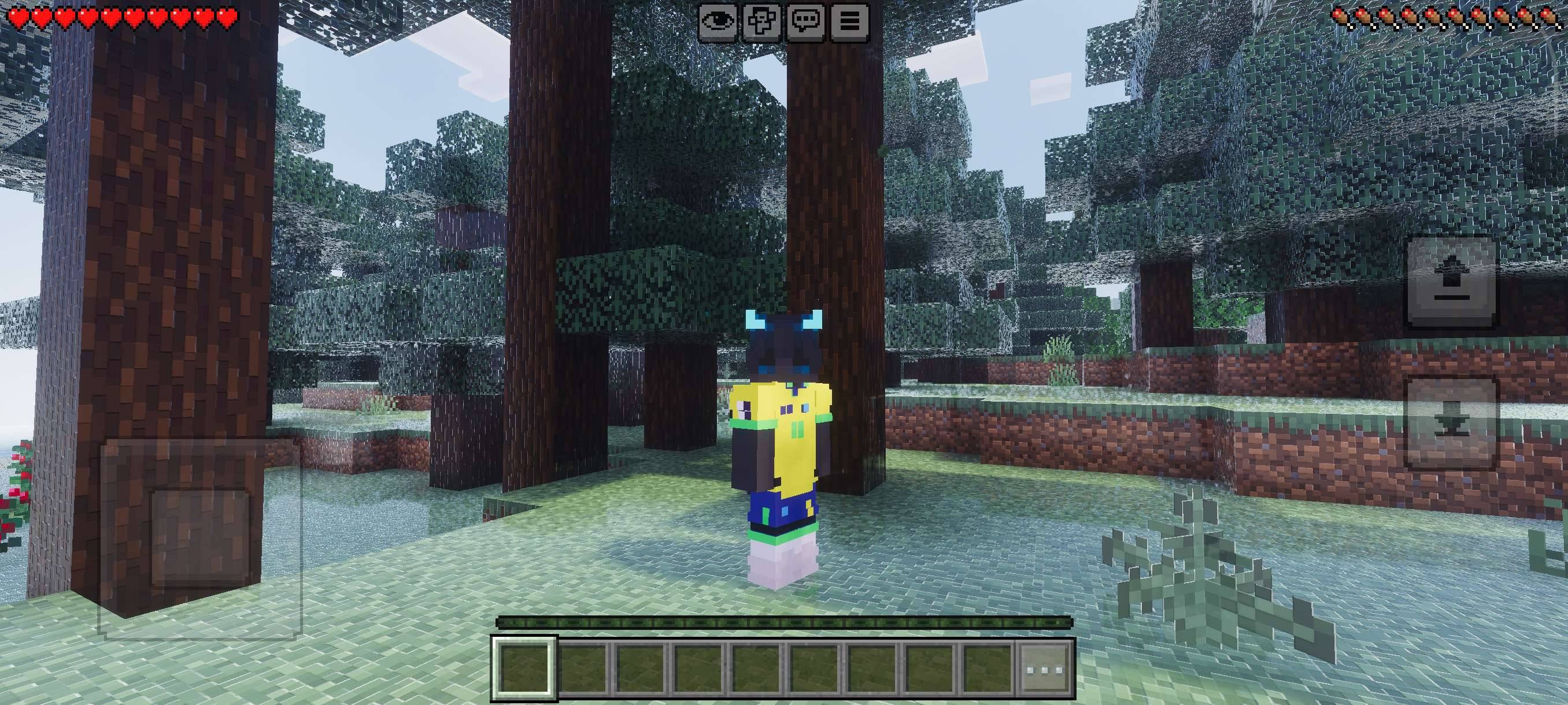
🌟 V3 Rework Highlights:
- Unique Visual Charm: Polished lighting that brings new life to your world.
- Full Compatibility: Use your favorite block textures without losing the shader effects.
- Optimized Performance: This "Rework" focuses on stability to keep your gameplay smooth.
⚠️ IMPORTANT: Load Order (Avoid Water Bugs!)
To ensure the shader works correctly and to prevent water rendering bugs, you must follow this order in your active packs list:
- VFX SHADERS V3 [REWORK] (Always at the TOP) ⬆️
- Your Texture Pack of choice (Below the shader) ⬇️
- Minecraft Original (Base)
Attention: If the shader is not at the top of the list, the water rendering and weather effects may glitch or not appear at all.
🛠️ Mandatory Requirements:
This pack utilizes the new deferred rendering technology. To work:
- Enable the Vibrant Visuals (Deferred Rendering) feature in the Video Settings.
- Available for Minecraft versions with support for Technical Graphics (Render Dragon/Deferred).
Transform your world with the power of VFX V3! Feedback and suggestions are always welcome in the comments.
VFX VISUALSのインストール方法
With Millida Launcher
Install Millida Launcher
The launcher is free: download it at millida.net/launcher and sign in with any nickname.
Click “Install” on this page
The launcher opens and installs the resource pack for Minecraft 26.12–26.20 automatically.
Launch the game
A profile with it appears in the launcher: click “Play”.
Manually
Download the archive
Pick the file vfx visuals[MIRAI].mcpack (726 KB) for your game version. No need to unpack it.
Put it in the resourcepacks folder
The easiest way: “Options”, then “Resource Packs”, then “Open Pack Folder”, and drag the archive there.
Enable the pack
In the same window, move the pack to the right-hand “Selected” column and click “Done”.
バージョン
依存関係あり
| Minecraft | ローダー | ファイル | 日付 | 操作 |
|---|---|---|---|---|
| 26.12 | — | vfx visuals[MIRAI].mcpack726 KB 3 |
FAQ
Which Minecraft versions does VFX VISUALS work on?
There are files for 26.20, 26.13, 26.12. The newest is 26.20.
Where can I download VFX VISUALS safely?
On this page: the file vfx visuals[MIRAI].mcpack (726 KB) is stored on Millida’s server, with no link shorteners. SHA-1 checksum: 98f0b3d1b8db1cf449fddf9b8c14e564cfefe5cf.
レビュー
VFX VISUALSの最初の評価を書きませんか


