

Minecraft 1.21.132用Velora Visuals リソースパック
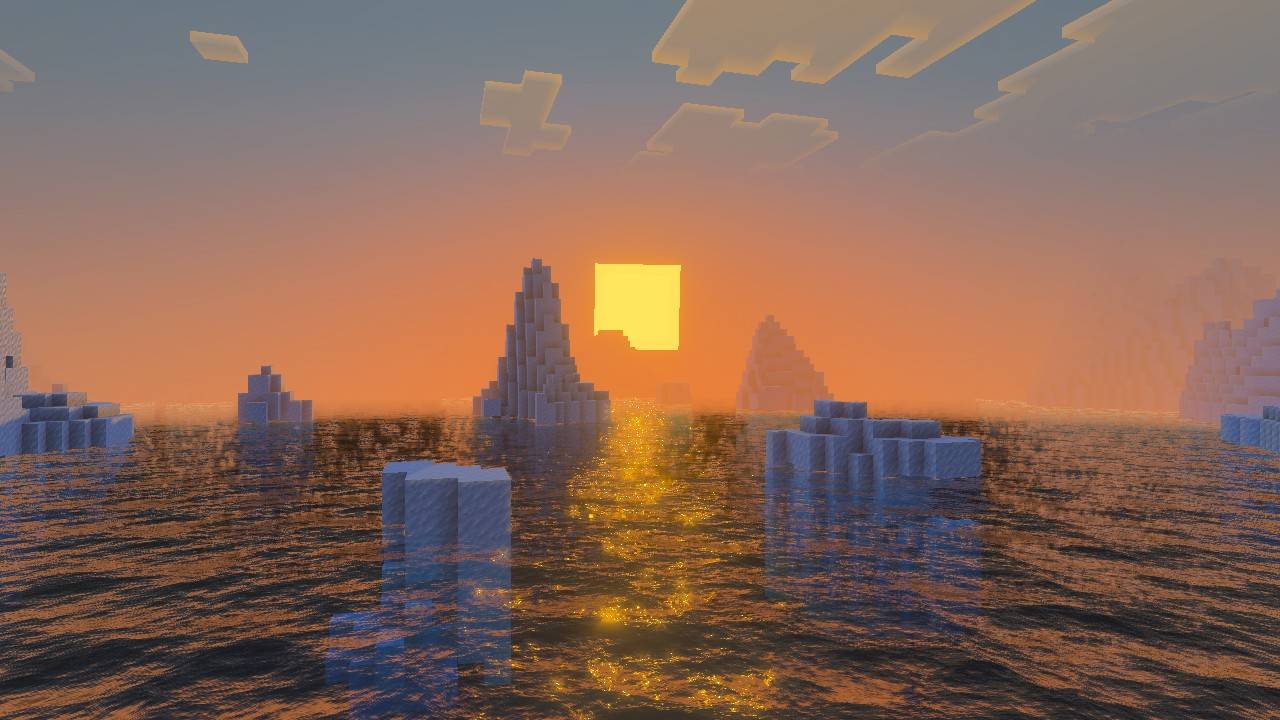
鮮やかな紫とピンクの雰囲気とライティング効果を備えたファンタジーテーマのビジュアル強化パック。魔法のような夕日、魅惑的な空、映画のようなゴッドレイが見られます。
Velora Visuals リソースパックについて
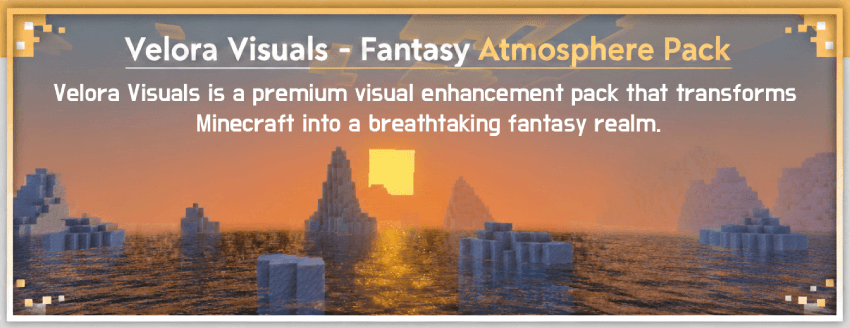

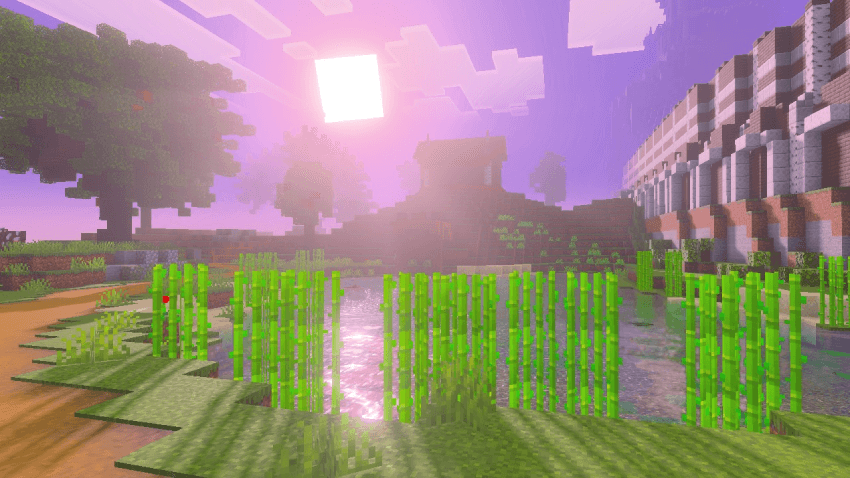

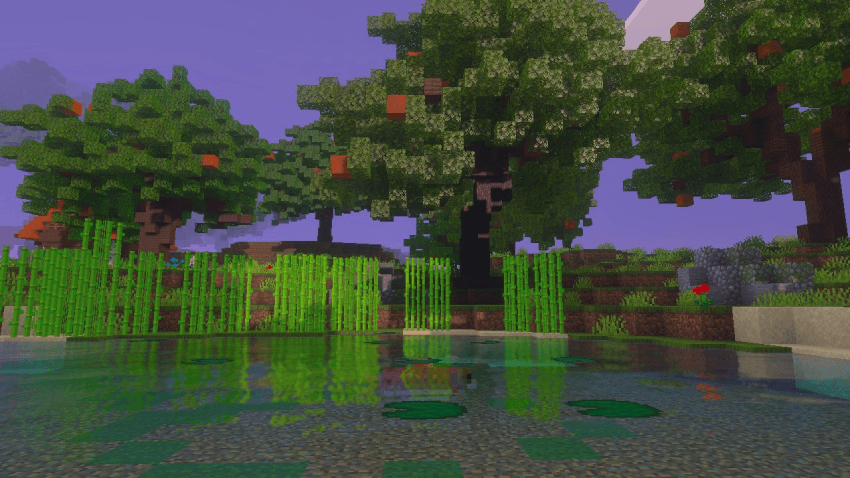

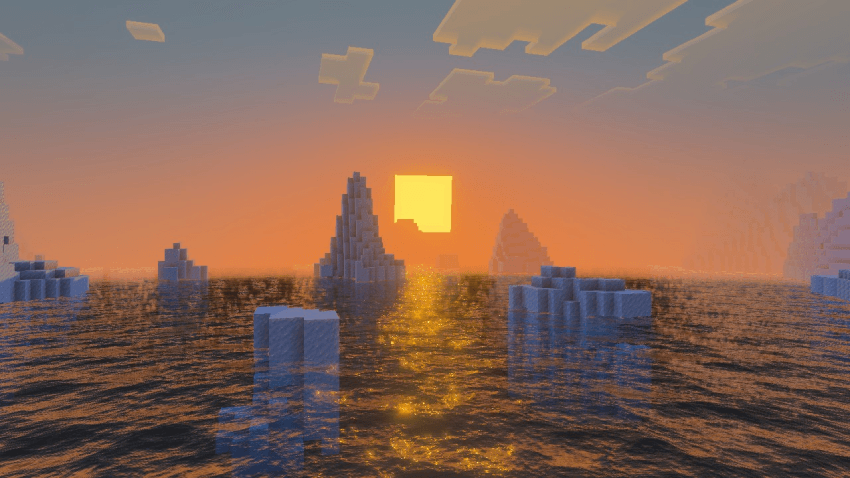

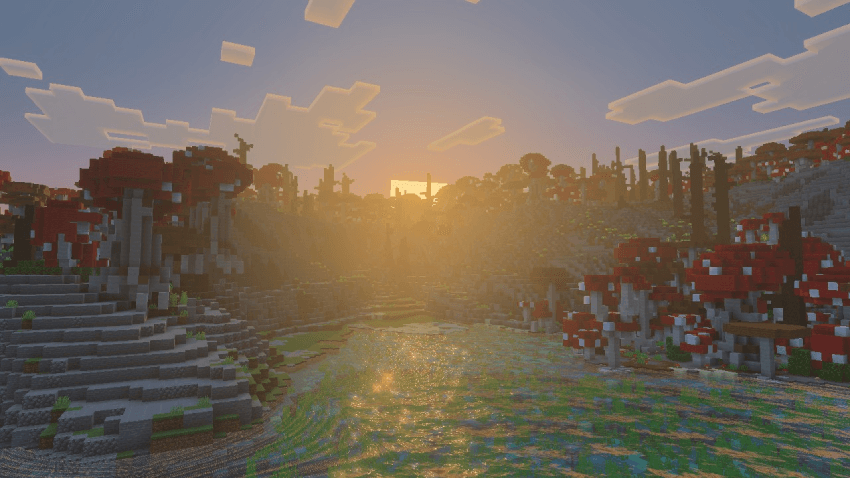

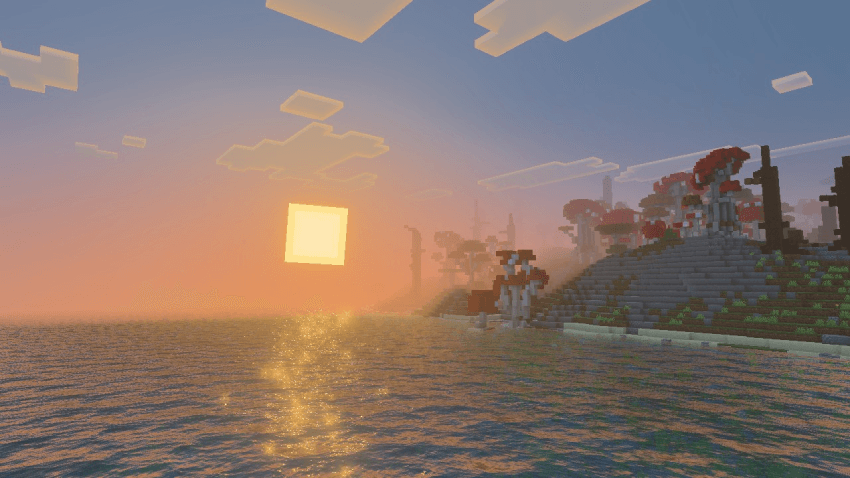

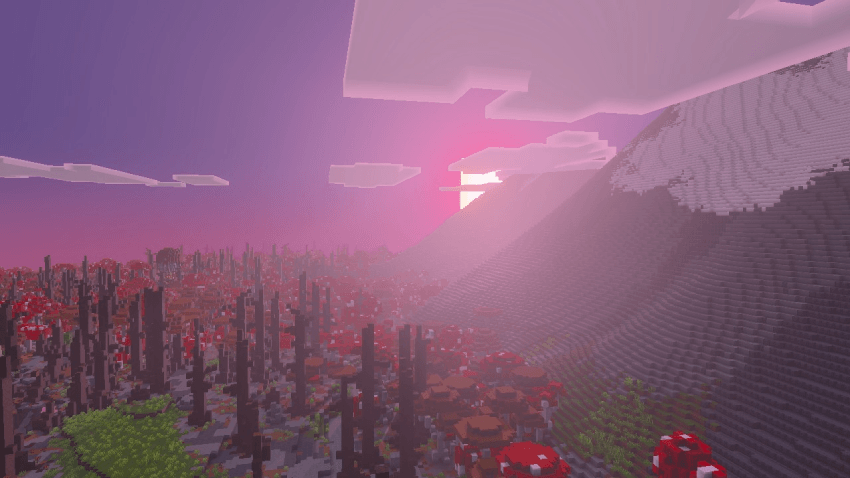

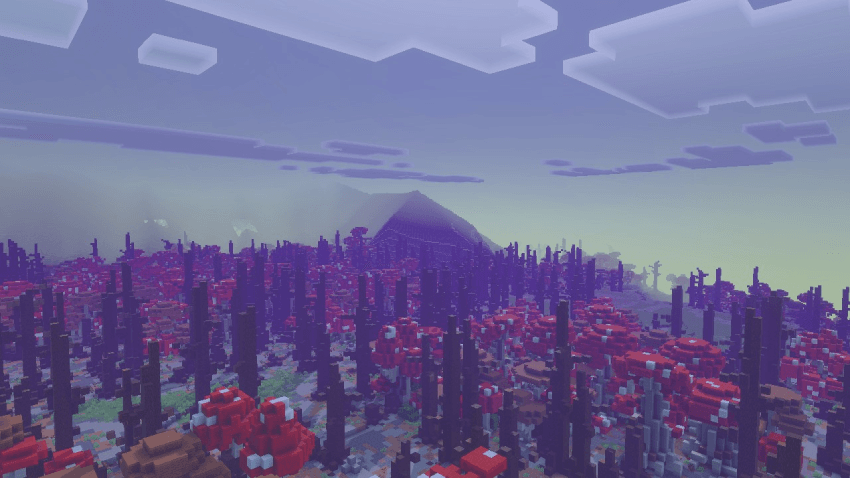

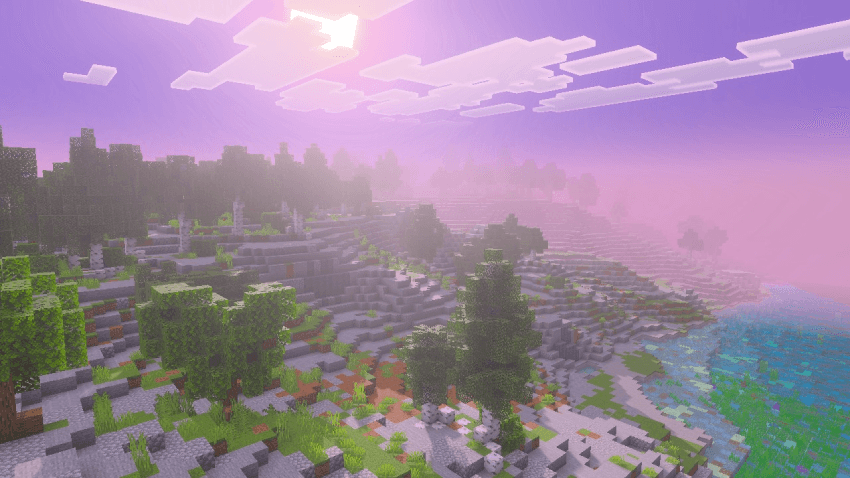
Velora Visuals is a premium visual enhancement pack that transforms Minecraft into a breathtaking fantasy realm. Experience a in ethereal purple and pink hues, where the sun blooms with intense radiance and atmospheric fog creates cinematic depth across every landscape.
Key Features Includes: Sun Bloom, Atmospheric Fog, God Rays, Fantasy Colors, Cinematic Lighting & Vibrant Environments
Perfect For
Fantasy Builders - Your castles and villages deserve this atmosphere Content Creators - Cinematic quality visuals for streams and videos Adventurers - Every exploration feels like a magical journey Dreamers - Experience Minecraft as you've always imagined it

Velora Visualsのインストール方法
With Millida Launcher
Install Millida Launcher
The launcher is free: download it at millida.net/launcher and sign in with any nickname.
Click “Install” on this page
The launcher opens and installs the resource pack for Minecraft 1.21.80–1.21.132 automatically.
Launch the game
A profile with it appears in the launcher: click “Play”.
Manually
Download the archive
Pick the file Velora Visuals v0.1 [RP].mcpack (121 KB) for your game version. No need to unpack it.
Put it in the resourcepacks folder
The easiest way: “Options”, then “Resource Packs”, then “Open Pack Folder”, and drag the archive there.
Enable the pack
In the same window, move the pack to the right-hand “Selected” column and click “Done”.
バージョン
依存関係あり
| Minecraft | ローダー | ファイル | 日付 | 操作 |
|---|---|---|---|---|
| 1.21.81 | — | Velora Visuals v0.1 [RP].mcpack121 KB |
FAQ
Which Minecraft versions does Velora Visuals work on?
There are files for 1.21.80–1.21.132, 19 versions in total. The newest is 1.21.132.
Where can I download Velora Visuals safely?
On this page: the file Velora Visuals v0.1 [RP].mcpack (121 KB) is stored on Millida’s server, with no link shorteners. SHA-1 checksum: bc167479da6aafd08255b2e33784d832bd71d2d0.
レビュー
Velora Visualsの最初の評価を書きませんか


