

Minecraft 26.40用Transparent Inventory リソースパック
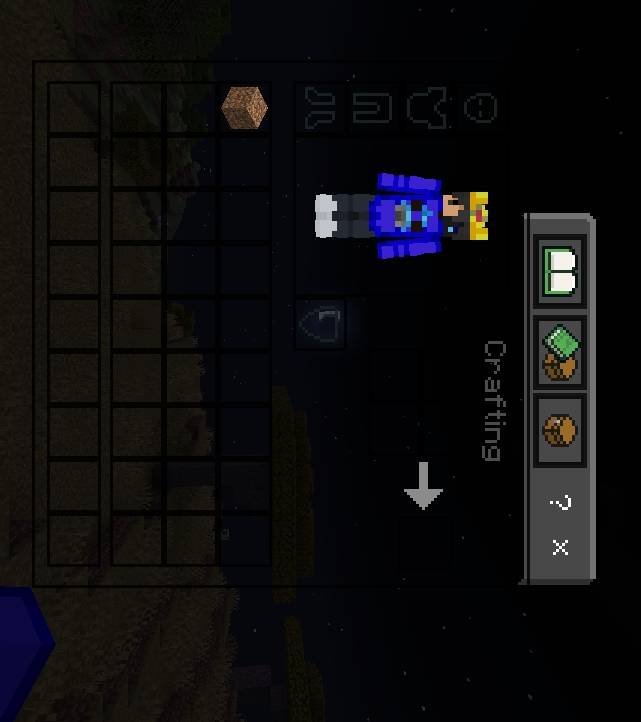
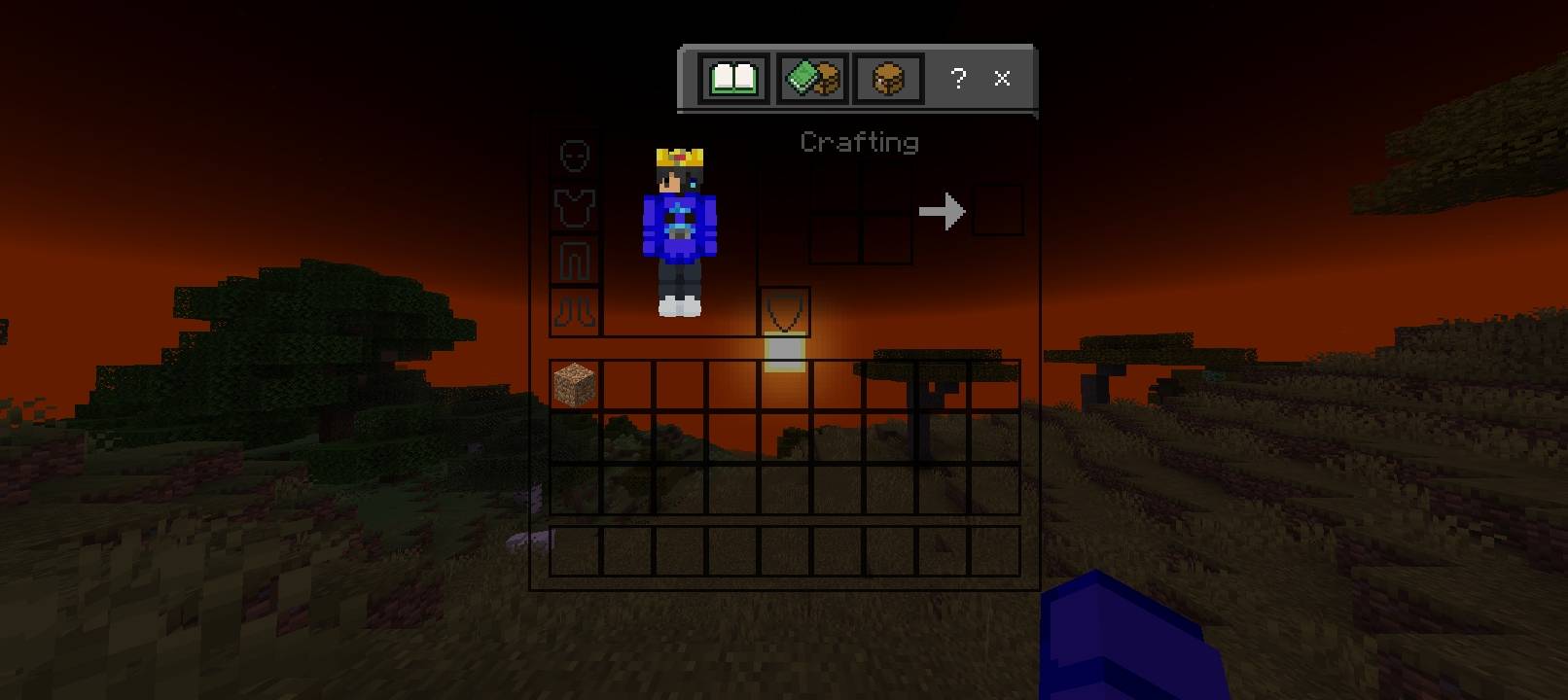
Transparent Inventoryは不透明な背景をクリーンで透けるパネルに置き換え、MinecraftのGUIを洗練されたものにします。スロットとテキストは読みやすいまま、ワールドは見えたまま — ミニマルで没入感のある仕上がりです。
Transparent Inventory
Transform your Minecraft Bedrock experience with a clean and transparent inventory UI! This pack removes the bulky inventory background and replaces it with a sleek transparent design, giving players a better view of the game world while managing items.
Features
✔ Transparent Inventory UI
✔ Clean and Minimal Design
✔ Better Visibility While Playing
✔ Smooth PvP & BedWars Experience
✔ Lightweight and Performance Friendly
✔ Compatible with Minecraft Bedrock Edition
Perfect For
BedWars Players
PvP Players
Survival Players
Content Creators
Players who prefer a clean UI
Notes
This pack only changes the inventory appearance and does not affect gameplay. It can be used alongside most other texture packs.
Transparent Inventoryのインストール方法
With Millida Launcher
Install Millida Launcher
The launcher is free: download it at millida.net/launcher and sign in with any nickname.
Click “Install” on this page
The launcher opens and installs the resource pack for Minecraft 1.21.132–26.40 automatically.
Launch the game
A profile with it appears in the launcher: click “Play”.
Manually
Download the archive
Pick the file Transparent-Inventory.mcpack (1.4 MB) for your game version. No need to unpack it.
Put it in the resourcepacks folder
The easiest way: “Options”, then “Resource Packs”, then “Open Pack Folder”, and drag the archive there.
Enable the pack
In the same window, move the pack to the right-hand “Selected” column and click “Done”.
バージョン
依存関係あり
| Minecraft | ローダー | ファイル | 日付 | 操作 |
|---|---|---|---|---|
| 1.21.132 | — | Transparent-Inventory1.0.1 .mcpack1.4 MB 12 |
レビュー
Transparent Inventoryの最初の評価を書きませんか


