
Minecraft 26.30用Remove armors リソースパック
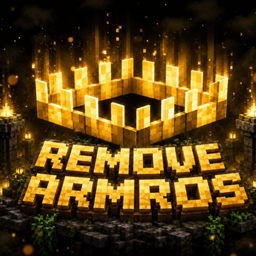
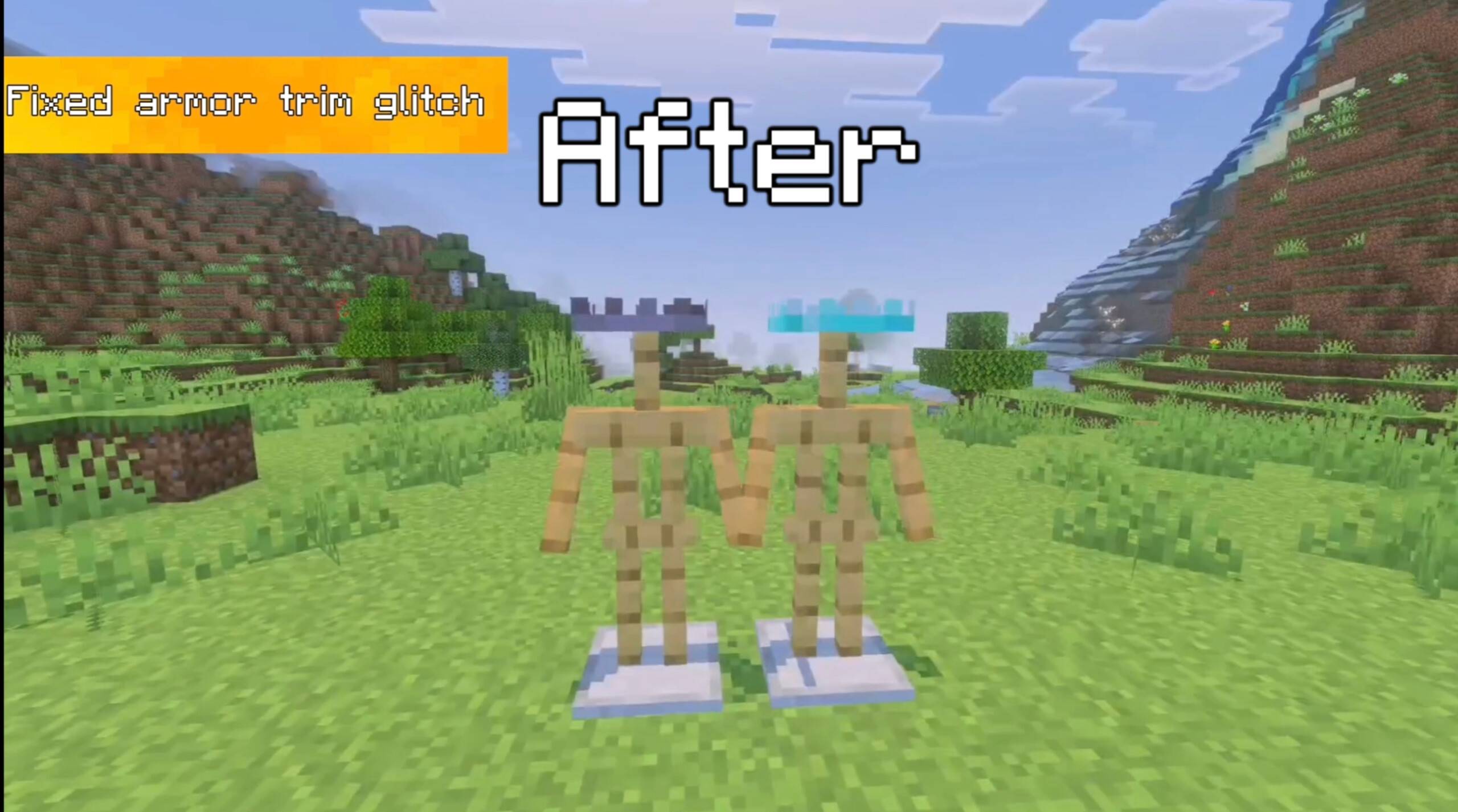
このテクスチャパックは防具を削除し、ヘルメットを王冠のように見せる
から Enhanced_craft · CurseForge
1 / 3
Remove armors リソースパックについて
This texture pack removed armor and make helmets look like crown and support Minecraft version 1.26.12+
Remove armorsのインストール方法
Install Millida Launcher
The launcher is free: download it at millida.net/launcher and sign in with any nickname.
Click “Install” on this page
The launcher opens and installs the resource pack for Minecraft 1.21.132–26.30 automatically.
Launch the game
A profile with it appears in the launcher: click “Play”.
バージョン
依存関係あり
| Minecraft | ローダー | ファイル | 日付 | 操作 |
|---|---|---|---|---|
| 1.21.132 | — | remove armor mod 4.0.mcpack1.8 MB |
FAQ
Which Minecraft versions does Remove armors work on?
There are files for 1.21.132–26.30, 10 versions in total. The newest is 26.30.
How do I download Remove armors?
With Millida Launcher: it installs Remove armors into a modpack by itself, for the right game version and loader. The launcher is free.
レビュー
Remove armorsの最初の評価を書きませんか
コメント 0
コメントするにはサインインしてくださいログイン



