
1 / 4
Ray Trace Visuals
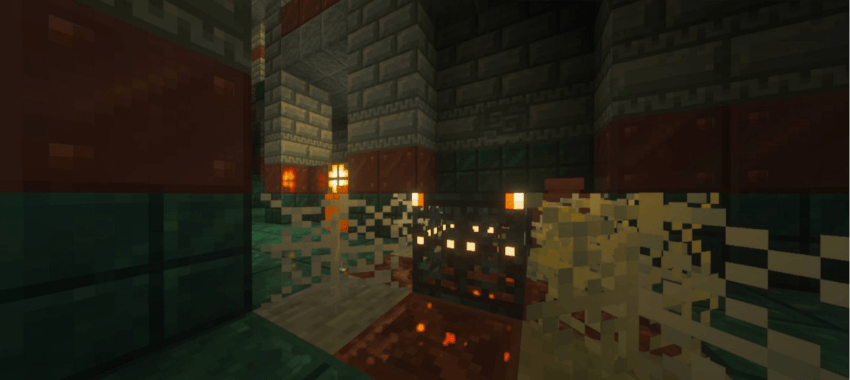
Ray Trace Visuals is a shader pack for Minecraft Bedrock's Vibrant Visuals designed to deliver an RTX-inspired visual experience. Inspired by Kelly RTX, it enhances lighting, color grading, and bloom to create a more immersive visual style while maintaining optimized performance.
Ray Trace Visualsのインストール方法
With Millida Launcher
Install Millida Launcher
The launcher is free: download it at millida.net/launcher and sign in with any nickname.
Click “Install” on this page
The launcher opens and installs the resource pack for Minecraft 26.30 automatically.
Launch the game
A profile with it appears in the launcher: click “Play”.
Manually
Download the archive
Pick the file Ray Trace Visuals v1.0.2.mcpack (17 MB) for your game version. No need to unpack it.
Put it in the resourcepacks folder
The easiest way: “Options”, then “Resource Packs”, then “Open Pack Folder”, and drag the archive there.
Enable the pack
In the same window, move the pack to the right-hand “Selected” column and click “Done”.
バージョン
依存関係あり
| Minecraft | ローダー | ファイル | 日付 | 操作 |
|---|---|---|---|---|
| 26.30 | — | Ray Trace Visuals v1.0.2.mcpack17 MB |
レビュー
Ray Trace Visualsの最初の評価を書きませんか
コメント 0
コメントするにはサインインしてくださいログイン


