

Minecraft 1.20.1, 1.21.1用Lower Defaults (Shield & Fire) リソースパック
炎、盾、トーテムを低くして視界を確保!発動時にトーテムを小さくします。
- ダウンロード
- 2 ダウンロード
- 閲覧
- 54 閲覧
- 更新日
- 更新日 29.10.2026
- 1.14 — 26.2
 バニラゲーム
- クライアント
Lower Defaults (Shield & Fire) リソースパックについて
⚠️ This pack does NOT need Optifine! ⚠️
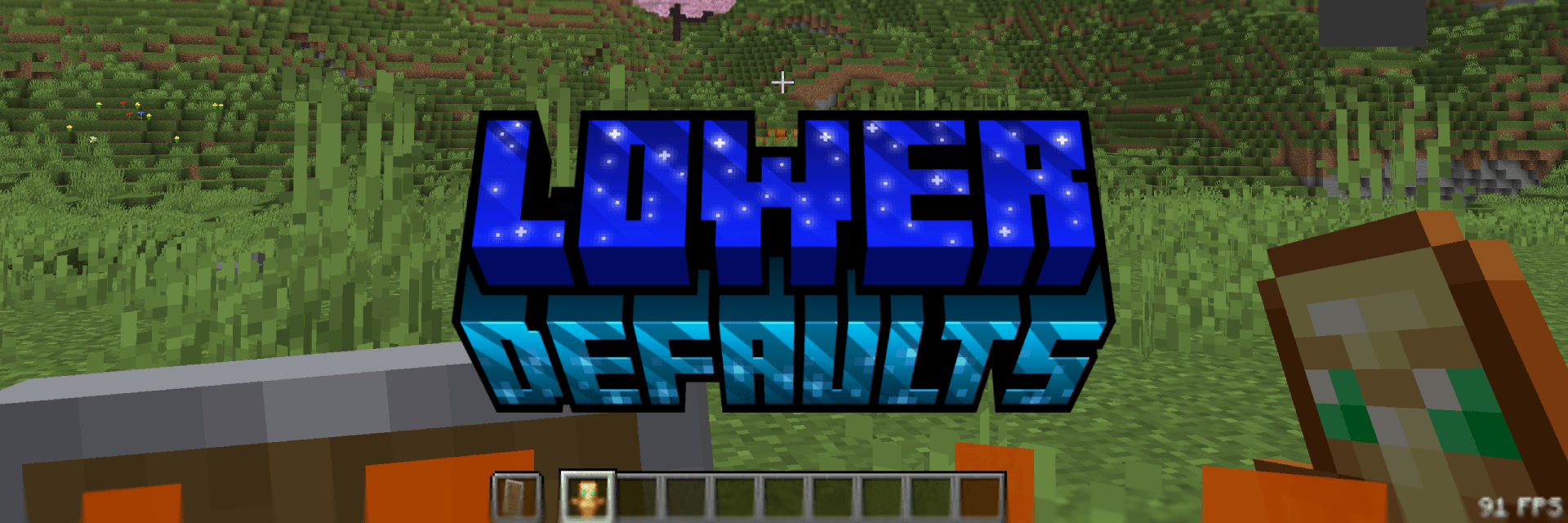
Lower Defaults
This pack makes the shield, totem and fire appear lower in first person and also shrinking the totem pop animation. Nothing more. This pack is consistent across all versions. View the Gallery for a better look!

Thanks
You can support me at Ko-Fi! ♥️

Lower Defaults (Shield & Fire)のインストール方法
With Millida Launcher
Install Millida Launcher
The launcher is free: download it at millida.net/launcher and sign in with any nickname.
Click “Install” on this page
The launcher opens and installs the resource pack for Minecraft 1.14–26.2 automatically.
Launch the game
A profile with it appears in the launcher: click “Play”.
Manually
Download the archive
Pick the file Lower Defaults (Shield & Fire) - Release 1.0.0 1.21.8.zip (105 KB) for your game version. No need to unpack it.
Put it in the resourcepacks folder
The easiest way: “Options”, then “Resource Packs”, then “Open Pack Folder”, and drag the archive there.
Enable the pack
In the same window, move the pack to the right-hand “Selected” column and click “Done”.
バージョン
依存関係あり
| Minecraft | ローダー | ファイル | 日付 | 操作 |
|---|---|---|---|---|
| 1.21.4 | — | 1.21.4105 KB 1 | ||
| 26.2 | — | 26.2105 KB 1 | ||
| 26.1 | — | 26.1105 KB |
レビュー
Lower Defaults (Shield & Fire)の最初の評価を書きませんか



