
Minecraft 1.20.1, 1.21用Lead Knot 3D リソースパック
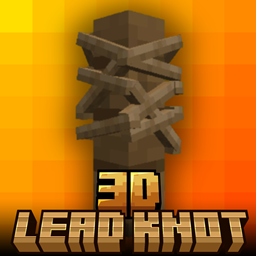
3Dリードの結び目 - Minecraft Bedrock Editionのデフォルトのリードの結び目を、よりクリーンでシャープ、そして自然に見えるカスタム3Dモデルに置き換えるリソースパックです。平面的な見た目にさよならを — ゲームプレイにリアリズムのひと匙を✨
Lead Knot 3D リソースパックについて

3D Lead Knot - resource pack that replaces the default lead knot in Minecraft Bedrock Edition with a custom 3D model that looks cleaner, sharper, and more natural. Say goodbye to flat visuals - bring a touch of realism to your Gameplay✨
• This Pack is survival friendly and No experimental features required👌
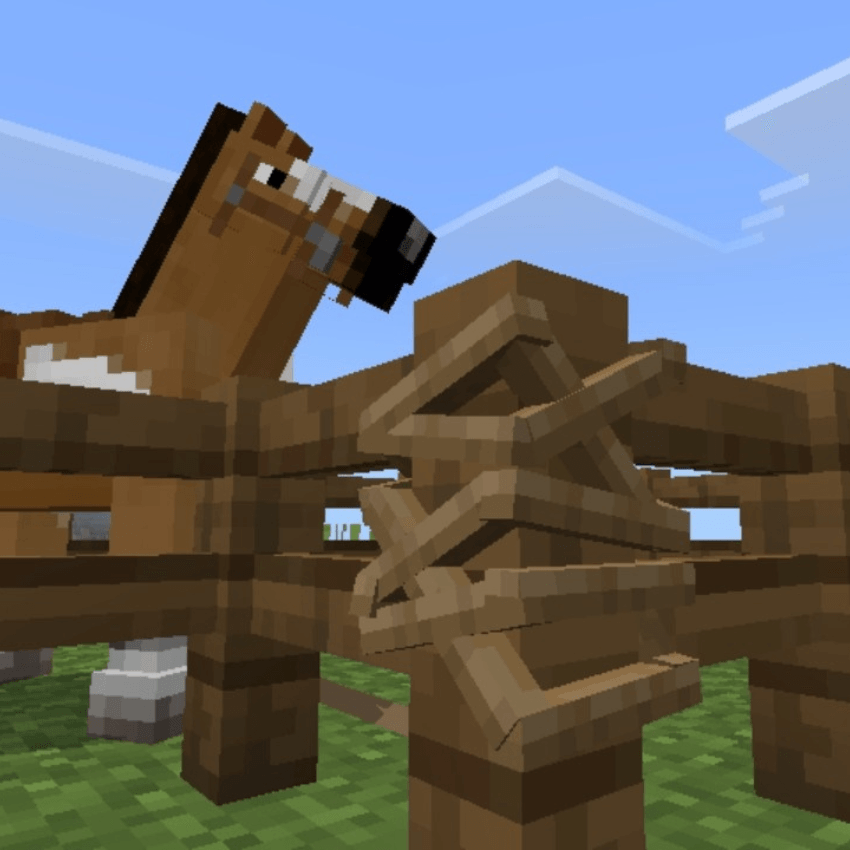
🖼️ Screenshot


Lead Knot 3Dのインストール方法
With Millida Launcher
Install Millida Launcher
The launcher is free: download it at millida.net/launcher and sign in with any nickname.
Click “Install” on this page
The launcher opens and installs the resource pack for Minecraft 1.20–1.21.90 automatically.
Launch the game
A profile with it appears in the launcher: click “Play”.
Manually
Download the archive
Pick the file lead knot 3d.mcpack (5 KB) for your game version. No need to unpack it.
Put it in the resourcepacks folder
The easiest way: “Options”, then “Resource Packs”, then “Open Pack Folder”, and drag the archive there.
Enable the pack
In the same window, move the pack to the right-hand “Selected” column and click “Done”.
バージョン
依存関係あり
| Minecraft | ローダー | ファイル | 日付 | 操作 |
|---|---|---|---|---|
| 1.20.40 | — | lead knot 3d.mcpack5.3 KB |
FAQ
Which Minecraft versions does Lead Knot 3D work on?
There are files for 1.20–1.21.90, 28 versions in total. The newest is 1.21.90.
Where can I download Lead Knot 3D safely?
On this page: the file lead knot 3d.mcpack (5 KB) is stored on Millida’s server, with no link shorteners. SHA-1 checksum: 38396955025b52a83a69a3120901b120e3f4a8f9.
レビュー
Lead Knot 3Dの最初の評価を書きませんか



