

Minecraft 1.20.1, 1.21.1用Jolly Tooltips リソースパック
Tooltip Overhaul用の新しいフレームをいくつか追加
Jolly Tooltips リソースパックについて
A Resource Pack for the Tooltip Overhaul Mod that adds several fresh new frames for modpack makers!
If you don't know how to apply these frames to your items, simply visit the Tooltip Overhaul Wiki note: the file path for the frame textures is the same as Tooltip Overhaul's frame textures
Added frames:
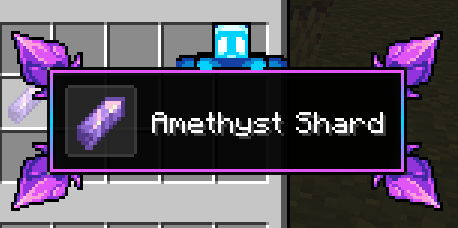
allay_frame

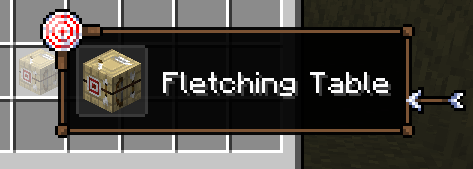
archery_frame

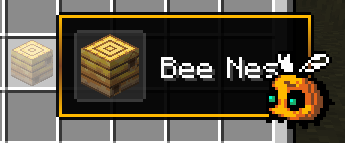
bee_frame

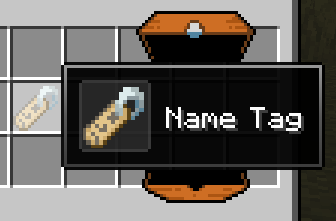
chest_frame

chicken_frame

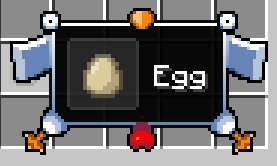
cobweb_frame

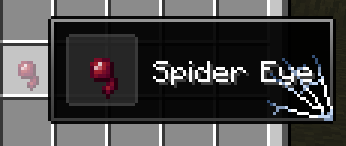
scale_frame

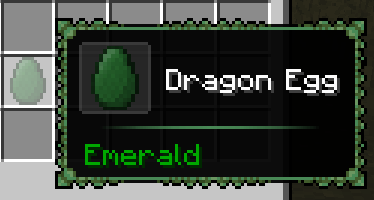
red_scale_frame

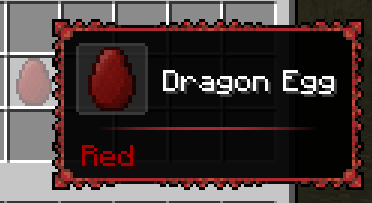
orange_scale_frame

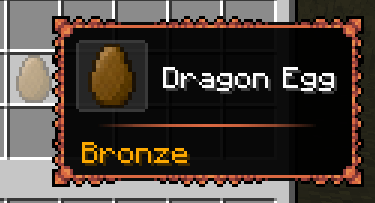
draconic_frame

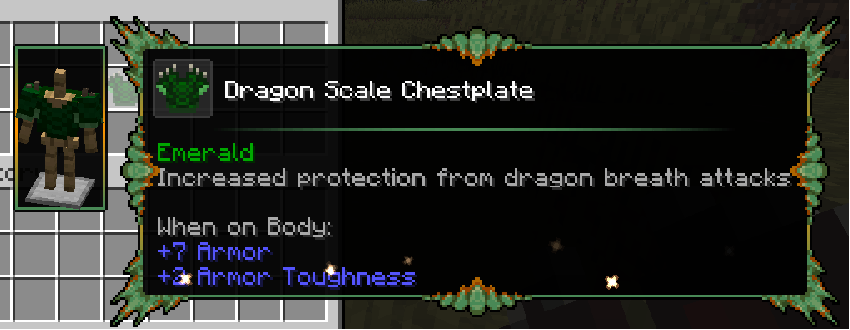
red_draconic_frame

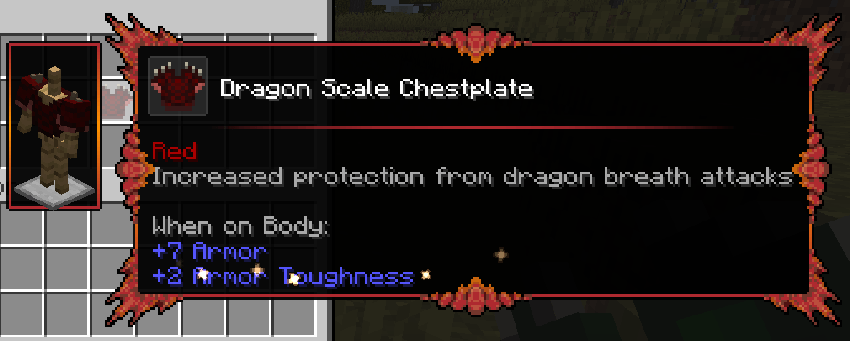
orange_draconic_frame

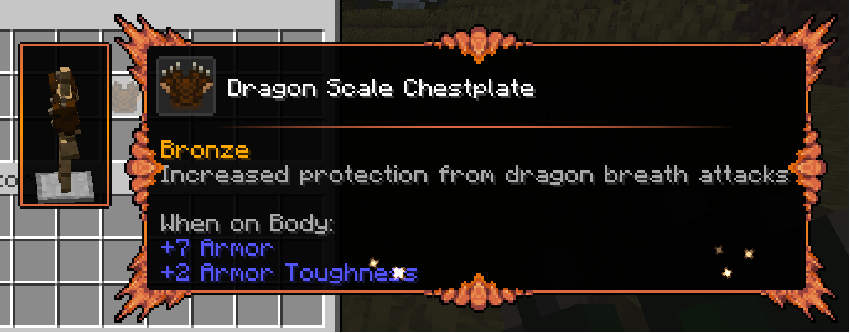
fish_frame


hullback_frame (Whaleborne compat!)
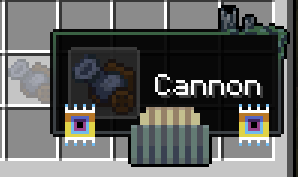
knight_frame

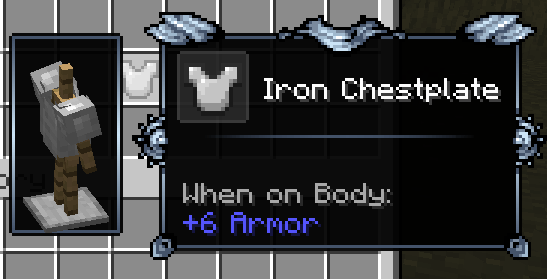
golden_knight_frame

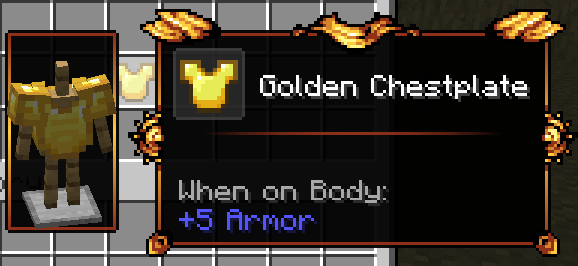
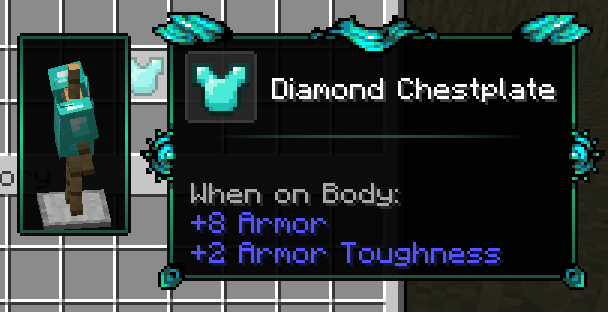
diamond_knight_frame

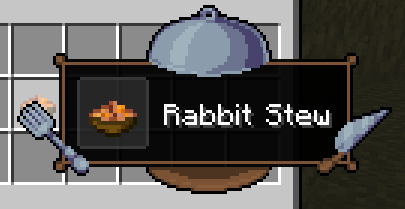
meal_frame

uranium_frame

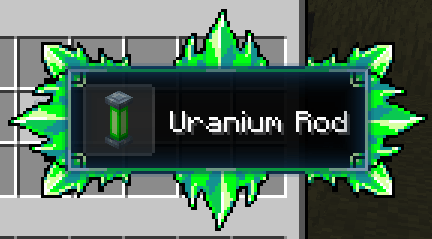
radioactive_frame
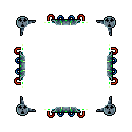
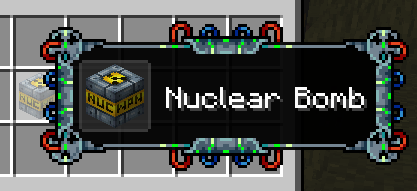
spectre_frame (Species compat!)

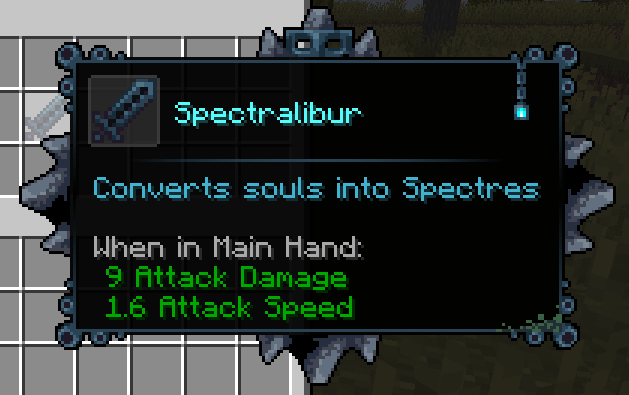
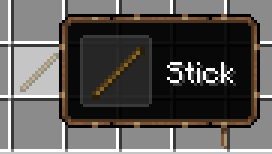
stick_frame
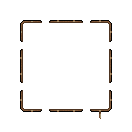
scorching_frame

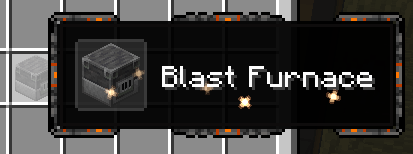
cluck_frame

chains_frame

auroracite_frame (The Beyond compat!)

prismatic_frame

elder_prismatic_frame
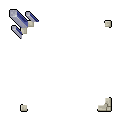
obsidian_frame

hunger_frame

excavation_frame

Jolly Tooltipsのインストール方法
With Millida Launcher
Install Millida Launcher
The launcher is free: download it at millida.net/launcher and sign in with any nickname.
Click “Install” on this page
The launcher opens and installs the resource pack for Minecraft 1.20–1.21.5 automatically.
Launch the game
A profile with it appears in the launcher: click “Play”.
Manually
Download the archive
Pick the file JollyTooltips-2.0.0.zip (65 KB) for your game version. No need to unpack it.
Put it in the resourcepacks folder
The easiest way: “Options”, then “Resource Packs”, then “Open Pack Folder”, and drag the archive there.
Enable the pack
In the same window, move the pack to the right-hand “Selected” column and click “Done”.
バージョン
依存関係あり
| Minecraft | ローダー | ファイル | 日付 | 操作 |
|---|---|---|---|---|
| 1.21 | — | Jolly Tooltips 2.0.064.5 KB |
FAQ
Which Minecraft versions does Jolly Tooltips work on?
There are files for 1.20–1.21.5, 8 versions in total. The newest is 1.21.5.
Where can I download Jolly Tooltips safely?
On this page: the file JollyTooltips-2.0.0.zip (65 KB) is stored on Millida’s server, with no link shorteners. SHA-1 checksum: 9002e6bba351a6a042133e1fe56c0bd757fc13e6.
レビュー
Jolly Tooltipsの最初の評価を書きませんか



