

Minecraft 1.21.1, 1.21用Enchanted Covers リソースパック
エンチャントされた本にカスタムテクスチャを追加します。バニラMinecraftで動作します。
- ダウンロード
- 1 ダウンロード
- 閲覧
- 54 閲覧
- 更新日
- 更新日 08.07.2026
- 1.21 — 26.2
 バニラゲーム
- クライアント
Enchanted Covers
Textures by SmollDave, resourcepack by StefanJ2_
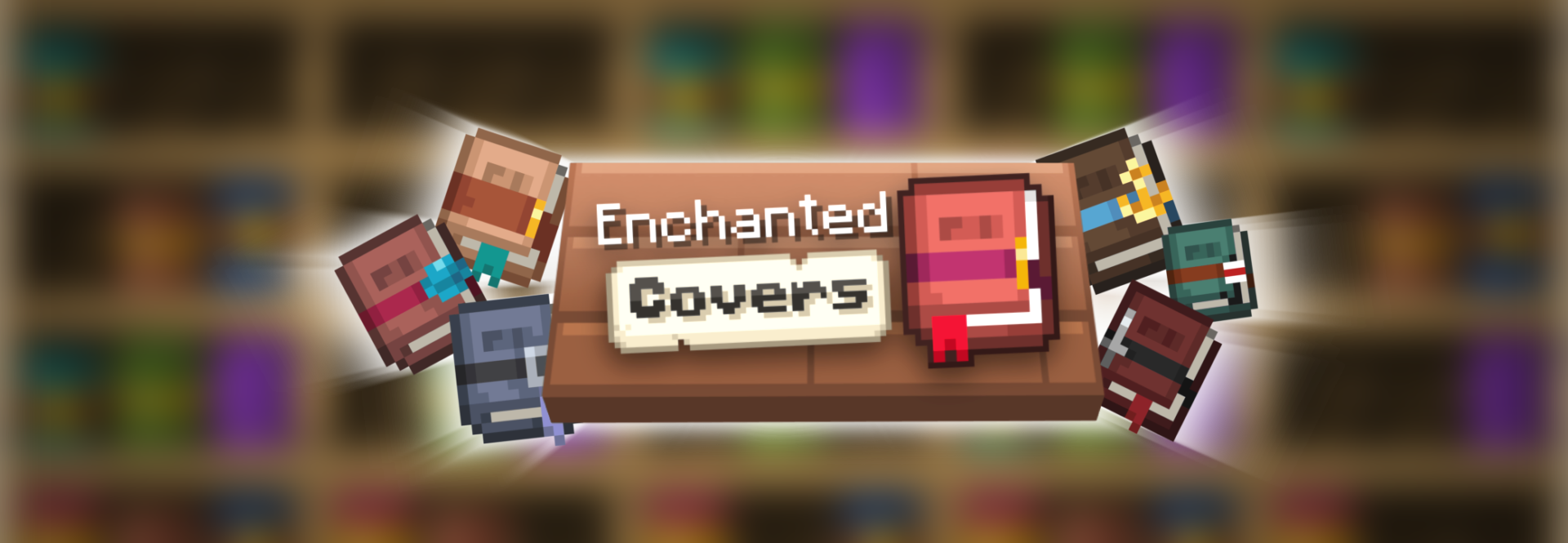
Use it in vanilla
The resourcepack works in vanilla Minecraft on modern Minecraft versions

Use it with mods
The resourcepack is also made to work on older versions with custom item mods like Optifine and CIT resewn.
What does the pack do?
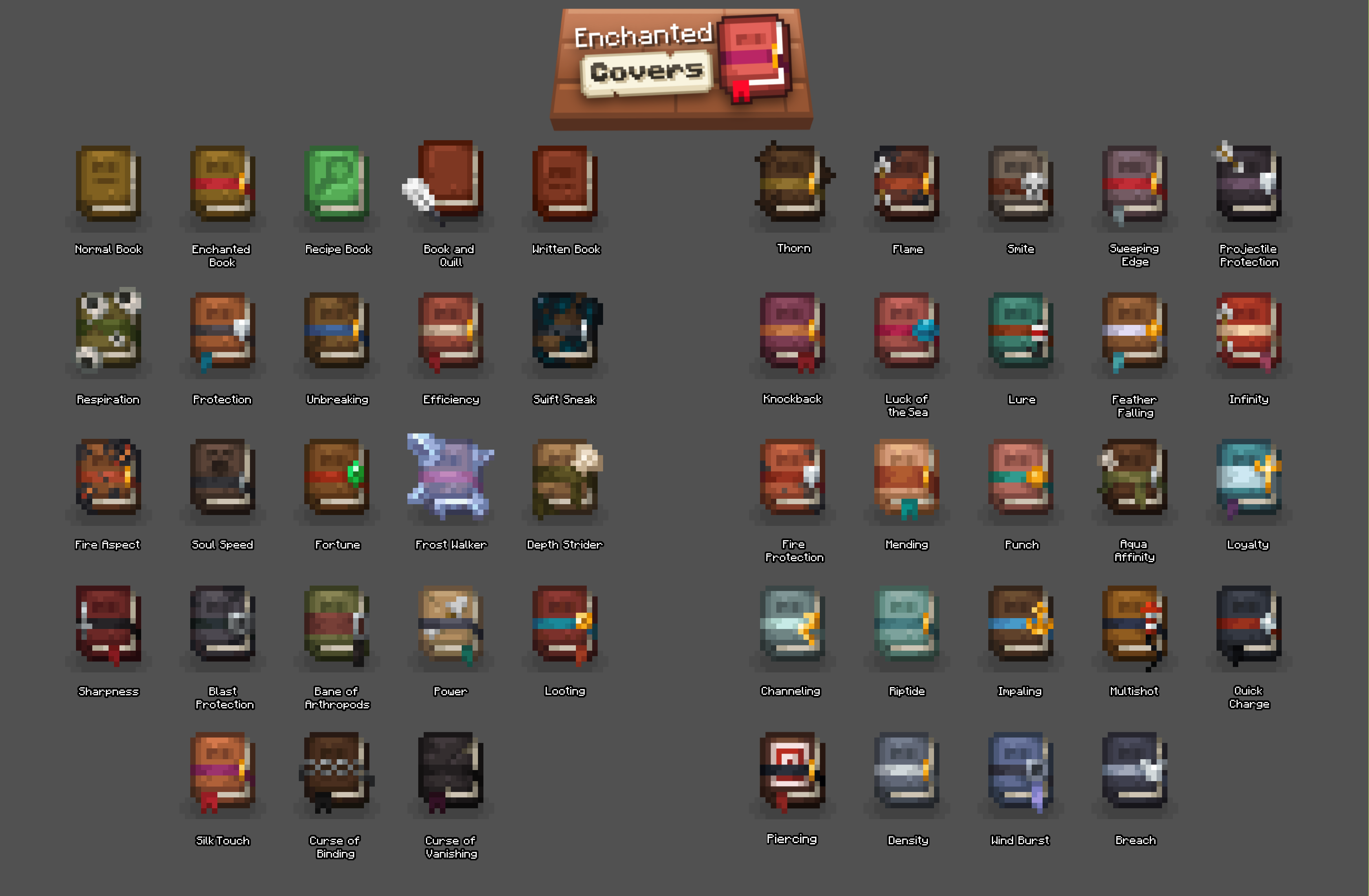
Enchanted covers changes the textures of books in the game to a beautiful new style and with that also adds custom textures for all enchanted books in the game!
Enchanted Coversのインストール方法
With Millida Launcher
Install Millida Launcher
The launcher is free: download it at millida.net/launcher and sign in with any nickname.
Click “Install” on this page
The launcher opens and installs the resource pack for Minecraft 1.21–26.2 automatically.
Launch the game
A profile with it appears in the launcher: click “Play”.
Manually
Download the archive
Pick the file Enchanted Covers v1.3.zip (215 KB) for your game version. No need to unpack it.
Put it in the resourcepacks folder
The easiest way: “Options”, then “Resource Packs”, then “Open Pack Folder”, and drag the archive there.
Enable the pack
In the same window, move the pack to the right-hand “Selected” column and click “Done”.
バージョン
依存関係あり
| Minecraft | ローダー | ファイル | 日付 | 操作 |
|---|---|---|---|---|
| 26.2 | — | 26.2215 KB | ||
| 26.1 | — | 26.1215 KB | ||
| 1.21.11 | — | 1.21.11215 KB |
レビュー
Enchanted Coversの最初の評価を書きませんか


