
1 / 3
DarkUI リソースパックについて

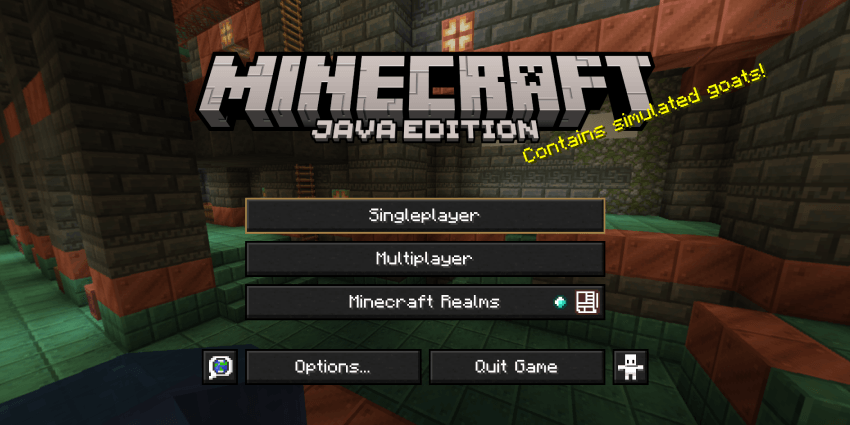
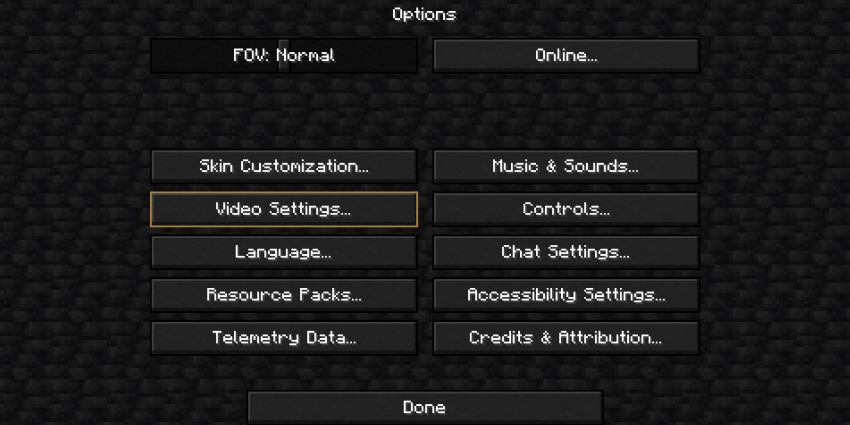
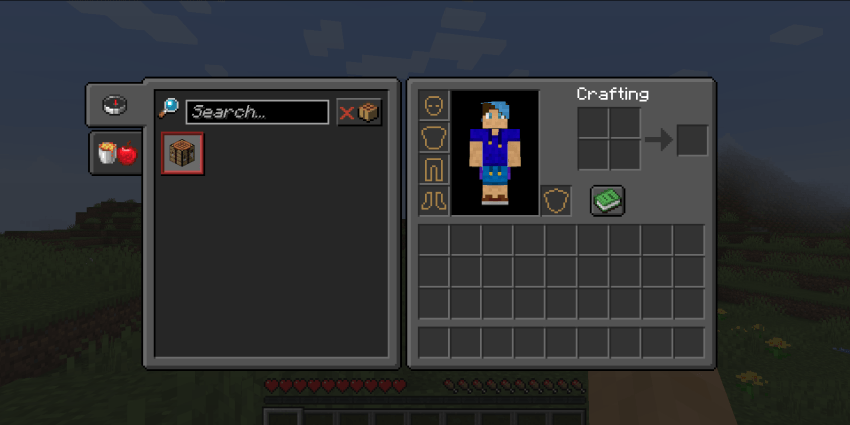
DarkUI is a 1.21+ texture pack, It darkens the minecraft GUI whilst adding a golden trim to the GUI
DarkUI has a Black and Gold athsetic.
<--- LINKS --->





DarkUIのインストール方法
Install Millida Launcher
The launcher is free: download it at millida.net/launcher and sign in with any nickname.
Click “Install” on this page
The launcher opens and installs the resource pack for Minecraft 1.21–1.21.10 automatically.
Launch the game
A profile with it appears in the launcher: click “Play”.
バージョン
依存関係あり
| Minecraft | ローダー | ファイル | 日付 | 操作 |
|---|---|---|---|---|
| 1.21 | — | 1.21+ (1.7)197 KB 4 |
FAQ
Which Minecraft versions does DarkUI work on?
There are files for 1.21–1.21.10, 11 versions in total. The newest is 1.21.10.
How do I download DarkUI?
With Millida Launcher: it installs DarkUI into a modpack by itself, for the right game version and loader. The launcher is free.
レビュー
DarkUIの最初の評価を書きませんか
コメント 0
コメントするにはサインインしてくださいログイン


