
Minecraft 1.21, 26.40用Dark Ui Transparent リソースパック
目に優しい透明デザインのダークUI。PvPとサバイバルに最適。MCPE/MCBE向けにクリーンでスムーズ、最適化されています。
Dark Ui Transparent リソースパックについて

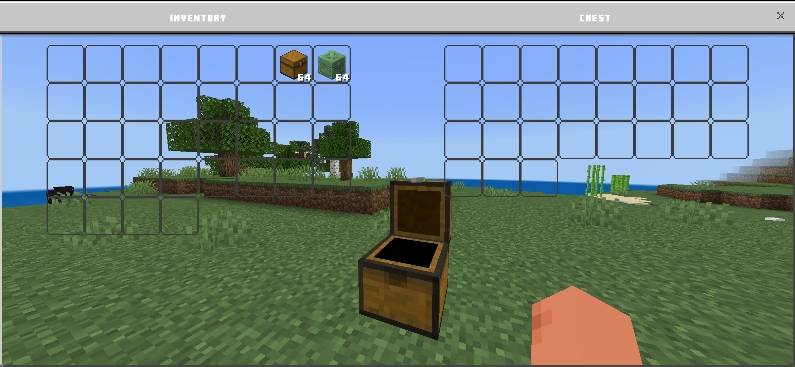
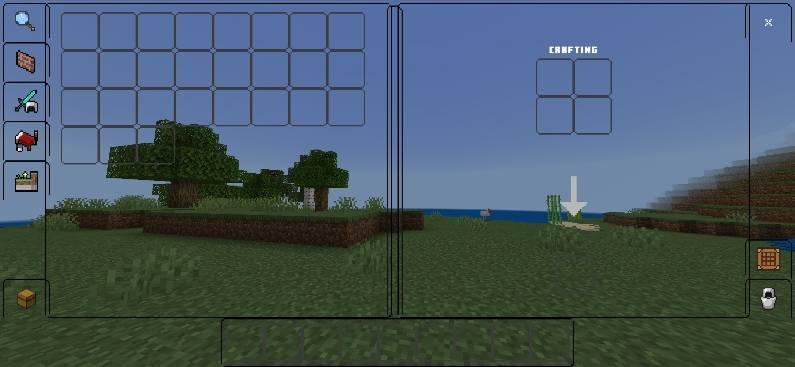
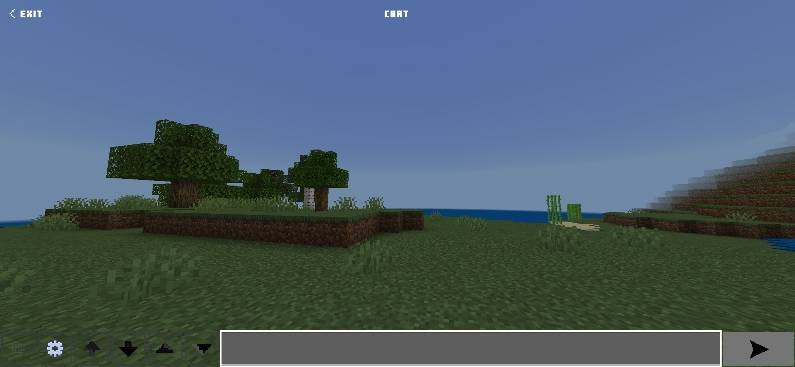
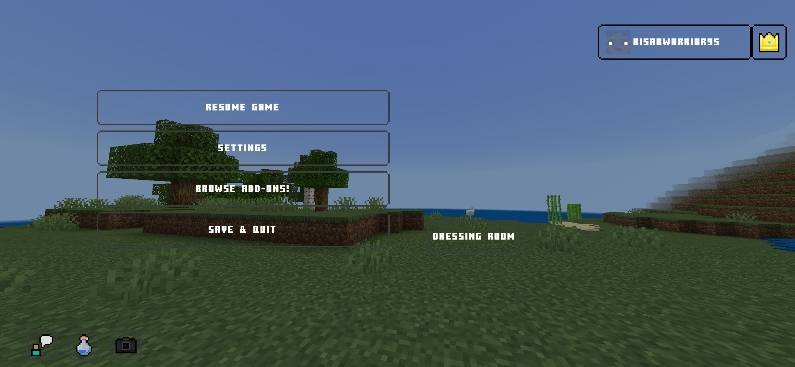
Designed for players who prefer a dark, minimal, and aggressive look, the Red UI Pack gives Minecraft Bedrock a sleek dark transparent interface that feels modern and immersive. Every UI element is refined to reduce visual clutter while keeping everything sharp and readable-perfect for both Survival and PvP gameplay.
✨ Key Features:
- Dark transparent UI for a clean, premium look
- Smooth visuals with improved focus during fights
- Optimized for PvP and long survival sessions
- Stylish yet practical-no distractions
- Less Eye Strain
💥 Upgrade your interface. Play with confidence. Enter Red Mode. 💥
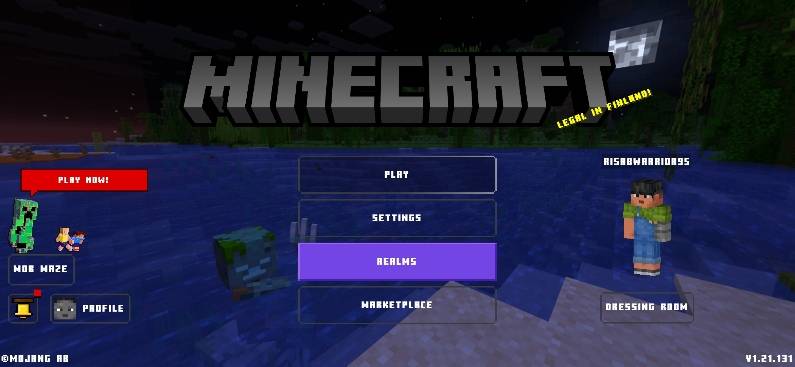
Screenshots:

Socials:
Join our discord

Support On Kofi:

You Are Allowed To:
- Showcase my work in videos/streams if you give proper credit (e.g., link to the official download).
- Edit file for personal use only
You Are Not Allowed To:
- Distribute through monetized links (AdFly, Linkvertise, etc.).
- Edit and re-share my projects
If You Give Low Rating ,You Should Comment the Reason
Dark Ui Transparentのインストール方法
With Millida Launcher
Install Millida Launcher
The launcher is free: download it at millida.net/launcher and sign in with any nickname.
Click “Install” on this page
The launcher opens and installs the resource pack for Minecraft 1.21–26.40 automatically.
Launch the game
A profile with it appears in the launcher: click “Play”.
Manually
Download the archive
Pick the file DARK UI v1.5.mcpack (1.3 MB) for your game version. No need to unpack it.
Put it in the resourcepacks folder
The easiest way: “Options”, then “Resource Packs”, then “Open Pack Folder”, and drag the archive there.
Enable the pack
In the same window, move the pack to the right-hand “Selected” column and click “Done”.
バージョン
依存関係あり
| Minecraft | ローダー | ファイル | 日付 | 操作 |
|---|---|---|---|---|
| 1.21.30 | — | DARK UI v1.5.mcpack1.3 MB 7 |
FAQ
Which Minecraft versions does Dark Ui Transparent work on?
There are files for 1.21–26.40, 46 versions in total. The newest is 26.40.
Where can I download Dark Ui Transparent safely?
On this page: the file DARK UI v1.5.mcpack (1.3 MB) is stored on Millida’s server, with no link shorteners. SHA-1 checksum: cc7694d2747d8beca68ad52c030556c1c466cae6.
レビュー
Dark Ui Transparentの最初の評価を書きませんか



