
Minecraft 1.21, 26.30用Crop Indicator リソースパック
この直感的な作物インジケーターリソースパックで農業体験を向上させましょう!🌾 このパックは完全に成長した作物の上に明確な浮遊インジケーターを追加し、小麦、ニンジン、ジャガイモ、ビートルートが収穫可能になったのを簡単に見分けられます。
Crop Indicator リソースパックについて
Crop Indicator Resource Pack
A simple, clean texture pack that adds floating indicators above fully grown crops. Easily see when your wheat, carrots, potatoes, or beetroot are ready to harvest-no extra features, just visuals. Lightweight, smooth, and designed to make farming a breeze! 🌾
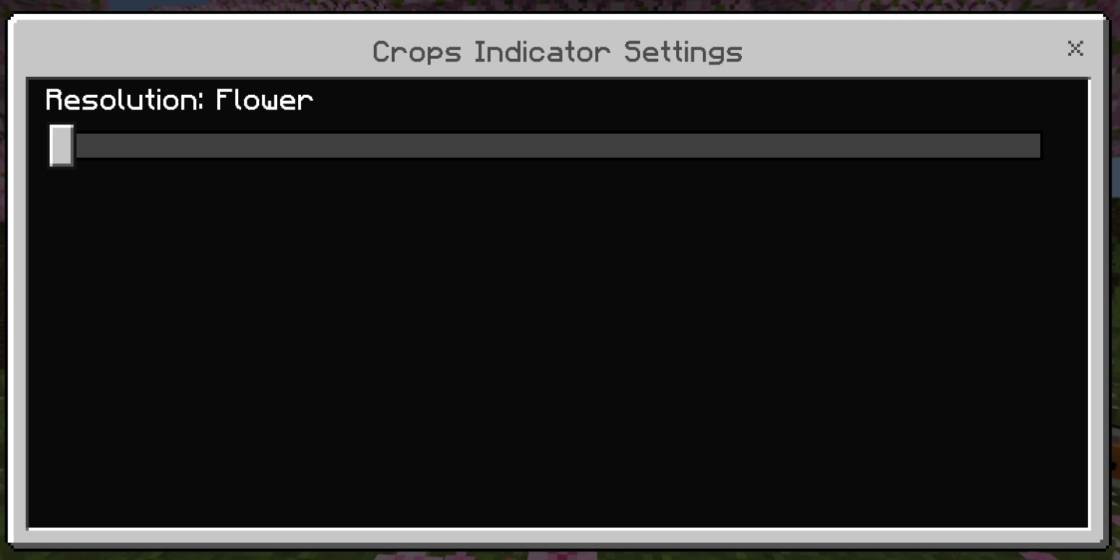
Added flowers instead of lines
Open for suggestions and retexture

Crop Indicatorのインストール方法
With Millida Launcher
Install Millida Launcher
The launcher is free: download it at millida.net/launcher and sign in with any nickname.
Click “Install” on this page
The launcher opens and installs the resource pack for Minecraft 1.21–26.30 automatically.
Launch the game
A profile with it appears in the launcher: click “Play”.
Manually
Download the archive
Pick the file CropIndicator 1.1.5.mcpack (50 KB) for your game version. No need to unpack it.
Put it in the resourcepacks folder
The easiest way: “Options”, then “Resource Packs”, then “Open Pack Folder”, and drag the archive there.
Enable the pack
In the same window, move the pack to the right-hand “Selected” column and click “Done”.
バージョン
依存関係あり
| Minecraft | ローダー | ファイル | 日付 | 操作 |
|---|---|---|---|---|
| 1.21 | — | CropIndicator 1.1.5.mcpack50.1 KB 4 |
FAQ
Which Minecraft versions does Crop Indicator work on?
There are files for 1.21–26.30, 10 versions in total. The newest is 26.30.
Where can I download Crop Indicator safely?
On this page: the file CropIndicator 1.1.5.mcpack (50 KB) is stored on Millida’s server, with no link shorteners. SHA-1 checksum: d7746d95aa9e07246bda3dcb0553d8b94a4a3dec.
レビュー
Crop Indicatorの最初の評価を書きませんか



