

Minecraft 1.21.122用Christmas Theme リソースパック
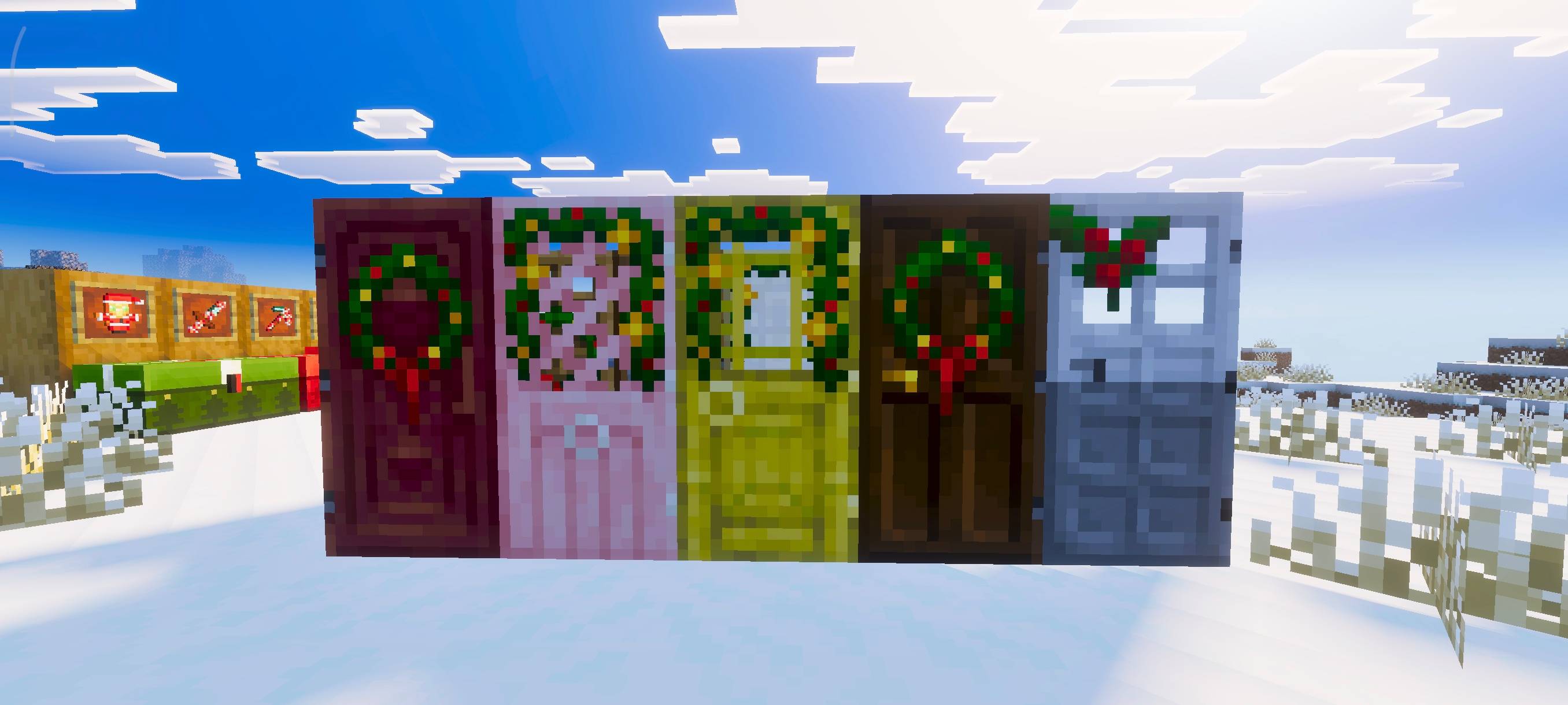
このパックは通常のMinecraftの世界を完全なクリスマステーマに変えます。世界全体を雪景色にし、お祭りの装飾、クリスマスのテクスチャを追加し、すべてのバイオームにわたって居心地の良い冬の雰囲気を作り出します。
Christmas Theme
This pack transforms the normal Minecraft world into a full Christmas experience. It makes the entire world snowy and adds festive, Christmas themed textures to create a cozy winter atmosphere.
To make it look even better, make sure to use these visuals it help the game look just like the previews: Relta Visuals
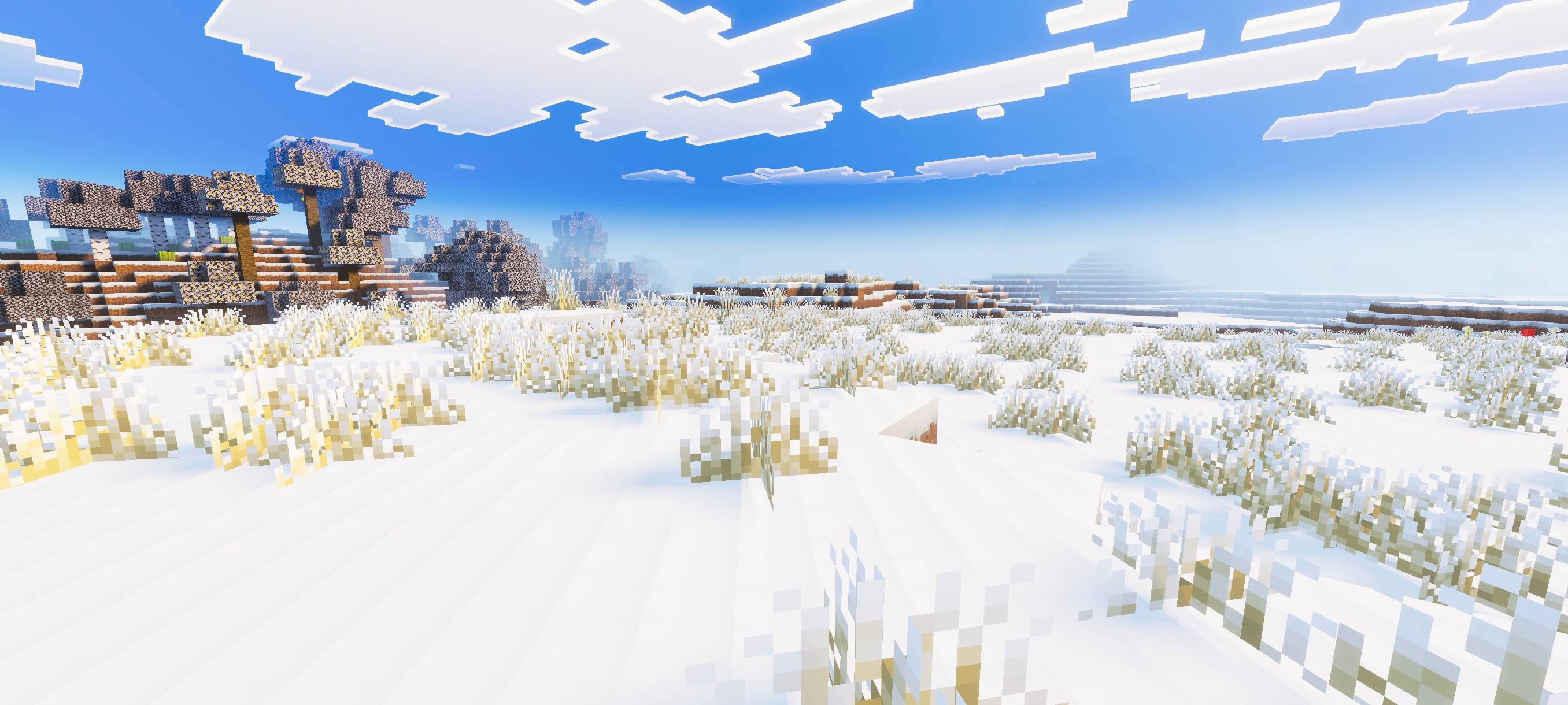
This pack is partially a port, but I have also added my own changes and adjustments to improve the overall Christmas look.
Some assets used in this pack come from the projects listed below. Both of these projects are licensed under the MIT License:
• Yomi Cosy Christmas Pack - View Pack • Default Style Christmas Pack - View Pack
Christmas Themeのインストール方法
With Millida Launcher
Install Millida Launcher
The launcher is free: download it at millida.net/launcher and sign in with any nickname.
Click “Install” on this page
The launcher opens and installs the resource pack for Minecraft 1.21.122 automatically.
Launch the game
A profile with it appears in the launcher: click “Play”.
Manually
Download the archive
Pick the file Christmas_Theme.mcpack (1.2 MB) for your game version. No need to unpack it.
Put it in the resourcepacks folder
The easiest way: “Options”, then “Resource Packs”, then “Open Pack Folder”, and drag the archive there.
Enable the pack
In the same window, move the pack to the right-hand “Selected” column and click “Done”.
バージョン
依存関係あり
| Minecraft | ローダー | ファイル | 日付 | 操作 |
|---|---|---|---|---|
| 1.21.122 | — | Christmas_Theme.mcpack ( latest )1.2 MB |
レビュー
Christmas Themeの最初の評価を書きませんか



