
Minecraft 1.20.1, 1.21用Bedrock UI+ リソースパック
hud+からオーバーホールされた全く新しいUI。このUIは多くのUI画面を改善し、サバイバル、PVPなど、ゲームプレイで役立つ多くの機能も備えています。
Showcase Video
https://youtu.be/eECcphhufvU?si=mw8iLXix56fR6CTA
Start Screen
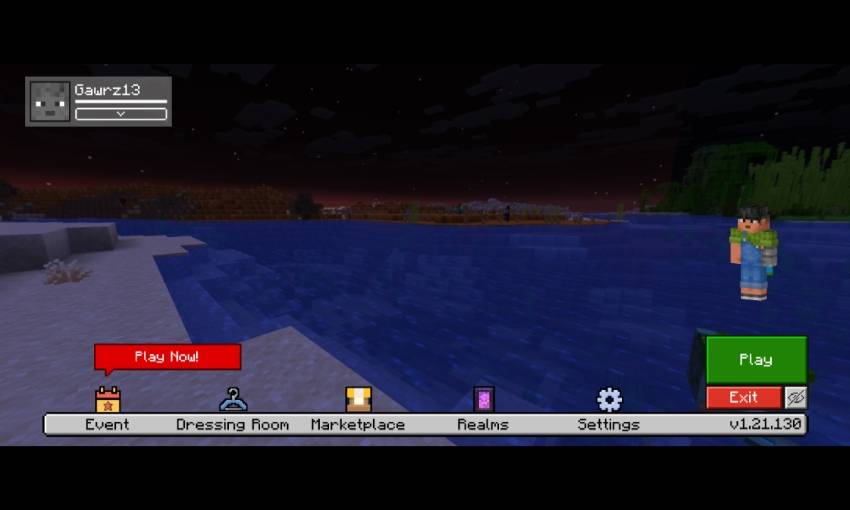
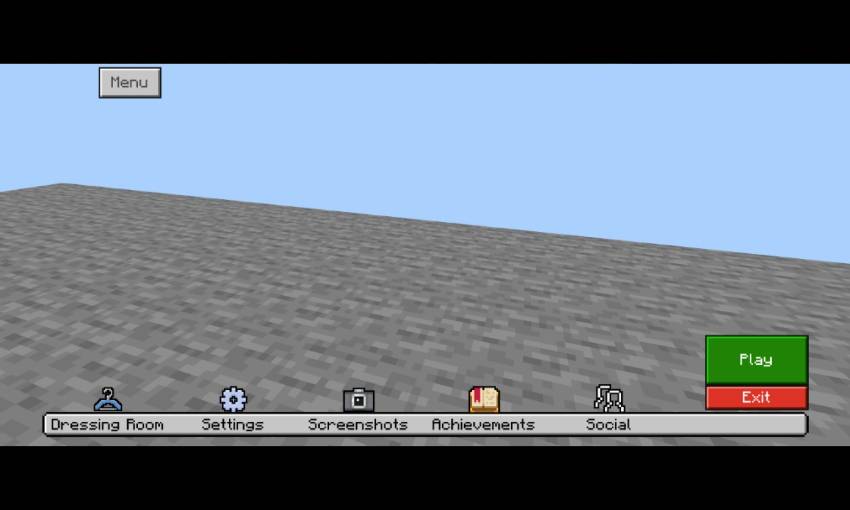
- Moved play button to bottom left
- exit button under the play button
- hide gui button
- Moved dressing room button, marketplace button, and settings button into bottom
- realm button (only visible when you connected to internet)
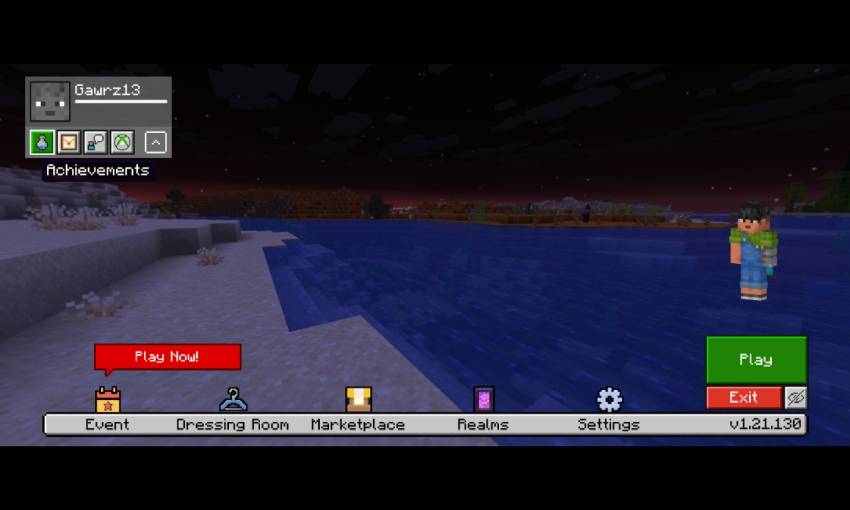
- profile section on top left
- extend button to show more button
- achievement button, invitation button, feedback button, and manage Account button on profile section
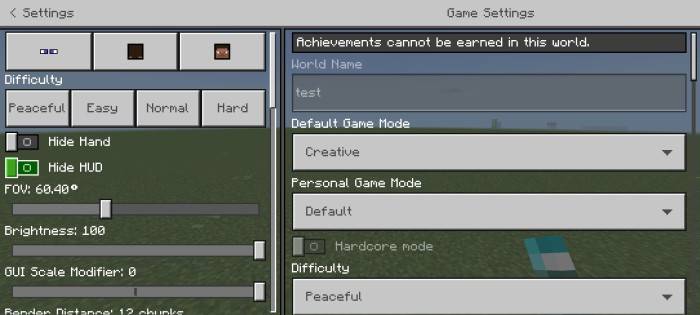
Settings Screen
- Transparent background
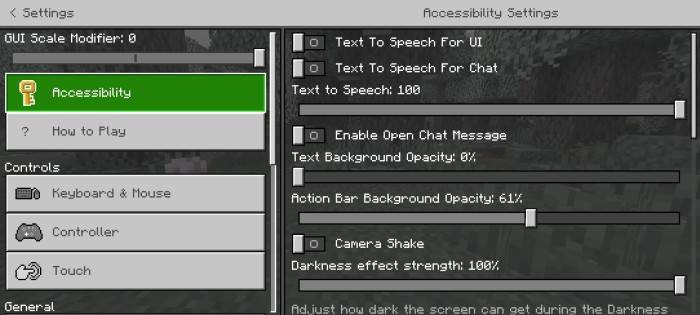
- Quick Camera settings
- Quick difficulty settings
- And more quick settings
HUD Screen
- Menu button beside of emote button
- F1 button (hide gui) beside of pause button
- Clock and compass on bottom left (functional)
- XP percentage on the left side of xp bar
- XP requirement for level up on right side of xp bar
- Improve xp number into similar with java xp number
- Java bottom chat
- Hotbar coord and day played
- Clear item name
- Durability Viewer
- Low durability warning
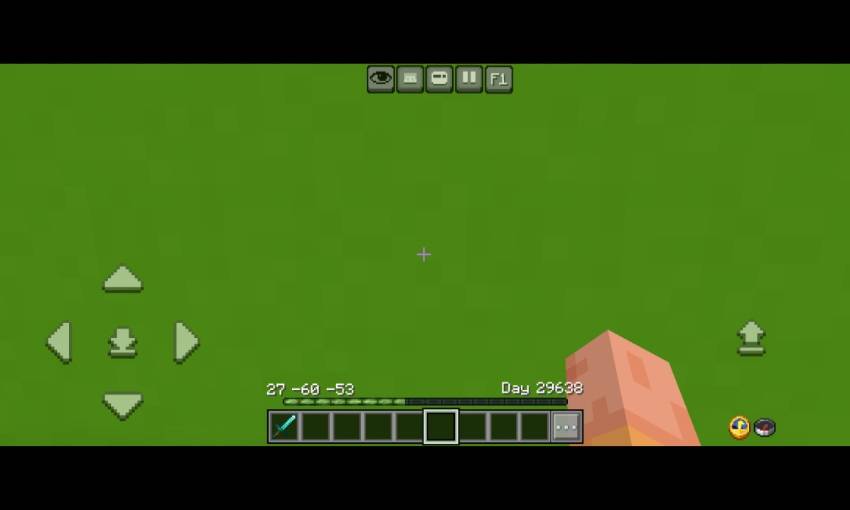
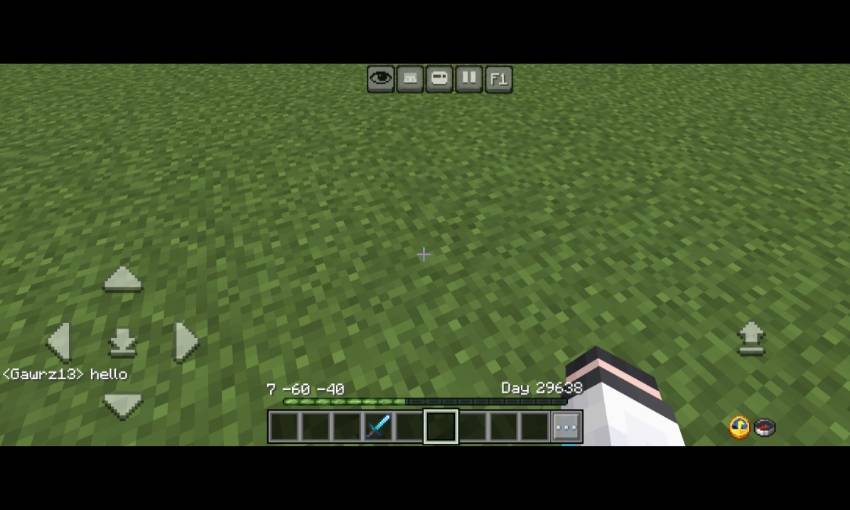
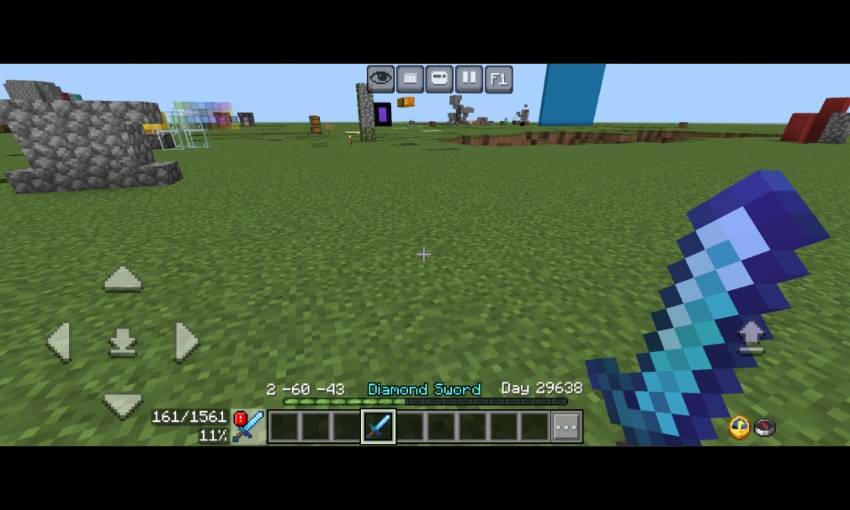
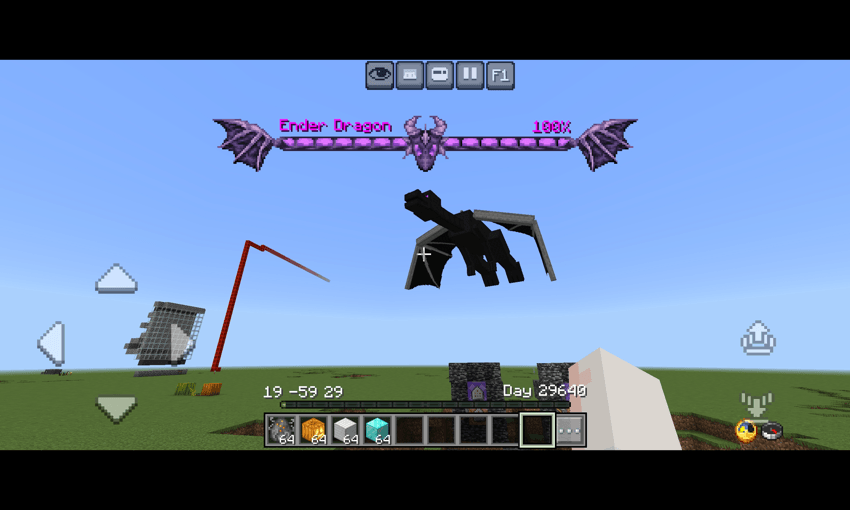
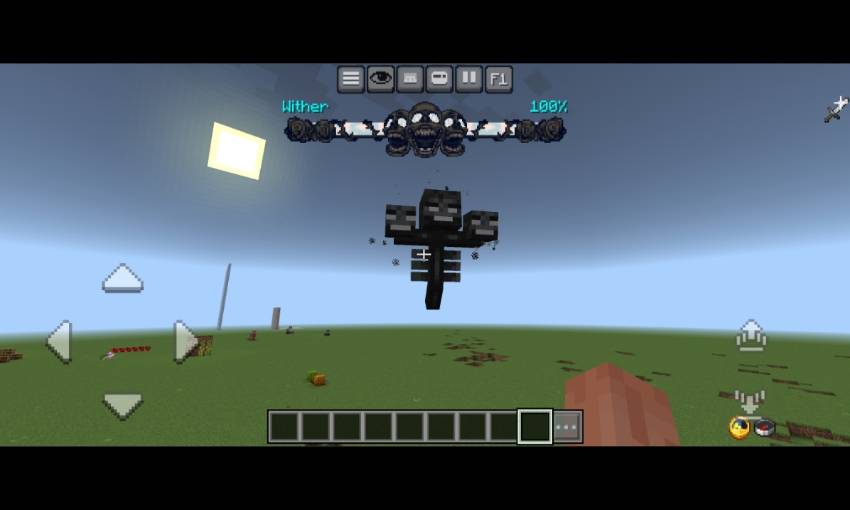
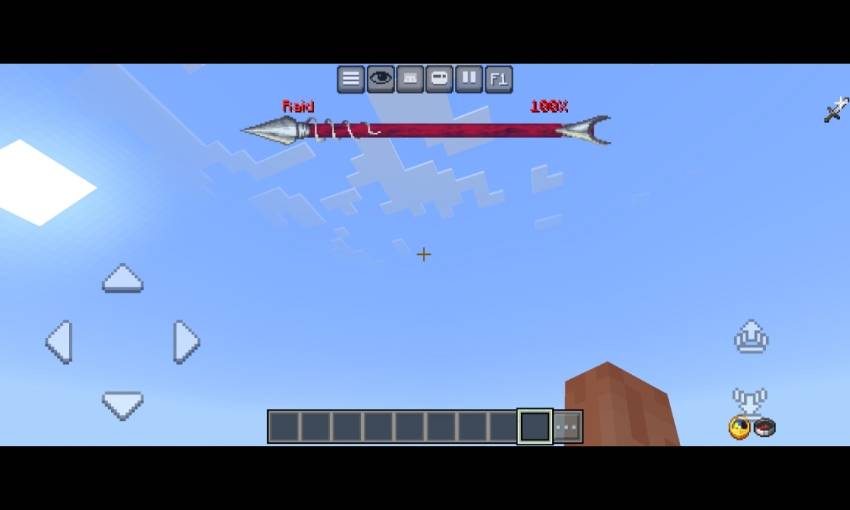
- New dynamic bossbar texture for Ender dragon, wither, and Raid
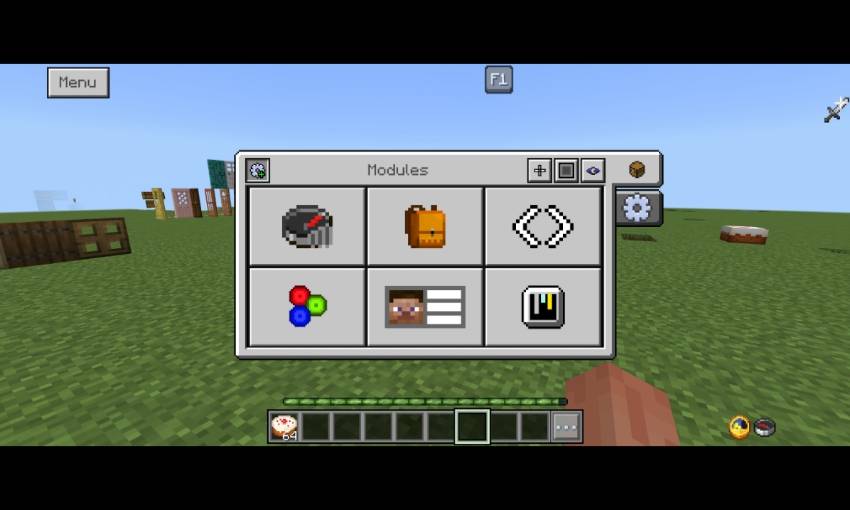
- Menu screen
- New pause screen
- There are some button of modules contents, that is Debug screen, Inventory HUD, Hotbar selector button, RGB xp bar, Player List HUD, And gamma slider (Beside of custom hotbar texture button)
- Also it have 2 customisation tab (Will explained on the next image)
- And also there is settings for hud screen (gear icon)
- open pause screen first and you can activate the Menu on top left
- On windows, You can click ESC key to close the menu
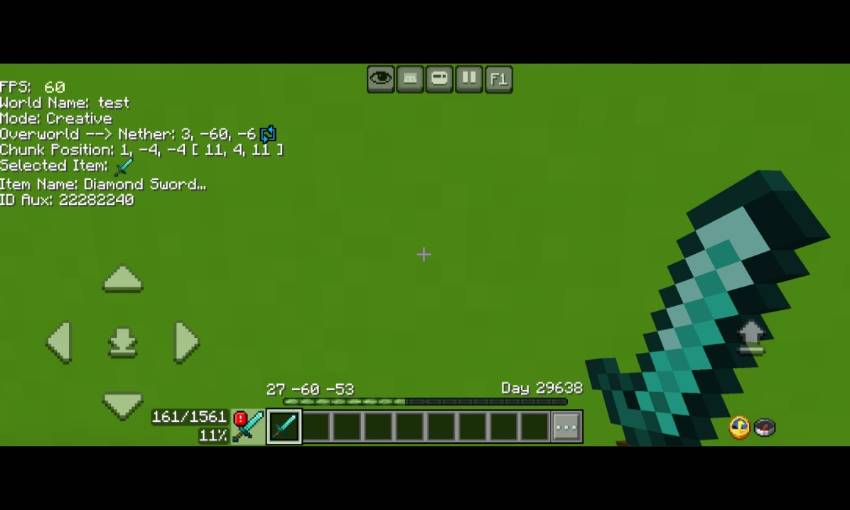
- Debug screen
- There are some information in the debug screen, that is FPS Counter, world name, current gamemode, Nether to overwold position/overwold to Nether position, Chunk position, item name, and item id aux display
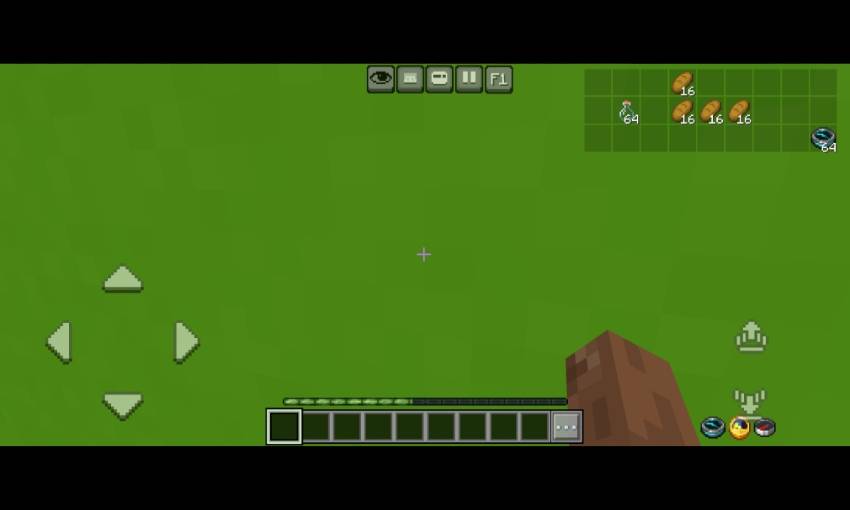
- Inventory HUD
- This Will show any items in your inventory so you no longer need to open inventory for checking items
- Hotbar selector (next to hotbar)
- It Will change your selected hotbar to left or right
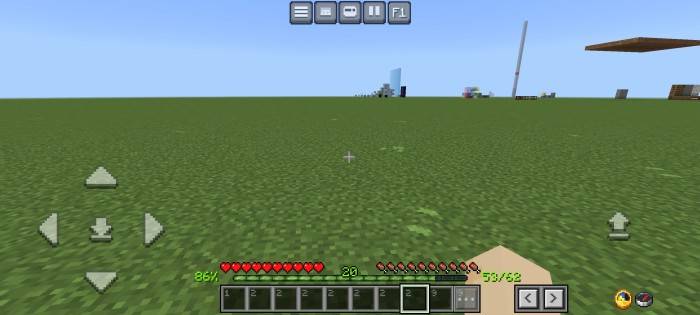
- RGB XP Bar
- It have animation
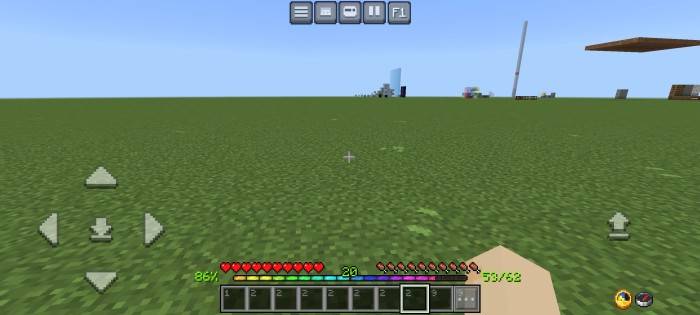
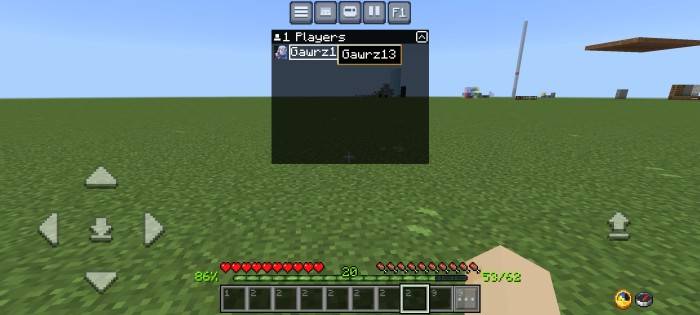
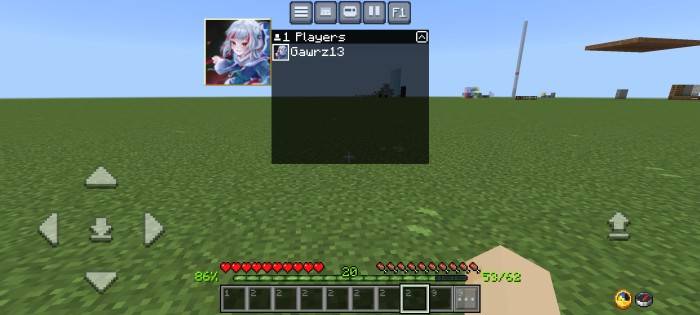
- Player list hud
- You can click the player name or player gamerpic like in the image
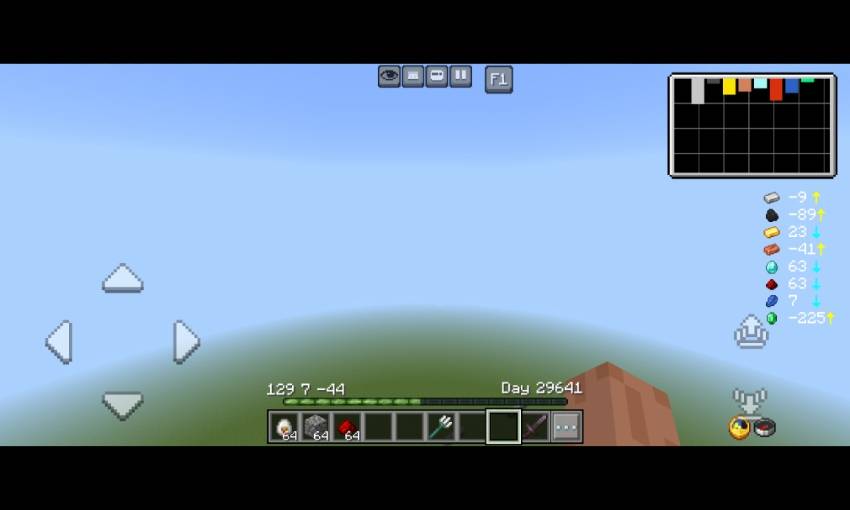
- Ore Visualizer
- It's shows the amount of ore you can find depends on your Y coordinate
- At the top right, there's a ore chart. Longer the chart, more ores
- There's also a best y level finder, just follow the arrow
- Yellow arrow= go up, blue arrow = go down
- Custom crosshairs
- There are 8 different crosshairs texture
- Also there is a RGB button, if you click it, your crosshair Will be rgb
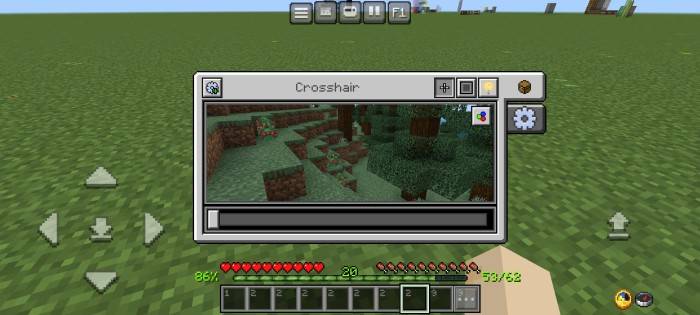
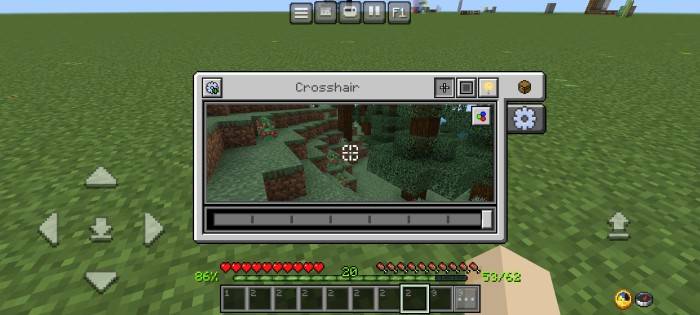
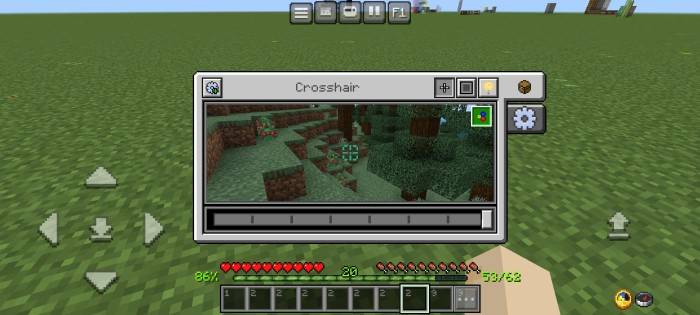
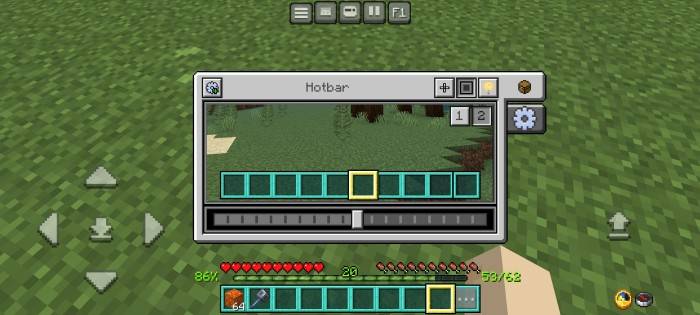
- Custom hotbar (1) and selected hotbar textures (2)
- There are 10 variants for hotbar textures
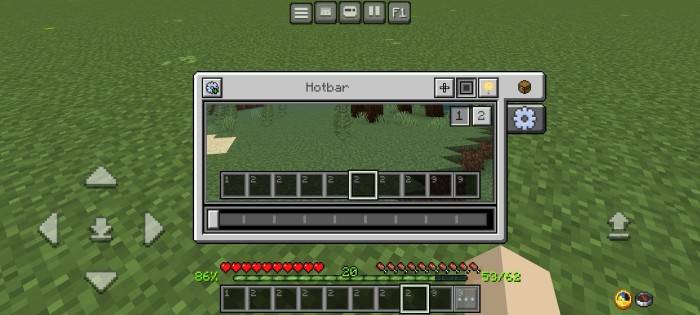
- There are 20 variants for selected hotbar texture
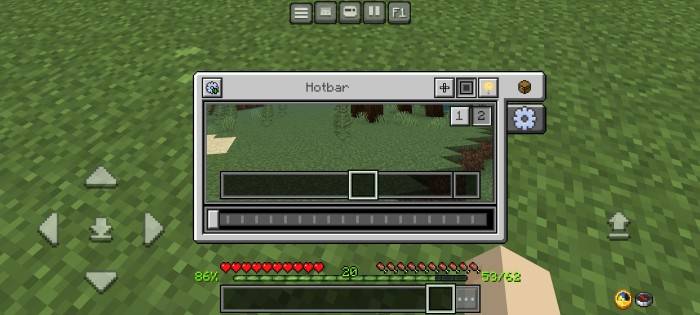
- It Will looks like this
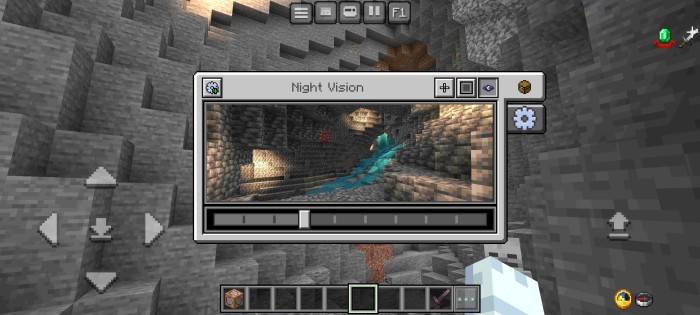
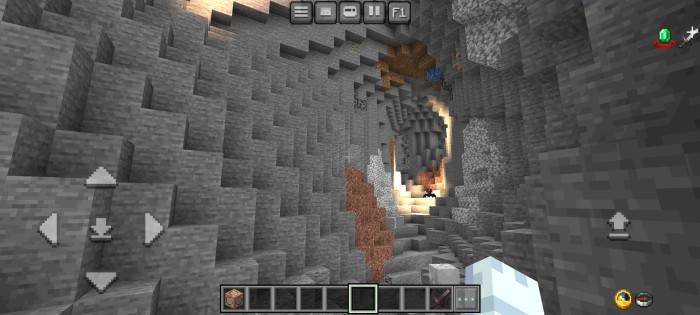
- Night vision menu
- Makes your screen brightghter, Recommended using 2 - 4 brightness level
- More settings menu
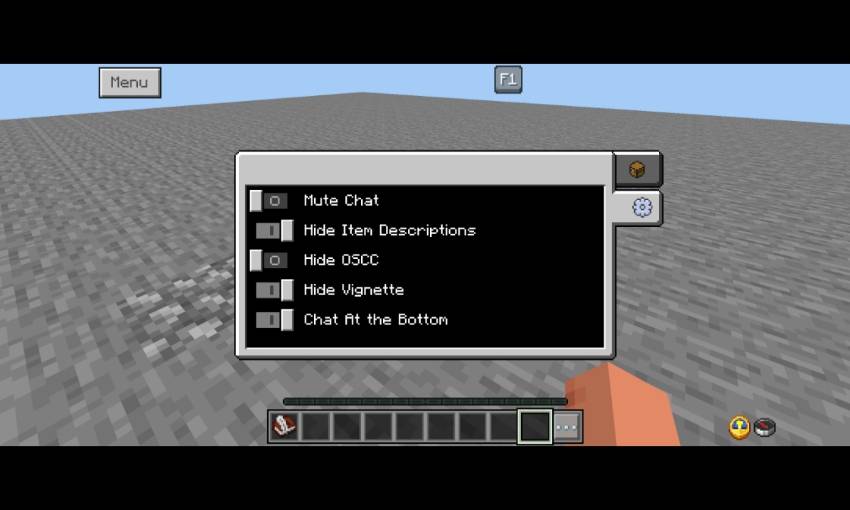
Chat Screen
- Now chat screen become more clean with transparent background
- Change some of textures into transparent black and minimize the chat history in order to match with java edition
- Added chat autocomplete above of send message button
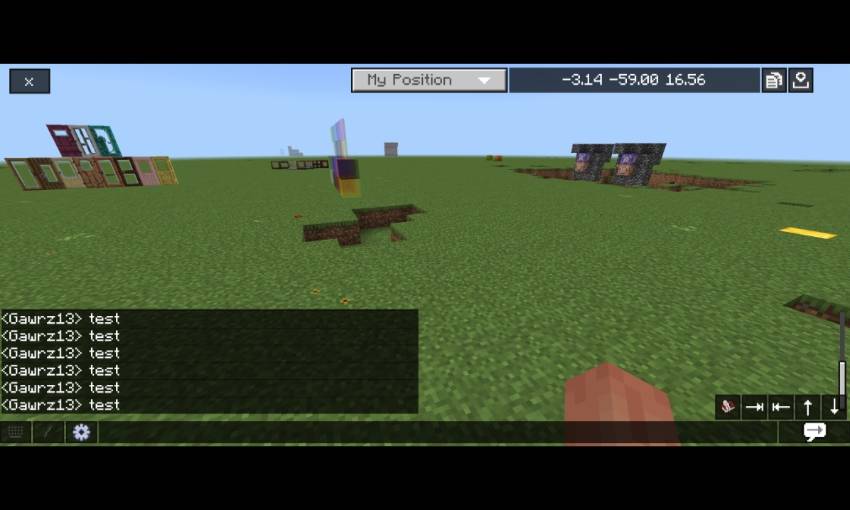
- Clean command section
- All commands now are clickable and completed your command automatically
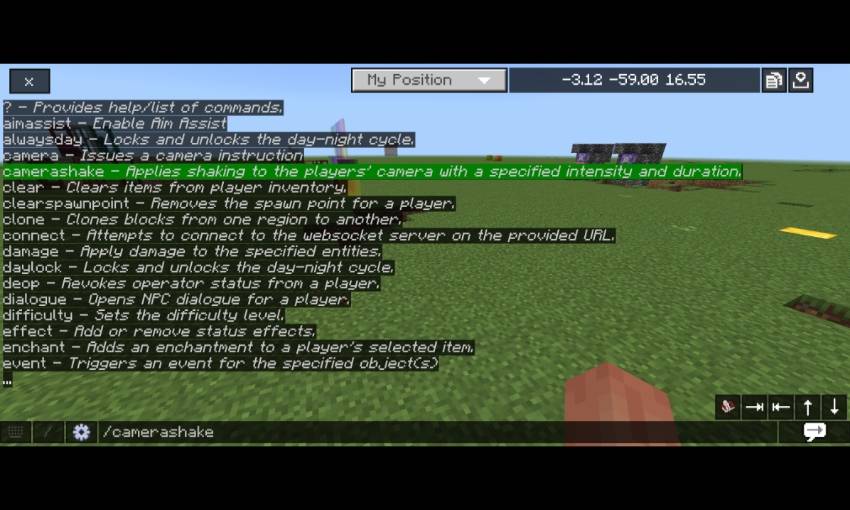
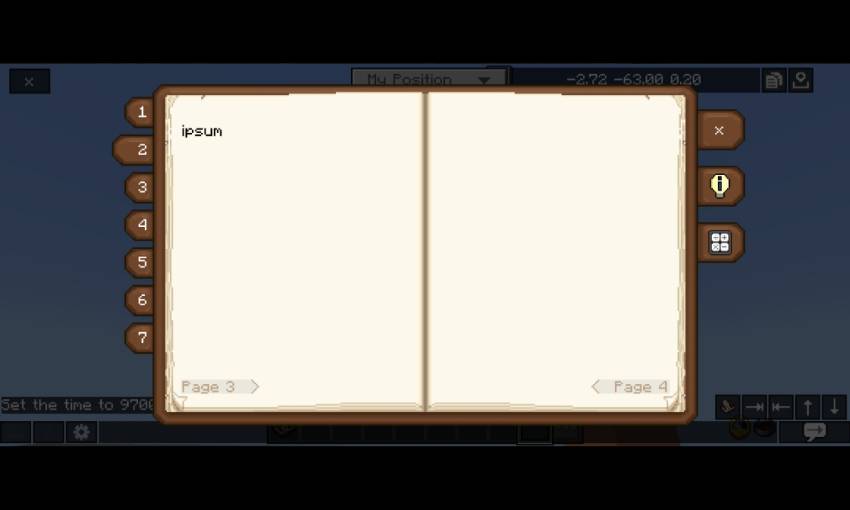
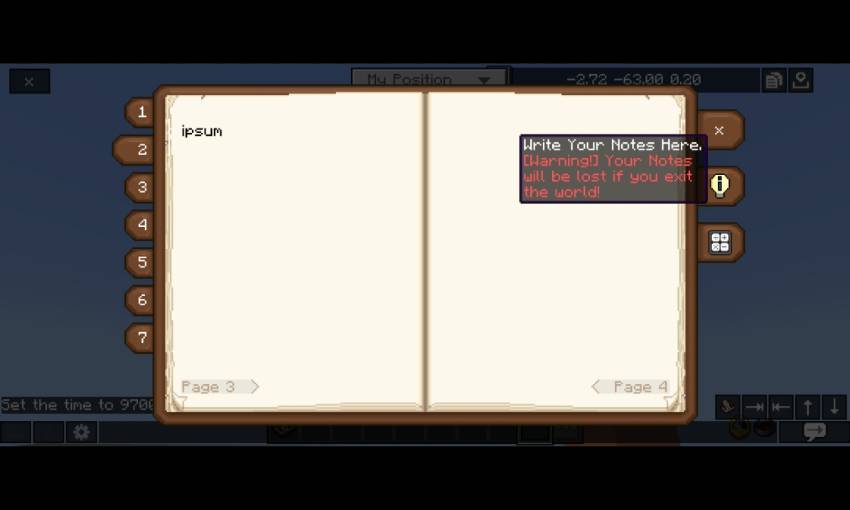
- Temporary Note
- Warning! You will lose your notes of you exit your world
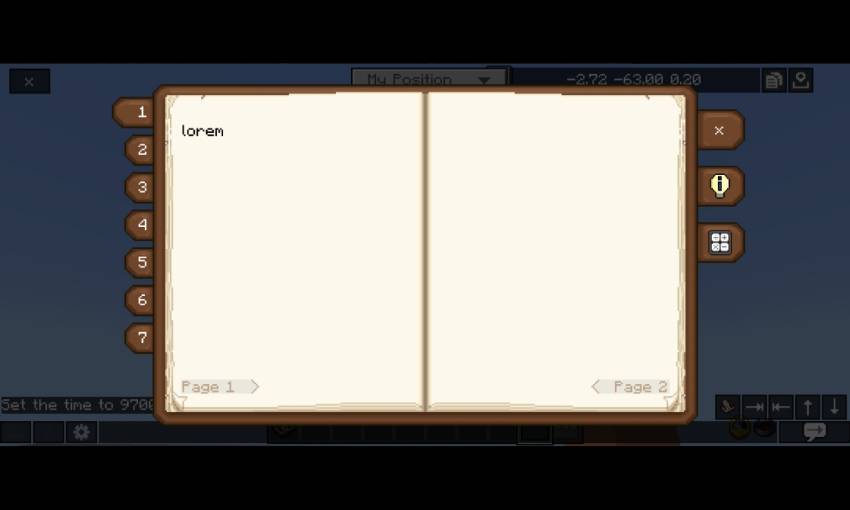
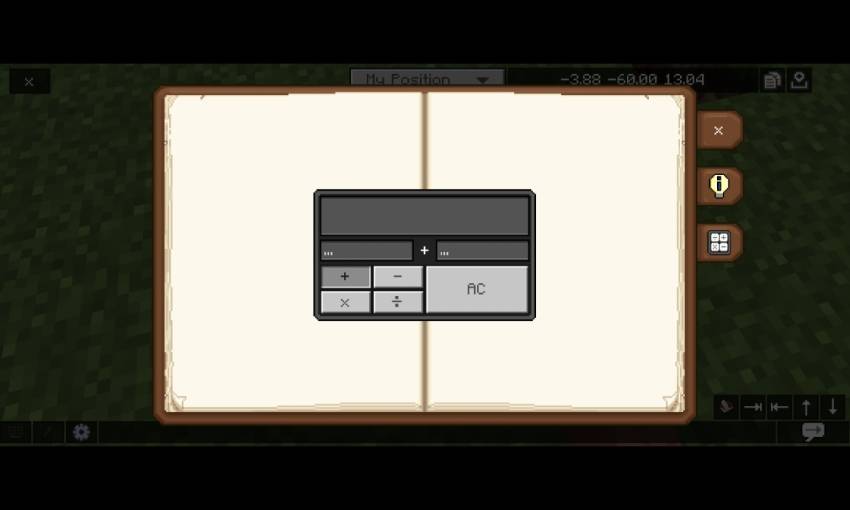
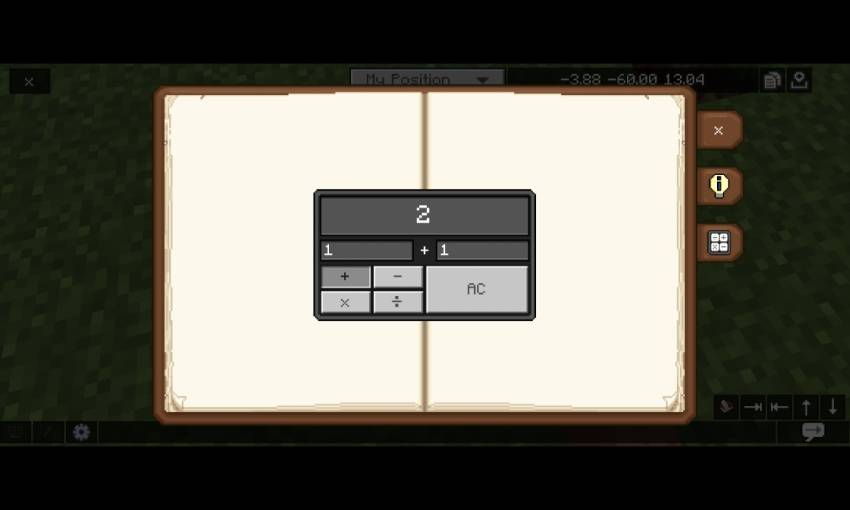
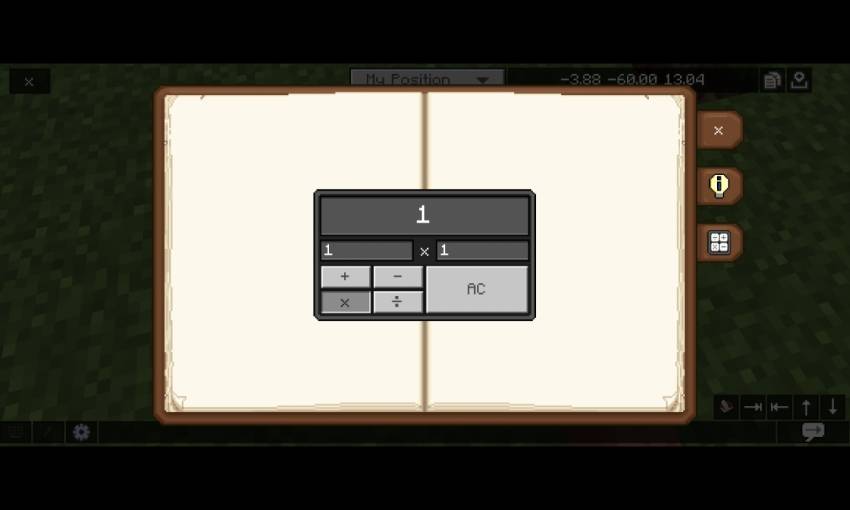
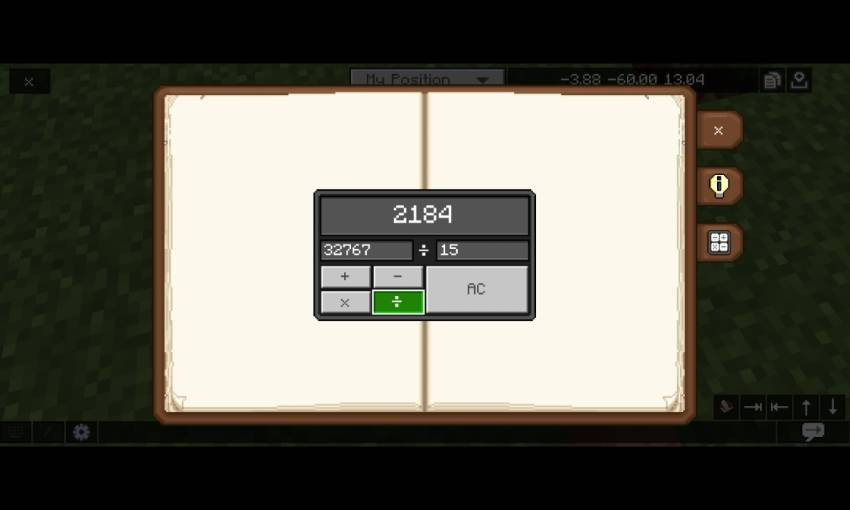
- Calculator
Container Screens
*Some of container ui's Will have colorful texture container
Inventory screen
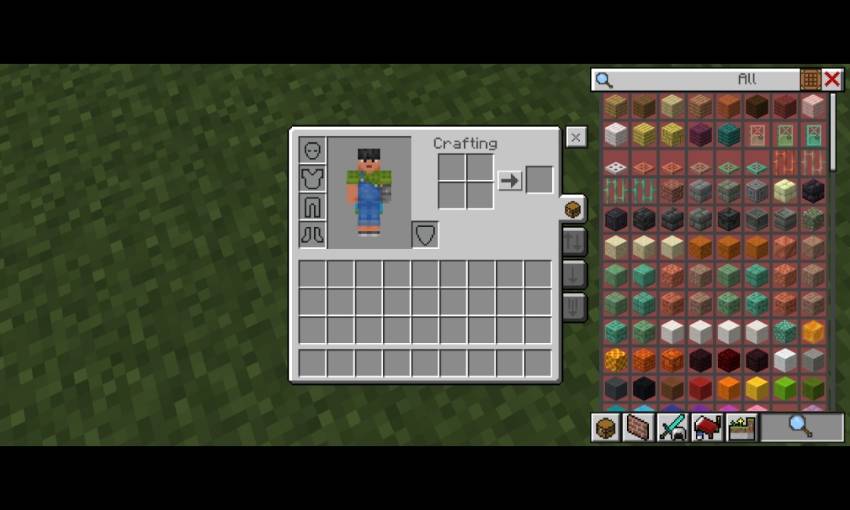
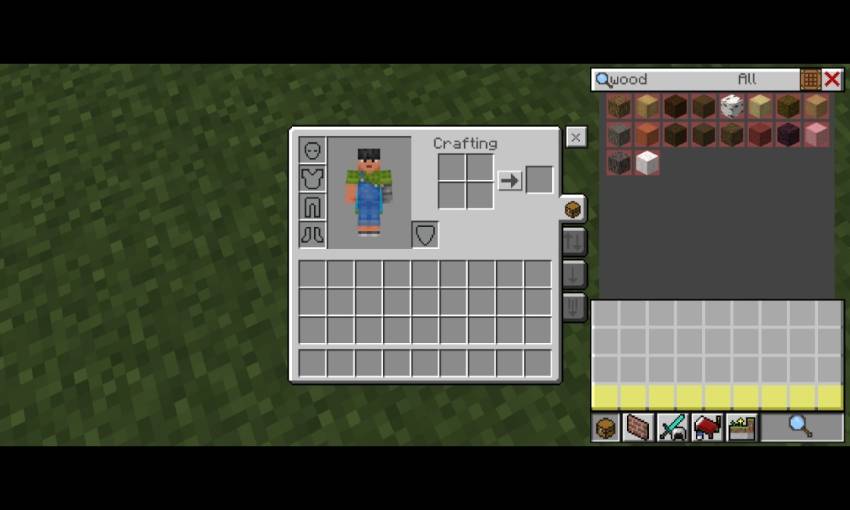
- Jei layout
- Quick modes button
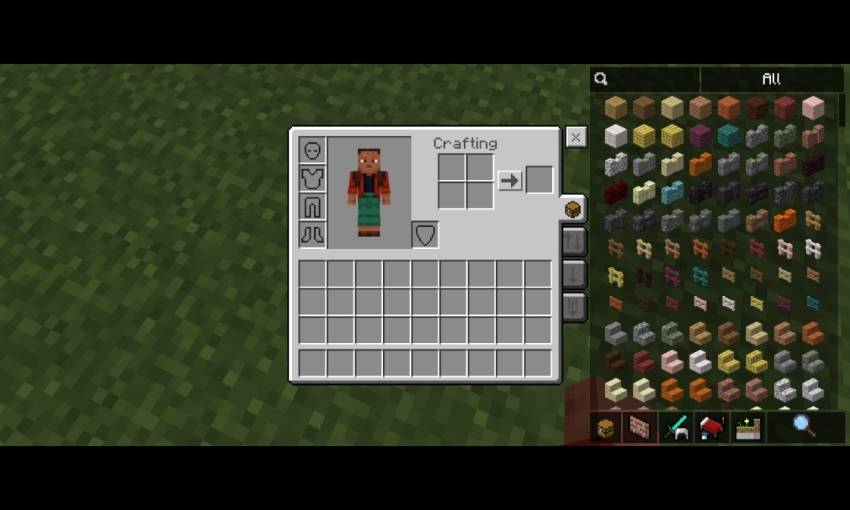
- Inventory shortcut
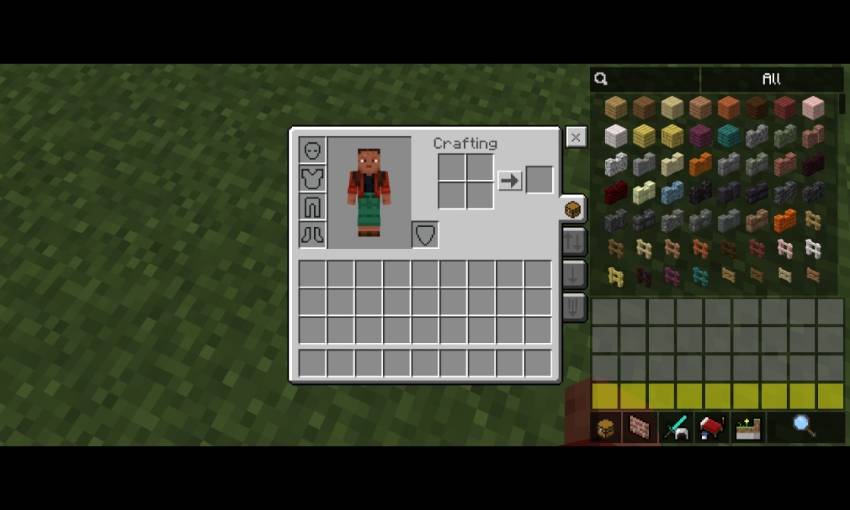
- Quick Craft button
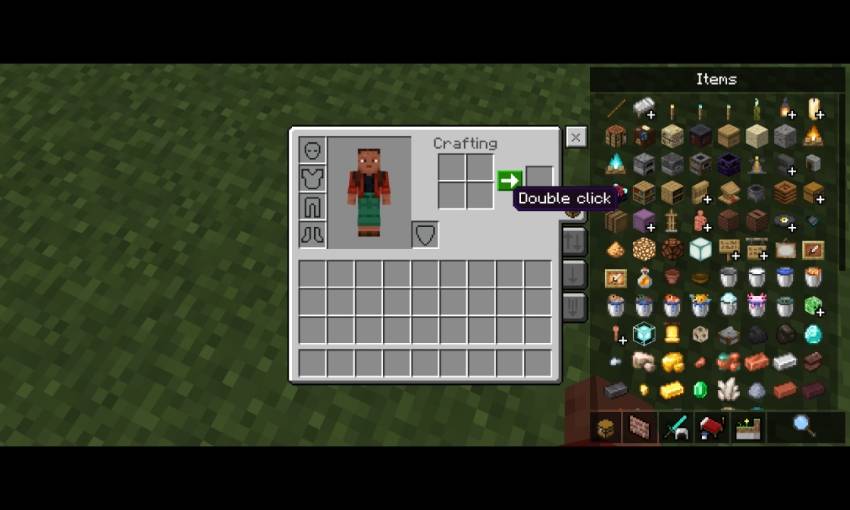
- Item Rarity Viewer
- Yellow = uncommon
- Light blue = rare
- Magenta = epic
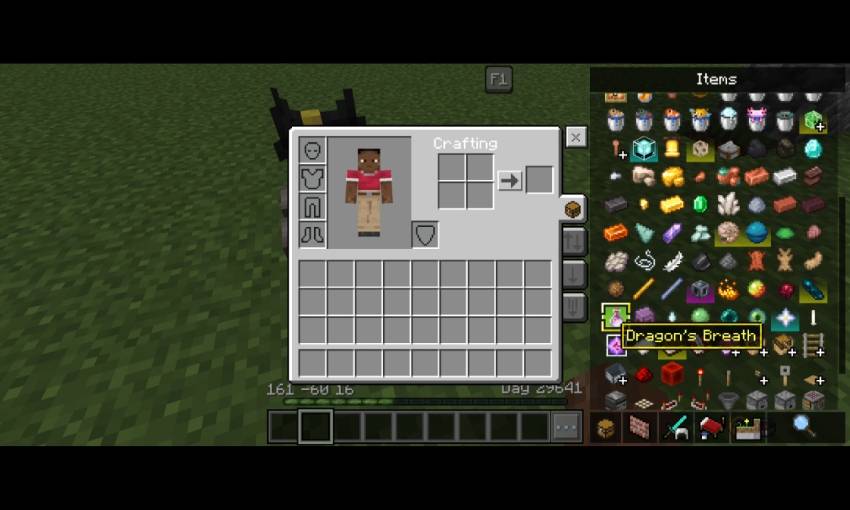
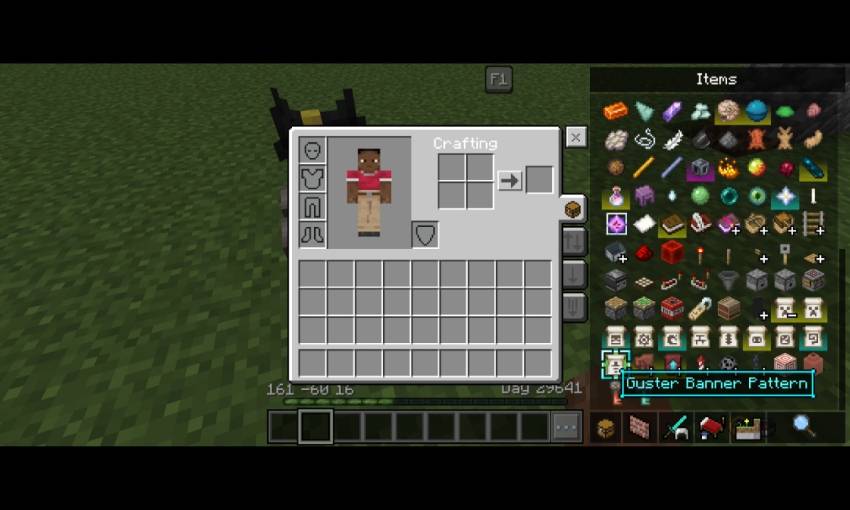
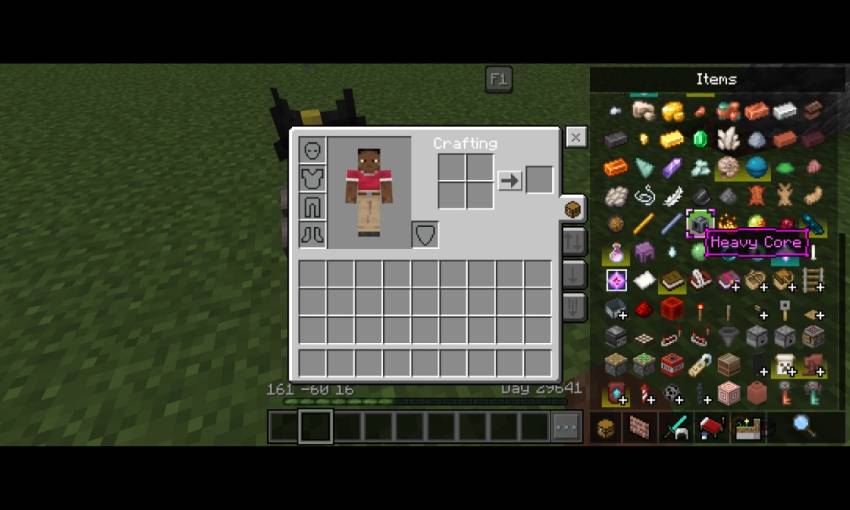
- There's also non transparent variant of Jei, see at the bottom at config section to use is
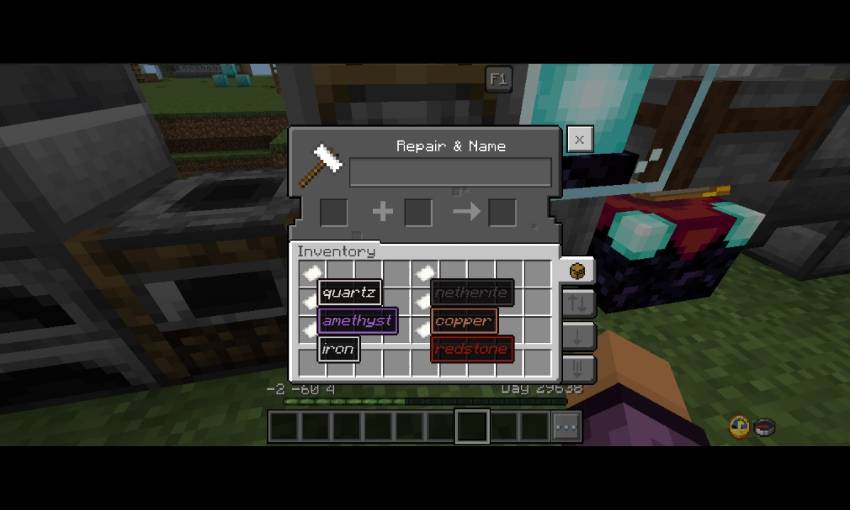
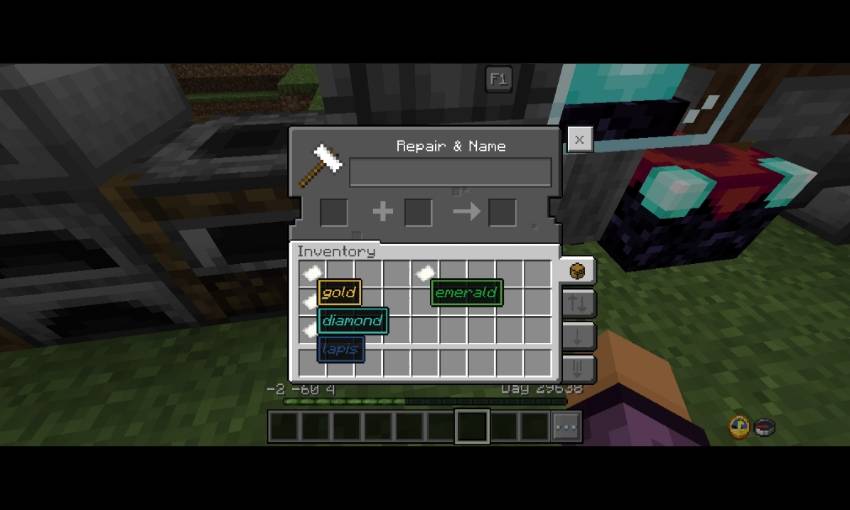
- Colored item name border, you need to rename the item first, color codes:
- §h = quartz
- §i = iron
- §j = netherite
- §m = redstone
- §n = copper
- §p = gold
- §q = emerald
- §s = diamond
- §t = lapis
- §u = amethyst
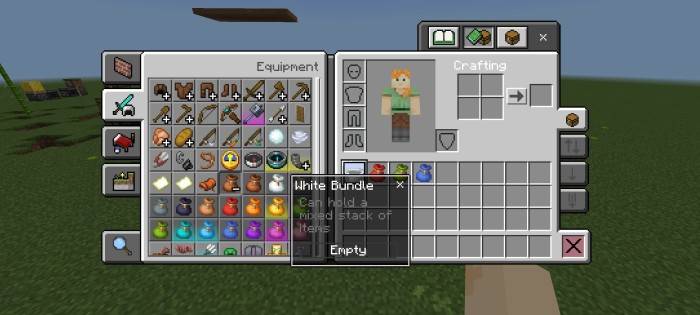
- Colorful Bundle Tooltip
- The color Will change according to bundle color
- This is available for any bundles color
Bedrock UI+のインストール方法
With Millida Launcher
Install Millida Launcher
The launcher is free: download it at millida.net/launcher and sign in with any nickname.
Click “Install” on this page
The launcher opens and installs the resource pack for Minecraft 1.20–26.50 automatically.
Launch the game
A profile with it appears in the launcher: click “Play”.
Manually
Download the archive
Pick the file Bedrock Ui+ Beta V0.5.mcpack (1.2 MB) for your game version. No need to unpack it.
Put it in the resourcepacks folder
The easiest way: “Options”, then “Resource Packs”, then “Open Pack Folder”, and drag the archive there.
Enable the pack
In the same window, move the pack to the right-hand “Selected” column and click “Done”.
バージョン
依存関係あり
| Minecraft | ローダー | ファイル | 日付 | 操作 |
|---|---|---|---|---|
| 1.20.40 | — | [LATEST] Bedrock Ui+ Beta V0.5.mcpack1.2 MB 28 |
FAQ
Which Minecraft versions does Bedrock UI+ work on?
There are files for 1.20–26.50, 54 versions in total. The newest is 26.50.
Where can I download Bedrock UI+ safely?
On this page: the file Bedrock Ui+ Beta V0.5.mcpack (1.2 MB) is stored on Millida’s server, with no link shorteners. SHA-1 checksum: 8f0fd93dbbf8fee02ab81db1215f51e8c753ab3f.
レビュー
Bedrock UI+の最初の評価を書きませんか



