
Asteroid Animation リソースパックについて
Make your Minecraft game look fun with this simple animation pack! It fixes stiff movements by adding silly jumping, expressive expressions, and lively mobs.
Showcase!
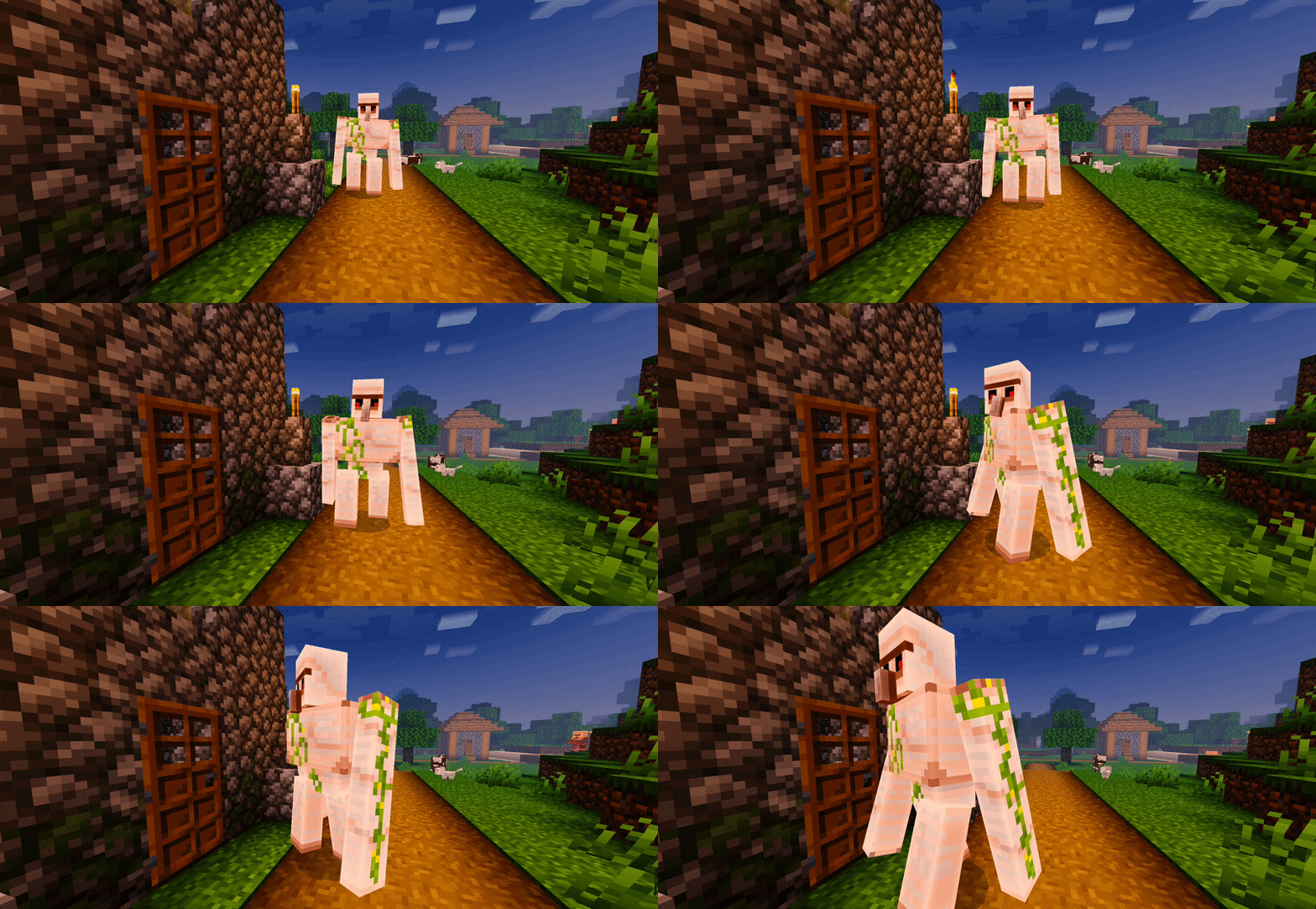
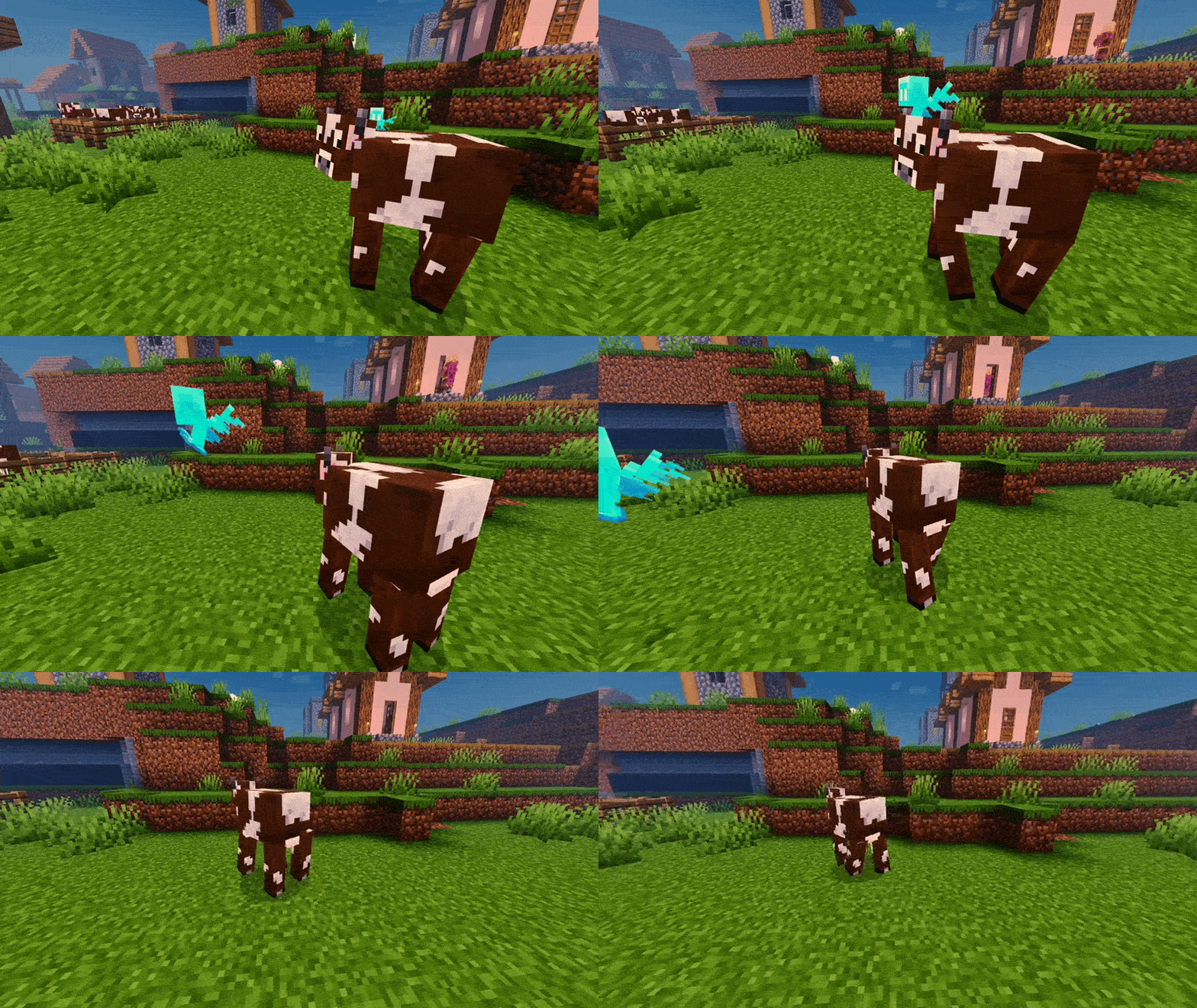
There Are Very Few Animations as I get experience I will improve and add more
Social Links:-
Discord
YouTube
📸 Follow us for updates, new versions, and upcoming packs!
Asteroid Animationのインストール方法
With Millida Launcher
Install Millida Launcher
The launcher is free: download it at millida.net/launcher and sign in with any nickname.
Click “Install” on this page
The launcher opens and installs the resource pack for Minecraft 1.21.80–26.30 automatically.
Launch the game
A profile with it appears in the launcher: click “Play”.
Manually
Download the archive
Pick the file Asteroid Animation V1.0.2.mcpack (500 KB) for your game version. No need to unpack it.
Put it in the resourcepacks folder
The easiest way: “Options”, then “Resource Packs”, then “Open Pack Folder”, and drag the archive there.
Enable the pack
In the same window, move the pack to the right-hand “Selected” column and click “Done”.
バージョン
依存関係あり
| Minecraft | ローダー | ファイル | 日付 | 操作 |
|---|---|---|---|---|
| 1.21.80 | — | Asteroid Animation V1.0.2.mcpack500 KB |
FAQ
Which Minecraft versions does Asteroid Animation work on?
There are files for 26.30, 1.21.132, 1.21.80. The newest is 26.30.
Where can I download Asteroid Animation safely?
On this page: the file Asteroid Animation V1.0.2.mcpack (500 KB) is stored on Millida’s server, with no link shorteners. SHA-1 checksum: 7bdc979d072877137cd539e54aa0f15fbd972a2e.
レビュー
Asteroid Animationの最初の評価を書きませんか



