

Minecraft 1.21, 1.21.80用Advanced Container リソースパック
Advanced Containerでインベントリ内のアイテムをより速く簡単に管理しましょう!
For those of you who want to share this, please use this page link: https://www.curseforge.com/minecraft-bedrock/texture-packs/advanced-container/download It leads directly to the latest file, so there's no need to use Mediafire, onegaii~
Join our community below!
DIscord Server | Telegram Group | Whatsapp Group(+62 only)
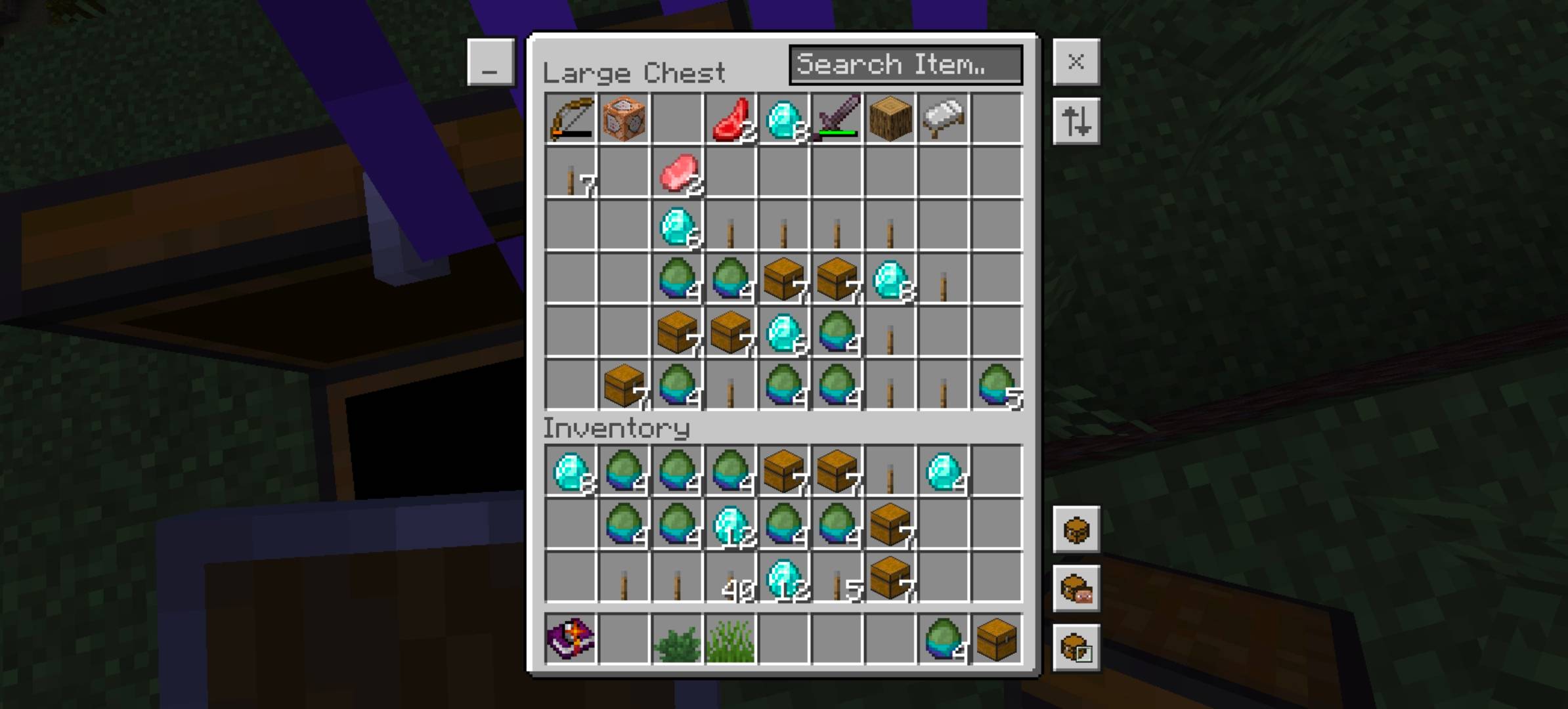
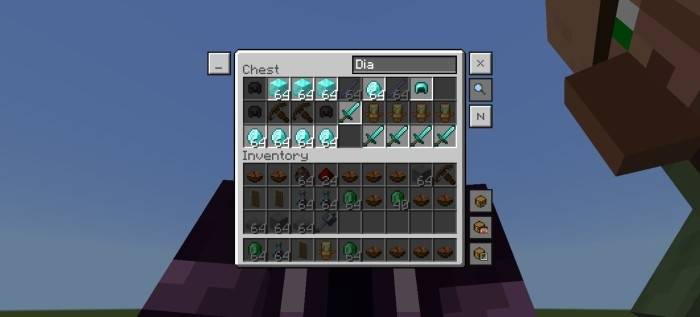
Showcase:
Feature:
quick craft, trade
double press to craft or trade all item
destroy item
select item and press destroy slot to destroy item(only for creative mode)
item highlighter search bar
use the search bar to search for items (case sensitive)
selected item highlighter
select an item to highlight the same item
quick mode switcher
press the 'N' button to change the mode to auto place, drop and back to normal
container button
change to auto place or drop mode to use it, be careful when using drop mode
smart autoplace
Use the search bar to search for items, and use auto place or drop mode to move or drop highlighted items.
Info:
Subpacks: -
Settings needed: -
Known Issue: -
Advanced Containerのインストール方法
With Millida Launcher
Install Millida Launcher
The launcher is free: download it at millida.net/launcher and sign in with any nickname.
Click “Install” on this page
The launcher opens and installs the resource pack for Minecraft 1.21–1.21.80 automatically.
Launch the game
A profile with it appears in the launcher: click “Play”.
Manually
Download the archive
Pick the file Advanced Container v1.2.0.mcpack (83 KB) for your game version. No need to unpack it.
Put it in the resourcepacks folder
The easiest way: “Options”, then “Resource Packs”, then “Open Pack Folder”, and drag the archive there.
Enable the pack
In the same window, move the pack to the right-hand “Selected” column and click “Done”.
バージョン
依存関係あり
| Minecraft | ローダー | ファイル | 日付 | 操作 |
|---|---|---|---|---|
| 1.21 | — | Advanced Container v1.2.0.mcpack82.5 KB |
FAQ
Which Minecraft versions does Advanced Container work on?
There are files for 1.21.80, 1.21. The newest is 1.21.80.
レビュー
Advanced Containerの最初の評価を書きませんか



