

Minecraft 1.20.1, 1.21.1用Shader 8-BIT
8-BIT Shaderでレトロな夜へ - ピクセル化されたビジュアル、動的な色彩、繊細な光沢、走査線がクラシックな8ビットの雰囲気をあなたのMinecraftの世界に届けます!
💻 8-BIT Shader - Retro Night Vision for Minecraft
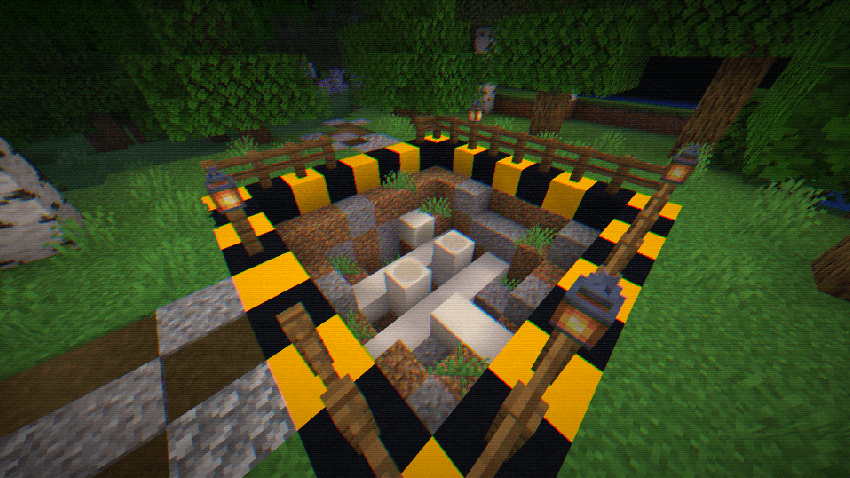
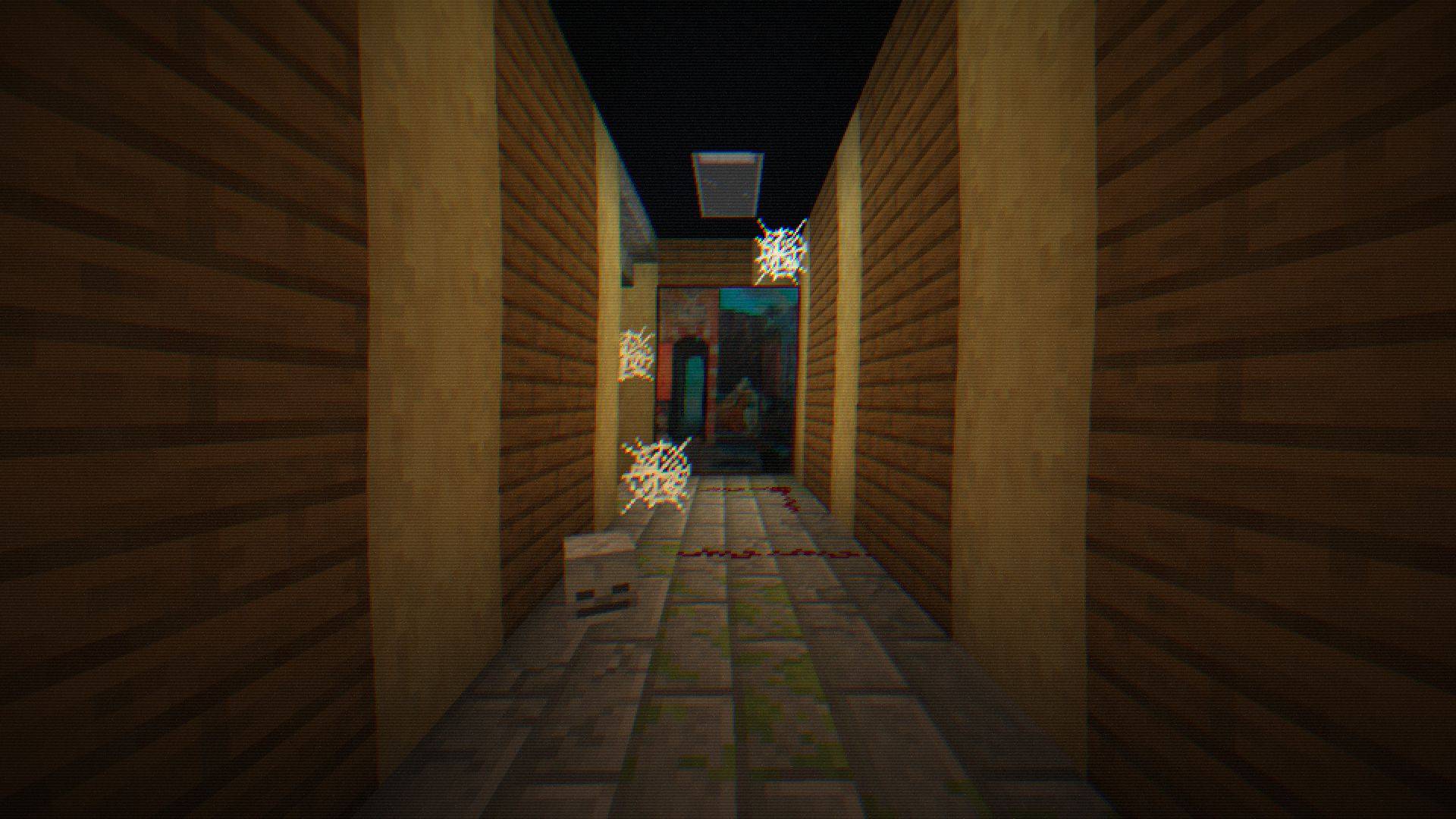
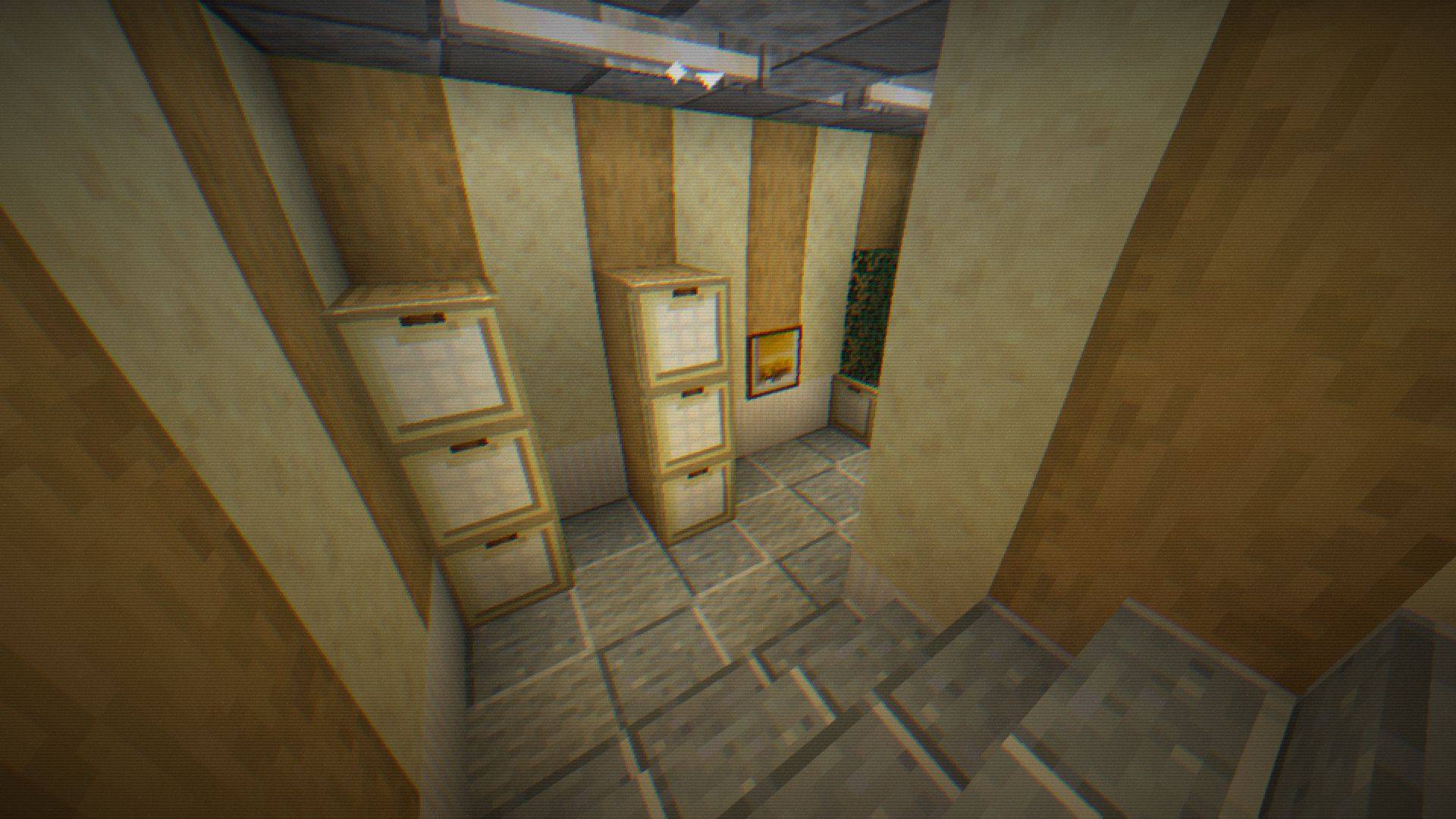
Step into a classic 8-bit world with a modern twist! The 8-BIT Shader transforms your Minecraft nights into an immersive pixelated experience reminiscent of retro video games-perfect for survival, horror maps, or stealth adventures.
✨ Key Features
- Retro Pixelation - Blocky pixels bring a nostalgic arcade vibe.
- Dynamic RGB Effects - Pulsing color shifts for a vibrant, lively screen.
- Night Vision Glint - Sparkling highlights simulate tactical optics.
- Realistic Grain & Noise - Subtle flickering and static add immersion.
- Retro Scanlines - Classic scanline overlays for old-school visuals.
- Customizable Vignette & Warp - Control screen edges and pixel distortion.
- Full Shader Customization - Fine-tune pixel size, color intensity, glint thresholds, scanline frequency, and more.
⚙️ Settings & Compatibility
- Fully compatible with Minecraft 1.18+ Optifine/Iris (Forge and Fabric).
- Adjustable via in-game shader settings.
- Light on performance: optimized for smooth gameplay.
- Includes switches and sliders for pixelation, RGB shift, glint, grain, scanlines, vignette, and pixel warp.
💡 Tips
- Combine with dark survival maps for a truly immersive experience.
- Use subtle grain and glint settings for the classic 8-BIT look.
- Adjust pixel size for more blocky retro aesthetics or finer detail.
Shader 8-BITのインストール方法
With Millida Launcher
Install Millida Launcher
The launcher is free: download it at millida.net/launcher and sign in with any nickname.
Click “Install” on this page
The launcher opens and installs the shaders for Minecraft 1.16.5–1.21.10 automatically.
Launch the game
A profile with it appears in the launcher: click “Play”.
Manually
Install Iris or OptiFine
Without a shader mod the game cannot see shaders. Install it for the same Minecraft version.
Download the shader archive
Pick the file 8‑BIT Shader.zip (12 KB) and do not unpack it.
Put it in the shaderpacks folder
“Options”, then “Video Settings”, then “Shader Packs”, then “Open Shader Pack Folder”, and drag the archive there.
Select the shaders
In the same window, click the pack name and “Apply”.
バージョン
依存関係あり
| Minecraft | ローダー | ファイル | 日付 | 操作 |
|---|---|---|---|---|
| 1.17.1 | — | 8‑BIT Shader v.1.0.111.5 KB 2 |
FAQ
Which Minecraft versions does Shader 8-BIT work on?
There are files for 1.16.5–1.21.10, 29 versions in total. The newest is 1.21.10.
Where can I download Shader 8-BIT safely?
On this page: the file 8‑BIT Shader.zip (12 KB) is stored on Millida’s server, with no link shorteners. SHA-1 checksum: a08752424eb86e3b54ca8499733d425129a8198e.
レビュー
Shader 8-BITの最初の評価を書きませんか


