

Minecraft 1.20.1, 1.21.1用CoffeeShaders
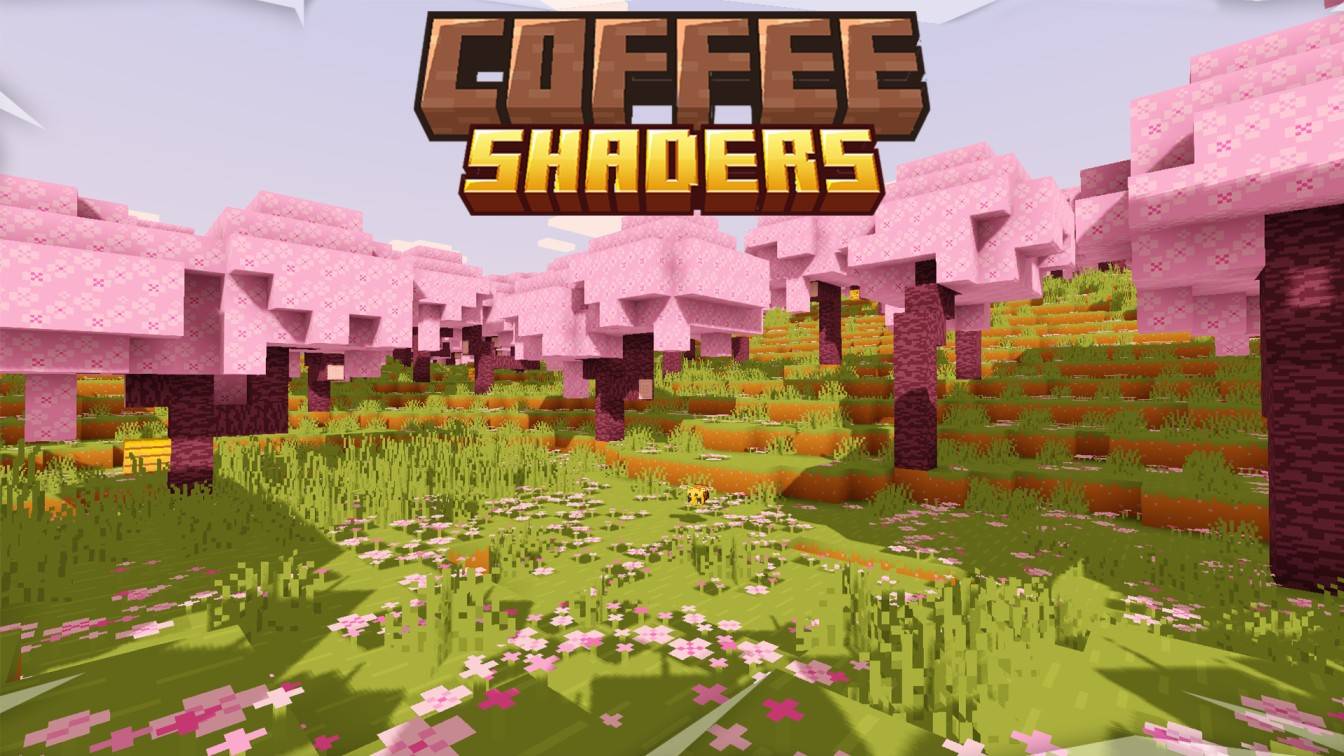
CoffeeShadersは青みがかった水、霧なし、調整可能な明るさ、最大64倍のカスタマイズ可能な影の品質を特徴としています。ブルーム、色調整、クリーンなビジュアルスタイルを含みます。柔らかくカスタマイズ可能なMinecraftの見た目を求めるプレイヤーに最適です。
CoffeeShaders シェーダーについて

ABOUT
CoffeeShaders is a visual edit of GlacierShaders, made for players who enjoy its clean, lightweight style but want a warmer touch. It keeps almost the same visuals as GlacierShaders while introducing a new water color and a few visual tweaks to create a smoother, more cozy aesthetic.
Features
CoffeeShaders is optimized for performance just like GlacierShaders, with minimal post-processing and no heavy visual effects. The main difference lies in the visual tone - the water has a rich coffee-colored tint, and certain effects are adjusted to make the environment feel warmer and softer without reducing FPS.
BUGS
Found a bug? You can report it by creating a ticket under the bug category in our Discord server. Your feedback helps us improve CoffeeShaders and fix issues faster. Every report means a lot to us and truly makes our day better!

LICENSE
CoffeeShaders is based on GlacierShaders and is published under the same licensing terms. All visual edits and tweaks are original and follow the permissions and distribution rules of the original GlacierShaders project.
CoffeeShadersのインストール方法
With Millida Launcher
Install Millida Launcher
The launcher is free: download it at millida.net/launcher and sign in with any nickname.
Click “Install” on this page
The launcher opens and installs the shaders for Minecraft 1.20–1.21.5 automatically.
Launch the game
A profile with it appears in the launcher: click “Play”.
Manually
Install Iris or OptiFine
Without a shader mod the game cannot see shaders. Install it for the same Minecraft version.
Download the shader archive
Pick the file §r§lCoffee§4§lShaders§4§lV1.0§r§l.zip (27 KB) and do not unpack it.
Put it in the shaderpacks folder
“Options”, then “Video Settings”, then “Shader Packs”, then “Open Shader Pack Folder”, and drag the archive there.
Select the shaders
In the same window, click the pack name and “Apply”.
バージョン
依存関係あり
| Minecraft | ローダー | ファイル | 日付 | 操作 |
|---|---|---|---|---|
| 1.20.2 | — | CoffeeShaders26.7 KB 2 |
FAQ
Which Minecraft versions does CoffeeShaders work on?
There are files for 1.20–1.21.5, 13 versions in total. The newest is 1.21.5.
Where can I download CoffeeShaders safely?
On this page: the file §r§lCoffee§4§lShaders§4§lV1.0§r§l.zip (27 KB) is stored on Millida’s server, with no link shorteners. SHA-1 checksum: 3ec977659a12ee139034cfc43d90903b41a3880a.
レビュー
CoffeeShadersの最初の評価を書きませんか


