
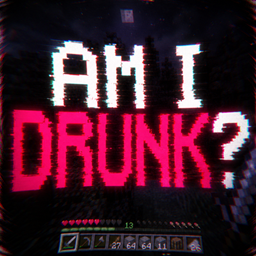

Am I Drunk!?
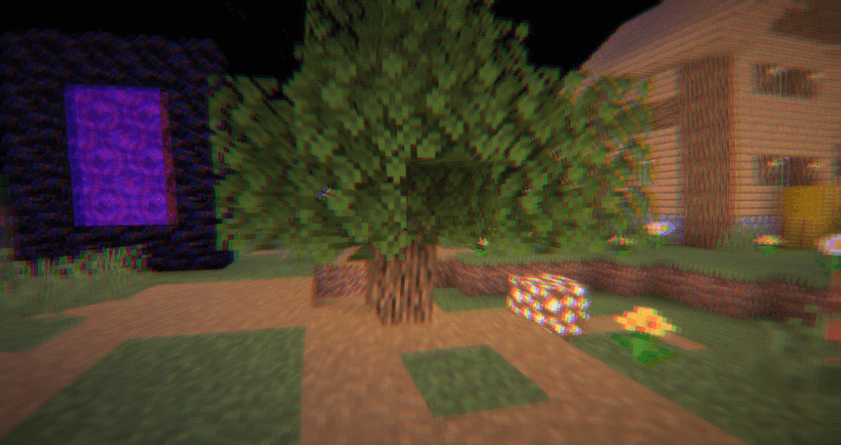
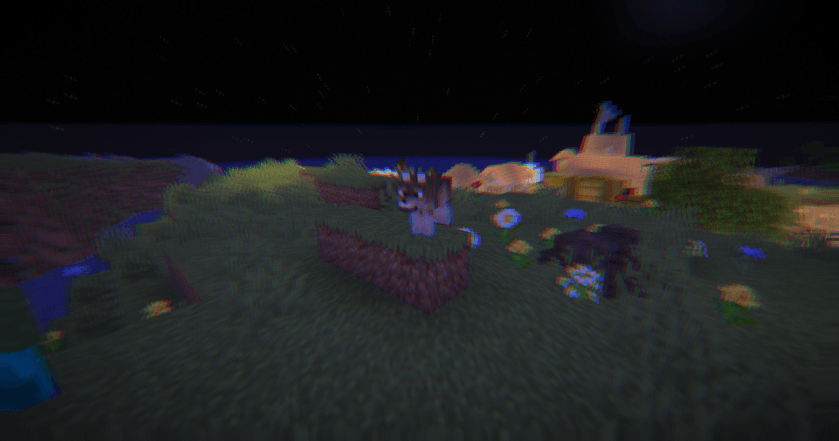
A cursed visual experience that completely destroys your perception of reality. “Am I Drunk!?” bends, shakes, blurs, and distorts the world around you to simulate chaotic dizziness and unstable vision. Every movement feels wrong in the best possible way — like your GPU just woke up from a nightmare.
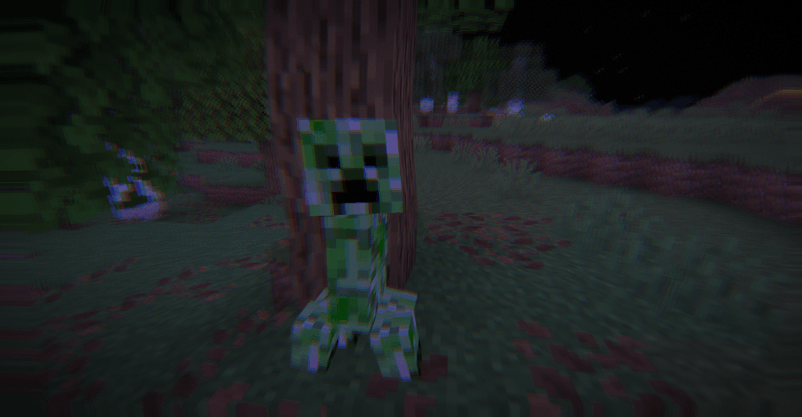
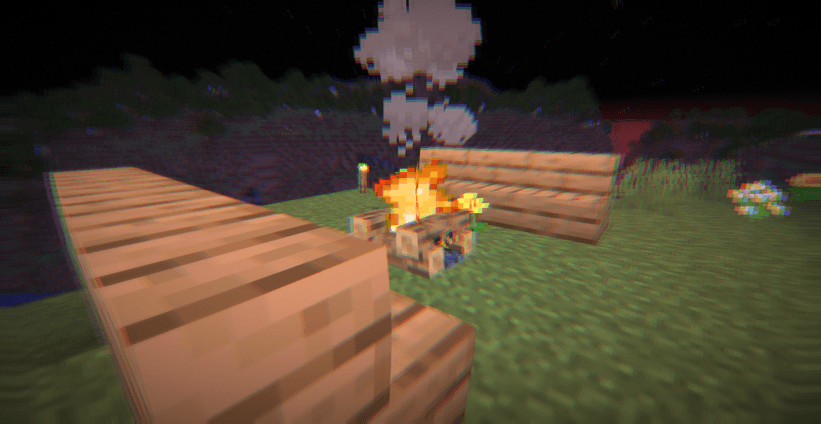
Designed for:
- Cursed gameplay videos
- Meme edits
- Horror-comedy atmosphere
- Psychological chaos
- Making your friends uncomfortable
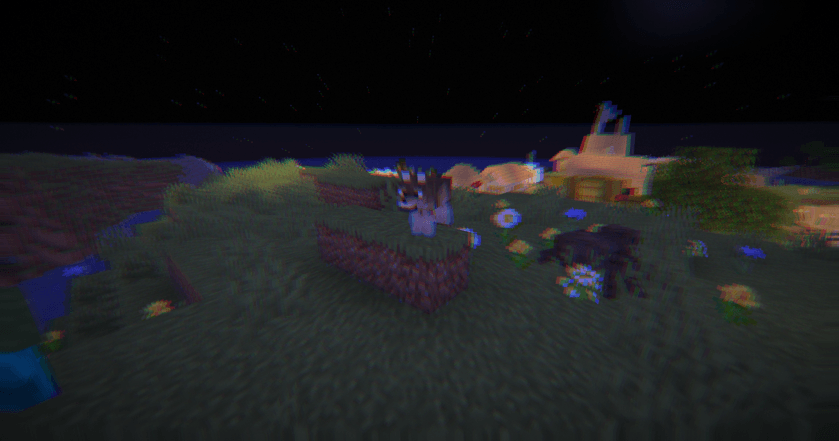
⚠️ WARNING: This shader contains intense visual distortion, motion effects, screen warping, blur, and unstable camera simulation. It may cause discomfort, dizziness, motion sickness, headaches, or eye strain for sensitive users. Not recommended for long gameplay sessions.
Am I Drunk?のインストール方法
With Millida Launcher
Install Millida Launcher
The launcher is free: download it at millida.net/launcher and sign in with any nickname.
Click “Install” on this page
The launcher opens and installs the shaders for Minecraft 1.7.2–26.3 automatically.
Launch the game
A profile with it appears in the launcher: click “Play”.
Manually
Install Iris or OptiFine
Without a shader mod the game cannot see shaders. Install it for the same Minecraft version.
Download the shader archive
Pick the file Am I Drunk! 1.1.zip (5 KB) and do not unpack it.
Put it in the shaderpacks folder
“Options”, then “Video Settings”, then “Shader Packs”, then “Open Shader Pack Folder”, and drag the archive there.
Select the shaders
In the same window, click the pack name and “Apply”.
バージョン
依存関係あり
| Minecraft | ローダー | ファイル | 日付 | 操作 |
|---|---|---|---|---|
| 1.16.3 | — | Am I Drunk! 1.14.9 KB 5 |
レビュー
Am I Drunk?の最初の評価を書きませんか


