

 Fabric
 OptiFine
Aerial シェーダーについて
Where the sky becomes part of the world.
Aerial is a shader pack focused on atmosphere, depth, and natural lighting. Instead of dramatically changing Minecraft's art style, it aims to make familiar landscapes feel larger, calmer, and more believable. Distant mountains fade naturally into the horizon, clouds gain real presence in the sky, and sunlight carries a softer sense of direction throughout the world.
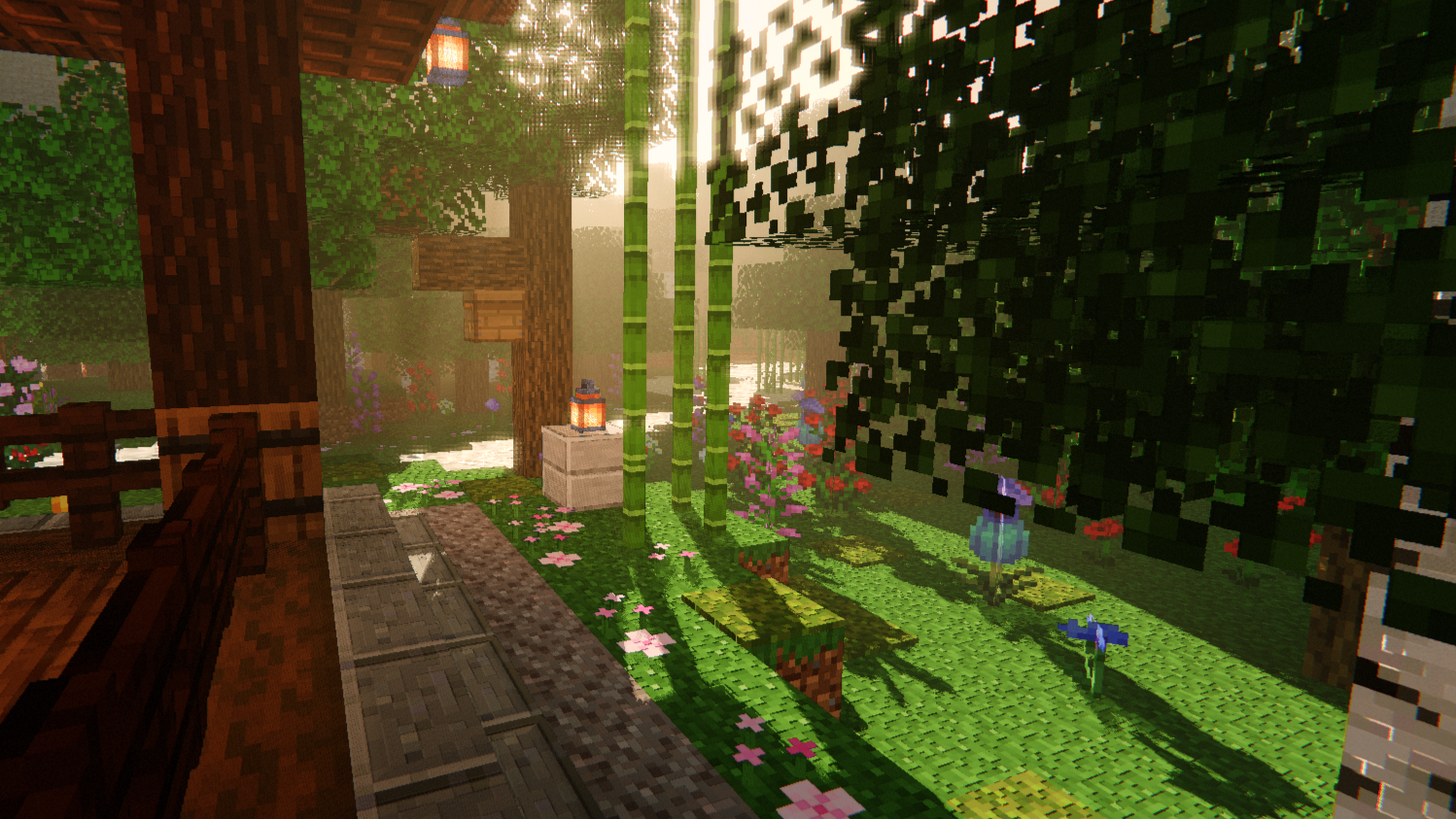
Whether you're exploring forests, building near the coast, or watching a storm roll across a plains biome, Aerial is designed to enhance the mood of the scene without overwhelming it.

✨ Highlights
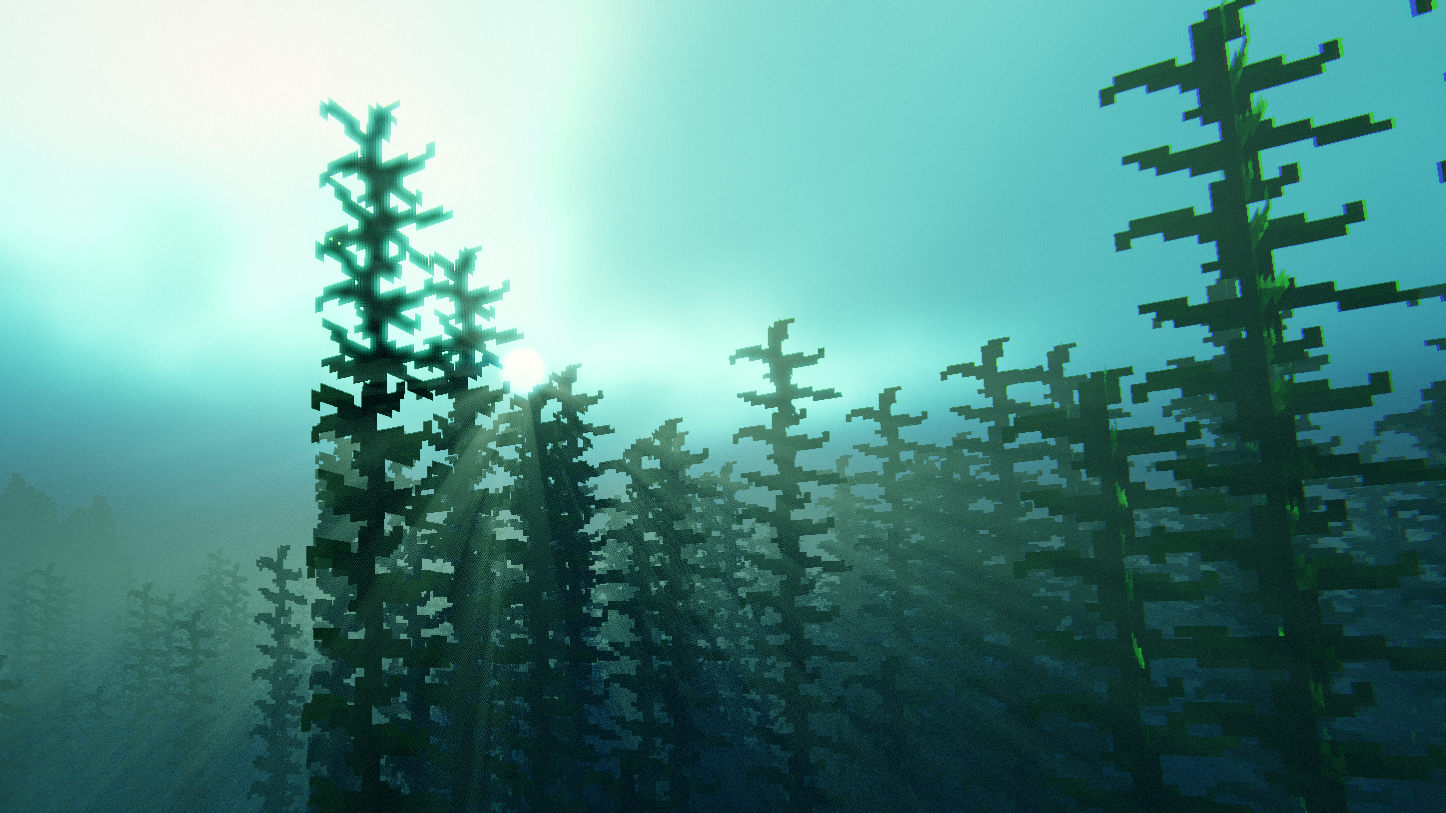
A living sky. The sky changes throughout the day with soft color transitions, atmospheric haze, and large cloud formations that feel connected to the world below. Sunrises are warm and subtle, while evenings gradually fade into deep blue nights filled with visible stars.
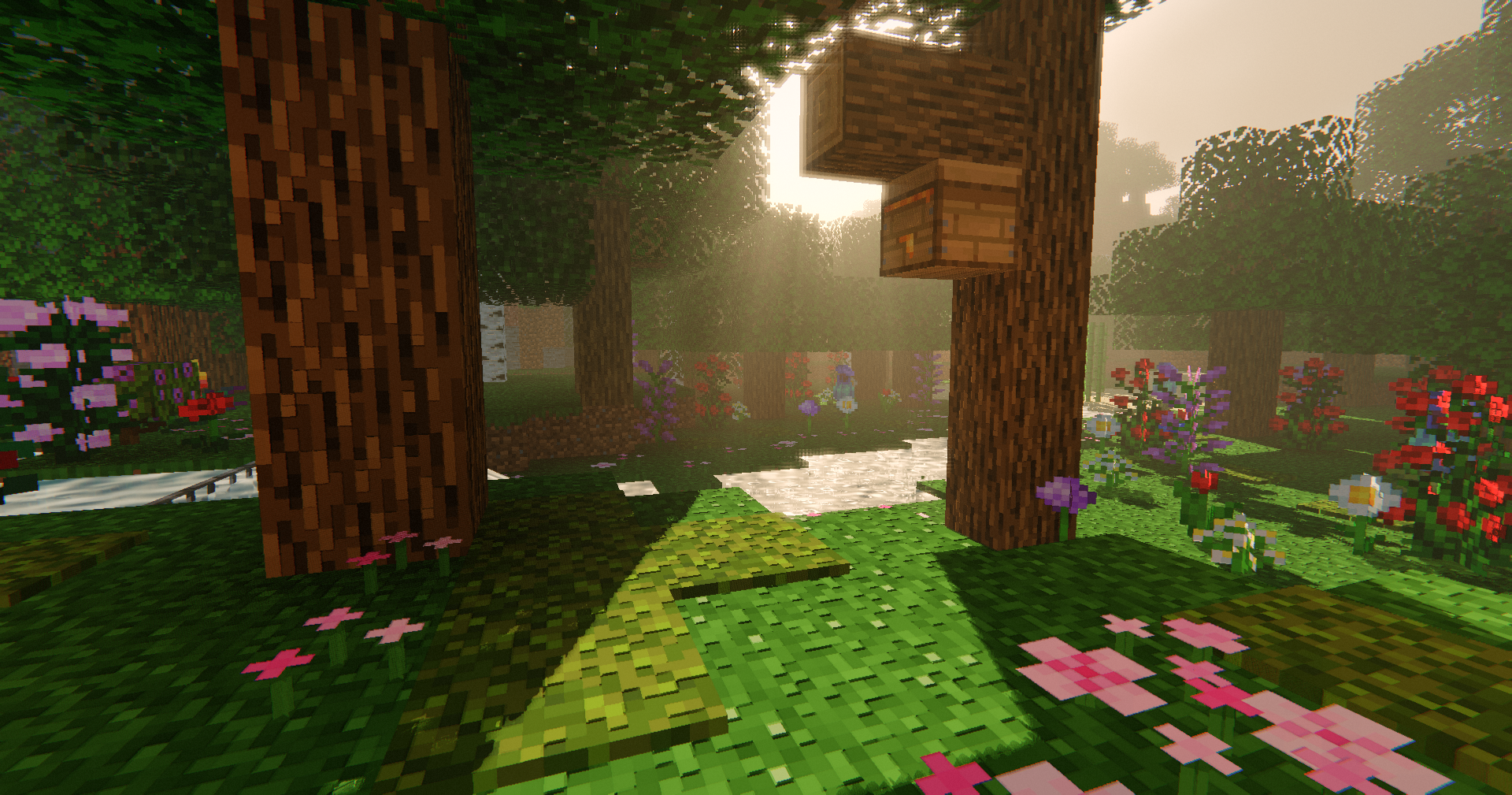
Natural lighting. Sunlight feels softer and more grounded, helping terrain, vegetation, and structures stand out without excessive contrast. Bright areas remain vibrant while shadows retain detail instead of becoming completely black.
Volumetric clouds. Clouds occupy physical space in the sky rather than appearing as flat layers overhead. Storms become darker and heavier, creating a stronger sense of weather and scale.
Enhanced water. Rivers, lakes, and oceans respond to changing light conditions with reflections, depth coloration, and subtle underwater effects. Water remains clear and readable while feeling more dynamic than vanilla rendering.
Material-aware surfaces. Compatible resource packs can take advantage of additional surface detail, allowing stone, wood, metals, and other materials to react more naturally to light.
Filmic presentation. Exposure adapts smoothly when moving between bright and dark areas, helping caves, interiors, and outdoor environments feel more natural to explore.

🌄 Designed Around Atmosphere
Aerial is built around environmental storytelling rather than visual spectacle. The goal is not to make every frame look dramatic, but to make everyday moments in Minecraft feel more immersive.
Watching distant rain over an ocean, seeing sunlight break through clouds, or looking across a valley at sunset are the kinds of experiences this shader is designed to emphasize.
⚙️ Compatibility
- Iris Shader Loader
- OptiFine
- Resource packs with PBR support
- Vanilla textures supported
🎛️ Customization
Aerial includes configurable options for:
- Cloud quality and coverage
- Atmospheric density
- Shadow quality
- Water appearance
- Exposure behavior
- Material effects
- Visual post-processing strength
Aerialのインストール方法
With Millida Launcher
Install Millida Launcher
The launcher is free: download it at millida.net/launcher and sign in with any nickname.
Click “Install” on this page
The launcher opens and installs the shaders for Minecraft 1.17–26.3 automatically.
Launch the game
A profile with it appears in the launcher: click “Play”.
Manually
Install Iris or OptiFine
Without a shader mod the game cannot see shaders. Install it for the same Minecraft version.
Download the shader archive
Pick the file Aerial-1.1.zip (32 KB) and do not unpack it.
Put it in the shaderpacks folder
“Options”, then “Video Settings”, then “Shader Packs”, then “Open Shader Pack Folder”, and drag the archive there.
Select the shaders
In the same window, click the pack name and “Apply”.
バージョン
依存関係あり
| Minecraft | ローダー | ファイル | 日付 | 操作 |
|---|---|---|---|---|
| 26.3 | Iris, OptiFine | 26.331.7 KB 13 | ||
| 1.21 | Iris, OptiFine | 1.2131.4 KB | ||
| 1.20.1 | Iris, OptiFine | 1.20.131.4 KB | ||
| 1.17.1 | Iris, OptiFine | 1.17.131.4 KB | ||
| 26.2 | Iris, OptiFine | 26.231.4 KB | — | |
| 26.1 | Iris, OptiFine | 26.131.4 KB | — | |
| 1.21.11 | Iris, OptiFine | 1.21.1131.4 KB 1 | — | |
| 1.19.2 | Iris, OptiFine | 1.19.231.4 KB | — |
FAQ
Which Minecraft versions does Aerial work on?
There are files for 1.17–26.3, 34 versions in total. The newest is 26.3.
What do I need to run Aerial?
Shaders are loaded through Iris or OptiFine: without one of them the game cannot see them.
Where can I download Aerial safely?
On this page: the file Aerial-1.1.zip (32 KB) is stored on Millida’s server, with no link shorteners. SHA-1 checksum: 6174c9618fd78bf683367b08f98bd4ac4882fbfb.
レビュー
Aerialの最初の評価を書きませんか


