

Description
MagicLoot adds a whole new RPG Experience to your Server! This Plugin randomly generates ruins in the world. These ruins have Chests in them which will also be randomly filled with Items MagicLoot's Item System is very easy. You can specify in the Configs which enchantments can be added, which items can be added and even whether it should add random Potions or Slimefun Items
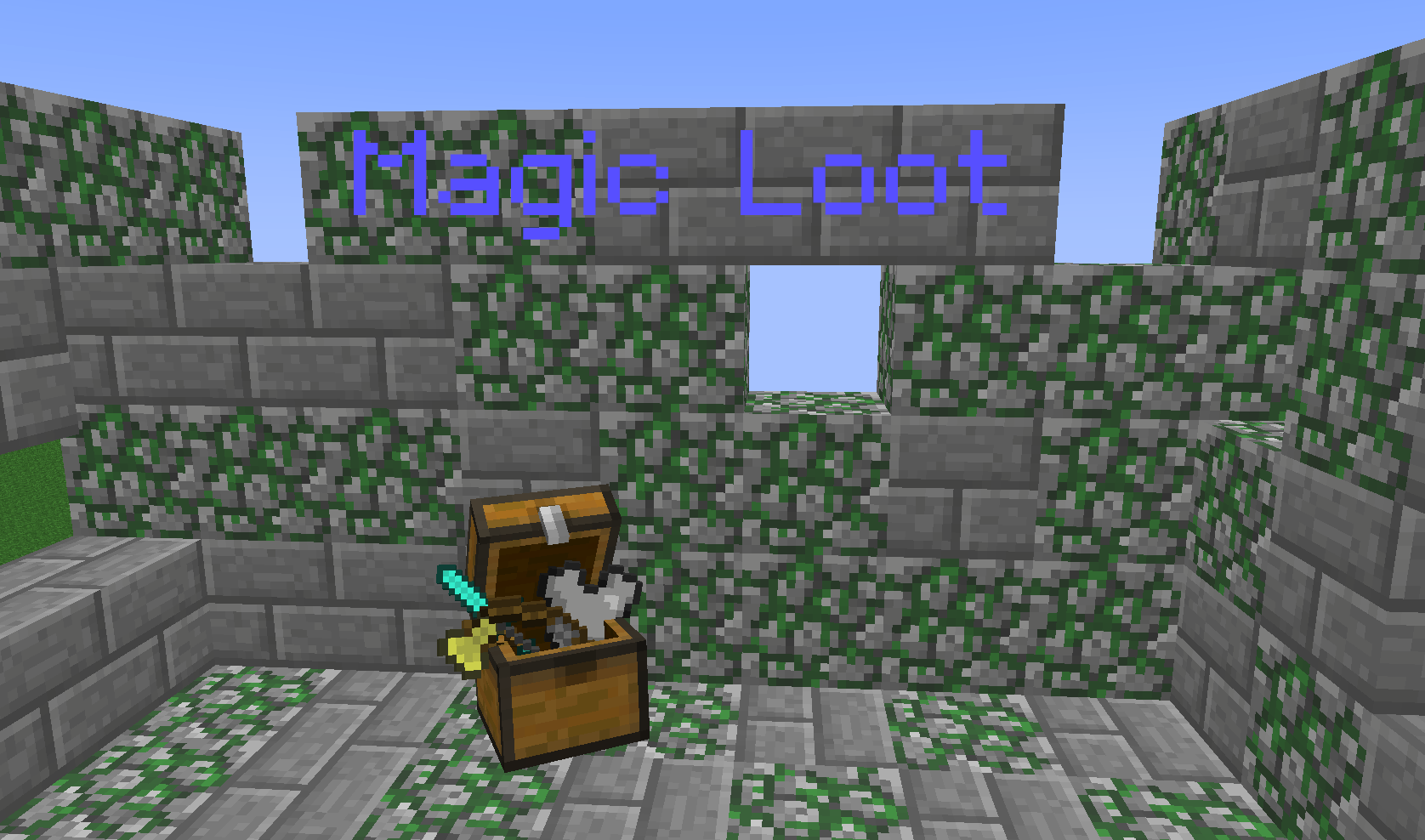
Screenshots
Customization
Item Customization

Additional Informations
MagicLoot is fully customizable and expandable. You can add your own Prefixes and Suffixes for the Names of all Items. Most Items also have a lot of Enchantments. This even works for Mods! If you're f.e. playing with Thaumcraft, all Thaumcraft Enchantments may be applied on some MagicLoot Items. If you're using Slimefun this Plugin will also spawn Slimefun's and all its addons' Items in some Loot Chests. You can also configure the Effects Items/Potions can get as well as their Enchantments. When you find Tools they will of course have a little bit of Damage already. And if you find Leather Armor it will be dyed in a random color Also Enchanted Books have been added! These will also come with configurable Enchantments. Sometimes you also might find "unanalized" Items, if you get lucky and find a Tome of Analizing you can analize them to get cool Items.
The Effects on Items will either start with a +/- "+" means it applies to you, "-" means it applies to your enemy.
Commands and Permissions
There are no Commands and no permissions!
Auto-Updater and Metrics
All my Plugins are using an Auto-Updater to make sure, you're always using the latest and hopefully most bug free version of my Plugin. If you don't want this Plugin to be auto-updated, you can turn it off in the config file at "options -> auto-update: true/false"
They also use a Metrics-System which collects the following Informations:
A unique identifier The server's version of Java Whether the server is in offline or online mode The plugin's version The server's version The OS version/name and architecture The core count for the CPU The number of players online The Metrics version Opting out of this service can be done by editing plugins/Plugin Metrics/config.yml and changing opt-out to true.
MagicLootのインストール方法
A server on Paper or Spigot
The plugin runs on the server core for Minecraft 1.8–1.8.1; players do not need to install anything.
File goes into the plugins folder
Download the file MagicLoot_v2.1.0.jar (52 KB) and put it into the server’s plugins folder.
Restart the server
On startup the plugin creates its own settings folder in plugins.
Use the “To server” button
On Millida Hosting, the button at the top of the page uploads the file to your server and restarts it for you.
Minecraft 1.8.1 runs on Java 8: with a different Java version the game may close right after launch.
バージョン
依存関係あり
| Minecraft | ローダー | ファイル | 日付 | 操作 |
|---|---|---|---|---|
| 1.8.1 | — | MagicLoot v2.1.052.3 KB |
FAQ
Which Minecraft versions does MagicLoot work on?
There are files for 1.8.1, 1.8. The newest is 1.8.1.
Do players need to install MagicLoot?
No, the plugin goes only on the server, into the plugins folder: players do not need to download anything.
Which Java does MagicLoot need?
Minecraft 1.8.1 runs on Java 8. If the game closes right after launch, the usual cause is the wrong Java version in the profile settings.
Where can I download MagicLoot safely?
On this page: the file MagicLoot_v2.1.0.jar (52 KB) is stored on Millida’s server, with no link shorteners. SHA-1 checksum: ea16c801c1ac4b0444dc1cc00481121ccd6f5db6.
レビュー
MagicLootの最初の評価を書きませんか


