

Advanced Lucky Block プラグインについて
Before installing, make sure that you've read all of the instructions down below and that your server version matches that of the plugin.
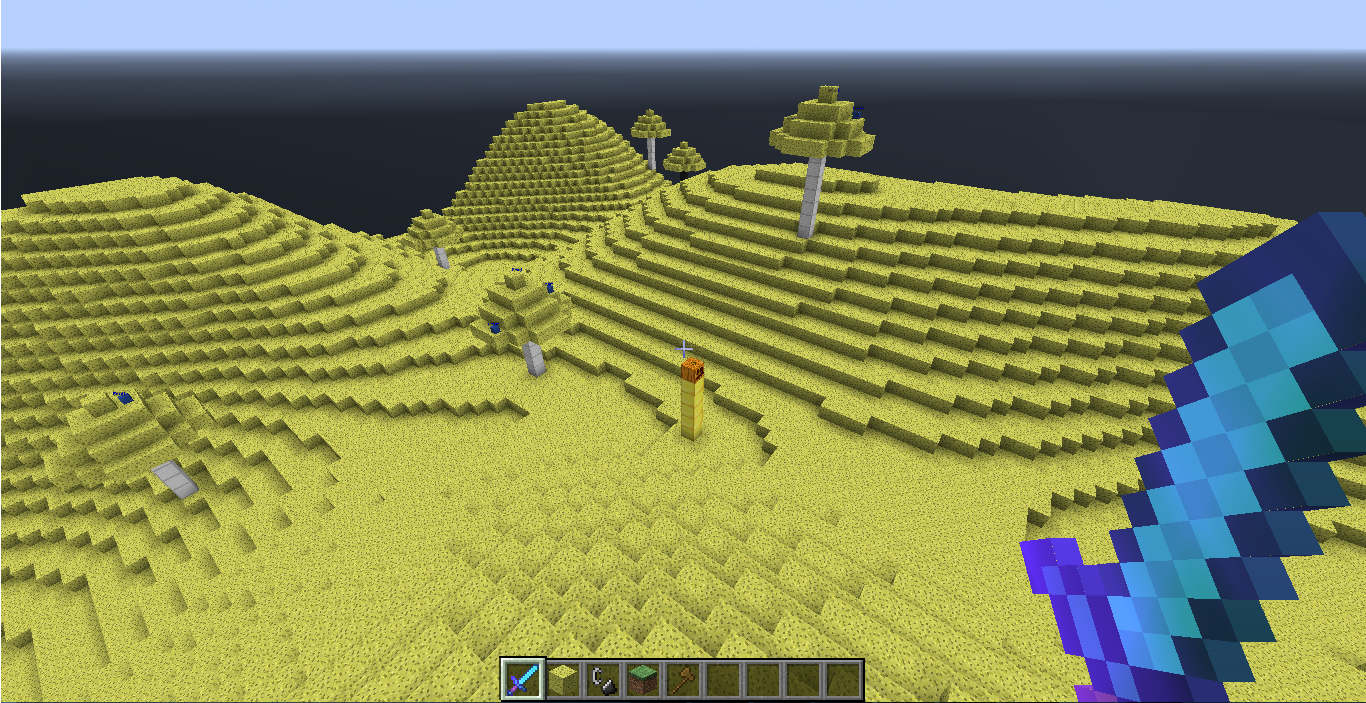
This plugin simply adds lucky blocks to your server. If you're not familiar with the actual lucky block mod, you may need to watch it on Youtube since it's very popular. Lucky blocks are blocks that, by default, act like sponges and spawn random drops when they are broken. Depending on the luck the block possess, it's more probable that you receive good or bad stuff. Numerous different drops can be anything from lucky armor, potions, lucky swords, chests, monsters, traps, etc.
This plugin is highly customizable which means that you can control which drops may spawn and when. Reading through files that the plugin generates on installations will give you a good idea of how the plugin works.
• How to get the block
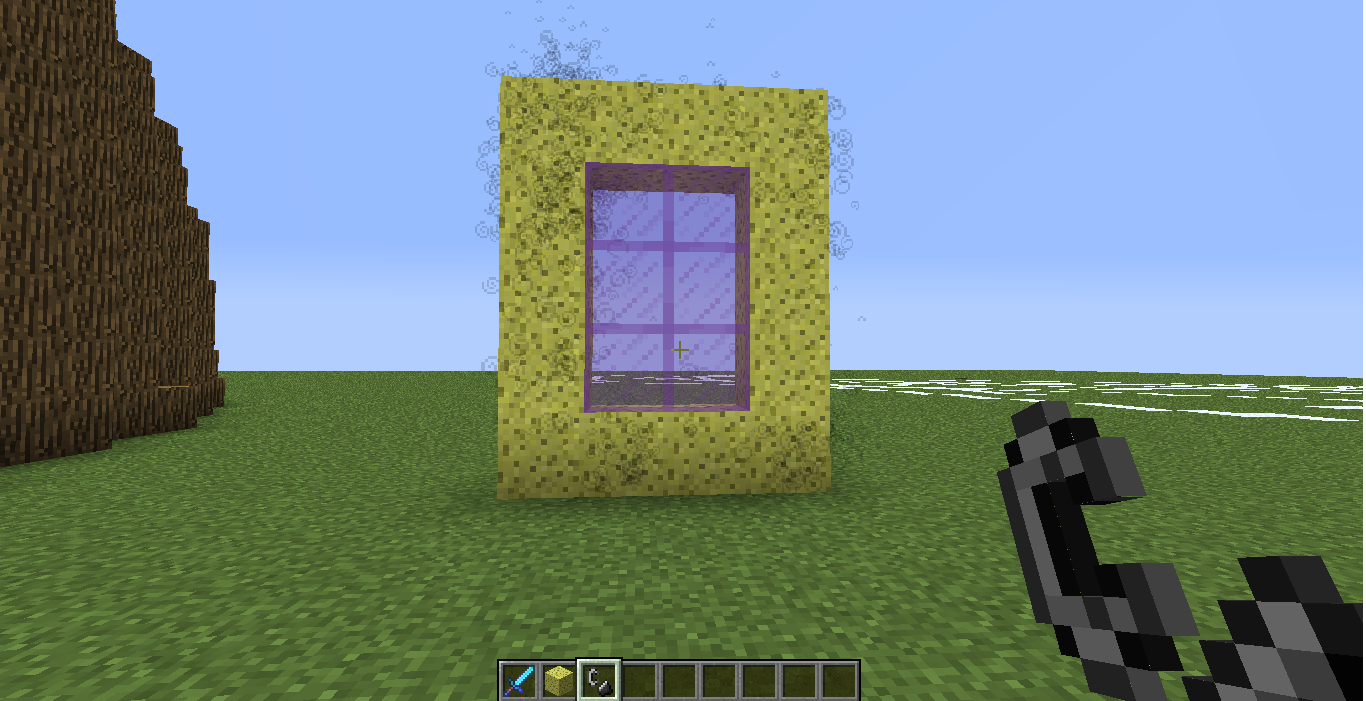
You may notice that regular sponges won't do anything as you would expect. You can either get the block through crafting by surrounding a dropper with 8 gold ingots, which is the same recipe as in the original mod; or by simply using /lb give command which takes additional arguments allowing you to specify things like luck value.
Currently, you can have up to 1048 lucky blocks placed at the same time. Placing more will just delete the newly placed block. The reason behind this limitation is that the loading mechanism takes a considerable amount of time if you have too many lucky blocks placed which definitely causes the server to lag on reload. This is however probably going to be changed in a later version when a more effective way of loading is implemented. Suggestions about how this can be achieved are appreciated.
• Important to mention
If you're running an outdated Minecraft server, you can look up for older versions of the plugin and find the one that supports your server. Notice that different versions of the plugin may work on the same server but I'm not responsible for any eventual errors and bugs so it's always recommended to use the right version to avoid unexpected bugs and glitches.
• Features
- Highly customizable.
- Craftable.
- Option to make lucky blocks spawn naturally in the world.
- You can create and add your custom lucky blocks (a tutorial about this might be implemented later).
- All data is stored inside files, so loading the server won't cause any data loss.
- Play sounds, spawn particles when lucky blocks are placed/destroyed.
- Lucky blocks with better luck yield better drops and vice versa.
- You can add as many drops as you wish (until your server runs out of memory).
- Silk touch enchantment support.
- When the block is broken with a tool that has fortune enchantment, a dropped luck block with higher luck will spawn (consumes too much durability of the held item).
- Can be placed by dispensers.
- Can be pushed by pistons.
- Slime blocks next to pistons can push lucky blocks in the air (WIP).
- Developers can add custom drops to the plugin.
- Much more!
• Setup
- Download and install WorldEdit (recommended).
- Download Advanced Lucky Block plugin.
- Put the downloaded file in plugins folder.
- Enjoy!
• Commands
• Permissions
• Lucky Crafting Table:
Used to add or subtract luck from lucky blocks. The traditional method was to surround the lucky block with minerals and valuable items in the crafting table, but this method was replaced with another one involving an own crafting window.
### Crafting recipe:
Gui:
Addons
- You can make your own lucky blocks by editing files inside Types folder.
Examples:
- Share your custom ones.
Donation
If you want to support this project and help updating it you can donate by simply clicking the below button:
• Servers
MCFeelBoy.minecraft360.de
- You can leave your server IP in the comments if you are using this plugin on your server and I'll add it to this list.
• Enchantments
- Lightning Enchantment: Strikes a lightning bolt when right-click.
• Files
• Editing drops
- Drops are stored in drops folder.
• Custom Drops
- Developers can make and add custom drops to lucky blocks.
- tutorial Here
• Todo
- Suggest ideas!
• Screenshots
- Share your screenshots.
- Credits to https://serverminer.com/
Advanced Lucky Blockのインストール方法
A server on Paper or Spigot
The plugin runs on the server core for Minecraft 1.14; players do not need to install anything.
File goes into the plugins folder
Download the file LuckyBlock-2.3.2c.jar (746 KB) and put it into the server’s plugins folder.
Restart the server
On startup the plugin creates its own settings folder in plugins.
Use the “To server” button
On Millida Hosting, the button at the top of the page uploads the file to your server and restarts it for you.
Minecraft 1.14 runs on Java 8: with a different Java version the game may close right after launch.
バージョン
依存関係あり
| Minecraft | ローダー | ファイル | 日付 | 操作 |
|---|---|---|---|---|
| 1.14 | — | LuckyBlock-2.3.2c746 KB |
FAQ
Which Minecraft versions does Advanced Lucky Block work on?
Only Minecraft 1.14: there are no files for other versions.
Do players need to install Advanced Lucky Block?
No, the plugin goes only on the server, into the plugins folder: players do not need to download anything.
Which Java does Advanced Lucky Block need?
Minecraft 1.14 runs on Java 8. If the game closes right after launch, the usual cause is the wrong Java version in the profile settings.
Where can I download Advanced Lucky Block safely?
On this page: the file LuckyBlock-2.3.2c.jar (746 KB) is stored on Millida’s server, with no link shorteners. SHA-1 checksum: 2e76572865168fdbd2c319e1d7a02f5c51d6edfa.
レビュー
Advanced Lucky Blockの最初の評価を書きませんか


