
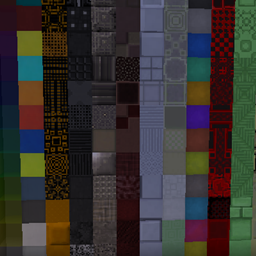
Minecraft 1.20.1, 1.19.2用Xtones Reworked MOD
様々なモダン、未来的、ファンタジー風の装飾建築ブロックを追加するMod Xtonesの移植版
 NeoForge
 Forge
ForgeXtones Reworked MODについて
Modの更新は終了しました。riciJak氏のBetterBlockZ modをご利用ください:
https:/www.curseforge.com/minecraft/mc-mods/betterblockz

Xtones Reworked
Xtones ReworkedはMinecraft 1.19.2以降向けのmodで、モダン、未来的、ファンタジー風のさまざまな装飾用建築ブロックとランプを追加します!
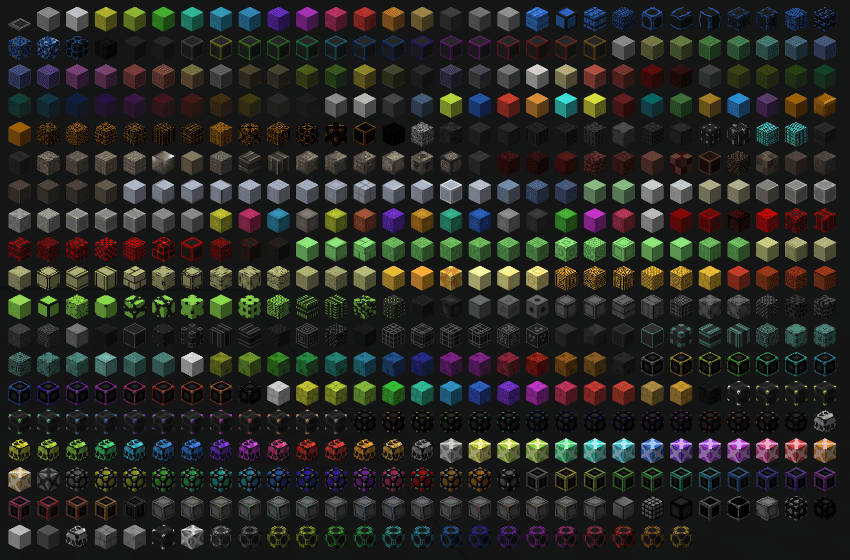
このmodは建築や装飾に使用できる512種類の異なる建築ブロックを追加します。オリジナルのXtones modにも存在する34種類のブロックと、その15種類のサブバリエーションをすべて見つけることができます。
AgonやKrypなどのベースブロックは基本的なレシピでクラフトでき、その後、染料レシピかストーンカッターで異なるバリエーションに変更できます。
これはTehNut氏によるMod Xtonesの移植版です。コードはゼロから書き直され、既存のテクスチャは維持されています。
注意
Forgeのサポートは継続せず、Neoforgedに集中しますが、このmodのFabricプロジェクトのサポートを開始する予定です。
Xtones Reworkedのインストール方法
With Millida Launcher
Install Millida Launcher
The launcher is free: download it at millida.net/launcher and sign in with any nickname.
Click “Install” on this page
The launcher opens and installs the mod for Minecraft 1.19.2–1.21.10 on Forge or NeoForge automatically.
Launch the game
A profile with it appears in the launcher: click “Play”.
Manually
Install Forge or NeoForge
The loader must match the game version of the mod file, for example Minecraft 1.21.10. After installing it, a separate profile appears in your launcher.
Download the file for your version
In the version list above, pick the file xtonesreworked-1.0.0-1.21.9.jar (1.3 MB) for your game version and loader.
Put it in the mods folder
The folder is inside .minecraft (Windows: %appdata%\.minecraft\mods). If it does not exist, create it.
Launch the loader profile
Open “Mods” in the main menu: Xtones Reworked should be in the list.
Minecraft 1.21.10 runs on Java 21: with a different Java version the game may close right after launch.
バージョン
依存関係あり
| Minecraft | ローダー | ファイル | 日付 | 操作 |
|---|---|---|---|---|
| 1.21.9 | NeoForge | xtonesreworked-1.0.0-1.21.9-1.21.x.jar1.3 MB | ||
| 1.20.1 | Forge | xtonesreworked-1.0.4-F_1.20.1-47.2.0.jar1.3 MB | ||
| 1.19.2 | — | xtonesreworked-1.0.1-1.19.2.jar1.3 MB |
レビュー
Xtones Reworkedの最初の評価を書きませんか


