
Minecraft 1.20.1, 1.21.1用Wyrmroost MOD
Minecraftでユニークで役立つドラゴンを目指すドラゴンMOD。ディメンションも計画中!
 NeoForge
 Forge
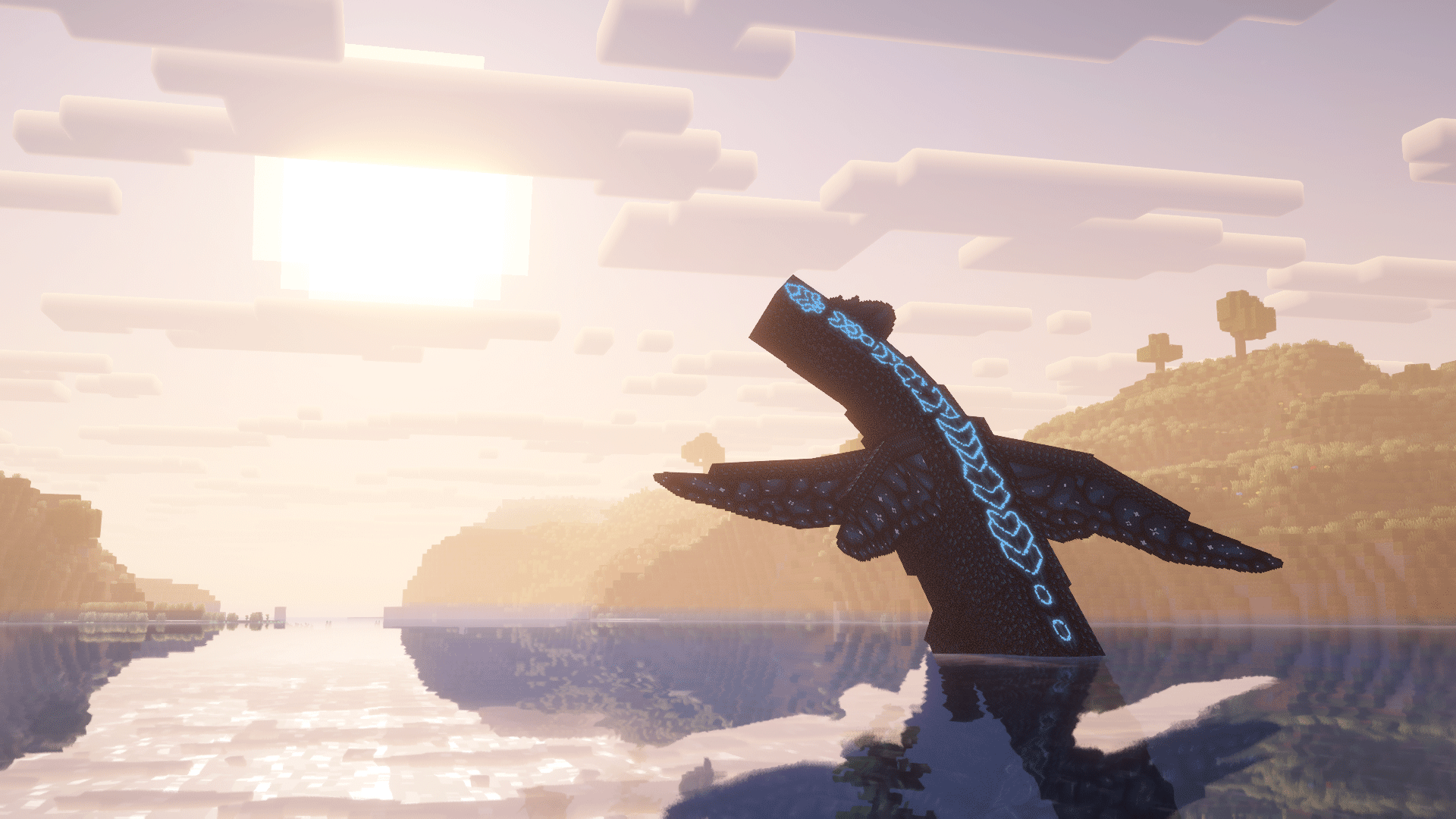
Forge多様で手なずけられるドラゴンたちで世界を満たし、マインクラフトの世界を再構想する。新しく美しい世界を駆け巡る彼らを、そんな領域へと踏み込む勇気ある者たちが探検するのを待っている。そこでは魔法がエンチャントを超えて進歩する。これが、Wyrmroostだ。
Wyrmroostは、手なずけてプレイヤーとそのニーズに活用できる、多様なドラゴンをいくつか追加することを目指している。戦闘、農業、移動、何でもいい。それ用のドラゴンがおそらくいる。だが注意してほしい。ドラゴンを手なずけるのは簡単なことではない。ドラゴンや状況によっては、そんな生き物と友達になるには努力と献身が必要だとわかるだろう。
よくある質問
このドラゴンはどうやって手なずけるの?
https://sites.google.com/view/official-wyrmroost-wiki/home
にアップデート/バックポートできますか?
アップデートには時間がかかる。Wyrmroostはマインクラフトの最新バージョンに留まろうとし続けるが、どうか辛抱してほしい!私たちは未来を見据えているので、MODのバックポートは決して行われず、バックポートに関する質問には答えない。
ディメンションはどこ?それについての計画は?
ディメンションはまだMODに入っていないが、うまくいけばもうすぐ入るだろう。私たちは独自のブロック、アイテム、そして最も重要なドラゴンを備えたドラゴンの世界を目指したい。このアップデートがいつになるかの予定はないが、どうか楽しみにしていてほしい。それまでは、私たちのコンテンツを楽しんで!
自分のMODパックでWyrmroostを使えますか?
好きにどうぞ!
質問してもいいですか?
さらに質問があれば、私たちのDiscordに立ち寄ってください!喜んでお手伝いします。
問題 / バグ報告
何かおかしいと思われるもの、おそらくバグ、あるいは完全に壊れているものを見つけた場合は、私たちのGithubで報告してください!あなたのバグは、私たちのDiscordサーバーよりもそこで見られる可能性が高いです。
Neoforge1.21.1バージョンの場合:https://github.com/NordAct/Wyrmroost/issues
forge 1.20.1バージョンの場合:https://github.com/themodderg/wyrmroost-1.20.1-port/issues
クレジット
制作者:
WolfShotz - (元)コーダー
Realslimshady.jpg - コーダー Chrono - 共同開発者
Kingdomall - モデル&テクスチャアーティスト
Ukan - モデル、テクスチャ、サウンドアーティスト
Shannieann - テクスチャアーティスト
Nord - 1.21.1ポートのコーダー
貢献者:
Lagoon (モデレーター) - Dragon Fruit Drakeのテクスチャ、コード貢献、そして最も重要な、Geode hoes。
Novacraft (貢献者) - Rooststalkerのモデルとテクスチャ。Dragon Fruit Drakeのモデル。
Coda (貢献者) - Lesser Desertwyrmのアイテムテクスチャ。いくつかの貢献。Aycfes (貢献者) - ブラジル語翻訳。Una (貢献者) - リソースパックアーティスト。Raptorlos (貢献者) - ドイツ語翻訳。
Wyrmroostのインストール方法
With Millida Launcher
Install Millida Launcher
The launcher is free: download it at millida.net/launcher and sign in with any nickname.
Click “Install” on this page
The launcher opens and installs the mod for Minecraft 1.16.3–1.21.1 on Forge or NeoForge automatically.
Launch the game
A profile with it appears in the launcher: click “Play”.
Manually
Install Forge or NeoForge
The loader must match the game version of the mod file, for example Minecraft 1.21.1. After installing it, a separate profile appears in your launcher.
Download the file for your version
In the version list above, pick the file wyrmroost-1.4.1.jar (4.2 MB) for your game version and loader.
Put it in the mods folder
The folder is inside .minecraft (Windows: %appdata%\.minecraft\mods). If it does not exist, create it.
Launch the loader profile
Open “Mods” in the main menu: Wyrmroost should be in the list.
Minecraft 1.21.1 runs on Java 21: with a different Java version the game may close right after launch.
バージョン
依存関係あり
| Minecraft | ローダー | ファイル | 日付 | 操作 |
|---|---|---|---|---|
| 1.20.1 | Forge | wyrmroost-forge-1.20.1-1.3.4.jar4.1 MB 2 | ||
| 1.20.1 | Forge | wyrmroost-forge-1.20.1-1.3.3.jar4.1 MB | ||
| 1.21.1 | NeoForge | wyrmroost-1.4.1.jar4.2 MB 1 | ||
| 1.16.3 | — | [1.16.(3-4)] Wyrmroost-1.2.104.7 MB | ||
| 1.16.3 | — | Wyrmroost-1.16.3-1.2.4.jar4 MB |
レビュー
Wyrmroostの最初の評価を書きませんか


