

Minecraft 1.12.2用Topography MOD
ユーザー定義のカスタム地形生成器
- 閲覧
- 8 閲覧
- 更新日
- 更新日 18.10.2026
- 1.12 — 1.12.2
 Forge
Forge
Topography MODについて
1.16バージョンにはデフォルト/サンプルの設定がありますが、ドキュメントはまだありません。自己責任で使用してください。
Topographyは、Modパック開発者がスクリプトシステムを使ってModパック用のカスタム定義ディメンションを作成できるようにするために設計されたModです。カスタム地形ジェネレーター、スカイボックス、スポーン構造物、ワールドプリセットなどが利用可能です。
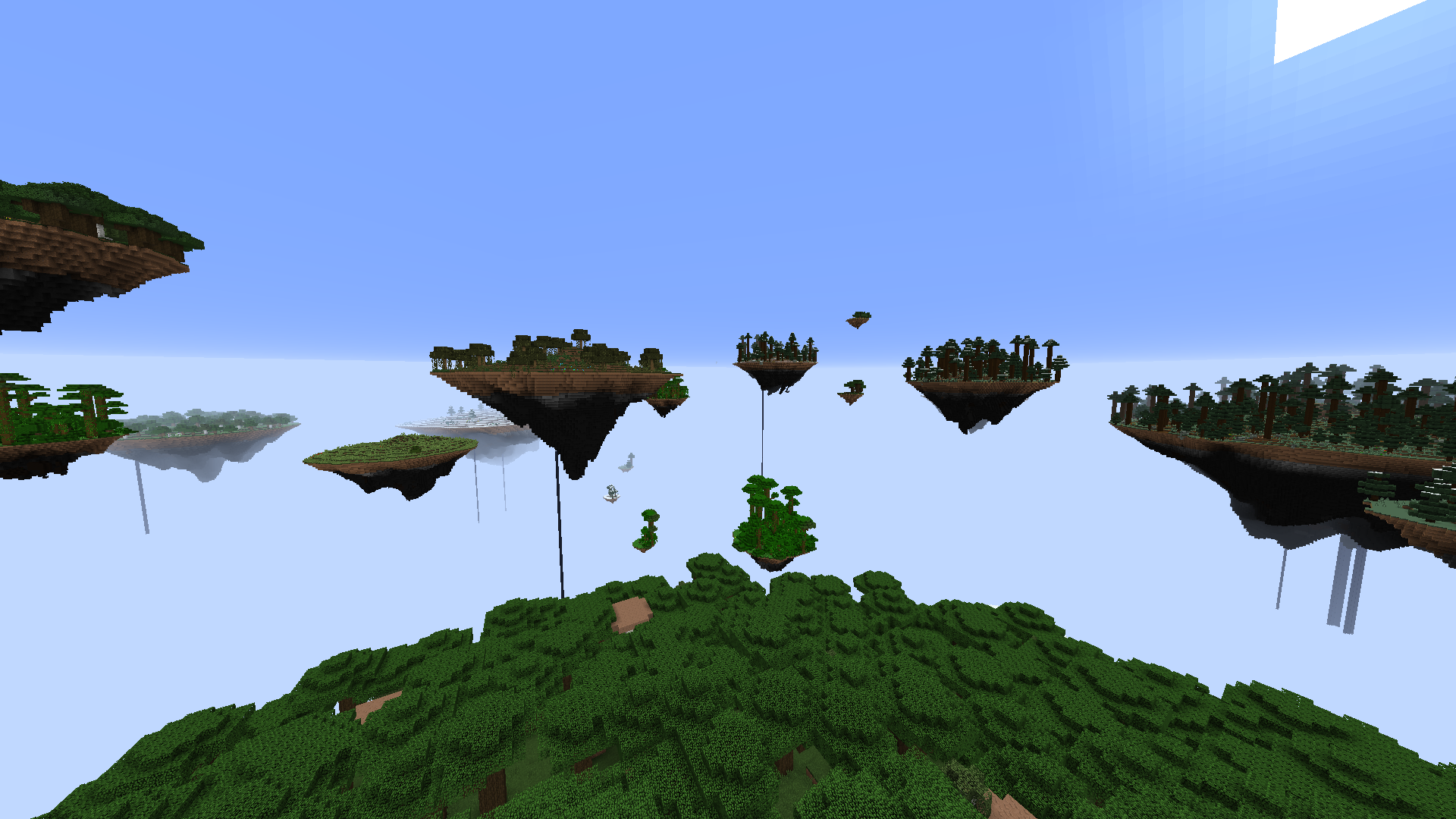
現在実装されている機能
ジェネレーター:
- スカイアイランド地形ジェネレーター
- オーバーワールドジェネレーター
- 散在ブロックジェネレーター
- 流体ポケットジェネレーター
- 吊り下げクリスタルジェネレーター
- 変形球体ジェネレーター
- セルノイズジェネレーター
- レイヤージェネレーター
- 氷と雪のジェネレーター
- バイオームブロック置換ジェネレーター
- バニラ火炎ジェネレーター
- バニラ溶岩ポケットジェネレーター
- バニラグロウストーンジェネレーター
- バニラクォーツジェネレーター
- バニラ装飾ジェネレーター
- バニラ動物ジェネレーター
- バニラ洞窟ジェネレーター
- バニラ峡谷ジェネレーター
- バニラ湖ジェネレーター
- バニラダンジョンジェネレーター
構造物:
- ネザー要塞
- エンドシティ
- 洋館
- 廃坑
- 海底神殿
- 要塞
- 村
- 寺院
その他:
- プレイヤーがModパックの複数のワールドオプションから選択できるワールドプリセット。プリセットには説明と画像を付けられるため、プレイヤーに各オプションを非常に分かりやすく示せます。プリセットはデフォルトでロックし、コマンドで解除することもでき、特定のプリセットを進捗、クエスト、またはPrestige Modの背後にロックできます。
- カスタムワールド作成画面。
- カスタムのボイドワールドスポーン構造物を設定。
- 天体角度に応じた色遷移で霧の色を設定。
- 天体角度に応じた画像遷移でカスタムスカイボックスを設定。
- バニラのネザーのような近距離の球状霧を有効化。
- 常時昼、夜、夕暮れなどのために天体角度を固定。
- 空のレンダリングを完全に無効化。
- 雲を無効化。
- スカイライトを無効化。
- 単一バイオームのディメンションを作成。
- 光の明るさを変更。
- 特定の光レベルでエンティティに属性修飾子やダメージなどの効果を追加。
- リスポーンを無効化。
- 水を蒸発させる。
- ハードコアを強制。
- 初期難易度を強制。
- 難易度をロック。
- プレイヤーがワールドに参加したときに初期コマンド関数を実行。
- ワールドが最初に作成されたときにサーバーで初期コマンド関数を実行。
ドキュメントとサンプルプリセットはModに同梱されています。
すべてのModに関するサポートと議論については、公式のBlood N Bones Gaming Discordサーバーにアクセスしてください!
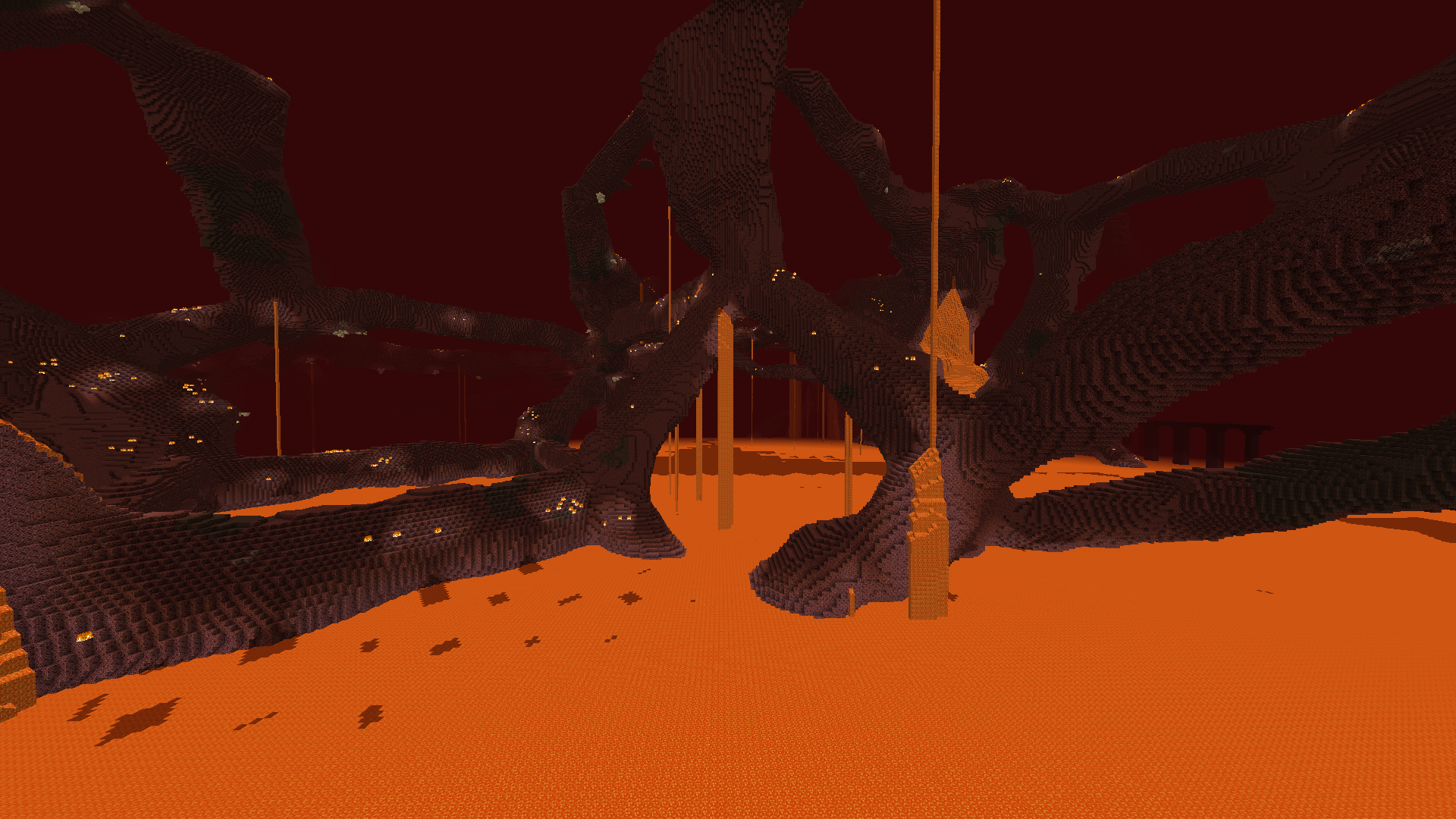
Topographyのインストール方法
With Millida Launcher
Install Millida Launcher
The launcher is free: download it at millida.net/launcher and sign in with any nickname.
Click “Install” on this page
The launcher opens and installs the mod for Minecraft 1.12–1.12.2 on Forge automatically.
Launch the game
A profile with it appears in the launcher: click “Play”.
Manually
Install Forge
The loader must match the game version of the mod file, for example Minecraft 1.12.2. After installing it, a separate profile appears in your launcher.
Download the file for your version
In the version list above, pick the file Topography-1.12.2-1.14.5.jar (3.8 MB) for your game version.
Put it in the mods folder
The folder is inside .minecraft (Windows: %appdata%\.minecraft\mods). If it does not exist, create it.
Launch the loader profile
Open “Mods” in the main menu: Topography should be in the list.
Minecraft 1.12.2 runs on Java 8: with a different Java version the game may close right after launch.
バージョン
依存関係あり
| Minecraft | ローダー | ファイル | 日付 | 操作 |
|---|---|---|---|---|
| 1.12.1 | Forge | Topography 1.12-1.14.53.8 MB | ||
| 1.12.1 | — | Topography 1.12-1.14.43.8 MB | ||
| 1.12.1 | — | Topography 1.12-0.11.01.2 MB |
FAQ
Which Minecraft versions does Topography work on?
There are files for 1.12.2, 1.12.1, 1.12. The newest is 1.12.2.
Is Topography for Forge or Fabric?
Only for Forge: 1.12–1.12.2. There are no files for Fabric or NeoForge: a mod for another loader will not start.
Does Topography need other mods?
The author lists no required dependencies: the Forge loader is enough.
Which Java does Topography need?
Minecraft 1.12.2 runs on Java 8. If the game closes right after launch, the usual cause is the wrong Java version in the profile settings.
Where can I download Topography safely?
On this page: the file Topography-1.12.2-1.14.5.jar (3.8 MB) is stored on Millida’s server, with no link shorteners. SHA-1 checksum: 955e9f3339485d91657743d2a43e516e7051c361.
レビュー
Topographyの最初の評価を書きませんか


