
 Forge
Forge NeoForge
Tetra MODについて

Tetraは、プレイヤーがツール、武器、その他の種類の装備を改造・強化できるようにするMinecraftのMODです。改造したアイテムは使用することで時間をかけて強化できます。強力なツールパーツや設計図は、古代遺跡の発掘や交易・物々交換によって世界中で見つけることができます。
Tetraには入手可能なコンテンツのほとんどを網羅する2つの進捗タブがあり、ホロスフィアではモジュール、改良、素材のステータスの概要を確認できます。
Tetraの詳細については、Tetraのウェブサイトをご覧ください。
Tetraはユーティリティライブラリ(mutil)を使用しています。CurseForgeインストーラーを使用していない場合は、手動でインストールする必要があります。
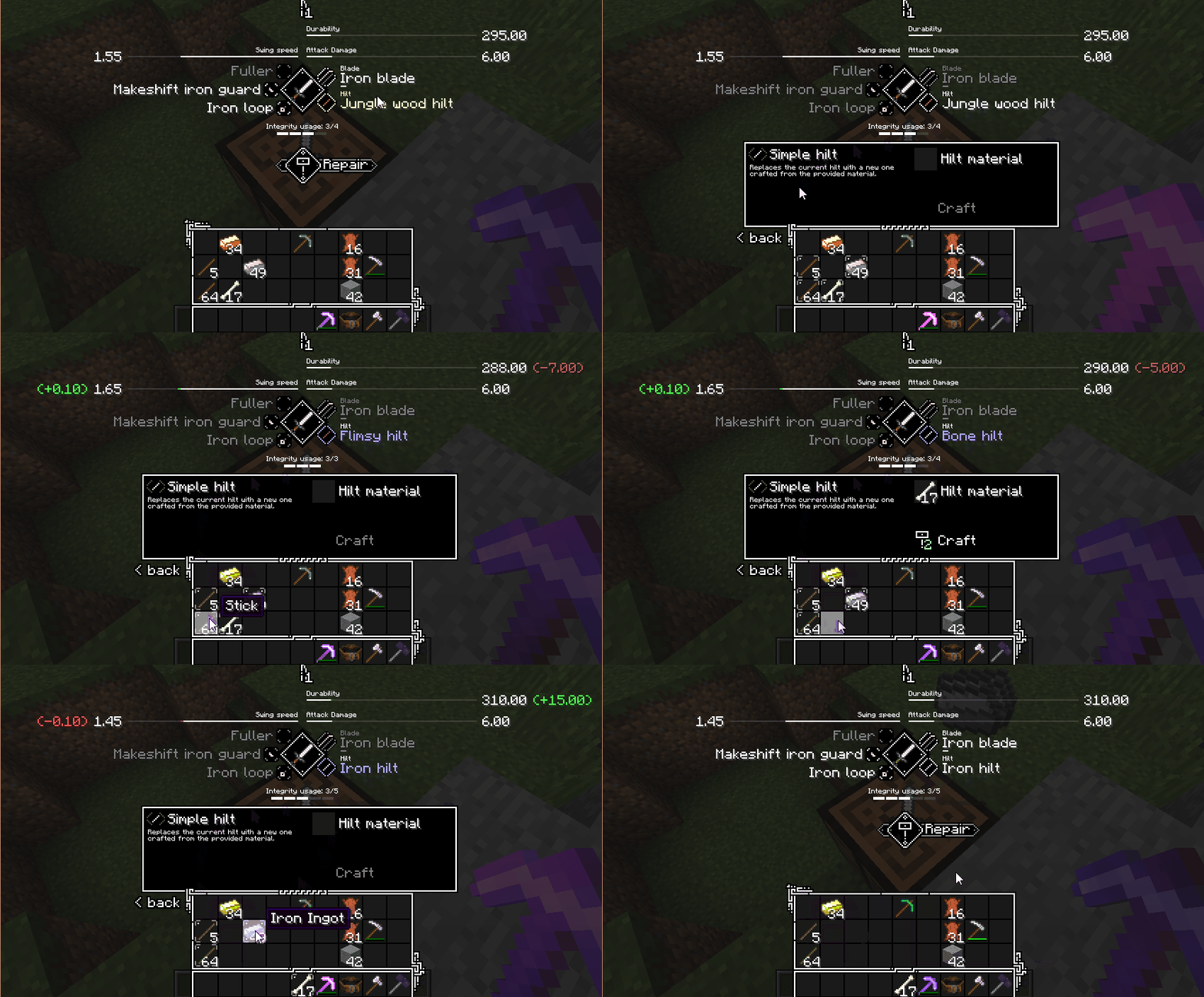
📝 はじめに
- 棒2本と木材2個でマレットをクラフトする
- バニラの作業台をクラフトして設置する
- マレットで作業台を右クリックしてワークベンチにアップグレードする
- バニラの武器、ツール、盾、または弓をクラフトしてワークベンチに置く
進捗ウィンドウを確認して、さらに進める方法を学びましょう。
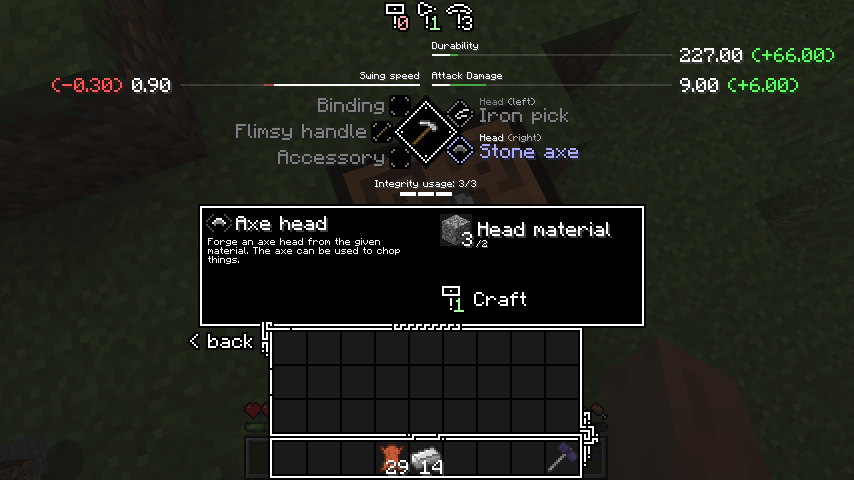
🔌 MOD互換性
TetraはデフォルトでCurios互換(ツールベルト用)があります。さらなるMOD互換については、以下を参照してください:
- tetracelium
- 互換性リスト
🔗 リンク
- Discord
- Patreon
- 技術Wiki
📜 ライセンスと使用
ModrinthまたはCurseForgeを通じて配布される限り、MODパックやコンピレーションで自由に使用できます。データパック(またはKubeJSなど)でコンテンツを自由に変更・追加できます。アドオンやMOD統合に関する使用の詳細については、GitHubリポジトリをご覧ください。
Tetraのインストール方法
With Millida Launcher
Install Millida Launcher
The launcher is free: download it at millida.net/launcher and sign in with any nickname.
Click “Install” on this page
The launcher opens and installs the mod for Minecraft 1.12.2–1.20.1 on Forge or NeoForge automatically.
Launch the game
A profile with it appears in the launcher: click “Play”.
Manually
Install Forge or NeoForge
The loader must match the game version of the mod file, for example Minecraft 1.20.1. After installing it, a separate profile appears in your launcher.
Download the file for your version
In the version list above, pick the file tetra-1.20.1-6.17.0.jar (3.9 MB) for your game version and loader.
Put it in the mods folder
The folder is inside .minecraft (Windows: %appdata%\.minecraft\mods). If it does not exist, create it.
Launch the loader profile
Open “Mods” in the main menu: Tetra should be in the list.
Minecraft 1.20.1 runs on Java 17: with a different Java version the game may close right after launch.
バージョン
依存関係あり
| Minecraft | ローダー | ファイル | 日付 | 操作 |
|---|---|---|---|---|
| 1.20.1 | Forge, NeoForge | 6.17.03.9 MB 4 | ||
| 1.20.1 | NeoForge, Forge | tetra-1.20.1-6.0.0.jar3.3 MB | ||
| 1.19.2 | Forge | tetra-1.19.2-5.3.1.jar3.3 MB | ||
| 1.16.3 | — | tetra-1.16.5-3.9.2.jar2.6 MB 1 | ||
| 1.15.2 | — | tetra-1.15.2-2.18.0.jar2 MB | ||
| 1.12.2 | — | tetra-1.12.2-0.27.2.jar2.2 MB |
FAQ
Which Minecraft versions does Tetra work on?
There are files for 1.12.2–1.20.1, 8 versions in total. The newest is 1.20.1.
Is Tetra for Forge or Fabric?
There are files for Forge: 1.19.1–1.20.1 and for NeoForge: 1.20.1. There are no files for Fabric: a mod for another loader will not start.
Does Tetra need other mods?
The author lists no required dependencies: the Forge or NeoForge loader is enough.
Which Java does Tetra need?
Minecraft 1.20.1 runs on Java 17. If the game closes right after launch, the usual cause is the wrong Java version in the profile settings.
Where can I download Tetra safely?
On this page: the file tetra-1.20.1-6.17.0.jar (3.9 MB) is stored on Millida’s server, with no link shorteners. SHA-1 checksum: 8da82a8f2c289fb1e731134a6af891503f2d1a4a.
レビュー
Tetraの最初の評価を書きませんか


