

Minecraft 1.18.2, 1.19用Table Top Craft (Forge) MOD
Table Top CraftはMinecraftに遊べるボードゲームを追加するModです。
 Fabric
 Forge
Table Top Craft (Forge) MODについて
Table Top Craftは、ボードゲームを導入してゲーム体験を向上させるために丁寧に作られたMinecraft modです。最新のアップデートにより、このmodはさらに多くのゲームを提供するようになりました。Chessの戦略的な素晴らしさに浸り、あなたの戦術的な腕前を試しましょう。あるいは、手軽な対戦に最適なTic Tac Toeの懐かしい魅力に浸るのもよいでしょう。しかし、それだけではありません!コミュニティからの圧倒的な支持に応えて、Connect Fourの追加を誇らしく発表します。Table Top Craftで利用できるカスタマイズオプションの奥深さは実に注目に値します。タイルの色、駒の色、さらには移動ハイライトの色まで変更して、ボードゲームをあなたの好みに合わせて調整できます。Table Top Craftの特別な特徴の一つは、Minecraftの世界へのシームレスな統合です。GUIの枠を超えたゲームプレイに参加でき、ブロックをクリックするだけでプレイできます。ソロの冒険を求めていても、マルチプレイヤーの興奮を求めていても、このmodはあなたのニーズに応えます。ブロックを素晴らしい装飾品として活用したり、友達に挑戦したりしましょう!
このModのForge版には、依存関係はありません。
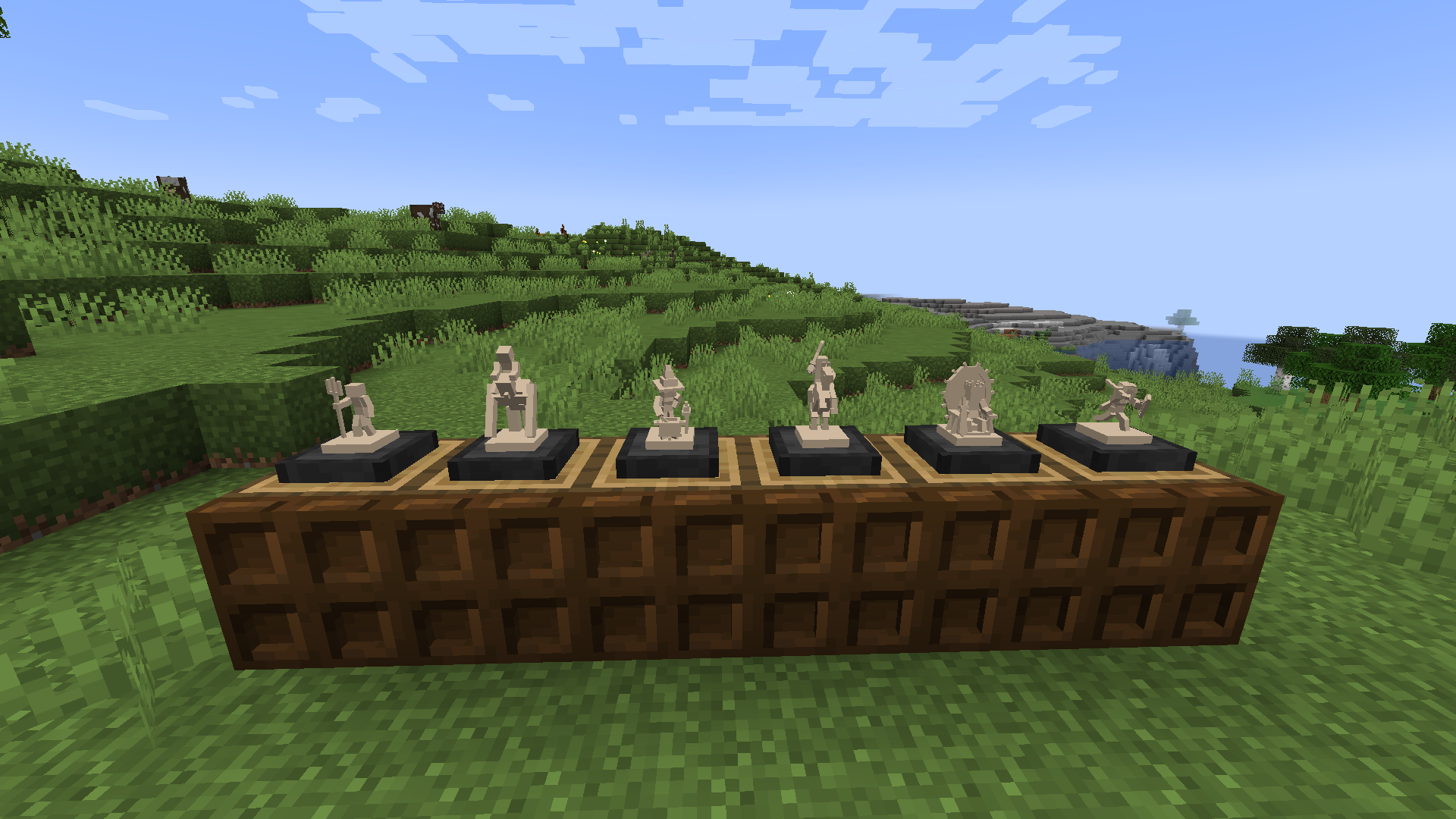
このModのFabric版は[here]からダウンロードできます
バリエーションについては、oak planksを他の有効なブロックに置き換えてください。より詳細なレシピリストについてはJEIを使用してください。
シェーダー:
- シェーダーはChess Piece Rendererを壊します(Fallback Render System、バージョン1.19以降で追加されました)
Q: このModを自分のModpackで使用できますか A: はい、もちろんです!私のModをあなたのModpackで自由に使用してください。
Q: Modをバージョン[x]に更新できますか A: 私は常にModを最新の状態に保つよう努めているので、更新がない場合は単に私が作業する時間がなかっただけです!
Q: Modをバージョン[x]にバックポートできますか A: いいえ、私はModをバックポートしません。古いバージョンは過去のものであり、それらをサポートするためにわざわざ手を尽くすことはしません!
Q: サバイバルでChess Piece Setsをアンロックするにはどうすればよいですか? A: Set Collectorの進捗を取得する必要があります(1つのSetの6種類の駒タイプをすべて入手する)
Q: "FEN"とは何ですか A: FENは"Forsyth-Edwards-Notation"の略で、簡単に言えばチェスゲームの特定の盤面配置を記述するための標準的な表記法です。
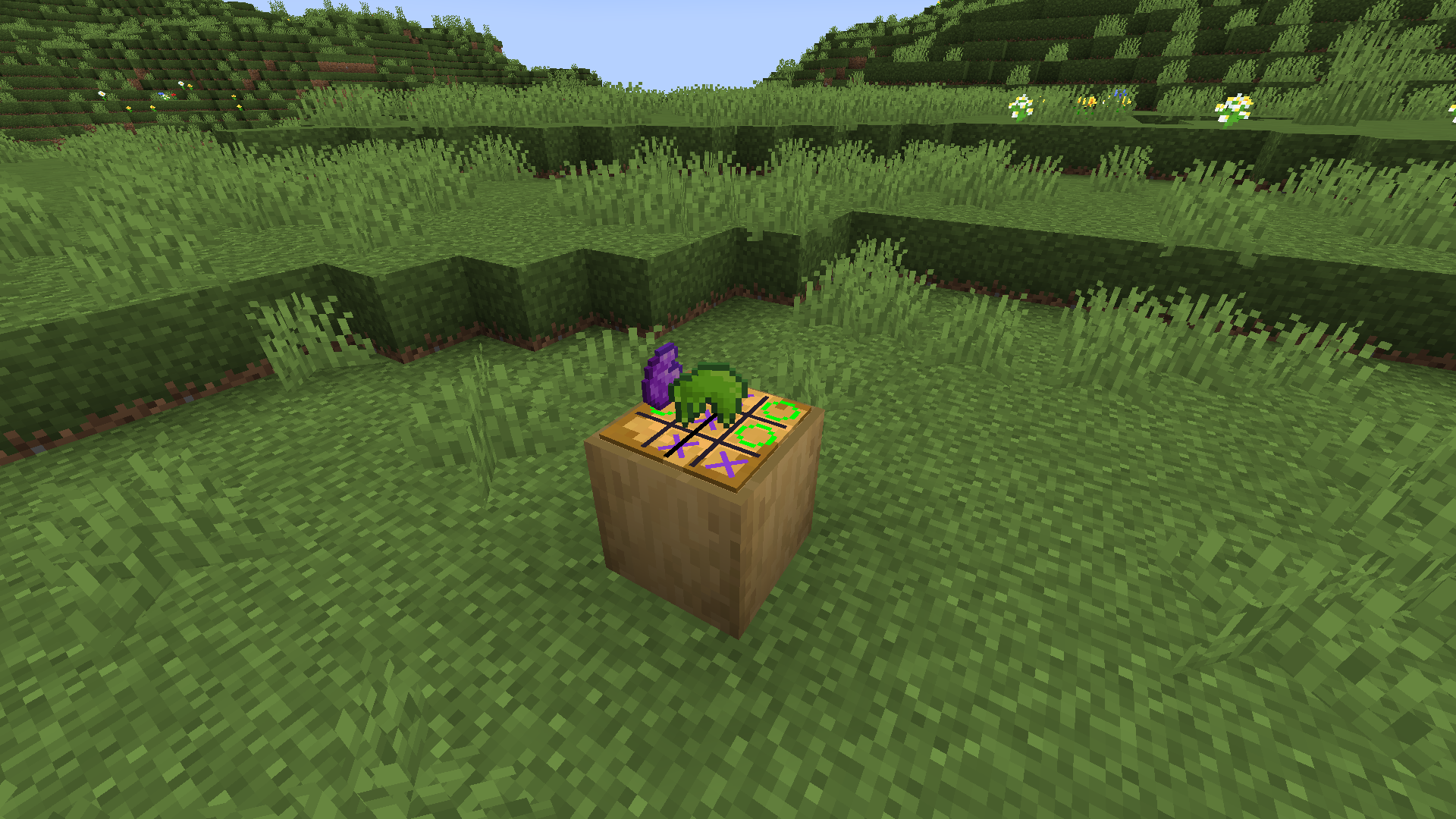
Table Top Craft (Forge)のインストール方法
With Millida Launcher
Install Millida Launcher
The launcher is free: download it at millida.net/launcher and sign in with any nickname.
Click “Install” on this page
The launcher opens and installs the mod for Minecraft 1.18.2–1.19 on Fabric or Forge automatically.
Launch the game
A profile with it appears in the launcher: click “Play”.
Manually
Install Fabric or Forge
The loader must match the game version of the mod file, for example Minecraft 1.19. After installing it, a separate profile appears in your launcher.
Download the file for your version
In the version list above, pick the file table_top_craft-1.19-2.0.0.jar (1.0 MB) for your game version and loader.
Put it in the mods folder
The folder is inside .minecraft (Windows: %appdata%\.minecraft\mods). If it does not exist, create it.
Launch the loader profile
Open “Mods” in the main menu: Table Top Craft (Forge) should be in the list.
Minecraft 1.19 runs on Java 17: with a different Java version the game may close right after launch.
バージョン
依存関係あり
| Minecraft | ローダー | ファイル | 日付 | 操作 |
|---|---|---|---|---|
| 1.18.2 | Forge | Forge Table Top Craft-1.18.2-2.2.01017 KB | ||
| 1.19 | Fabric | (Old) Table Top Craft-1.19-2.0.01 MB |
FAQ
Which Minecraft versions does Table Top Craft (Forge) work on?
There are files for 1.19, 1.18.2. The newest is 1.19.
Is Table Top Craft (Forge) for Forge or Fabric?
There are files for Fabric: 1.19 and for Forge: 1.18.2. There are no files for NeoForge: a mod for another loader will not start.
Does Table Top Craft (Forge) need other mods?
The author lists no required dependencies: the Fabric or Forge loader is enough.
Which Java does Table Top Craft (Forge) need?
Minecraft 1.19 runs on Java 17. If the game closes right after launch, the usual cause is the wrong Java version in the profile settings.
How do I download Table Top Craft (Forge)?
With Millida Launcher: it installs Table Top Craft (Forge) into a modpack by itself, for the right game version and loader. The launcher is free.
レビュー
Table Top Craft (Forge)の最初の評価を書きませんか


