
Runic Dungeons MODについて
このMODでは、寺院で珍しいアーティファクトを見つけることができます。
このアーティファクトは「Magic Chalk」として知られ、奇妙な性質を持っているようです。
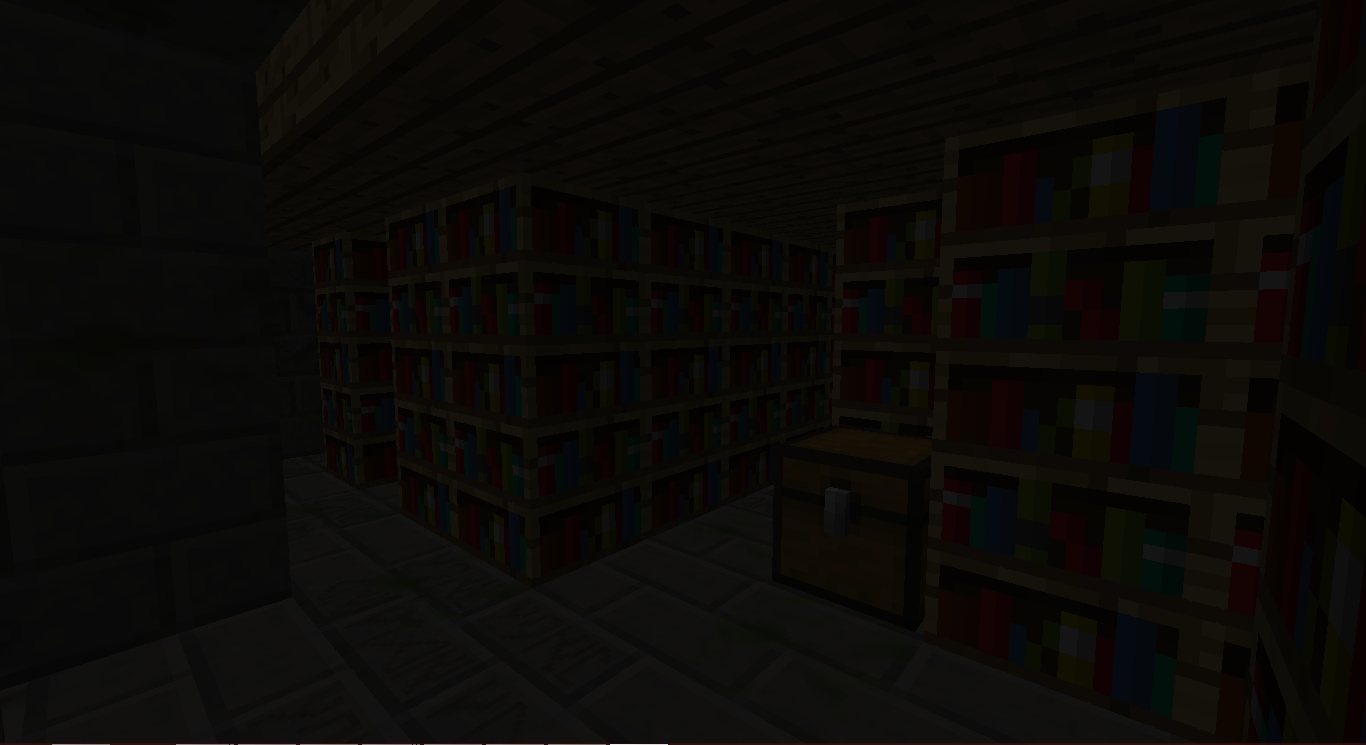
一体何に使うのか気になりますよね…
あなたの冒険が始まります!
使い方:
JungleTempleまたはDesertTempleでMagic Chalkを見つけます。
Magical Staffをクラフトします。
ポータルのいずれかを作成します:
Magical Staffを手に持って、構造物内のChiseled Stone Bricksのいずれかを右クリックします。
構造物が形成されます。
構造物の中央にあるポータルを右クリックして、Runic Dungeonsへ移動します。
そこに着いたら、ポータルをもう一度右クリックしてディメンションから離れることができます。
Dungeon KeyでKeyholeを右クリックすると開きます。
各ダンジョンの部屋には隠されたDungeon Keyがあります。無駄にしないでください。
Mobと戦い、戦利品を集め、探索しましょう!
アイテム
Magical Chalk - Runic Dungeonsへ移動できるようにします
Dungeon Key - Dungeon Keyholeを解錠するために使用します
Baubles
このMODはAzanorのBaublesと統合されています。これらのアイテムはBaublesがインストールされている場合にのみ機能しますが、MODを進めるためにこれらを入手する必要はありません。ただし、かなりクールなので追加することをお勧めします。
アミュレット:
Amulet of the Wind - 移動速度上昇を付与します
Amulet of the Earth - 採掘速度上昇を付与します
Amulet of Strength - 攻撃力上昇を付与します
Amulet of Leaping - 跳躍力上昇を付与します
Amulet of Healing - 再生を付与します
Ironskin Amulet - 耐性を付与します
Amulet of the Blaze - 火炎耐性を付与します
Amulet of the Ocean - 水中呼吸を付与します
Amulet of the Night - 暗視を付与します
ベルト:
Dye Belts - インベントリ内の羊毛/染料の色を、ベルトの色に変更します(バグあり)
Arrow Belt - 所持している矢が低確率で落ち、その矢を入手できます。
Belt of Flight - 飛行を付与します
Ender Belt - ダメージを受けるとテレポートします。(Runic Dungeonsディメンションを除く)
実績:
Off We Go! - Runic Dungeonsのポータルを作成する
The Key to Progress! - Dungeon Keyを使用する
Modpackの許可:
どうぞご自由に!聞く必要はありません!
教えていただければ嬉しいですが、必須ではありません。
Runic Dungeons by MrComputerGhostはCreative Commons Attribution-NonCommercial-NoDerivatives 4.0 International Licenseの下でライセンスされています。
Runic Dungeonsのインストール方法
With Millida Launcher
Install Millida Launcher
The launcher is free: download it at millida.net/launcher and sign in with any nickname.
Click “Install” on this page
The launcher opens and installs the mod for Minecraft 1.7.10 automatically.
Launch the game
A profile with it appears in the launcher: click “Play”.
Manually
Download the file for your version
In the version list above, pick the file RunicDungeons-1.1.7b.jar (685 KB) for your game version.
Put it in the mods folder
The folder is inside .minecraft (Windows: %appdata%\.minecraft\mods). If it does not exist, create it.
Launch the loader profile
Open “Mods” in the main menu: Runic Dungeons should be in the list.
Minecraft 1.7.10 runs on Java 8: with a different Java version the game may close right after launch.
バージョン
依存関係あり
| Minecraft | ローダー | ファイル | 日付 | 操作 |
|---|---|---|---|---|
| 1.7.10 | — | Runic Dungeons v1.1.7b685 KB | ||
| 1.7.10 | — | Runic Dungeons v0.9.7b406 KB |
FAQ
Which Minecraft versions does Runic Dungeons work on?
Only Minecraft 1.7.10: there are no files for other versions.
Which Java does Runic Dungeons need?
Minecraft 1.7.10 runs on Java 8. If the game closes right after launch, the usual cause is the wrong Java version in the profile settings.
Where can I download Runic Dungeons safely?
On this page: the file RunicDungeons-1.1.7b.jar (685 KB) is stored on Millida’s server, with no link shorteners. SHA-1 checksum: 1df562694aed00055a318b19fc9bb172ce157798.
レビュー
Runic Dungeonsの最初の評価を書きませんか


