
Progression Tweaks MODについて
DarkostoのSevtech Modpack用に作られたMod
主な機能:
槍: 小型動物に追加ダメージを与える投擲アイテム。槍が壊れたら、該当するパーツを修理するだけ!
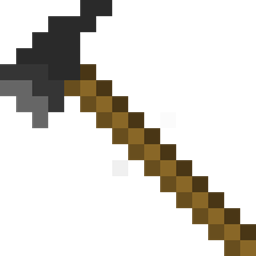
トマホーク: 遠距離と近接の武器。なかなか悪くない。
ロックハンマー: 序盤の武器
焚き火: カスタムレシピ設定が可能な序盤の調理ツール
その他はDarkostoのModパックに必要だったものたちです。
あまり時間がないので、このModに追加や変更をする予定はほとんどありません。すみません。
依存関係に記載されている通り、Gobble Coreが必要です。
Progression Tweaksのインストール方法
With Millida Launcher
Install Millida Launcher
The launcher is free: download it at millida.net/launcher and sign in with any nickname.
Click “Install” on this page
The launcher opens and installs the mod for Minecraft 1.12.2 automatically.
Launch the game
A profile with it appears in the launcher: click “Play”.
Manually
Download the file for your version
In the version list above, pick the file ProgressionTweaks-1.12.2-0.3.40.jar (89 KB) for your game version.
Put it in the mods folder
The folder is inside .minecraft (Windows: %appdata%\.minecraft\mods). If it does not exist, create it.
Launch the loader profile
Open “Mods” in the main menu: Progression Tweaks should be in the list.
Minecraft 1.12.2 runs on Java 8: with a different Java version the game may close right after launch.
バージョン
依存関係あり
| Minecraft | ローダー | ファイル | 日付 | 操作 |
|---|---|---|---|---|
| 1.12.2 | — | ProgressionTweaks 1.12.2-0.3.4089.4 KB |
FAQ
Which Minecraft versions does Progression Tweaks work on?
Only Minecraft 1.12.2: there are no files for other versions.
Which Java does Progression Tweaks need?
Minecraft 1.12.2 runs on Java 8. If the game closes right after launch, the usual cause is the wrong Java version in the profile settings.
Where can I download Progression Tweaks safely?
On this page: the file ProgressionTweaks-1.12.2-0.3.40.jar (89 KB) is stored on Millida’s server, with no link shorteners. SHA-1 checksum: 9e17cab711f077df305377ab1f573ebe4dc10aae.
レビュー
Progression Tweaksの最初の評価を書きませんか


