
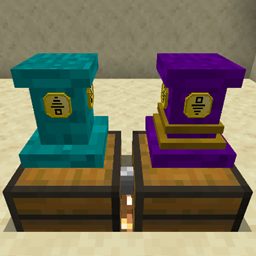
Minecraft 1.19.2, 1.19.4用Pedestals MOD
アイテムの表示、アイテムの転送、エネルギー、液体、経験値、その他のアイテム収集タスクを簡単にします!
- 閲覧
- 13 閲覧
- 更新日
- 更新日 18.10.2026
- 1.19 — 1.19.4
 Forge
Forge
Pedestals MODについて
Minecraft Forge 1.16.1 向けにリリースされました!
Minecraft Forge 1.19 - 41.0.28 向けベータ版リリース (Pedestals 1.19+ は MowLib が必要になりました) リンクはこちら
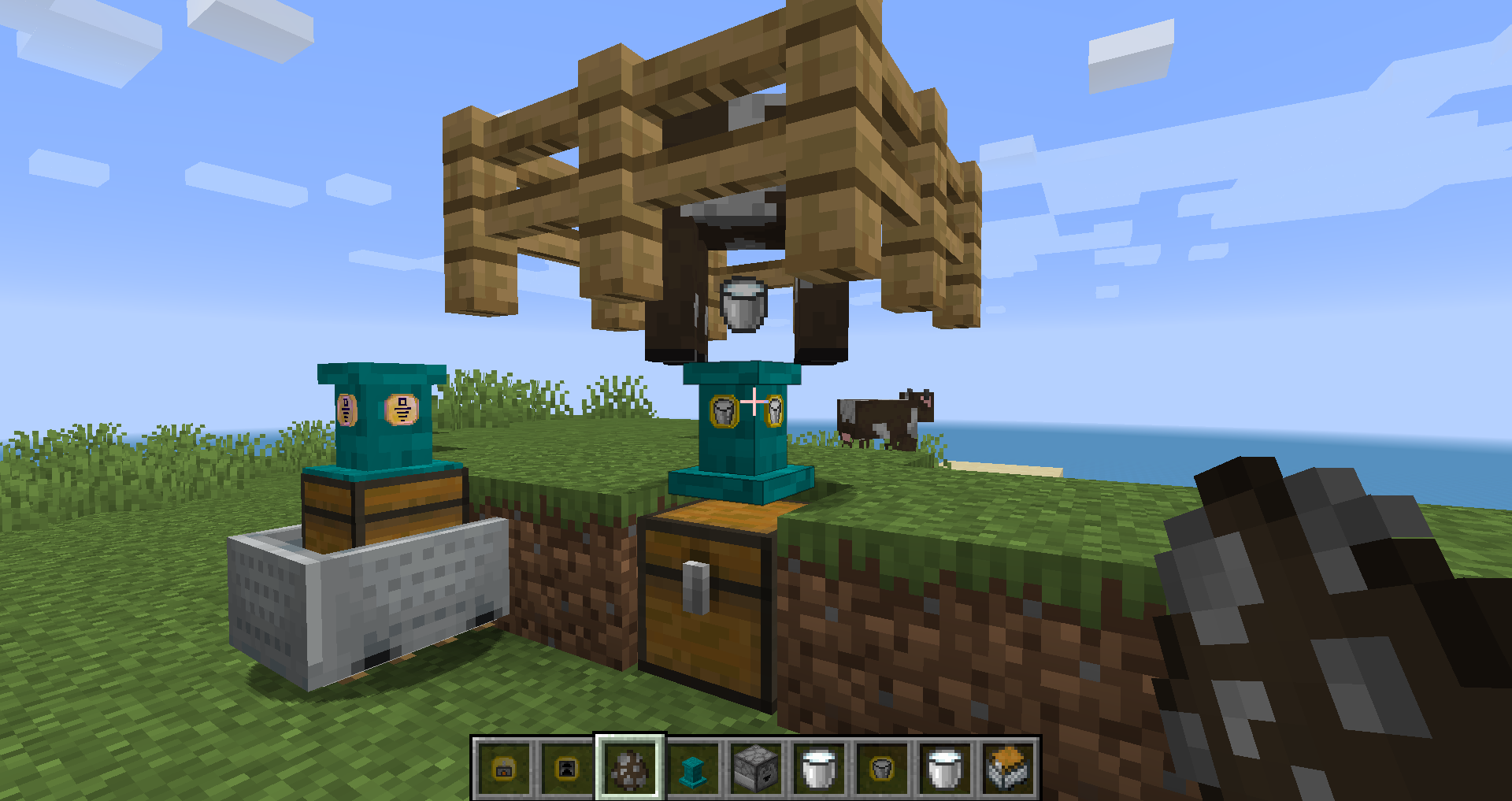
twitter で PedestalsMod を検索すると、多くの Mod 関連の投稿、画像、動画が見つかります。
Pedestals は 6 つの主な目的を持つ、シンプルで軽量な Mod です。
- アイテムや豪華な戦利品を飾れます。
- アイテムの転送、仕分け、保管、加工ができます。
- エネルギーの転送、保管、使用ができます。
- Exp の転送、保管、使用ができます。
- 液体の転送、仕分け、保管、使用ができます。
- より多くのアイテムを手に入れるためのクリエイティブな方法。
この Mod の今後と Pedestals の使い始め方を詳しく解説した動画: A Guide To Pedestals v1.16+
Wiki は [WIP] ですが作業中です。使い始め方の項目はこちら: Getting Started (Wiki)
Patchouli Mod がインストールされている場合は、クラフト可能なゲーム内 Pedestals ガイドを使用できます。
最後に、JEI がインストールされている場合、アイテムのレシピを調べると青い "!" タブが表示され、pedestals が各アイテムの簡単な説明を表示します。
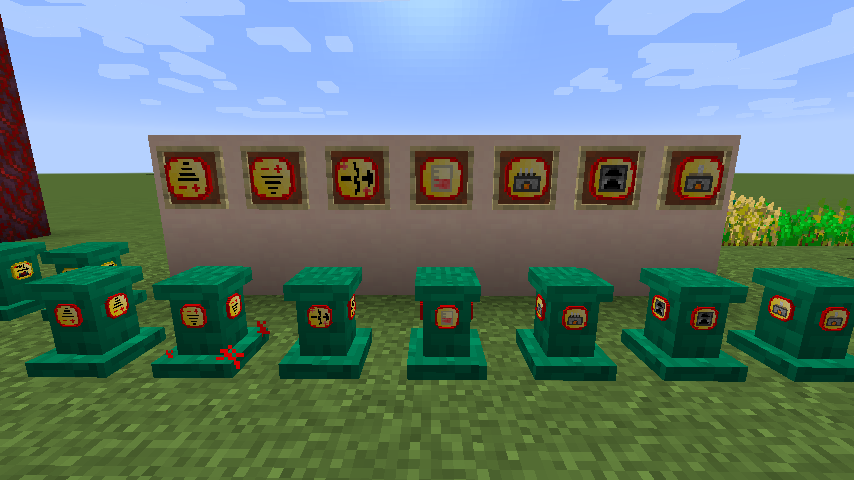
現在、pedestals には 64 色あります。
インベントリ、ワールド、そしてプレイヤーであるあなたと相互作用する 30 以上の機能アップグレード。
クラフトから pedestals との直接的な相互作用まで、この Mod のほぼすべてを行うために使われる 1 つのツール。
pedestals の色を 1 色から他の 64 色のいずれかに変更する方法。
pedestals を光源として使う方法 (pedestal に glowstone block を使用)
壁や天井、さらには水中でも pedestals を使用できます!
pedestals が転送できるアイテムの速度と数を高速化できます。Linking Tool と一緒にクラフトしたダイヤモンドかエメラルドが必要です。最速では 1 ゲームティックあたり 64 アイテムを転送します!
質問がある場合は、ゲーム内の Mod リストに discord のリンクがあります。
Pedestalsのインストール方法
With Millida Launcher
Install Millida Launcher
The launcher is free: download it at millida.net/launcher and sign in with any nickname.
Click “Install” on this page
The launcher opens and installs the mod for Minecraft 1.19–1.19.4 on Forge automatically.
Launch the game
A profile with it appears in the launcher: click “Play”.
Manually
Install Forge
The loader must match the game version of the mod file, for example Minecraft 1.19.4. After installing it, a separate profile appears in your launcher.
Download the file for your version
In the version list above, pick the file pedestals-0.2.58.jar (1.2 MB) for your game version.
Put it in the mods folder
The folder is inside .minecraft (Windows: %appdata%\.minecraft\mods). If it does not exist, create it.
Launch the loader profile
Open “Mods” in the main menu: Pedestals should be in the list.
Minecraft 1.19.4 runs on Java 17: with a different Java version the game may close right after launch.
バージョン
依存関係あり
| Minecraft | ローダー | ファイル | 日付 | 操作 |
|---|---|---|---|---|
| 1.19.2 | Forge | Pedestals 1.19.2 - 0.2.591.2 MB | ||
| 1.19.3 | Forge | Pedestals 1.19.2 - 0.2.581.2 MB | ||
| 1.19.2 | Forge | Pedestals 1.19.2 - 0.2.28806 KB |
FAQ
Which Minecraft versions does Pedestals work on?
There are files for 1.19.4, 1.19.3, 1.19.2, 1.19.1, 1.19. The newest is 1.19.4.
Is Pedestals for Forge or Fabric?
Only for Forge: 1.19–1.19.4. There are no files for Fabric or NeoForge: a mod for another loader will not start.
Does Pedestals need other mods?
The author lists no required dependencies: the Forge loader is enough.
Which Java does Pedestals need?
Minecraft 1.19.4 runs on Java 17. If the game closes right after launch, the usual cause is the wrong Java version in the profile settings.
How do I download Pedestals?
With Millida Launcher: it installs Pedestals into a modpack by itself, for the right game version and loader. The launcher is free.
レビュー
Pedestalsの最初の評価を書きませんか


