

Minecraft 1.21.1, 1.12.2用MultiStorage MOD
保管庫、積み重ねチェスト、隠しチェスト、エンダーチェスト、エンダーバッグ
 NeoForge
 Forge
MultiStorage MODについて
- ShetiPhianCore が必要です!
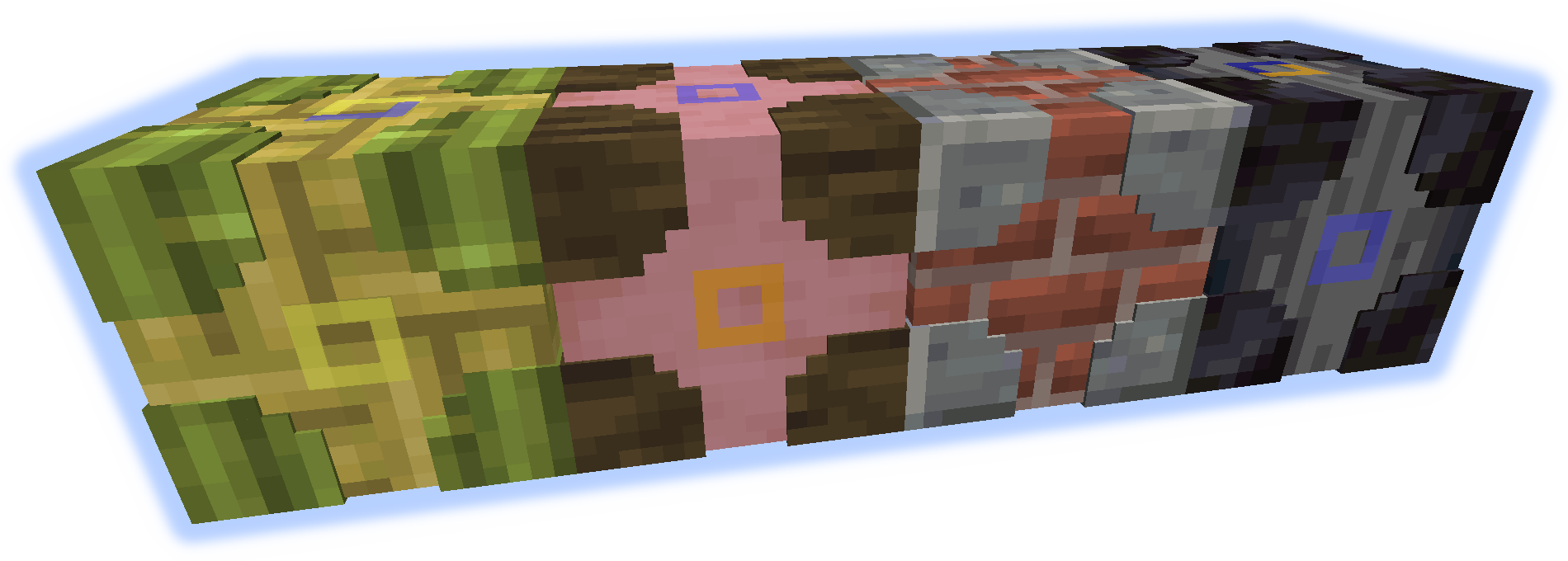
ほぼ任意の2つのブロックまたはアイテム(Modまたはバニラ)を組み合わせて、完全にカスタムなストレージを作成できます。
使用するブロックのいずれかが光を放つ場合、クラフトしたアイテムも光を放ちます。
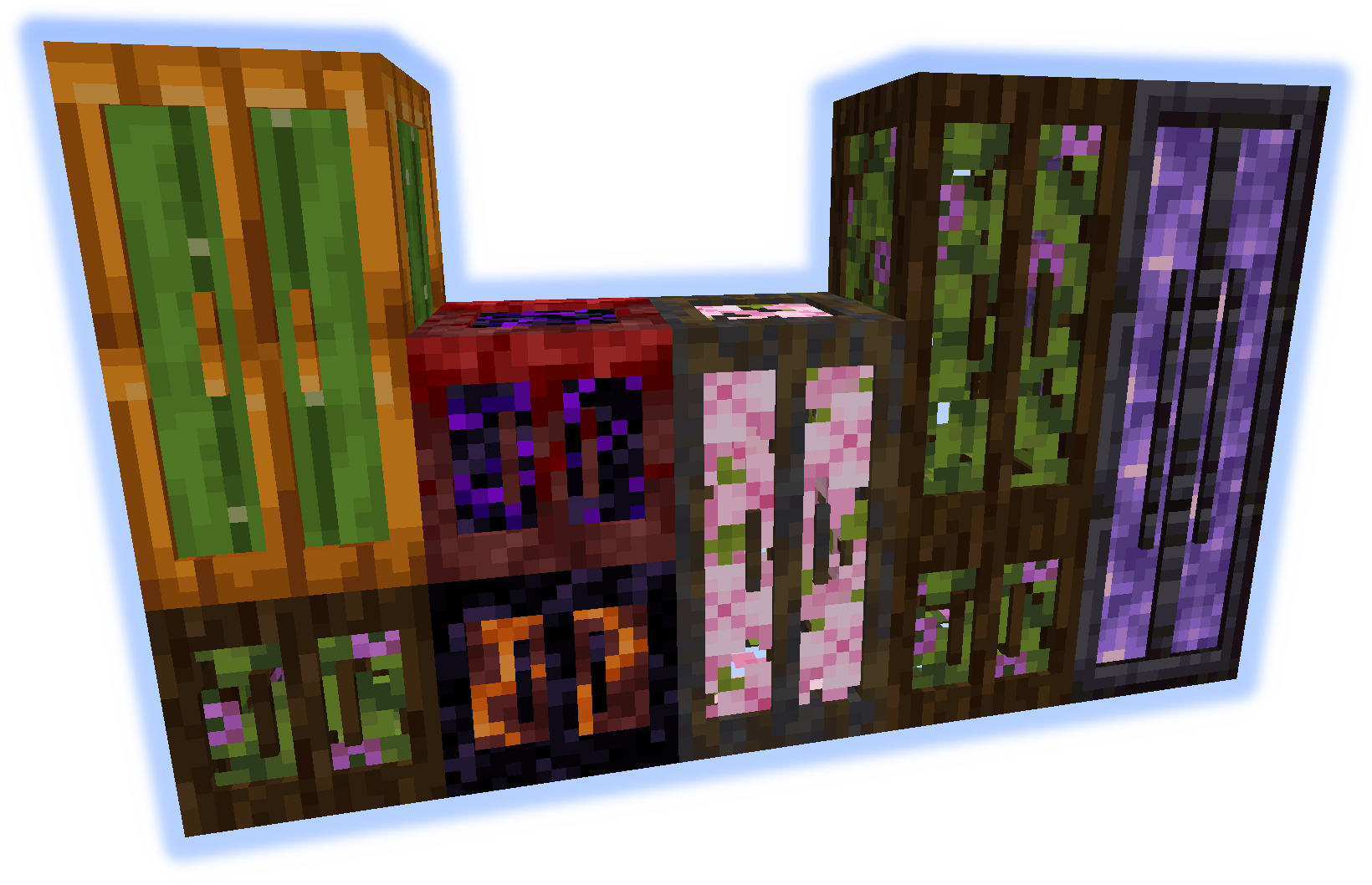
Stacking Storage
最大3段まで積み重ねられます。それぞれ27スロット(アップグレード可能)。
接続されたコンテナは中身を統合します。
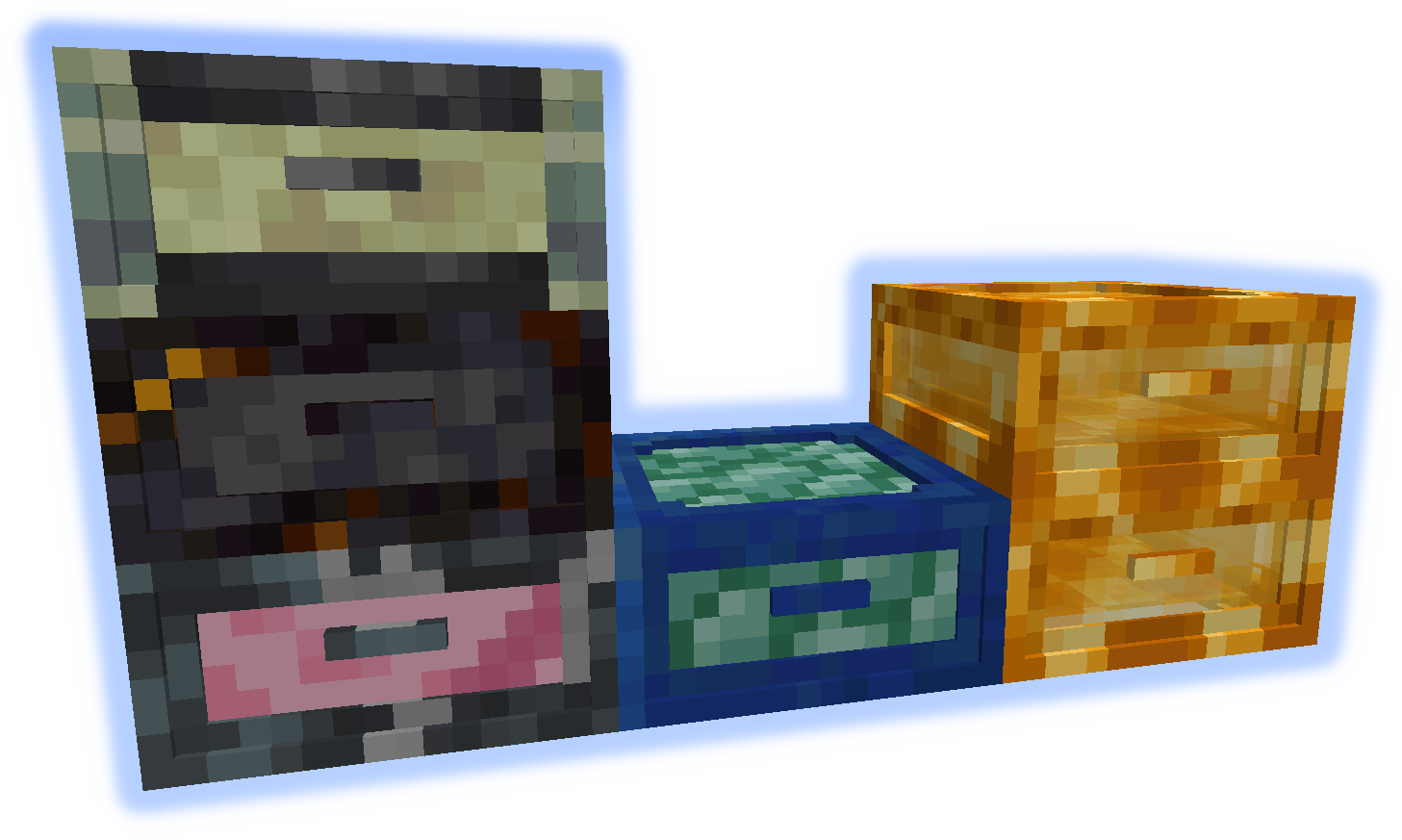
Junk Box
各引き出しは個別にアクセスでき、32スロット(アップグレード可能)。
一度に表示されるのは16スロットのみです。
Queue Chest
アイテムは大きなリストに保存されます。追加/削除は先頭または末尾からのみ行えます。
4096個の個別アイテムを保持できます(スタック単位にアップグレード可能)。
Storage Visualizer
任意のコンテナに設置すると、リストされたアイテムの追加/削除が可能になります。
ブロックに設置すると、シンプルなアイテムフレームとして機能します。
左クリック = アイテムを1個削除、shift+左クリック = スタックを削除、右クリック = 手持ちのスタックを追加、素手でダブル右クリック = 一致するすべてのアイテムを追加
shift+右クリック = 手持ちのスタックをフィルターに追加、素手でshift+右クリック = 手持ちのスタックをフィルターから削除
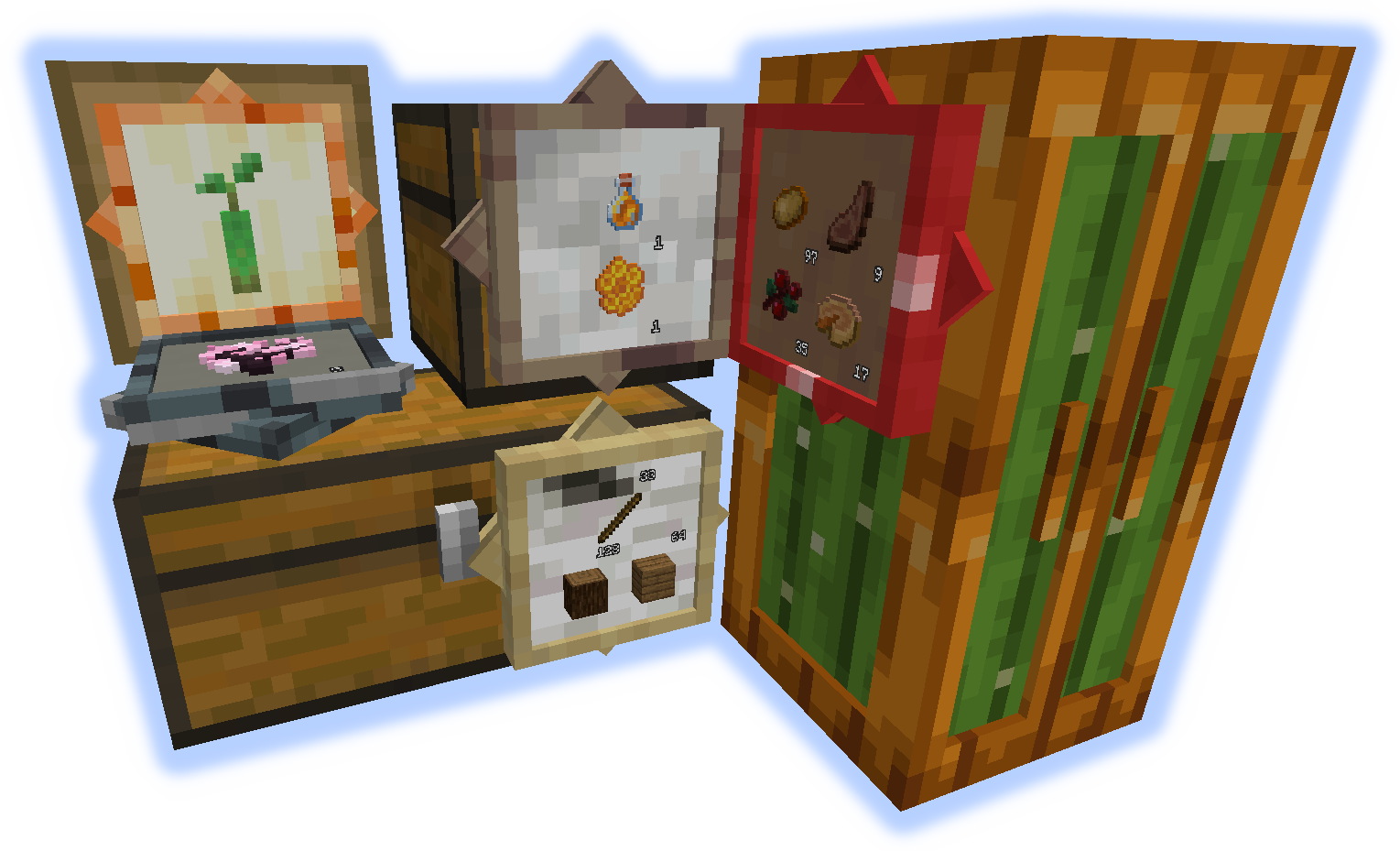
Chameleon Chest
他のブロックを模倣できます。12スロット(アップグレード可能)。
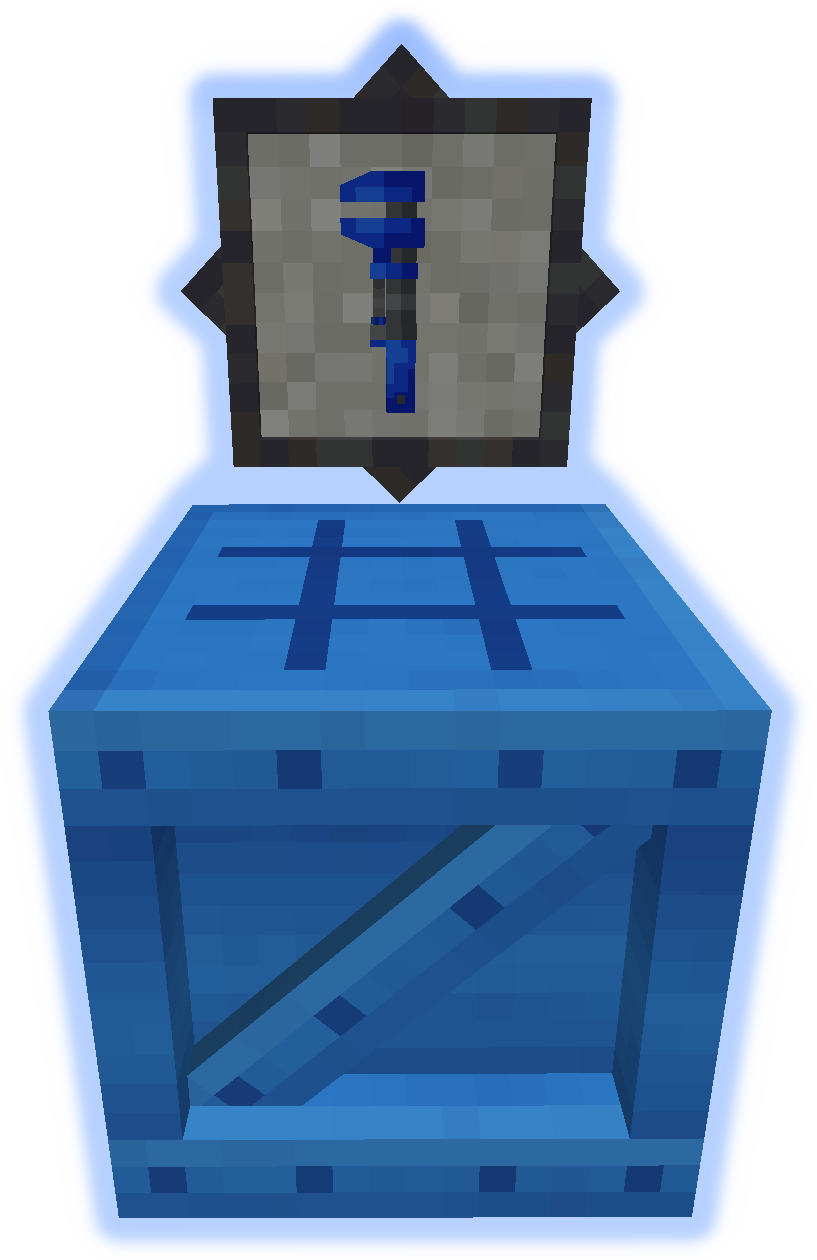
レンチを使って素早くブロックを設定できます(下のGIFを参照)。
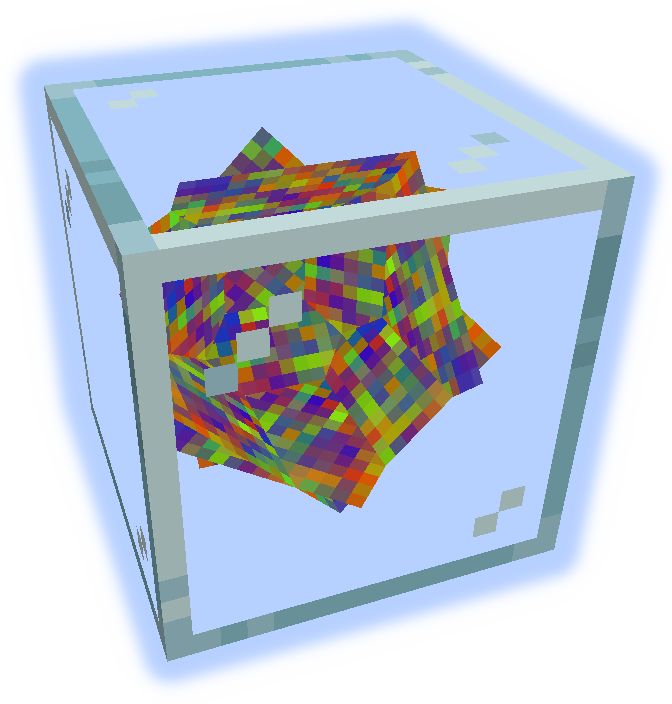
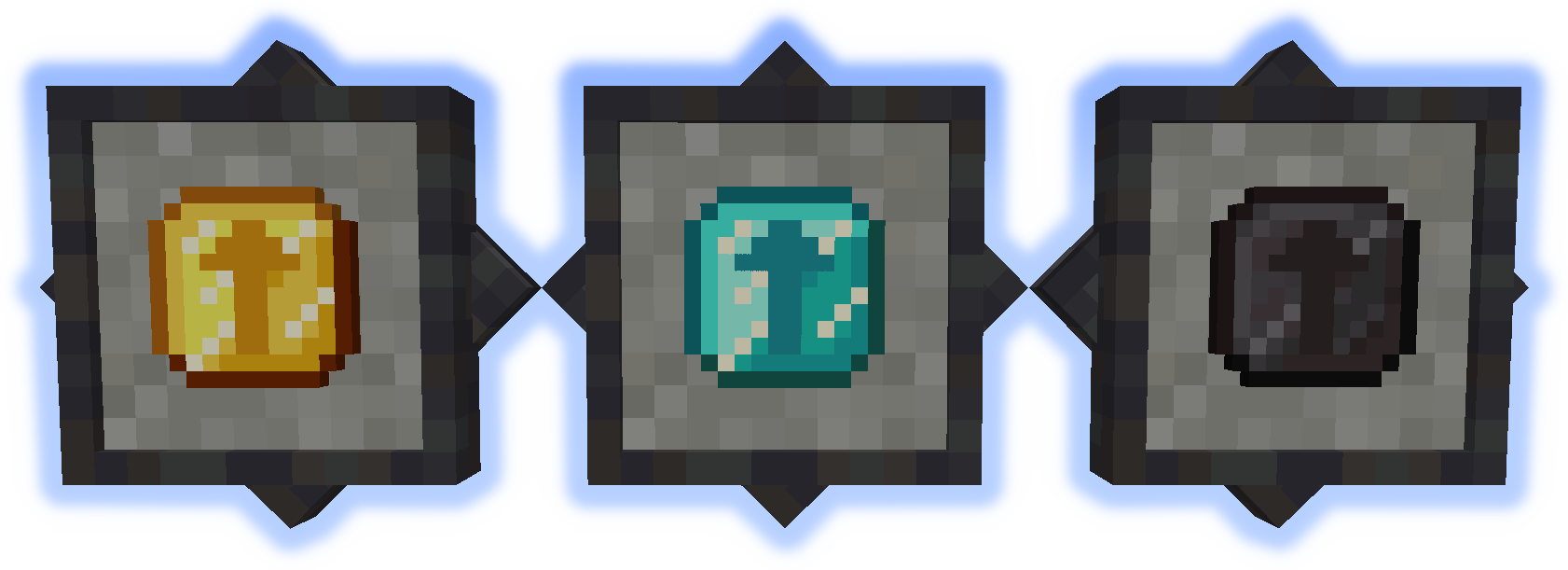
Upgrades
コンテナの容量を増やします。
アップグレードを手に持ってshiftを押すと、適用可能なコンテナがハイライトされ、右クリックで適用します。
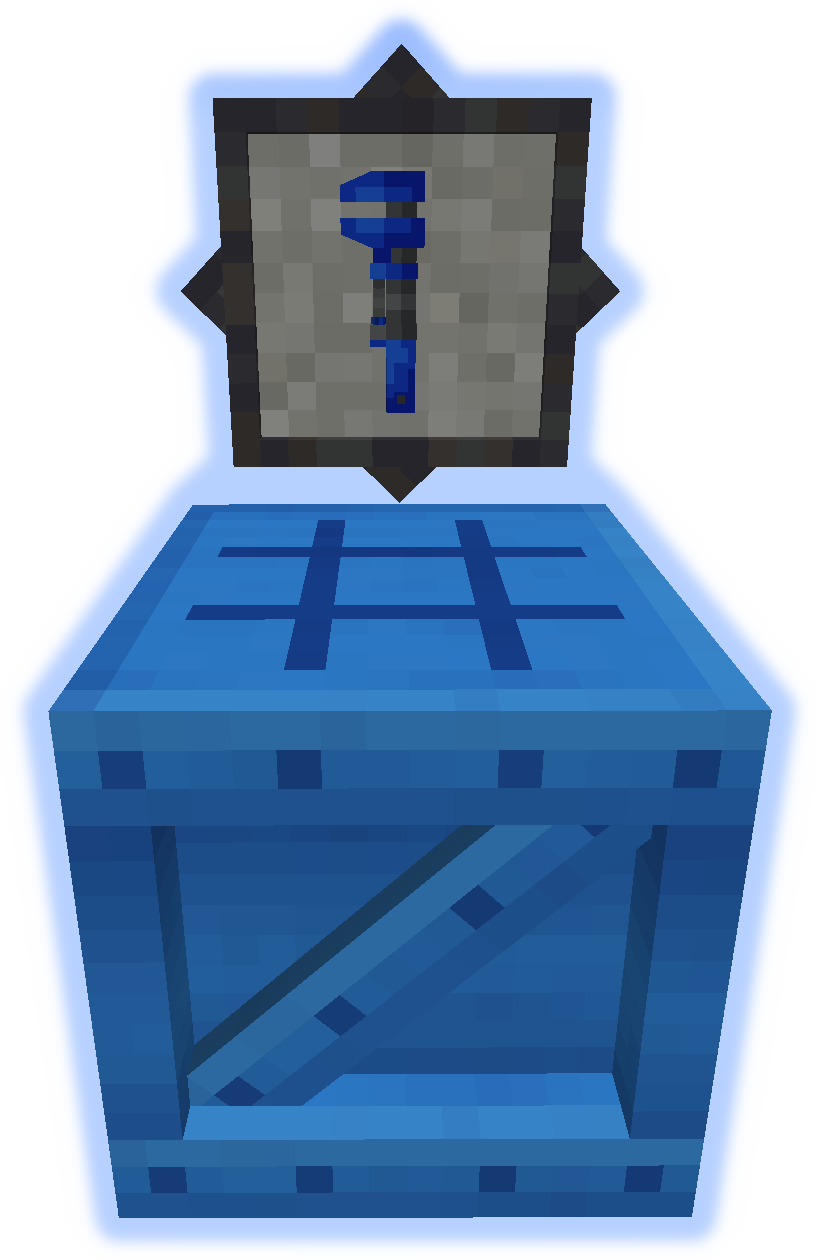
Tools
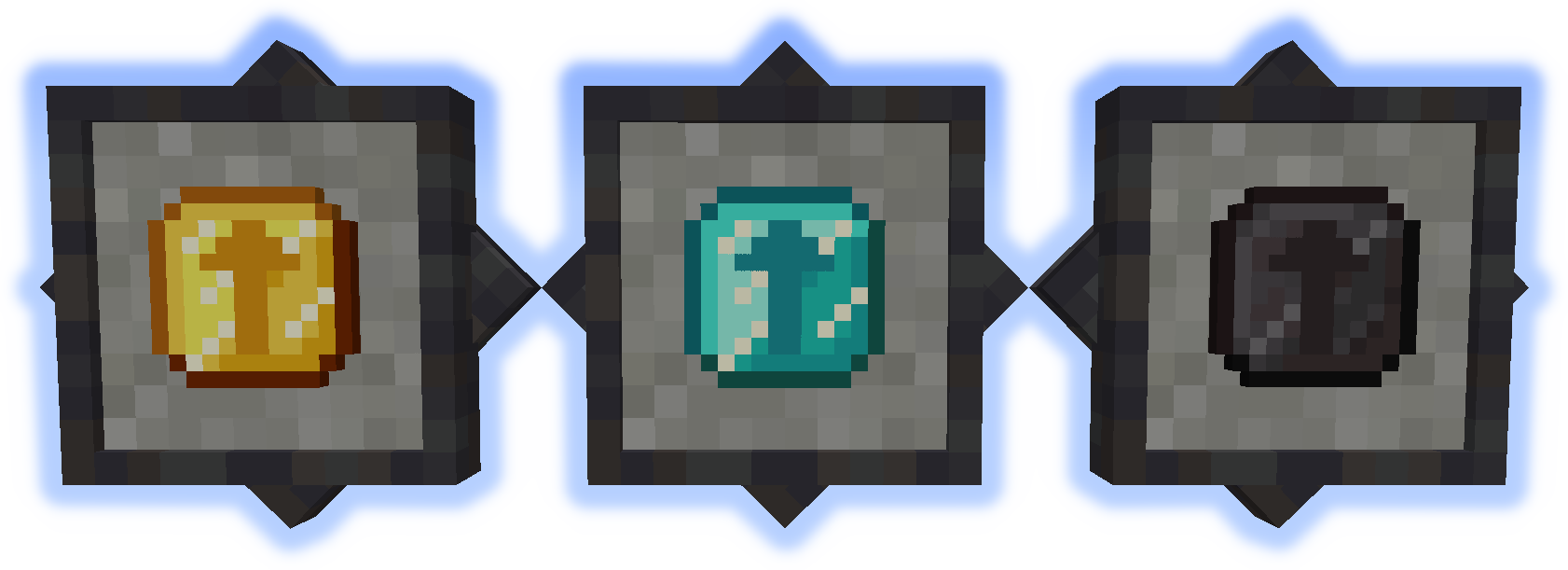
レンチはコンテナを操作するために使用します(下のGIFを参照)。
BenchはこのModのその他すべてをクラフトするために使用します。
GIFs
ローカライズファイルはgithubで提出してください。
バグはコメントに投稿せず、Issue Trackerを使用してください。
MultiStorageのインストール方法
With Millida Launcher
Install Millida Launcher
The launcher is free: download it at millida.net/launcher and sign in with any nickname.
Click “Install” on this page
The launcher opens and installs the mod for Minecraft 1.12–1.21.1 on Forge or NeoForge automatically.
Launch the game
A profile with it appears in the launcher: click “Play”.
Manually
Install Forge or NeoForge
The loader must match the game version of the mod file, for example Minecraft 1.21.1. After installing it, a separate profile appears in your launcher.
Download the file for your version
In the version list above, pick the file multistorage-neoforge-1.21.1-1.0.jar (588 KB) for your game version and loader.
Put it in the mods folder
The folder is inside .minecraft (Windows: %appdata%\.minecraft\mods). If it does not exist, create it.
Launch the loader profile
Open “Mods” in the main menu: MultiStorage should be in the list.
Minecraft 1.21.1 runs on Java 21: with a different Java version the game may close right after launch.
バージョン
依存関係あり
| Minecraft | ローダー | ファイル | 日付 | 操作 |
|---|---|---|---|---|
| 1.21.1 | NeoForge | multistorage-neoforge-1.21.1-1.0.jar588 KB | ||
| 1.21.1 | Forge | multistorage-forge-1.21.1-1.0.jar581 KB 1 | ||
| 1.21.1 | NeoForge | multistorage-neoforge-1.21.1-0.1.jar588 KB | ||
| 1.21.1 | Forge | multistorage-forge-1.21.1-0.1.jar581 KB | ||
| 1.12.1 | — | multistorage-1.12.0-1.4.14.jar1 MB | ||
| 1.12.1 | — | multistorage-1.12.0-1.4.0.2.jar973 KB |
FAQ
Which Minecraft versions does MultiStorage work on?
There are files for 1.21.1, 1.12.2, 1.12.1, 1.12. The newest is 1.21.1.
Is MultiStorage for Forge or Fabric?
There are files for Forge: 1.21.1 and for NeoForge: 1.21.1. There are no files for Fabric: a mod for another loader will not start.
Does MultiStorage need other mods?
The author lists no required dependencies: the Forge or NeoForge loader is enough.
Which Java does MultiStorage need?
Minecraft 1.21.1 runs on Java 21. If the game closes right after launch, the usual cause is the wrong Java version in the profile settings.
Where can I download MultiStorage safely?
On this page: the file multistorage-neoforge-1.21.1-1.0.jar (588 KB) is stored on Millida’s server, with no link shorteners. SHA-1 checksum: 68541f35fdfe64c4f1478074a37ef487a6122341.
レビュー
MultiStorageの最初の評価を書きませんか


