
Minecraft 1.20.1, 1.21.1用MineColonies MOD
自動化、防衛構造物、レイドなどを備えた自分だけの巨大コロニーを育てよう
 NeoForge
 Forge
ForgeMineColonies MODについて
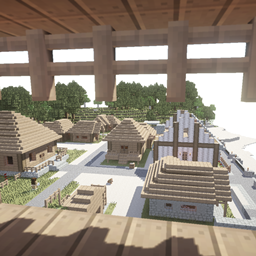
MineColoniesは、Minecraft内で自分だけの繁栄する街を作ることができるインタラクティブな建築MODです。王国を築くために必要なものをすべて提供し、あなたのリーダーシップスキルを飛躍させます。MineColoniesは、プレイヤーごとにユニークなコロニーを作れる柔軟性を備えています。10,000以上の設計図があるため、毎回異なるコロニーを作ることができ、あらゆるバイオームに適応し、山の中、山の上、海の下、あるいは空に建てることができます。
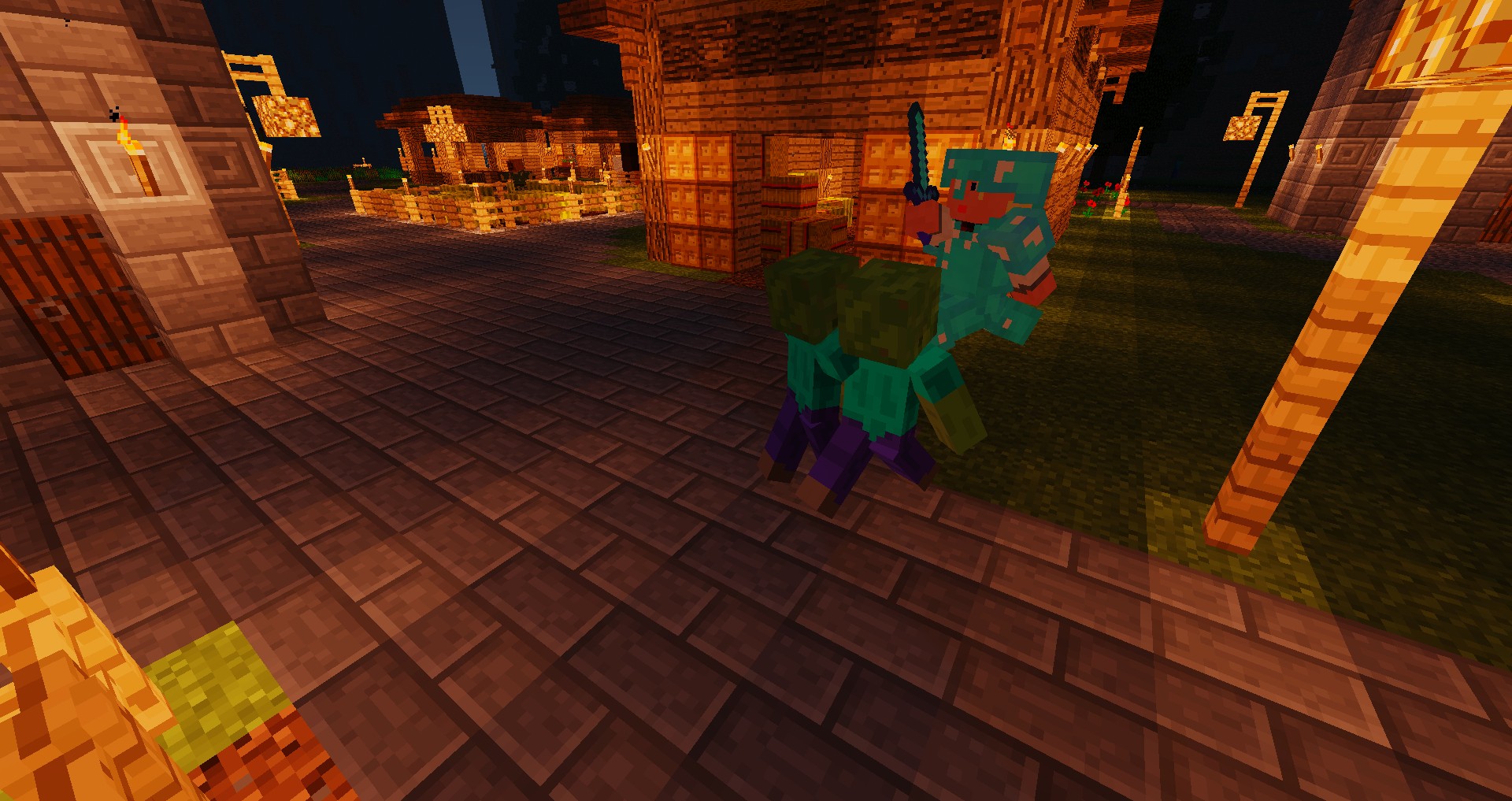
MineColoniesには、建築家、農家、漁師、林業家、警備兵、鉱夫、精錬工、パン職人、料理人、配達人、5種類の動物飼育係、堆肥化係など、NPCの労働者が登場し、MODの成長に伴いさらに多くの労働者が開発・追加されています。
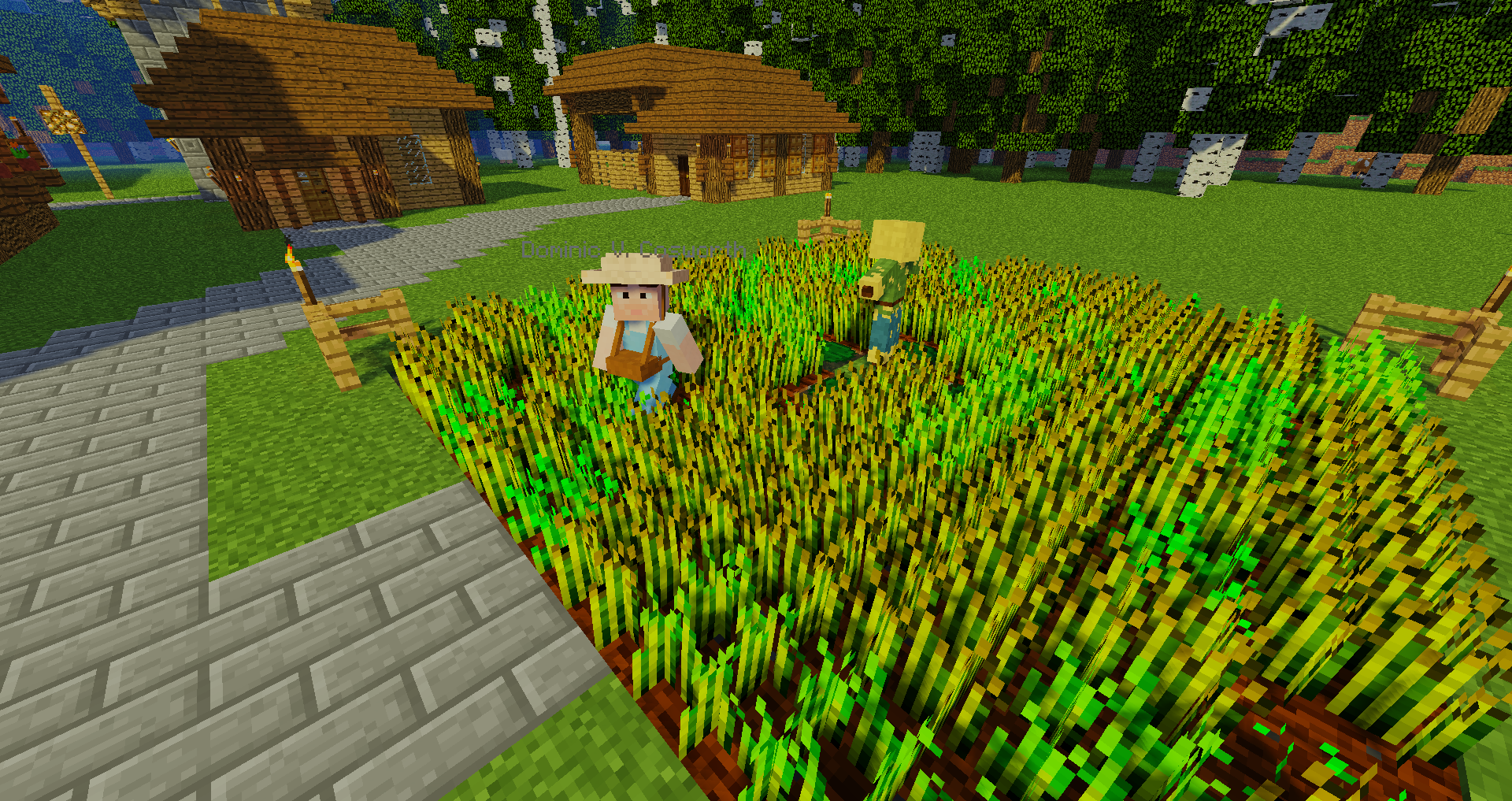
また、倉庫、住宅、町役場、兵舎、図書館、大学、さらには学校といった専門的な建物や、壁から公園、噴水に至るまで無数の装飾も含まれています。
MineColoniesは、開発者コミュニティであるLet's Dev Together (LDT)によって開発された無料のオープンソースMODです。ソースコードはGitHubで公開されています。私たちの開発者は勤勉でよく統合されたコーディングチームであり、MineColoniesの体験をさらに素晴らしいものにするためにコンテンツを継続的に追加しています。しかし、コーダー、ビルダー、アーティスト、声優、wiki編集者、テスターなど、あるいはPatreonで支援してくださる方など、MODに貢献してくれる人を常に探しています!
注: 通常、すべての修正が含まれた最新の利用可能なバージョンを入手することをお勧めします。
https://www.curseforge.com/minecraft/mc-mods/structurize
https://www.curseforge.com/minecraft/mc-mods/multi-piston
https://www.curseforge.com/minecraft/mc-mods/blockui
https://www.curseforge.com/minecraft/mc-mods/domum-ornamentum
残念ながら、一部のアドオンはMinecoloniesを無謀な方法で変更し、安定性とパフォーマンスの両方に問題を引き起こします。そのため、それらのMODがインストールされている状態で何かが正しく動作しないように見える場合、サポートを提供できません。これは特に以下のアドオンに当てはまります:
- Tweaks addon for MineColonies
- Compatibility addon for MineColonies
- Easycolony addon for Minecolonies
- Pathfinding Edition for Minecolonies
- Minecolonies Quality Of Life
- MindOfTheColony
- MineColonies: Transit Networks
問題はこちらで報告してください (まず検索してください):
https://github.com/Minecolonies/minecolonies/issues
私たちのwikiをチェックしてください:
https://wiki.minecolonies.com/
Patreonで支援してください: https://www.patreon.com/Minecolonies
Discord:
https://discord.minecolonies.com
ウェブサイト:
http://www.minecolonies.com/
MineColoniesのインストール方法
With Millida Launcher
Install Millida Launcher
The launcher is free: download it at millida.net/launcher and sign in with any nickname.
Click “Install” on this page
The launcher opens and installs the mod for Minecraft 1.19.3–1.21.1 on Forge or NeoForge automatically.
Launch the game
A profile with it appears in the launcher: click “Play”.
Manually
Install Forge or NeoForge
The loader must match the game version of the mod file, for example Minecraft 1.21.1. After installing it, a separate profile appears in your launcher.
Download the file for your version
In the version list above, pick the file minecolonies-1.1.1402-1.21.1-snapshot.jar (75 MB) for your game version and loader.
Put it in the mods folder
The folder is inside .minecraft (Windows: %appdata%\.minecraft\mods). If it does not exist, create it.
Launch the loader profile
Open “Mods” in the main menu: MineColonies should be in the list.
Minecraft 1.21.1 runs on Java 21: with a different Java version the game may close right after launch.
バージョン
依存関係あり
| Minecraft | ローダー | ファイル | 日付 | 操作 |
|---|---|---|---|---|
| 1.21 | NeoForge | minecolonies-1.1.1402-1.21.1-snapshot.jar74.7 MB 215 | ||
| 1.20.1 | Forge | minecolonies-1.20.1-1.1.1300-snapshot.jar74.5 MB 190 | ||
| 1.20.1 | Forge | minecolonies-1.20.1-1.1.1276.jar74.3 MB 2 | ||
| 1.21 | NeoForge | minecolonies-1.1.1368-1.21.1.jar74.3 MB 3 | ||
| — | — | minecolonies-1.20.1-1.1.1070-snapshot.jar71.1 MB 81 | ||
| 1.19.3 | Forge | minecolonies-1.19.3-1.0.1325-ALPHA.jar74.5 MB |
FAQ
Which Minecraft versions does MineColonies work on?
There are files for 1.21.1, 1.21, 1.20.1, 1.20, 1.19.3. The newest is 1.21.1.
Is MineColonies for Forge or Fabric?
There are files for Forge: 1.19.3–1.20.1 and for NeoForge: 1.21–1.21.1. There are no files for Fabric: a mod for another loader will not start.
Does MineColonies need other mods?
The author lists no required dependencies: the Forge or NeoForge loader is enough.
Which Java does MineColonies need?
Minecraft 1.21.1 runs on Java 21. If the game closes right after launch, the usual cause is the wrong Java version in the profile settings.
Where can I download MineColonies safely?
On this page: the file minecolonies-1.1.1402-1.21.1-snapshot.jar (75 MB) is stored on Millida’s server, with no link shorteners. SHA-1 checksum: 6e8e42f1be2cebfdea43cfd1f373afc245a8cfb3.
レビュー
MineColoniesの最初の評価を書きませんか


