

- ダウンロード
- 1 ダウンロード
- 閲覧
- 21 閲覧
- 更新日
- 更新日 18.10.2026
- 1.20.1
 Fabric
Deprecated
This project page is now deprecated. Fabric versions can be downloaded from the main project page. This page will stay available for modpacks and legacy versions.





📖 About
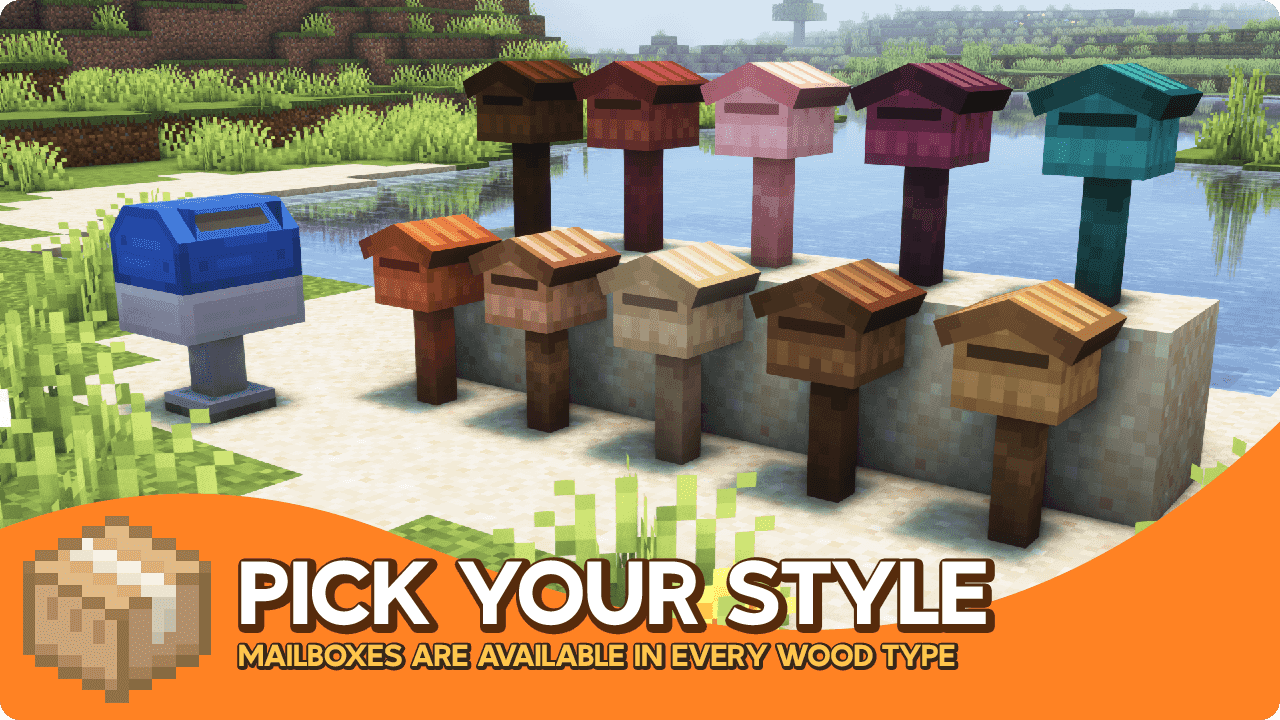
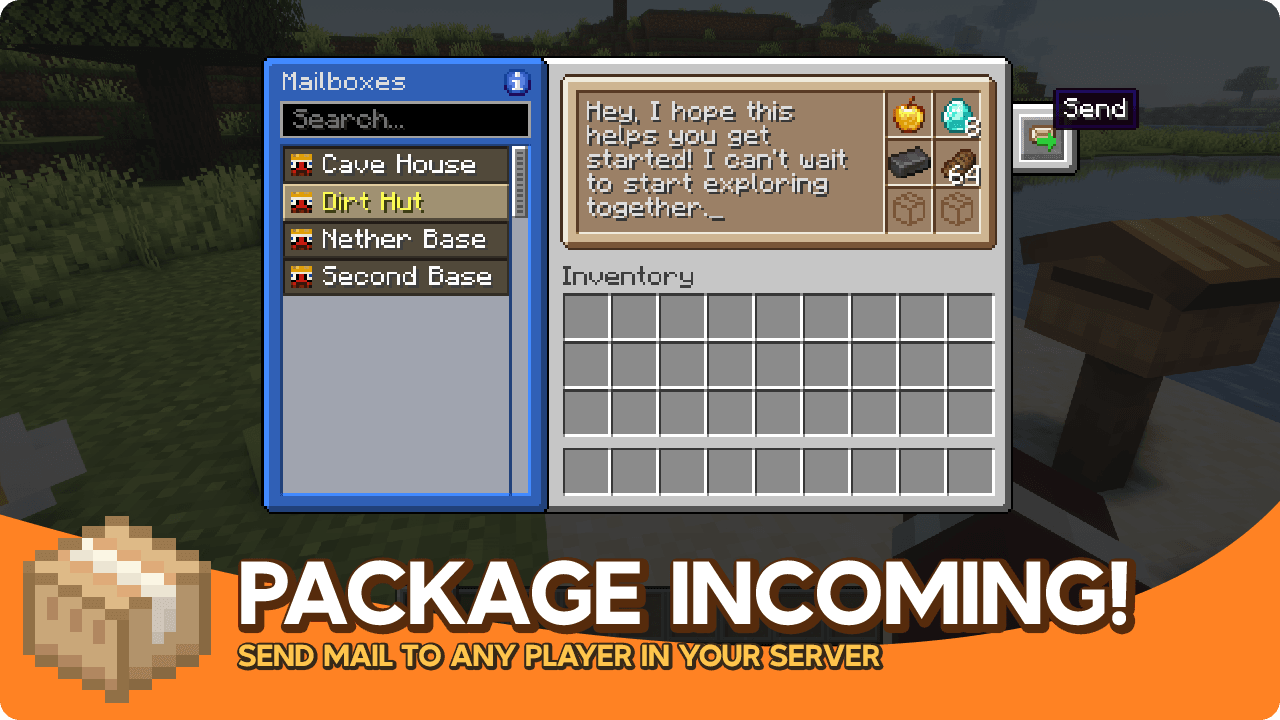
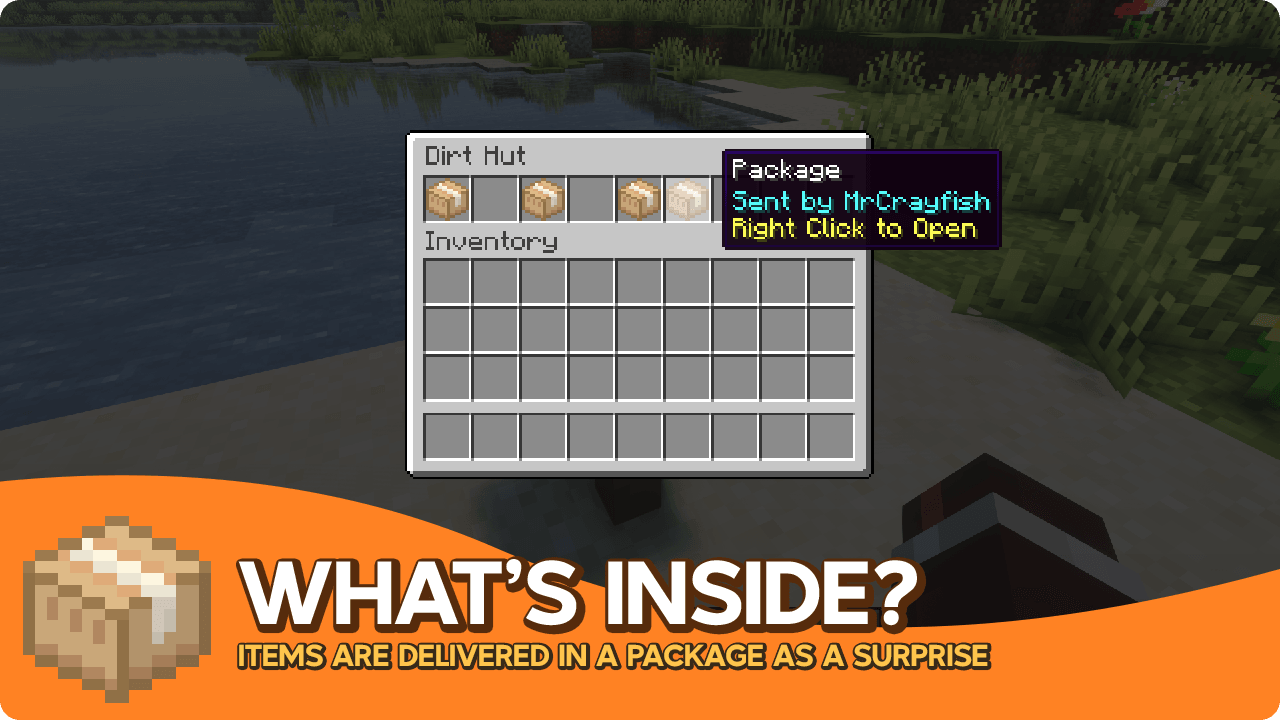
Mighty Mail is standalone version of the mailing system in the upcoming refurbished MrCrayfish's Furniture Mod. The mailing system has a versatile use, and deserves it's own mod. This gives you the option to not install an entire decoration mod just to access an awesome feature. In this mod. you'll find a post box and mailboxes available in every wood type. A post box allows you to send mail to other players on your server. You can include items and an optional message to any mailbox placed in the world. It also works across dimensions. When you receive mail, you mailbox will appear with a little red flag. To customise your experience, there are config options to change the inventory size of the mailboxes and increase the maximum delivery queue limit.
🎨 Screenshots
Mighty Mail (Fabric)のインストール方法
With Millida Launcher
Install Millida Launcher
The launcher is free: download it at millida.net/launcher and sign in with any nickname.
Click “Install” on this page
The launcher opens and installs the mod for Minecraft 1.20.1 on Fabric automatically.
Launch the game
A profile with it appears in the launcher: click “Play”.
Manually
Install Fabric
The loader must match the game version of the mod file, for example Minecraft 1.20.1. After installing it, a separate profile appears in your launcher.
Download the file for your version
In the version list above, pick the file mighty_mail-fabric-1.20.1-1.0.14.jar (171 KB) for your game version.
Put it in the mods folder
The folder is inside .minecraft (Windows: %appdata%\.minecraft\mods). If it does not exist, create it.
Launch the loader profile
Open “Mods” in the main menu: Mighty Mail (Fabric) should be in the list.
Minecraft 1.20.1 runs on Java 17: with a different Java version the game may close right after launch.
バージョン
依存関係あり
| Minecraft | ローダー | ファイル | 日付 | 操作 |
|---|---|---|---|---|
| 1.20.1 | Fabric | Mighty Mail 1.0.14171 KB 1 |
FAQ
Which Minecraft versions does Mighty Mail (Fabric) work on?
Only Minecraft 1.20.1: there are no files for other versions.
Is Mighty Mail (Fabric) for Forge or Fabric?
Only for Fabric: 1.20.1. There are no files for Forge or NeoForge: a mod for another loader will not start.
Does Mighty Mail (Fabric) need other mods?
The author lists no required dependencies: the Fabric loader is enough.
Which Java does Mighty Mail (Fabric) need?
Minecraft 1.20.1 runs on Java 17. If the game closes right after launch, the usual cause is the wrong Java version in the profile settings.
Where can I download Mighty Mail (Fabric) safely?
On this page: the file mighty_mail-fabric-1.20.1-1.0.14.jar (171 KB) is stored on Millida’s server, with no link shorteners. SHA-1 checksum: 8be0927411a210ac0a9285cca0087e310a5dde1e.
レビュー
Mighty Mail (Fabric)の最初の評価を書きませんか


