
Minecraft 26.1.2用Loading Backgrounds MOD
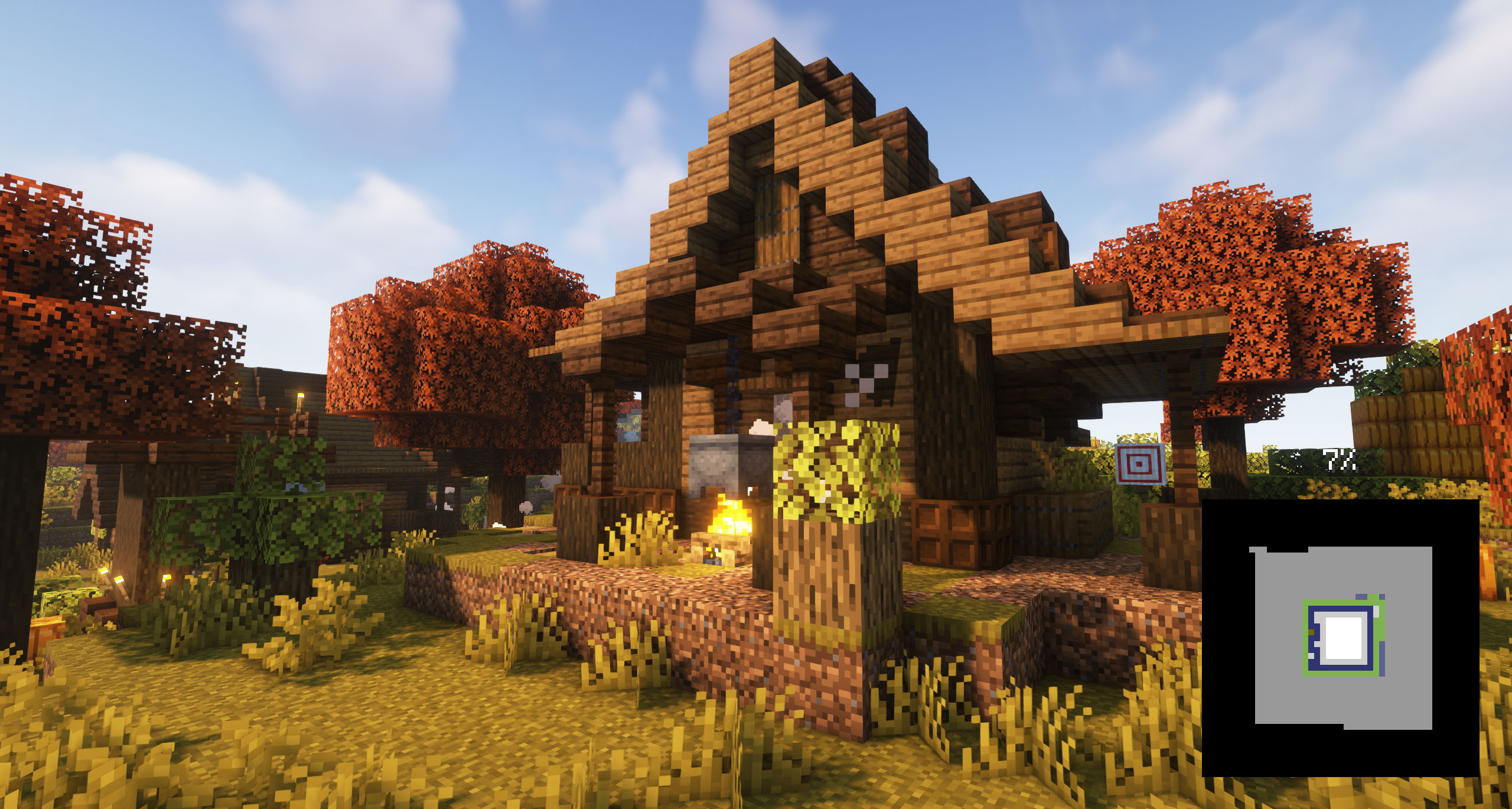
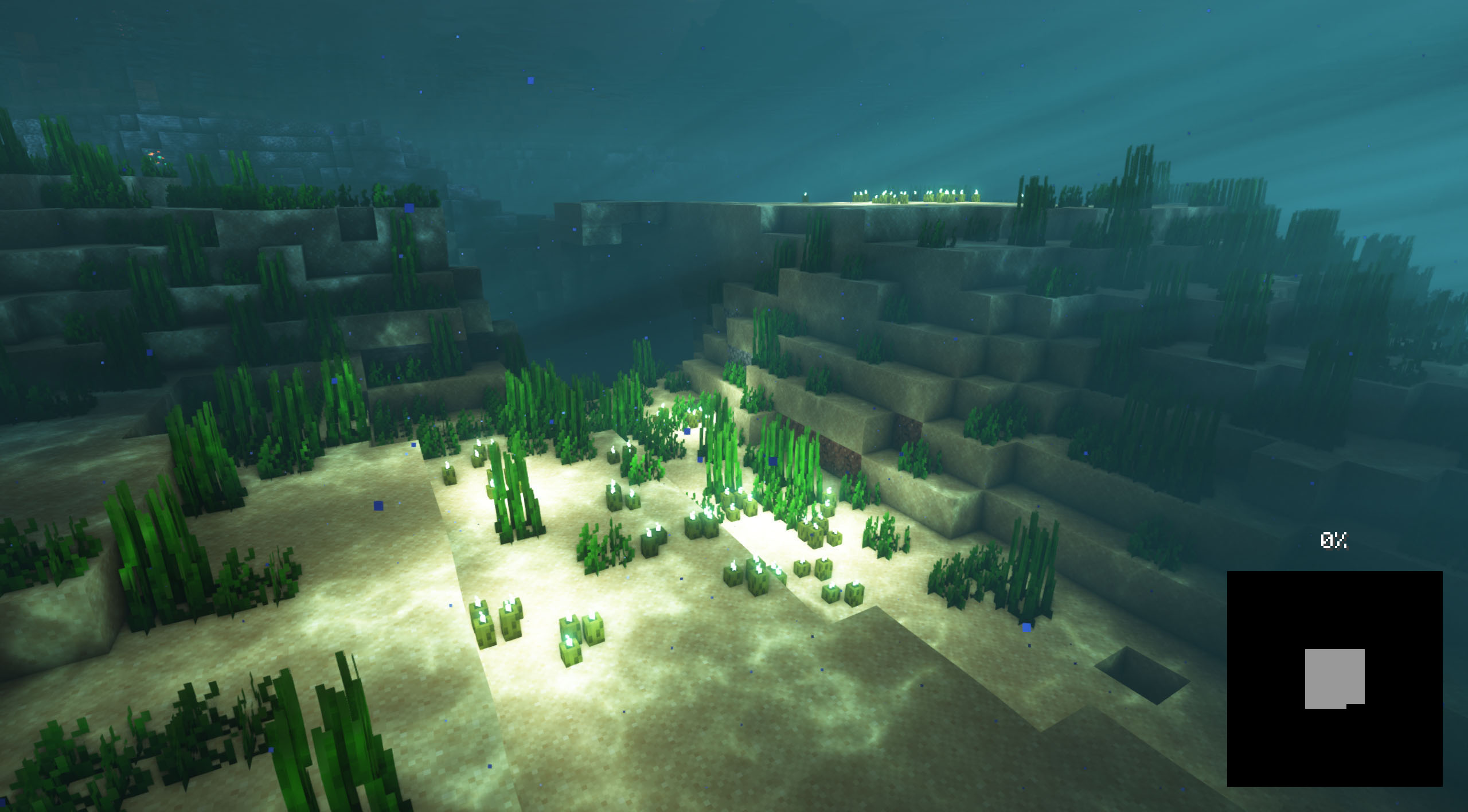
ゲームのロード背景をカスタマイズし、カスタマイズ可能な画像を配置できます。
 NeoForge
 Fabric
 Forge
ForgeLoading Backgrounds MODについて
このMODを使うと、Minecraftのロード画面の背景をカスタマイズでき、あらゆる種類のカスタマイズ可能な画像を配置できます。MODパックの画像をロードして背景として配置し、コンテンツにより良い印象を与えたいすべてのMODパック制作者におすすめです。
友達と遊ぶためのサーバーが必要ですか?
友達と任意のMODやMODパックを遊ぶためのサーバーをお探しなら、Bisect Hostingが解決策です!最高の品質と価格のMinecraftサーバーを提供しており、このリンクをクリックしてコード「Lupin」を使うと25%の割引が受けられます。
背景画像を追加するには、/assets/minecraft/textures/gui/backgrounds/ フォルダを含むリソースパックを作成し、そこに.png画像ファイルを入れる必要があります。理想的には image1.png、image2.png、image3.png などの名前を付けるとよいでしょう。
現在有効になっているロード画像がないことをMODが検出すると、名前に「loading」と「background」を含むリソースパックを探し、それらのリソースパックを有効にします。
pack.mcmetaを配置することが必須です。その名前でメモ帳を作成し、次のテキストを入れてください:
{ "pack": { "packformat": 15, "description": "Loading Backgrounds images" } }
また、このリソースパックを例として参照できます。
また、いくつかの素晴らしいリソースパックも作成しました!それらをインストールするか、自分で作成できます。
- Loading Backgrounds - Loading Images
- Loading Backgrounds - Structures
- Loading Backgrounds - Oceans
Loading BackgroundsはLuavixenの功績によって実現しています!
サーバーで動作しますか?
もちろんです!完璧に動作します!MODや友達と遊ぶ最良の方法はBisectHostingを使うことで、このリンクをクリックすると25%の割引が受けられることを覚えておいてください。
このMODはMODパックで使用できますか?
もちろんです!ModrinthまたはCurseForgeでのみ公開されている限り可能です。他のプラットフォームにアップロードすることは私たちの権利を侵害し、まったく許可されていません。
ただし、あなたがModrinthまたはCurseForgeのMODパックに追加することを検討してくださるなら、本当に感謝します。少しの変更が必要な場合や質問がある場合は、お問い合わせください!
このMODの動画を撮影して自分のチャンネルで公開できますか?
もちろんです。このMODや私たちのMODパックをあなたのチャンネルで自由にプレイし、その動画を作成できます。実際、そうしていただければとても感謝します!
Loading Backgroundsのインストール方法
With Millida Launcher
Install Millida Launcher
The launcher is free: download it at millida.net/launcher and sign in with any nickname.
Click “Install” on this page
The launcher opens and installs the mod for Minecraft 1.21.2–26.1.2 on Fabric, Forge or NeoForge automatically.
Launch the game
A profile with it appears in the launcher: click “Play”.
Manually
Install Fabric, Forge or NeoForge
The loader must match the game version of the mod file, for example Minecraft 26.1.2. After installing it, a separate profile appears in your launcher.
Download the file for your version
In the version list above, pick the file loadingbackgrounds-neoforge-mc26.1.2-1.8.1.jar (55 KB) for your game version and loader.
Put it in the mods folder
The folder is inside .minecraft (Windows: %appdata%\.minecraft\mods). If it does not exist, create it.
Launch the loader profile
Open “Mods” in the main menu: Loading Backgrounds should be in the list.
バージョン
依存関係あり
| Minecraft | ローダー | ファイル | 日付 | 操作 |
|---|---|---|---|---|
| 26.1 | NeoForge | [NeoForge] Loading Backgrounds - MC 26.1.2 - 1.8.154.7 KB | ||
| 26.1 | Fabric | [Fabric] Loading Backgrounds - MC 26.1.2 - 1.8.155.2 KB | ||
| 1.21.4 | Forge | [Forge] Loading Backgrounds - MC 1.21.X - 2.0.0170 KB 1 |
FAQ
Which Minecraft versions does Loading Backgrounds work on?
There are files for 26.1.2, 26.1.1, 26.1, 1.21.4, 1.21.3, 1.21.2. The newest is 26.1.2.
Is Loading Backgrounds for Forge or Fabric?
There are files for Fabric: 26.1–26.1.2, for Forge: 1.21.2–1.21.4 and for NeoForge: 26.1–26.1.2.
Does Loading Backgrounds need other mods?
The author lists no required dependencies: the Fabric, Forge or NeoForge loader is enough.
Where can I download Loading Backgrounds safely?
On this page: the file loadingbackgrounds-neoforge-mc26.1.2-1.8.1.jar (55 KB) is stored on Millida’s server, with no link shorteners. SHA-1 checksum: 1ccf29c3ee78d3ceec51c0e8e856d40bbb55d5d0.
レビュー
Loading Backgroundsの最初の評価を書きませんか


